Treadmill Fall AI Maker: Get Flung Off and Walk Away
Also called: Treadmill Fail AI, Gym Fail Trend, Falling Off Treadmill Meme, Treadmill Fall Prank
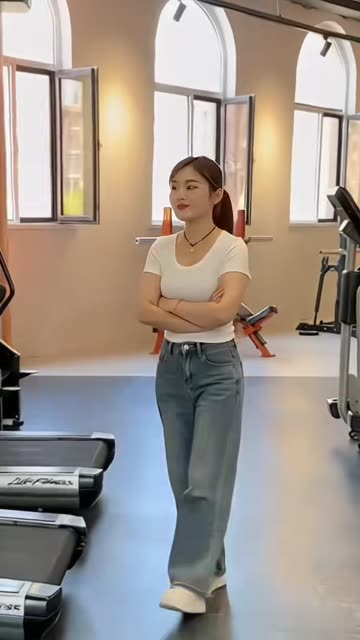
Send one photo of an adult and get the gym gag people keep posting: you stand with folded arms beside a running treadmill, step onto the belt, get flung off in a huge slapstick tumble, roll across the floor and then rise and stroll away as if nothing happened. The clip carries no song, so you add a sound in TikTok. Place, fall, ending and camera overlay can be swapped.
- 5s HD for 100 credits
- 1 photo
- 9:16 vertical
- No watermark
TikTok
@cococoke42
Original trend on TikTok
Any problem with your video? Email support@tiptoeinginmyjordans.dev first — a real person will sort it out for you.
Quick answer
Treadmill Fall template: one uploaded photo of an adult is turned into a 5-second 720p vertical clip in which a person steps onto a running treadmill in a gym, is flung off in an exaggerated slapstick fall, rolls across the floor and then stands up unhurt and walks away. You add 1 photo and get your 5-second 720p video. Packs start at $8.77, and there is no subscription. The original song is not included: the soundtrack is an original AI-generated beat, and you can add the official sound in TikTok when you post.
By Tip Toe AI Team · Updated:
Three steps from photo to clip
You don't film, type or edit anything.
Choose a photo
Upload a crisp picture of one adult looking at the lens, whole body. Accepted: JPG, PNG or WebP, max 10 MB.
Set the scene
Pick the place, the fall, the ending and the overlay; after that, accept the photo consent and sign in with Google.
Render the full video
The 5-second 720p clip uses 100 credits. Closing the tab is fine: the finished video is kept in My videos.
How to put the original sound on your video in TikTok
Every video you make here comes with an AI-made soundtrack of its own. If you would rather use the trending sound, add it inside TikTok when you post. You can also grab the version without music from My videos and lay the original sound over that.
- Open this clip in TikTok: our video follows it. Tap the sound name at the bottom, then tap Use this sound.
- Tap Upload and choose the video you downloaded from us.
- Open Volume and turn the video's own sound down to 0, or use the Download without music version from My videos.
- To line the clip up with the beat, trim the sound so it starts at 0 seconds, then post.
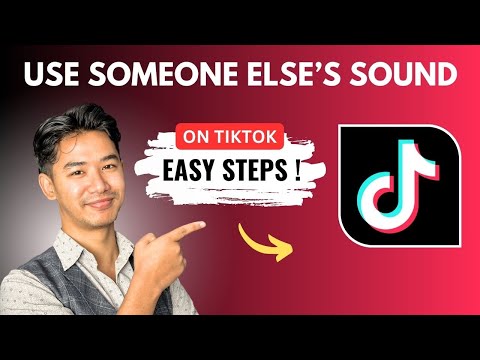
Need the sound to start somewhere else? This short video shows how to trim it.

Video: How To Trim Sound On TikTok 2026 (Very Easy) by Software Solutions on YouTube
Pay once, no subscription
You only pay for clips you make. A Treadmill Fall video of 5 seconds comes to 100 credits.
100 credits
$8.77
Up to 1 video
Every template: 100 credits per full video
Includes 1 bonus preview
One-time payment, no subscription
- Most popularSave 36%
300 credits
$16.77
Up to 3 videos
Every template: 100 credits per full video
Includes 3 bonus previews
One-time payment, no subscription
- Best valueSave 41%
500 credits
$25.77
Up to 5 videos
Every template: 100 credits per full video
Includes 5 bonus previews
One-time payment, no subscription
- Checkout by Waffo
- Credits arrive at once
- Unused packs refundable for 7 days
- Credits back if a video fails
Where this trend comes from
Use this sound — your video is timed to it, from 0s
@cococoke42 · TikTok · Nov 9, 2026 — The clip we follow: in a gym, a person with arms folded steps onto a running treadmill, is flung off it, rolls across the floor and then stands up as if nothing happened (labelled as AI by TikTok; about 23 seconds, showing two versions of the gag, with a phone tutorial after the first 10 seconds)
The links open the original posts on their own platforms. Tip Toe AI is not affiliated with these creators and does not host their videos.
Treadmill Fall AI: your questions answered
How many photos does the Treadmill Fall template need, and is a selfie enough?
Just one, showing a single adult, so a selfie will do. Use a crisp frame, ideally a fuller shot, and avoid mirror selfies. JPG, PNG and WebP files are accepted, up to 10 MB each. Animals and anyone under 18 are not allowed.
What is the Treadmill Fall trend all about?
It is a gym gag where a treadmill flings you off and you walk away: someone steps onto a running treadmill in a gym, is thrown off in an exaggerated slapstick tumble, rolls across the floor and then gets up as if nothing had happened. The clip we follow was posted on 9 November 2026. Background is in the explainer guide.
Where does the Treadmill Fall trend come from?
It comes from a TikTok clip by @cococoke42, posted on 9 November 2026 and marked as AI by TikTok. Tip Toe AI is an independent AI tool: your video is generated from your own photo and is not made, endorsed or licensed by @cococoke42, the accounts that posted the trend, TikTok or CapCut.
Which song or sound belongs with this clip?
The original post plays the poster's own sound, which is not part of our file. Our file holds only an AI-made soundscape, so lay any sound you like over it in TikTok, or start from the silent copy. The sound guide shows the steps. Our own sound is AI-generated, so it can include an invented voice or humming that is not from any real song.
Does the clip come with audio of its own, and can I switch it off?
It does: a fresh AI soundscape of a treadmill motor hum, a dull thud and the soft sounds of the room. The AI invents voices, so a faint murmur or stray voice may creep in, and it isn't the audio of the original post. Mute it in your editor, or take the silent copy from My videos.
Can I keep the sound lined up with the action?
Yes, if you place it. The clip isn't timed to any particular post. Begin the sound right at the start so it opens just as you step onto the belt. Move it by a second if the beat seems off, then cut it to the length of the video.
Can I use a photo of my pet or my kids?
No. Only adults can appear, so photos of pets and children are turned away at upload. Pet templates are collected on the home page.
Can I safely try this for real?
No. This is an AI picture, and the stunt isn't real. Don't copy it on a real treadmill, and treat the video as a joke only.
What is the red mark in the corner?
A small REC recording dot, the only lettering in the picture. Switch it to No overlay or Camera corners in the presets if you'd rather not have it.
Which presets can I switch?
Presets only, and switching costs nothing: 5 place choices, 5 fall choices, 5 ending choices and 3 overlay choices, one set each for place, fall, ending and overlay. Camera, beat order and timing do not move, and no text box is offered. The options guide lists every choice.
How long is the video, and is it vertical?
A full video lasts 5 seconds at 720p, shaped 9:16 for TikTok, Reels and Shorts. A bonus preview lasts 5 seconds at 480p.
How long does it take to get my video?
Typically a few minutes. You can leave the page: the finished video will be in My videos when you come back.
Is the Treadmill Fall video maker free?
No. You pay per video: a full video is 100 credits, with packs from $8.77. There is no subscription and credits never expire.
Will the clip carry a watermark, and may I post it?
The full video carries no watermark. You may post it: pick 9:16, add your sound in the app and leave the platform's AI label switched on.
How is this different from a CapCut template?
A CapCut template re-cuts media that you bring, inside its editor. Tip Toe AI starts from a single photo and generates the whole scene, then hands back a finished clip that you can still open in CapCut. The comparison has the detail.
Is there a prompt box, or do I describe the scene myself?
No. The scene, the camera and the beat order are fixed, so there is nothing to type. Curious about your own wording elsewhere? The Kling prompt is ready to copy.
Which apps do people use to make the Treadmill Fall clip?
Plenty of people reach for app templates such as CapCut ones, and others write prompts for general AI video tools. Tip Toe AI runs in the browser and exists for this one trend: add a photo, choose your presets and the clip returns with nothing to install.
What happens to a failed render, and how long is my photo kept?
Credits for a failed run return on their own. An unopened pack can be refunded within 7 days (see the refund policy). Photos stay private and are removed 14 days after upload, as the privacy policy explains.
Who can I see in the finished clip?
The person in your photo and nobody else. Everything around you is generated, and no one from the original post shows up.
Were the Treadmill Fall samples generated, or downloaded from TikTok?
They were generated. Any sample on this site comes out of our AI pipeline from a single photo, and we never save clips from TikTok or anyone's account to use as samples. The one TikTok video you may see here is the original post by @cococoke42, embedded from TikTok itself and loaded only when you press play. Your own result follows your photo, so a sample shows the format and nothing more.
Fixes and common problems
Treadmill Fall: my face looks different during the fall, what can I do?
The face wanders when the photo is dark, small or turned away, because the roll shows your head from every direction. Send a sharp, bright, front-facing photo.
What helps
- Choose a shot with both eyes open and the face in full view.
- Make sure the light on the face is even and no hard shadow cuts across it.
- Begin with the default fall in the bright gym, then alter one preset per run.
- Move hair, hats and scarves away from the face.
Why it happens
A tumbling body shows the head from many angles, and the model has to guess the ones your photo lacks, so start from a crisp one.
A short routine
- Swap in a picture that follows the photo tips.
- Compare the result with your photo.
- Only after that, spend 100 credits on the full length.
- Still wrong? Email support@tiptoeinginmyjordans.dev and include the link to your video.
Does an odd-looking result count as a failed video?
No. A failed render never finishes, and its credits come back by themselves. A finished clip that merely looks odd counts as a normal result.
Would the same photo produce an identical clip?
Not identical. Each run varies a little, even from one photo.
Where do credits from a failed run go?
Back into your balance, with no request needed. If something still seems wrong, write to support@tiptoeinginmyjordans.dev.
Treadmill Fall: the treadmill or the fall looks strange, what now?
A moving belt and a tumbling body are hard for a video model, so the treadmill can change shape or an arm can bend the wrong way. Start from the bright gym and the default fall.
What helps
- Send a head-to-toe shot in which your outline is easy to read.
- Open with the bright gym and the default fall.
- Test the slow-motion fling next: a slower move is easier to draw cleanly.
- Run the same setup again before touching several presets together.
Why it happens
A moving belt, a falling body and a panning camera all get redrawn on every frame, so a second pass often lands cleaner.
A short routine
- Swap in a picture that follows the photo tips.
- Compare the result with your photo.
- Only after that, spend 100 credits on the full length.
- Still wrong? Email support@tiptoeinginmyjordans.dev and include the link to your video.
Does an odd-looking result count as a failed video?
No. A failed render never finishes, and its credits come back by themselves. A finished clip that merely looks odd counts as a normal result.
Would the same photo produce an identical clip?
Not identical. Each run varies a little, even from one photo.
Where do credits from a failed run go?
Back into your balance, with no request needed. If something still seems wrong, write to support@tiptoeinginmyjordans.dev.
Treadmill Fall: a second person or extra writing shows up, how do I stop it?
Only you belong in that gym, and the only letters allowed are the three in REC if you keep the recorder overlay. A second person or stray words usually come from someone beside you in the photo or a printed top. Send one person in plain clothes.
What helps
- Cut other people out of the frame.
- Avoid tops printed with words or logos.
- Stay clear of posters, signs or screens behind you.
- Choose an uncluttered background.
Why it happens
The model sometimes turns a second face into another person, and printed words can come back as a sign or other lettering. One clean person in plain clothes avoids both.
A short routine
- Swap in a picture that follows the photo tips.
- Compare the result with your photo.
- Only after that, spend 100 credits on the full length.
- Still wrong? Email support@tiptoeinginmyjordans.dev and include the link to your video.
Does an odd-looking result count as a failed video?
No. A failed render never finishes, and its credits come back by themselves. A finished clip that merely looks odd counts as a normal result.
Would the same photo produce an identical clip?
Not identical. Every run differs slightly, even from the same photo.
Where do credits from a failed run go?
Back into your balance, with no request needed. If something still seems wrong, write to support@tiptoeinginmyjordans.dev.
CapCut, other tools and prompts
Treadmill Fall through a CapCut template or through Tip Toe AI: which fits you?
A CapCut template re-cuts footage you provide, whereas Tip Toe AI generates a new 5-second clip of a gym gag where a treadmill flings you off and you walk away from a single photo. Choose CapCut if you enjoy editing, or Tip Toe AI if a picture is all you have.
Side by side
- Input: a template needs your own clips inside its app, while Tip Toe AI needs one photo of an adult.
- Scene: a template brings its own fixed look; Tip Toe AI generates the scene around you and lets you change presets.
- Output: a new 5-second 720p clip with generated motion that keeps the trend's order of beats.
- Cost: CapCut has both unpaid and paid tools, so check what its plans cover today. Tip Toe AI uses 100 credits per full video, packs from $8.77.
How to decide
A template suits you if you like cutting clips and already work in that editor. Tip Toe AI suits you when you want yourself or a friend inside the scene without filming or editing. A mixed route works as well: generate here, then finish in CapCut.
Does Tip Toe AI belong to CapCut or TikTok?
No. Tip Toe AI operates on its own, with no tie to CapCut, TikTok or the people behind the trend.
Can the two be combined?
Yes. Download the MP4 from here, then trim it, add captions or change the music in CapCut.
Which one is cheaper?
It depends on what you already have. If you already have the editor and footage, a template costs little. Starting from just a photo, Tip Toe AI does the whole job for 100 credits.
For Treadmill Fall, which is better: Tip Toe AI or a general AI video tool?
A general AI video tool gives you every control, plus the chore of ordering the beats of a gym gag where a treadmill flings you off and you walk away, which words alone rarely manage. Tip Toe AI does one job: photo in, finished clip out.
Side by side
- Control: a general tool lets you rework every shot; Tip Toe AI fixes the scene and leaves you the photo and the presets.
- Timing: a text prompt can describe the beats yet often blurs their order; Tip Toe AI gives the model the trend's timing as a guide.
- Identity: holding on to a face through movement is hard in a general tool; Tip Toe AI is tuned to keep it.
- Cost: look at each tool's current plans. Tip Toe AI sells one-off packs billed per video, with no subscription.
How to decide
Pick a general tool for a storyline of your own or total camera control, and pick Tip Toe AI when you simply want this exact format from your photo, fast. To write the prompt yourself, the Kling, Veo and Seedance versions are ready to copy.
Is a general AI model running underneath Tip Toe AI?
Yes. The clips come from a general video model that the site calls through an API inside a fixed scene. Its name is in the Terms of Service.
Can I enter my own scene here?
No, because the scene is preset and nothing can be typed. Fixing it keeps clips on trend and clear of names and brands.
What is the case for a general tool?
You can, particularly when you want to direct every shot. The site is meant for people who want a finished clip from one photo and have nothing to write.
A Kling prompt for Treadmill Fall that credits nobody
Paste the prompt below into Kling and attach a picture of an adult as reference image 1. It lists the beats in order and describes the sound without naming a song. No artist, creator or account appears. Several attempts may be needed, which Tip Toe AI spares you.
Copy this prompt
[Kling, image to video]
Vertical 9:16 image-to-video, about 5 seconds; a handheld camera at chest height, medium-wide, frames the person head to toe and makes one quick pan as they are thrown off, with no cuts. Reference image 1 is the only person, an adult whose face, hair, skin tone, age, build and clothes must match the photo in every second; this is harmless slapstick and the person is entirely unhurt from start to finish, with no injury and no pain. Place: a bright, modern gym with big windows, a row of treadmills and weight machines behind, and no readable text or logos; a small red recording dot with the letters REC sits in the top right corner, the only lettering in the video. Timeline: from 0 to 1.2 s the person stands with both arms folded beside a running treadmill, then steps onto the moving belt; from 1.2 to 2 s the belt whips their feet away and they are thrown off the back in an exaggerated slapstick tumble; from 2 to 3 s they roll once across the floor with a big comic reaction, plainly fine, while the treadmill keeps running; from 3 to 5 s they stand up calmly as if nothing had happened, clap the dust from their hands and walk away. Nobody speaks. Sound design: a treadmill motor hum and a dull thud; there is no music. Style: realistic footage in natural colour, no subtitles, no logos, no watermark.
Tips for using it
- Use a picture of an adult for reference image 1, never a child or a pet.
- Keep account names, creator names and song titles out. Filters often reject them, so the text only describes the action.
- A written prompt can merge or skip beats. Check the order you get, and run again if one is missing.
- Tools update often, so see which duration and aspect ratio yours offers and edit the first line to match.
Why does the prompt credit nobody?
Names often trip filters, and a prompt carrying them can be refused or raise rights questions. This page stays apart from whoever posted the clips.
Will the output follow the original beat by beat?
Only roughly. A written prompt gives the model no reference clip, so timing drifts. Tip Toe AI hands the trend's timing to the model as a guide, which keeps its clips tighter.
Do I have to type a scene description on this site?
No. Tip Toe AI uses a preset scene: add a photo, press the make button, and that is all.
A Veo prompt for Treadmill Fall that credits nobody
Paste the prompt below into Veo and attach a picture of an adult as reference image 1. It lists the beats in order and describes the sound without naming a song. No artist, creator or account appears. Several attempts may be needed, which Tip Toe AI spares you.
Copy this prompt
[Veo, reference image to video]
Vertical 9:16 image-to-video, about 5 seconds; a handheld camera at chest height, medium-wide, frames the person head to toe and makes one quick pan as they are thrown off, with no cuts. Reference image 1 is the only person, an adult whose face, hair, skin tone, age, build and clothes must match the photo in every second; this is harmless slapstick and the person is entirely unhurt from start to finish, with no injury and no pain. Place: a bright, modern gym with big windows, a row of treadmills and weight machines behind, and no readable text or logos; a small red recording dot with the letters REC sits in the top right corner, the only lettering in the video. Timeline: from 0 to 1.2 s the person stands with both arms folded beside a running treadmill, then steps onto the moving belt; from 1.2 to 2 s the belt whips their feet away and they are thrown off the back in an exaggerated slapstick tumble; from 2 to 3 s they roll once across the floor with a big comic reaction, plainly fine, while the treadmill keeps running; from 3 to 5 s they stand up calmly as if nothing had happened, clap the dust from their hands and walk away. Nobody speaks. Sound design: a treadmill motor hum and a dull thud; there is no music. Style: realistic footage in natural colour, no subtitles, no logos, no watermark.
Tips for using it
- Use a picture of an adult for reference image 1, never a child or a pet.
- Keep account names, creator names and song titles out. Filters often reject them, so the text only describes the action.
- A written prompt can merge or skip beats. Check the order you get, and run again if one is missing.
- Tools update often, so see which duration and aspect ratio yours offers and edit the first line to match.
Why does the prompt credit nobody?
Names often trip filters, and a prompt carrying them can be refused or raise rights questions. This page stays apart from whoever posted the clips.
Will the output follow the original beat by beat?
Only roughly. A written prompt gives the model no reference clip, so timing drifts. Tip Toe AI hands the trend's timing to the model as a guide, which keeps its clips tighter.
Do I have to type a scene description on this site?
No. Tip Toe AI uses a preset scene: add a photo, press the make button, and that is all.
A Seedance prompt for Treadmill Fall that credits nobody
Paste the prompt below into Seedance and attach a picture of an adult as reference image 1. It lists the beats in order and describes the sound without naming a song. No artist, creator or account appears. Several attempts may be needed, which Tip Toe AI spares you.
Copy this prompt
[Seedance, image to video with a reference photo]
Vertical 9:16 image-to-video, about 5 seconds; a handheld camera at chest height, medium-wide, frames the person head to toe and makes one quick pan as they are thrown off, with no cuts. Reference image 1 is the only person, an adult whose face, hair, skin tone, age, build and clothes must match the photo in every second; this is harmless slapstick and the person is entirely unhurt from start to finish, with no injury and no pain. Place: a bright, modern gym with big windows, a row of treadmills and weight machines behind, and no readable text or logos; a small red recording dot with the letters REC sits in the top right corner, the only lettering in the video. Timeline: from 0 to 1.2 s the person stands with both arms folded beside a running treadmill, then steps onto the moving belt; from 1.2 to 2 s the belt whips their feet away and they are thrown off the back in an exaggerated slapstick tumble; from 2 to 3 s they roll once across the floor with a big comic reaction, plainly fine, while the treadmill keeps running; from 3 to 5 s they stand up calmly as if nothing had happened, clap the dust from their hands and walk away. Nobody speaks. Sound design: a treadmill motor hum and a dull thud; there is no music. Style: realistic footage in natural colour, no subtitles, no logos, no watermark.
Tips for using it
- Use a picture of an adult for reference image 1, never a child or a pet.
- Keep account names, creator names and song titles out. Filters often reject them, so the text only describes the action.
- A written prompt can merge or skip beats. Check the order you get, and run again if one is missing.
- Tools update often, so see which duration and aspect ratio yours offers and edit the first line to match.
Why does the prompt credit nobody?
Names often trip filters, and a prompt carrying them can be refused or raise rights questions. This page stays apart from whoever posted the clips.
Will the output follow the original beat by beat?
Only roughly. A written prompt gives the model no reference clip, so timing drifts. Tip Toe AI hands the trend's timing to the model as a guide, which keeps its clips tighter.
Do I have to type a scene description on this site?
No. Tip Toe AI uses a preset scene: add a photo, press the make button, and that is all.
Treadmill Fall guides
Short, direct answers on the Treadmill Fall template, one topic per page.
Trending AI templates
More viral video templates you can make from your own photos. Credits work on every template.
- Make mine →
 Trending2 people
Tip Toe in My Jordans AI
15s · 2 photos
- Make mine →
 Trending
Bby Wow Guy AI
9s · 1 photo
- Make mine →
 Trending
Unforgettable Car AI
9s · 1 photo
- Make mine →
 Trending2 people
Smalltown Boy AI Dance
15s · 2 photos
- Make mine →
 Trending
Hit the Road Dude AI
15s · 1 photo
- Make mine →
 Trending
My Ride Is Here AI
10s · 1 photo
- Make mine →
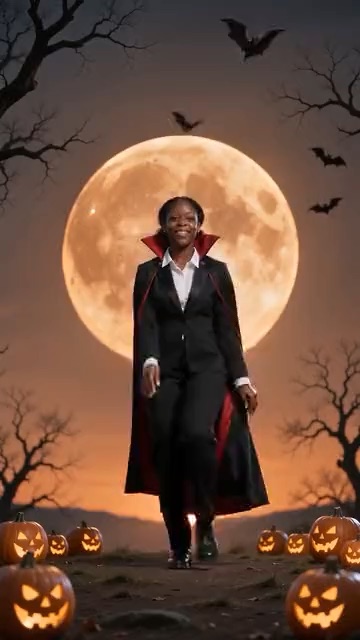 Halloween
Spooky Scary Skeletons AI
11s · 1 photo
- Make mine →
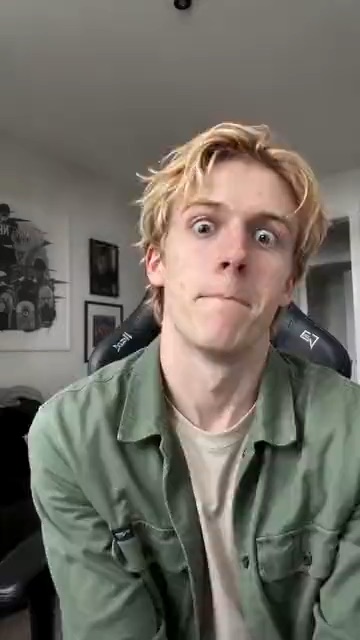 New
ABCDEFG I Need Money AI
11s · 1 photo
- Make mine →
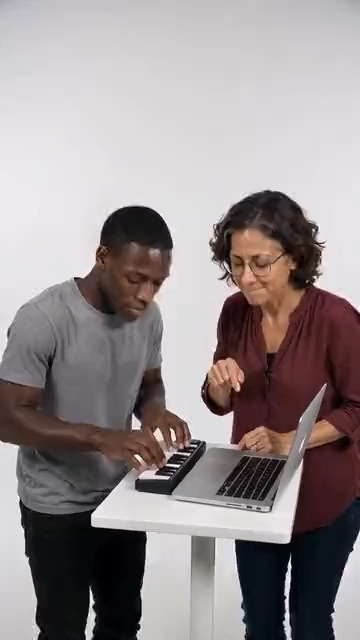 New2 people
Alors on Danse AI
15s · 2 photos
- Make mine →
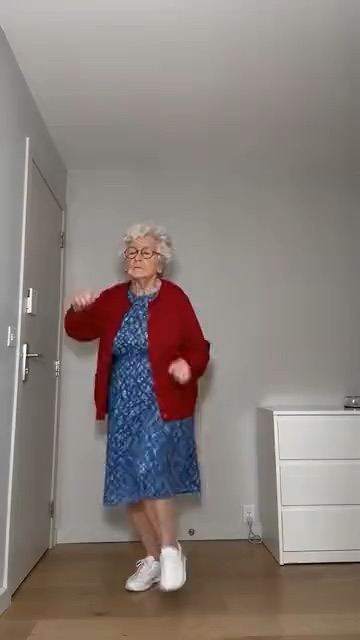 New
Toc Toc Dance AI
11s · 1 photo
- Make mine →
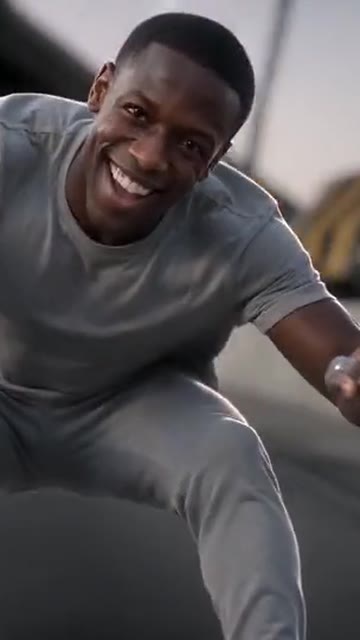 New
Crazy Frog AI Chase
15s · 1 photo
- Make mine →
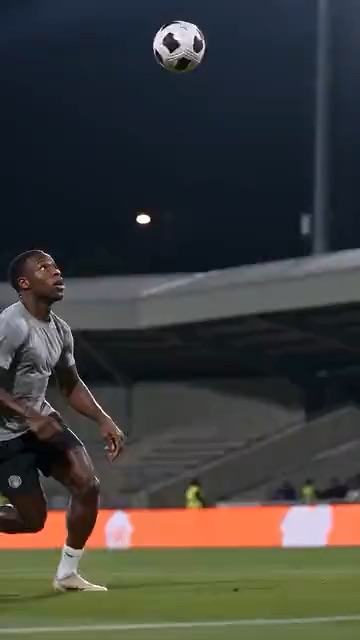 New
Ozil Goal AI
10s · 1 photo
- Make mine →
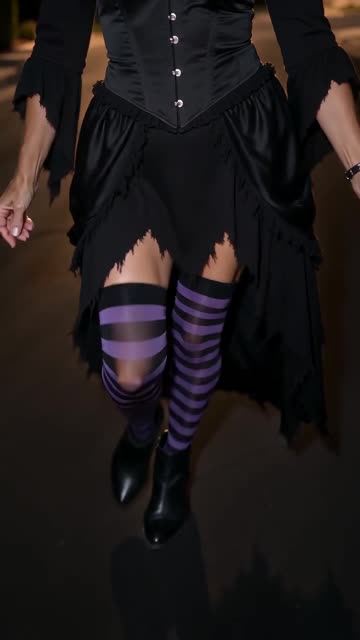 Halloween
Ramalama AI
12s · 1 photo
- Make mine →
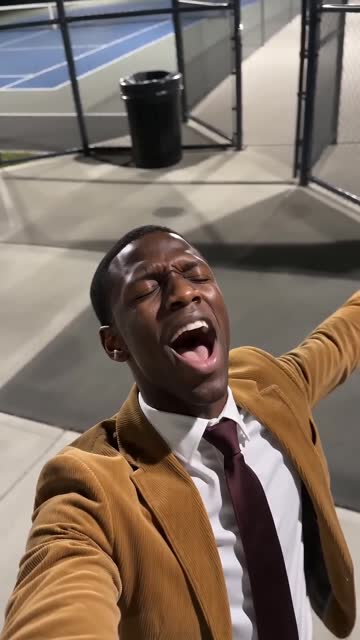 New
I Wanna Love You AI
10s · 1 photo
- Make mine →
 New
Banana Tree Run AI
11s · 1 photo
- Make mine →
 New
Money Flex AI
10s · 1 photo
- Make mine →
 New
Pet Fridge Cake Heist AI
15s · 1 photo
- Make mine →
 New
Singing Pet AI
10s · 1 photo
- Make mine →
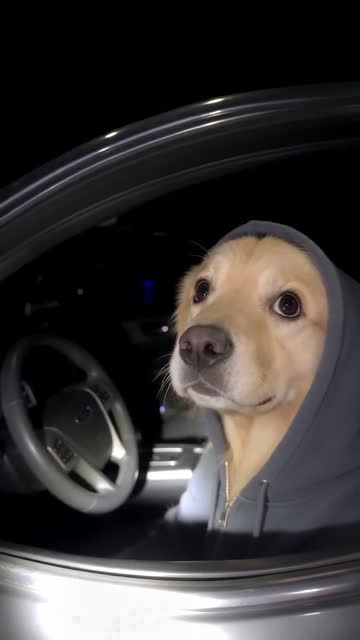 New
What Stop Sign AI
11s · 1 photo
- Make mine →
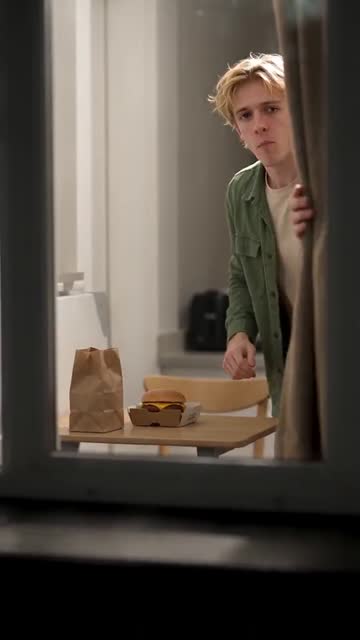 New
Window Peeper AI
14s · 1 photo
- Make mine →
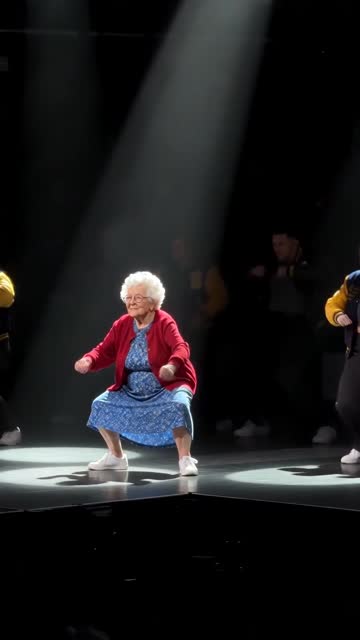 New
Talk Dirty AI
15s · 1 photo
- Make mine →
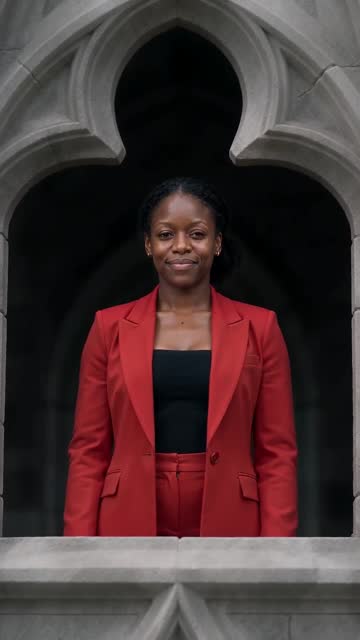 New
Stones to Castle AI
15s · 1 photo
- Make mine →
 Halloween
Enchantress Witch AI
10s · 1 photo
- Make mine →
 New
Explosion Walk AI
12s · 1 photo
- Make mine →
 New
Biker Birthday Cake AI
7s · 1 photo
- Make mine →
 New
Driver Put Phone Away AI
14s · 1 photo
- Make mine →
 New
Missed Train Dance AI
15s · 1 photo
- Make mine →
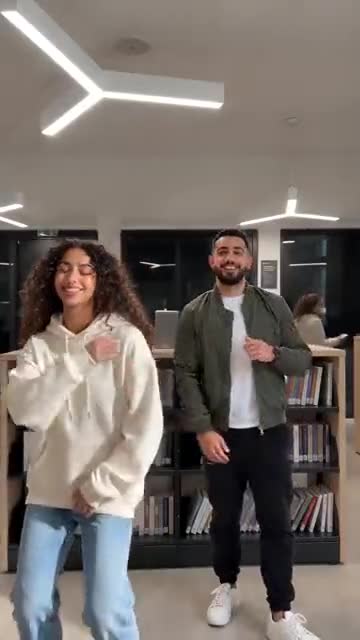 New2 people
Ba Ba Ba Dance AI
15s · 2 photos
- Make mine →
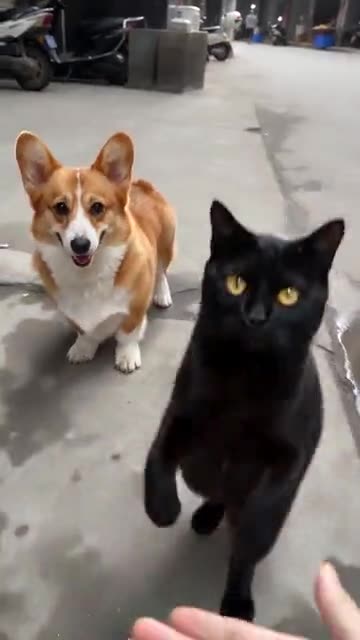 New2 people
Bing Bing Bing Kicking AI
12s · 2 photos
- Make mine →
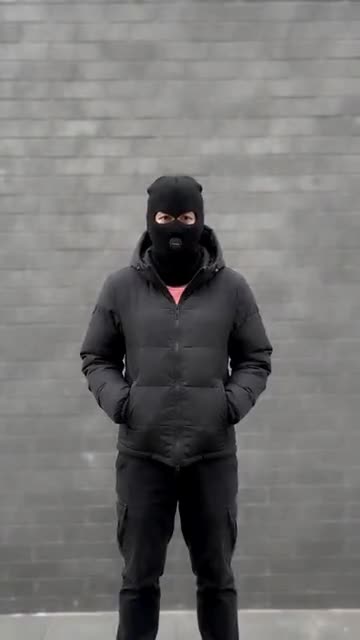 New
Mandem in Disguise AI
10s · 1 photo
- Make mine →
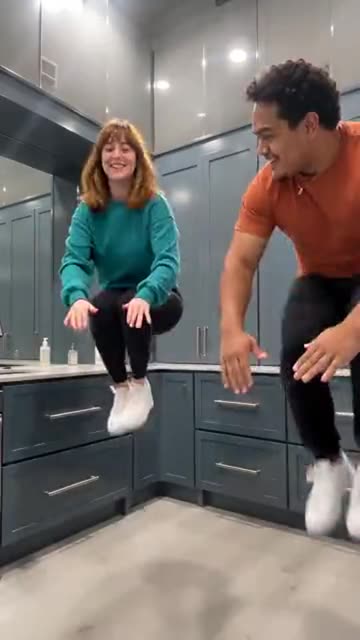 New2 people
Wipe Me Down AI
15s · 2 photos
- Make mine →
 New2 people
Puerto Rican Mami AI
15s · 2 photos
- Make mine →
 New
Babydoll Dance AI
15s · 1 photo
- Make mine →
 New
Bama Bound AI
12s · 1 photo
- Make mine →
 New
iPhone Kupi Dance AI
15s · 1 photo
- Make mine →
 New
I’m So In Love With You Dance
8s · 1 photo
- Make mine →
 New
Iceman AI
15s · 1 photo
- Make mine →
 New2 people
Oh You Can Make It Cap AI
14s · 2 photos
- Make mine →
 New
Chased By Hyenas AI
10s · 1 photo
- Make mine →
 Christmas2 people
Christmas Lights Wife AI
8s · 2 photos
- Make mine →
 New
Dog Bohemian Rhapsody AI
10s · 1 photo
- Make mine →
 New
Dog Couple Dance AI
11s · 1 photo
- Make mine →
 New
Magic Double Dance AI
8s · 1 photo
- Make mine →
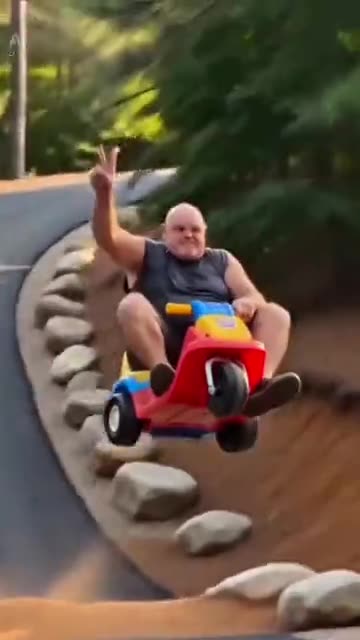 New
Toy Car Leap AI
10s · 1 photo
- Make mine →
 Christmas
 Green Dress AI
5s · 1 photo
- Make mine →
 New
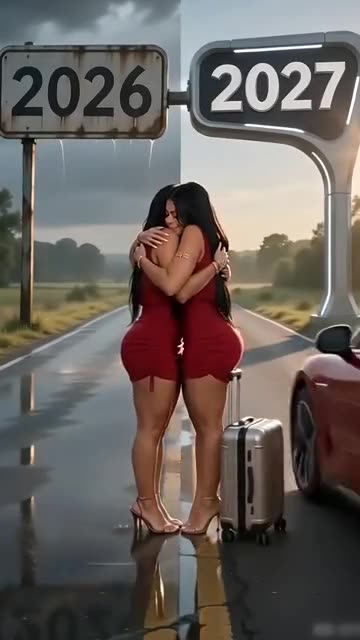
2026 to 2027 Road Sign AI
6s · 1 photo
- Make mine →
 New
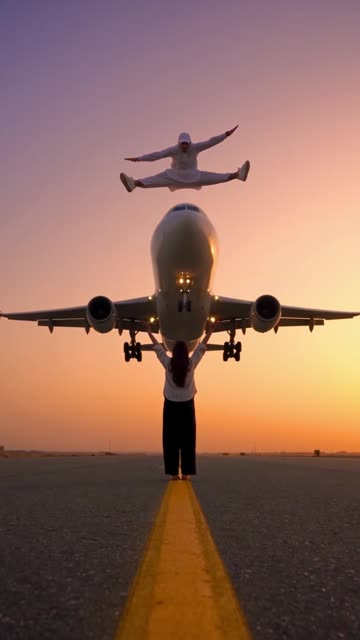
Airplane Runway Jump AI
5s · 1 photo
- Make mine →
 New
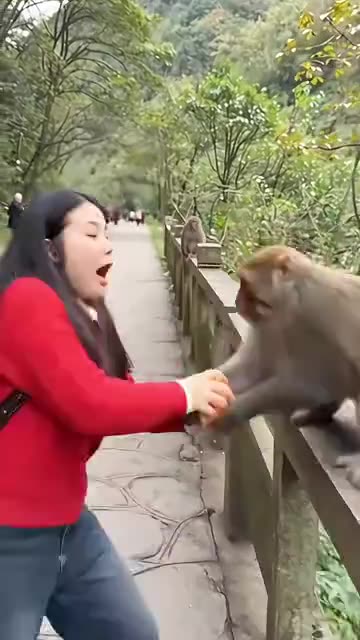
Monkey Steals Apple AI
7s · 1 photo
- Make mine →
 New
Pet Rock Dance AI
8s · 1 photo
- Make mine →
 New
Punching Bag Dance AI
12s · 1 photo
- Make mine →
 New
Red Square Night Lip Sync AI
12s · 1 photo
- Make mine →
 New
Single Camel AI
8s · 1 photo
- Make mine →
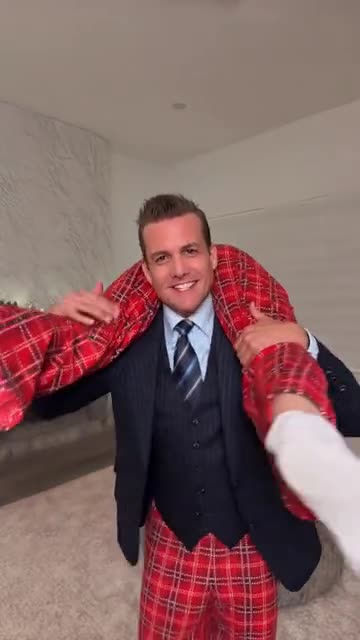 New2 people
Suits Carry AI
5s · 2 photos
- Make mine →
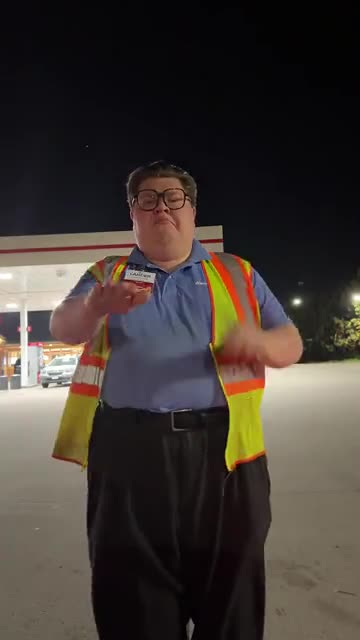 Christmas
Jingle Bell Rock Dance AI
5s · 1 photo
- Make mine →
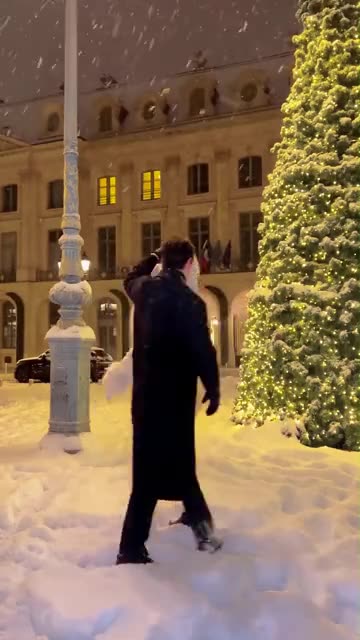 Christmas2 people
Snowman Dance AI
5s · 2 photos
- Make mine →
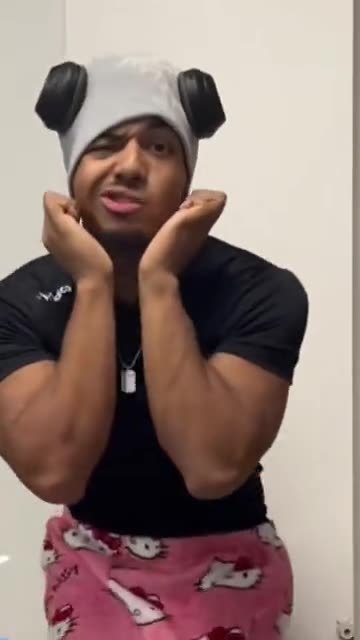 New
Talk to Me Doja AI
5s · 1 photo
- Make mine →
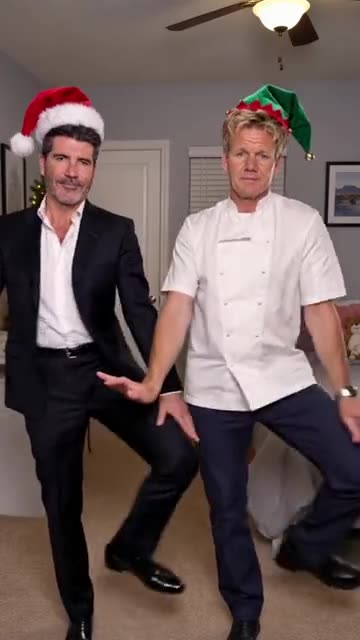 Christmas2 people
Last Christmas Dance AI
5s · 2 photos
- Make mine →
 New
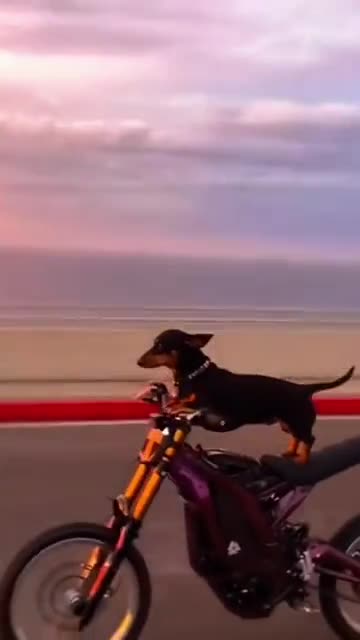
Cat on Ultra Bee AI
5s · 1 photo
- Make mine →
 New
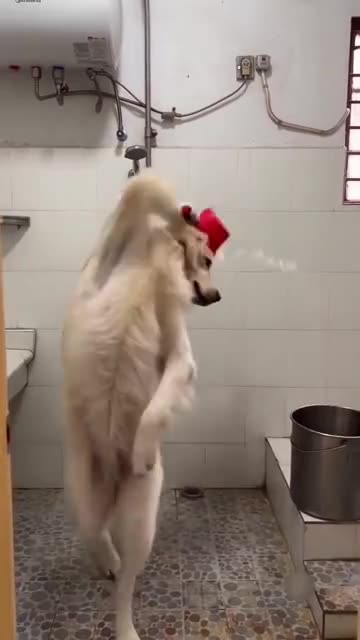
Winter Pet Bath AI
5s · 1 photo
- Make mine →
 New
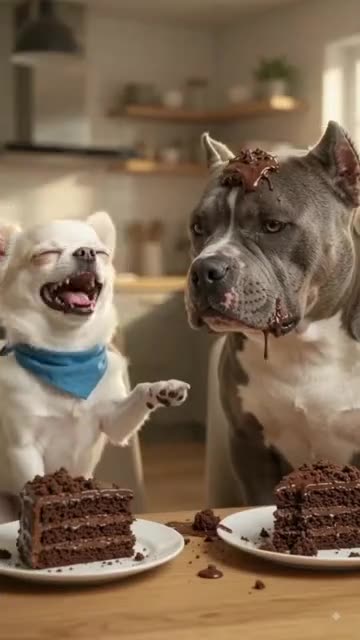
Dog Cake Smash AI
5s · 1 photo
- Make mine →
 New
Spin That Coupe AI
5s · 1 photo
- Make mine →
 New
Car Chips Prank AI
5s · 1 photo
- Make mine →
 Christmas
Here Comes Santa Claus AI
5s · 1 photo
- Make mine →
 Christmas
Santa Tell Me Dance AI
5s · 1 photo
- Make mine →
 New
Jersey Solo Dance AI
5s · 1 photo
- Make mine →
 New
Thanksgiving Dance AI
5s · 1 photo
- Make mine →
 New
Dog Pool Party AI
5s · 1 photo
- Make mine →
 New
Bibou Transition AI
5s · 1 photo
- Make mine →
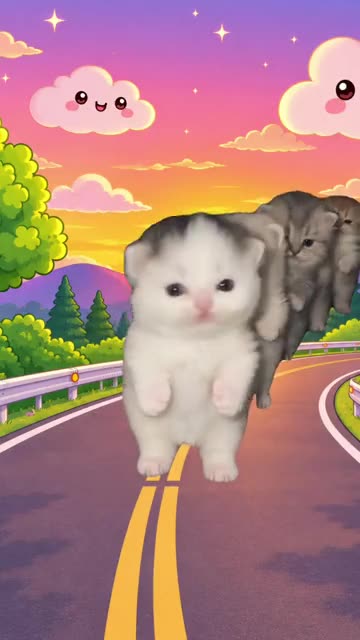 New
Kiat Jud Dai Kitten Parade AI
5s · 1 photo
- Make mine →
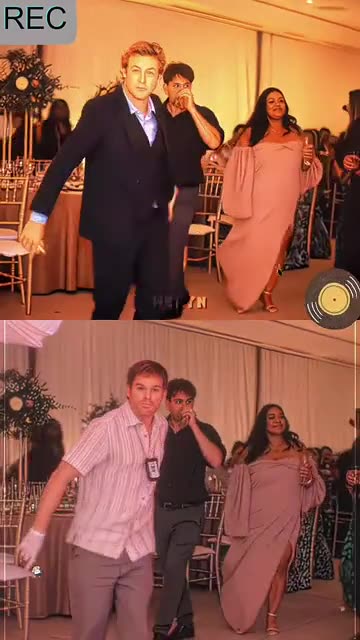 New
Rapunzel Funk Loading AI
5s · 1 photo
- Make mine →
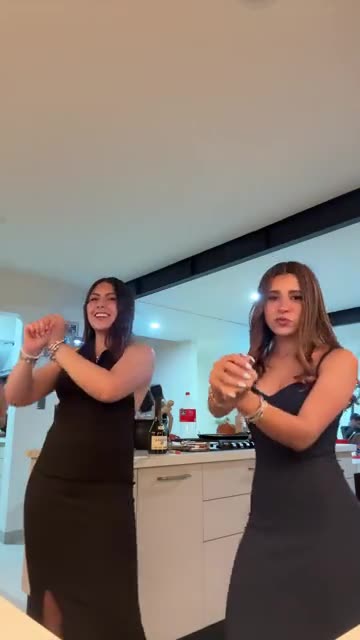 New
La Mujer del Pelotero AI
5s · 1 photo
- Make mine →
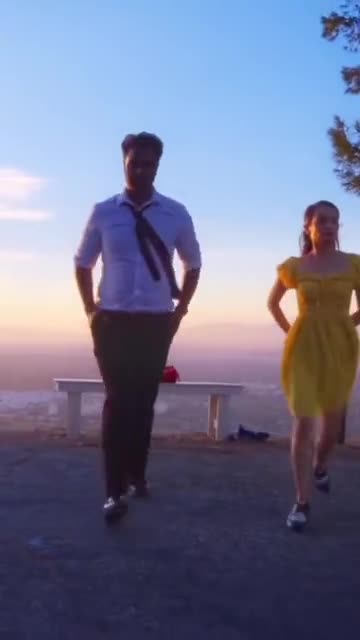 New2 people
La La Land Dance AI
5s · 2 photos
- Make mine →
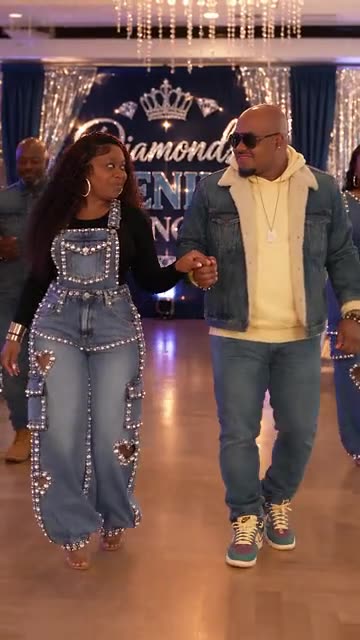 New2 people
Hey Boo Slide AI
5s · 2 photos
- Make mine →
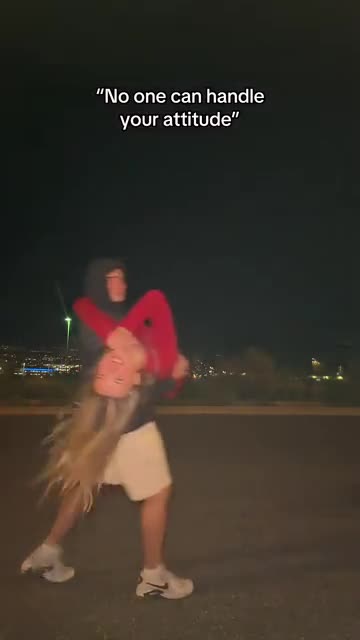 New2 people
Handle Your Attitude AI
5s · 2 photos
- Make mine →
 New
Hotline Bling AI
5s · 1 photo
- Make mine →
 Christmas
Deck the Halls Dance AI
5s · 1 photo
- Make mine →
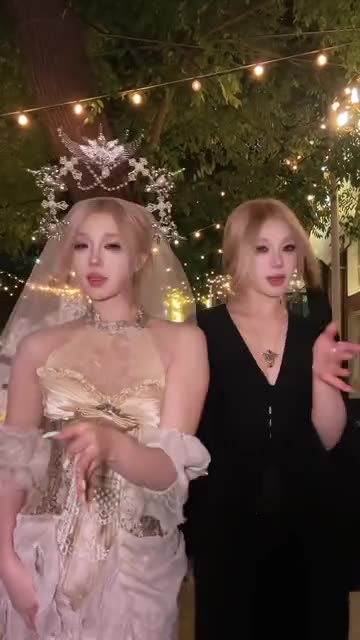 New2 people
Addicted Dance AI
5s · 2 photos
- Make mine →
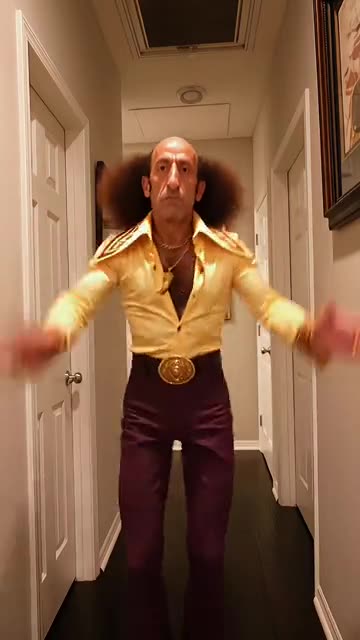 New
Can I Ride Dance AI
5s · 1 photo
- Make mine →
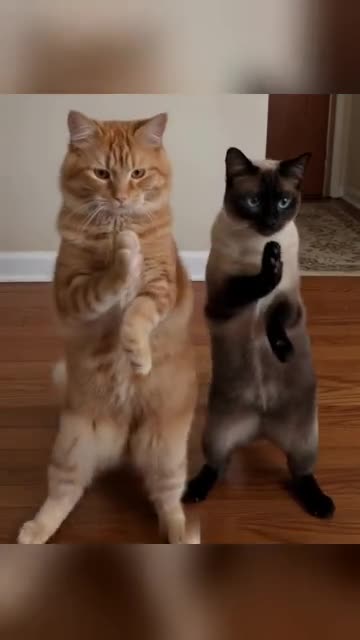 New
Pet Duo Dance AI
5s · 1 photo
- Make mine →
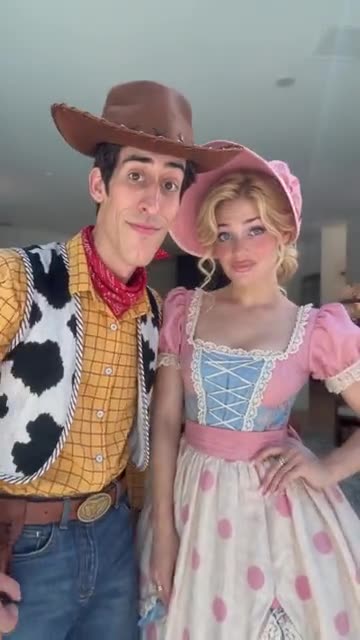 New2 people
My Girl Couple Trend AI
5s · 2 photos
- Make mine →
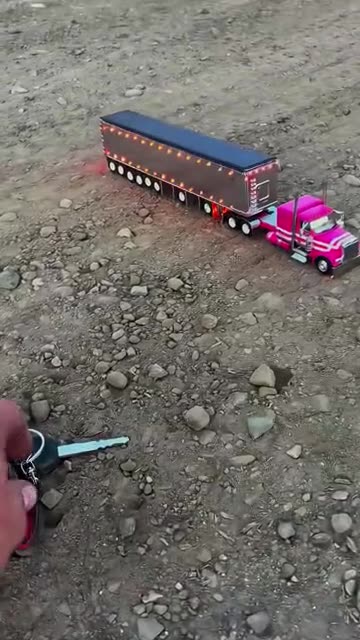 New
Toy Car To Real Car AI
5s · 1 photo
- Make mine →
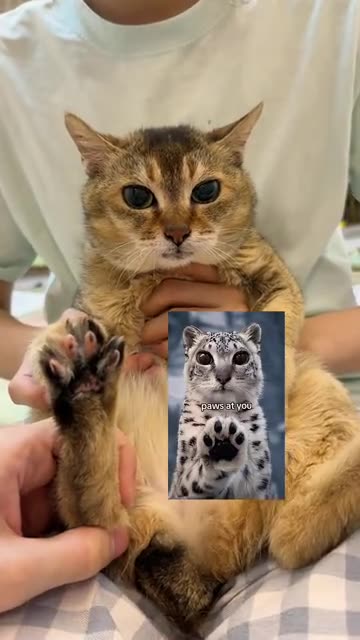 New
Snow Leopard Paws AI
5s · 1 photo
- Make mine →
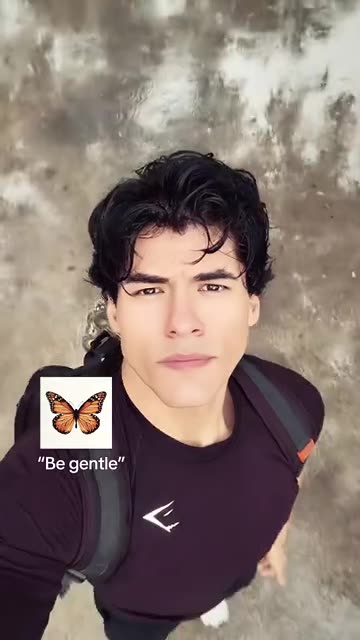 New
I Want Wings AI
6s · 1 photo
- Make mine →
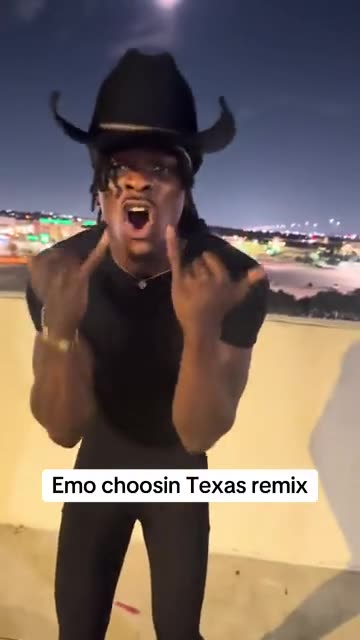 New
Choosin Texas Emo AI
6s · 1 photo
- Make mine →
 New
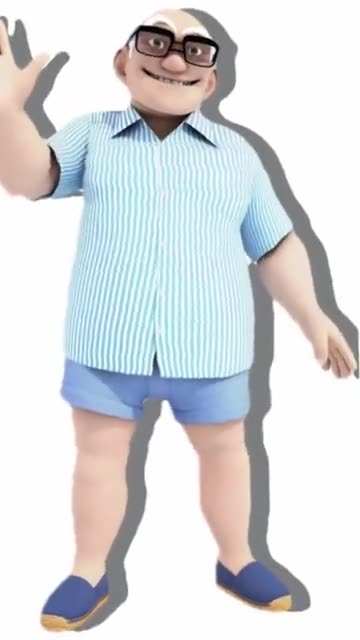
Wassup In A Minute AI
5s · 1 photo
- Make mine →
 New2 people
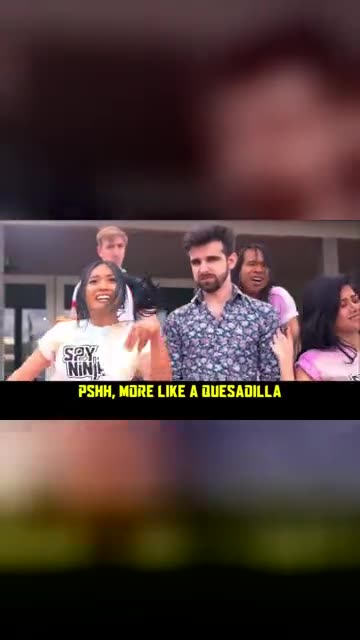
Tough Like a Gorilla AI
5s · 2 photos
- Make mine →
 New2 people
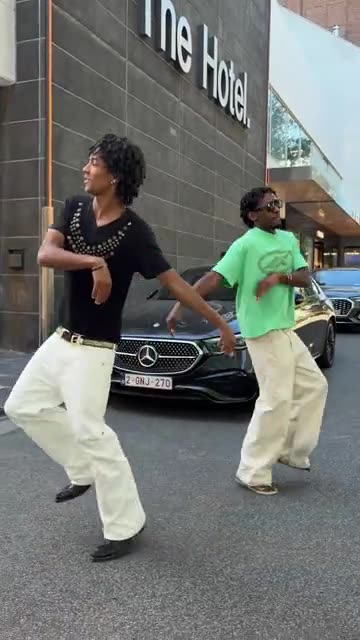
Street Duo Dance AI
6s · 2 photos
- Make mine →
 New
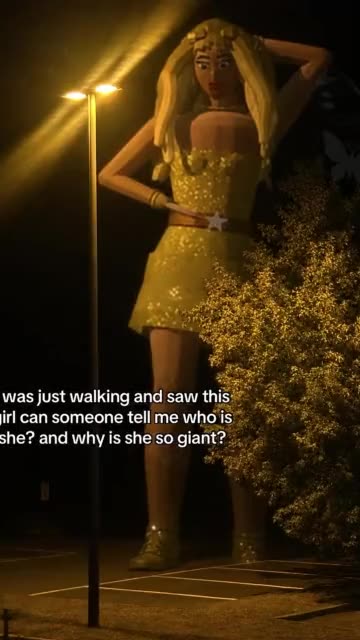
Giant Woman Singing AI
5s · 1 photo
- Make mine →
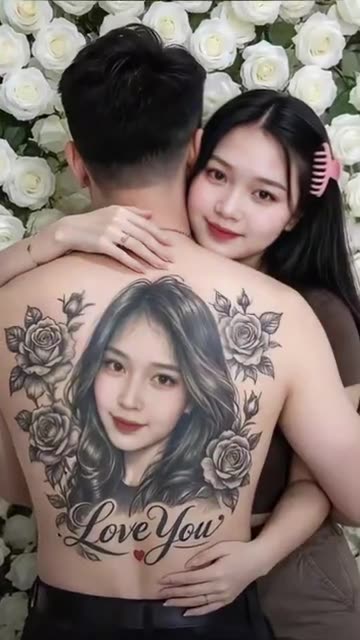 New2 people
Back Tattoo Love You AI
5s · 2 photos
- Make mine →
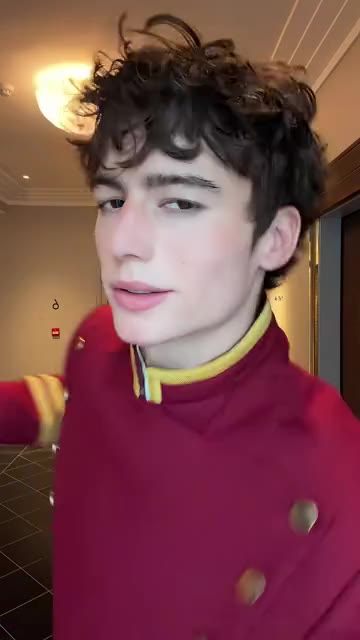 New
Bellhop Dance AI
5s · 1 photo
- Make mine →
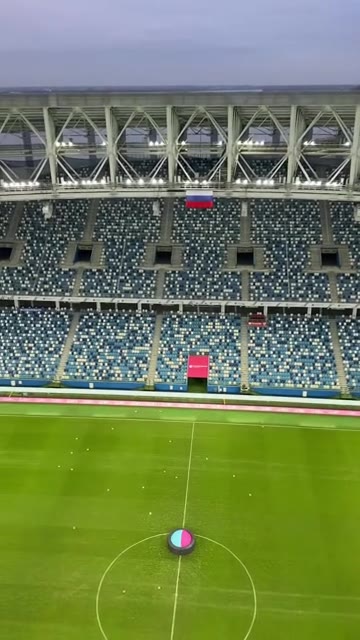 New
Stadium Gender Reveal AI
5s · 1 photo
- Make mine →
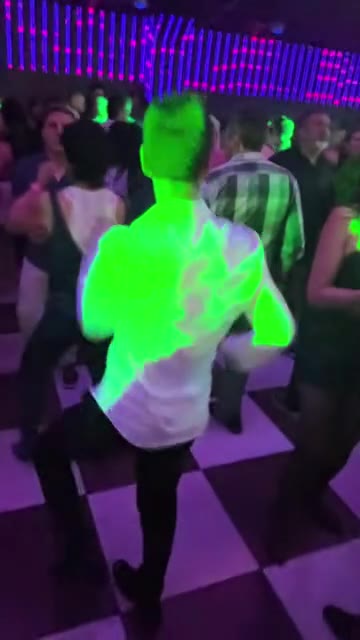 New
Roberto Carlos Disco Dance AI
5s · 1 photo
- Make mine →
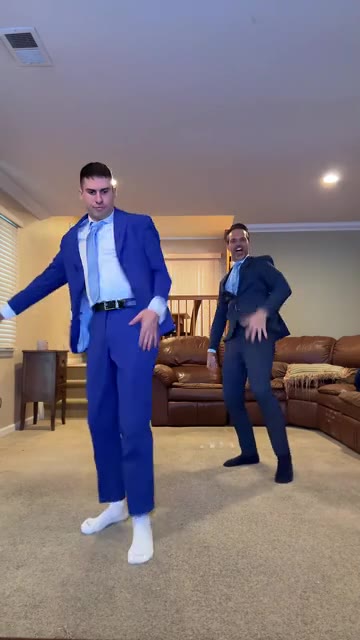 New
Suit Duo Dance AI
5s · 1 photo
- Make mine →
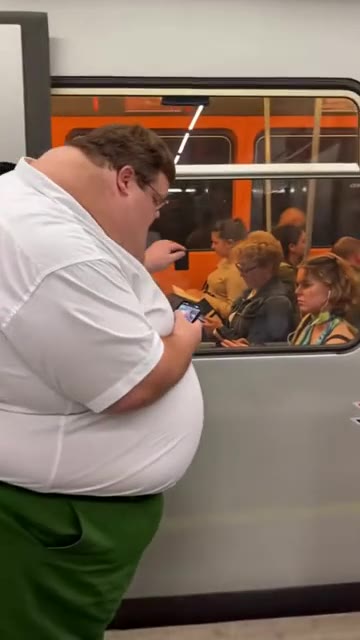 New
Subway No Phone AI
5s · 1 photo
- Make mine →
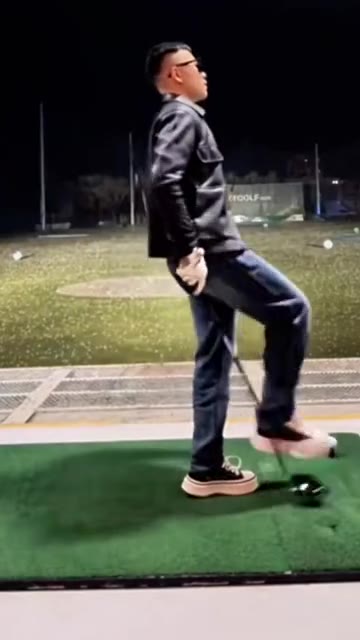 New
Golf Swing Dance AI
5s · 1 photo
- Make mine →
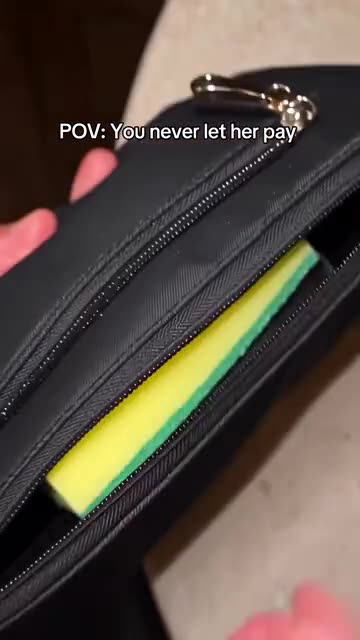 New
You Never Let Her Pay AI
5s · 1 photo
- Make mine →
 New
Modern Family Wassup AI
5s · 1 photo
- Make mine →
 New
Sheru Bhai AI
5s · 1 photo
- Make mine →
 New
Hot Chick Ice Cream Scene AI
5s · 1 photo
- Make mine →
 Christmas
The Jawn AI
5s · 1 photo
- Make mine →
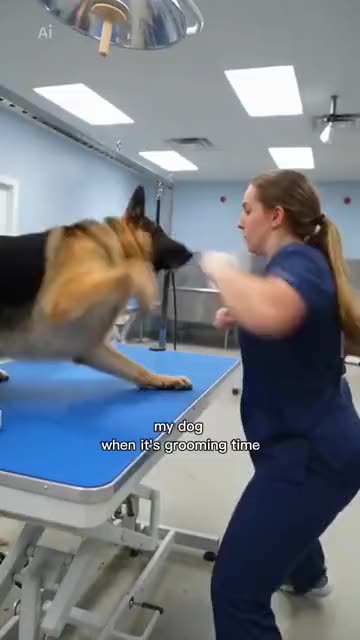 New
Groomer vs Dog AI
5s · 1 photo
- Make mine →
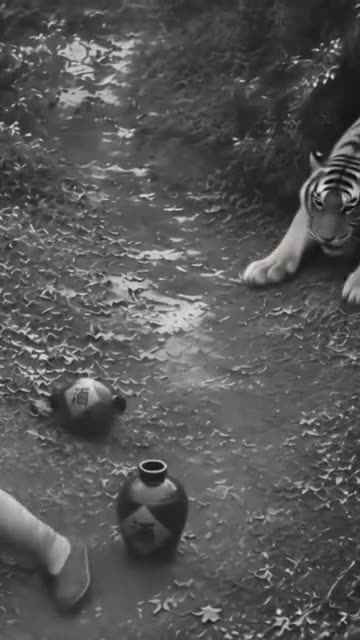 New
CCTV Tiger Fight AI
5s · 1 photo
- Make mine →
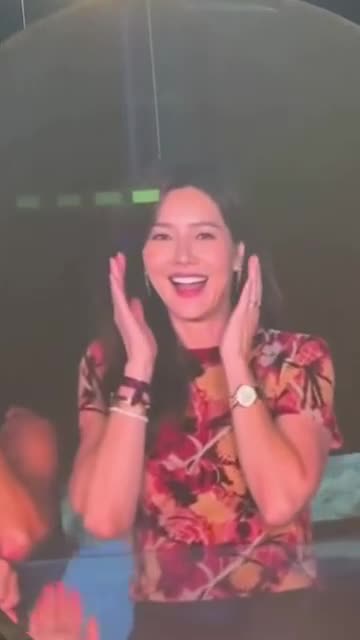 New2 people
Kiss Cam AI
5s · 2 photos
- Make mine →
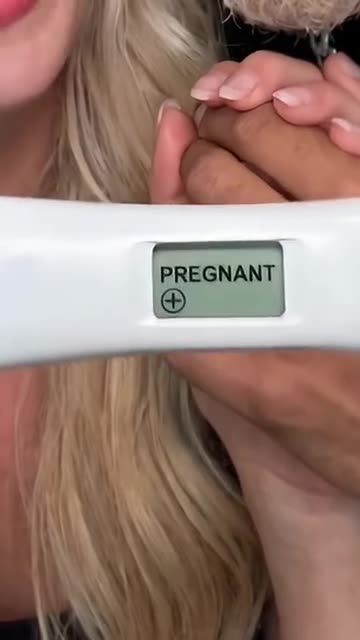 New2 people
AI Pregnancy Reveal
5s · 2 photos
- Make mine →
 New
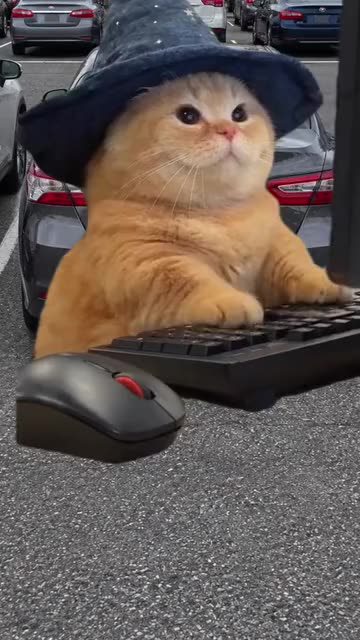
Wizard Cat Keyboard Smash AI
5s · 1 photo
- Make mine →
 New
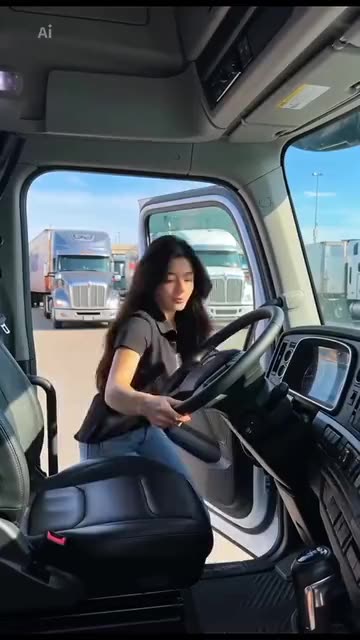
Truck Driver AI
5s · 1 photo
- Make mine →
 New
Huell Money AI
5s · 1 photo
- Make mine →
 New
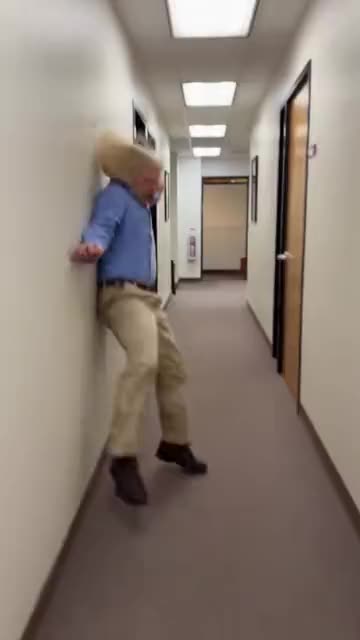
The Office Parkour AI
5s · 1 photo
- Make mine →
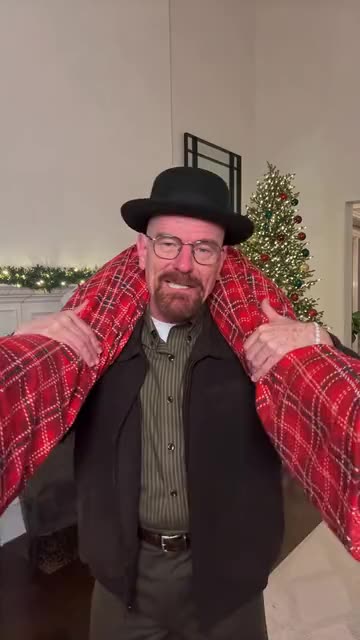 New
Breaking Bad Coat Reveal AI
5s · 1 photo
What each trend is
Tip Toe in My Jordans AI
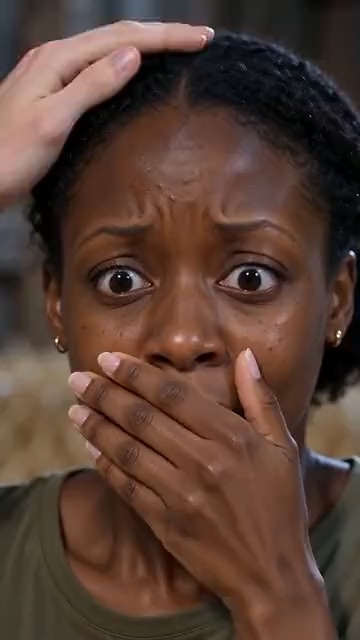
Two photos, one barn-dance tiptoe. Make your own.
Bby Wow Guy AI
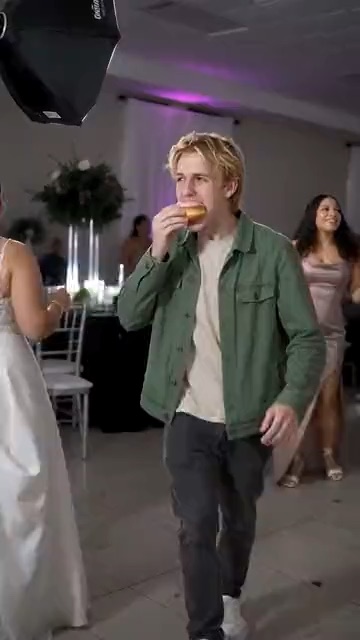
Walk through the party to the lens, take a bite, hold the stare. Needs 1 photo.
Unforgettable Car AI
Swipe the cards, reveal the car you picked. Needs 1 photo.
Smalltown Boy AI Dance
Scream with both hands on your head, swap, then dance side by side. Needs 2 photos.
Hit the Road Dude AI
Lean out of the vehicle and tell them to hit the road. Needs 1 photo.
My Ride Is Here AI
Ride a broom beside a moving car, then fly off. Needs 1 photo.
Spooky Scary Skeletons AI
Be the caped vampire doing the skeleton dance beneath an orange moon. A single photo does it.
ABCDEFG I Need Money AI
Mouth the letters, pull the faces, ask for cash. Works from a single adult or pet photo.
Alors on Danse AI
One of you plays a tiny keyboard without a flicker of emotion while the other hypes. You need 2 photos.
Toc Toc Dance AI
Hop, knock on thin air, freeze, and never smile. One photo is all it takes.
Crazy Frog AI Chase
Crouch on an invisible bike above a highway with the police on your tail. Needs 1 photo.
Ozil Goal AI
Dribble, chip the keeper, walk it into an empty net. All it takes is one photo.
Ramalama AI
Boots on the beat, a quick tilt-up, and suddenly you are in costume. One photo does it.
I Wanna Love You AI
A suit, a late selfie by the tennis court and a lot of feeling. Your photo does the singing.
Banana Tree Run AI
Sprint and leap over the tops of banana leaves like an action hero. Your photo is the runner.
Money Flex AI
Clutch the cash, push it at the camera, tear a wrapper and flash the notes. One photo of you or your dog.
Pet Fridge Cake Heist AI
A shelf camera catches a pet demolishing a tray of tiramisu, then the door slams. One photo is enough.
Singing Pet AI
Your dog or cat in a bath towel, hair dryer for a mic, one huge opera note. A single photo does it.
What Stop Sign AI
Your dog or cat in a hoodie, pulled over at night, giving the bodycam its most clueless stare. One photo.
Window Peeper AI
Zoom into the only lit window, freeze mid-bite, stare at the lens and pull the curtain. One photo of you or your pet.
Talk Dirty AI
Stride out, squat in the spotlight and dance with a varsity-jacket crew while flames shoot up. One photo of you, your cat or your dog.
Stones to Castle AI
They throw stones, you stay calm, a Gothic castle rises. One photo of you, a friend or your pet.
Enchantress Witch AI
Eyes shut, a black hand takes yours, and you return as the moon witch with a finger to your lips. One photo of you or your cat.
Explosion Walk AI
Light a fuse, stroll toward the camera and never flinch when the fireball goes off. One photo of you or your pet. AI effect only.
Biker Birthday Cake AI
A headlight, a motorcycle, a helmet coming off and a cake full of candles. One photo of you, a friend or your pet.
Driver Put Phone Away AI
You turn round in the minibus cab, throw up both hands and shout. One photo of you, a friend or your pet.
Missed Train Dance AI
Charge down the steps, meet the shutting yellow doors, drop to the floor and dance. One photo of you, a friend or a pet.
Ba Ba Ba Dance AI
Two dancers, one fixed camera, a solo each in a school library. Two photos of adults, or one photo twice.
Bing Bing Bing Kicking AI
Two characters take turns kicking at a ground-level camera. Two photos of adults or pets, or one photo twice.
Mandem in Disguise AI
Grin at the wall, take the flash, come back in a black balaclava and puffer jacket, nodding slowly. One photo of an adult.
Wipe Me Down AI
Two photos take turns stomping in a blue-grey kitchen, one up close, then the other jumps in. People or pets, or one photo twice.
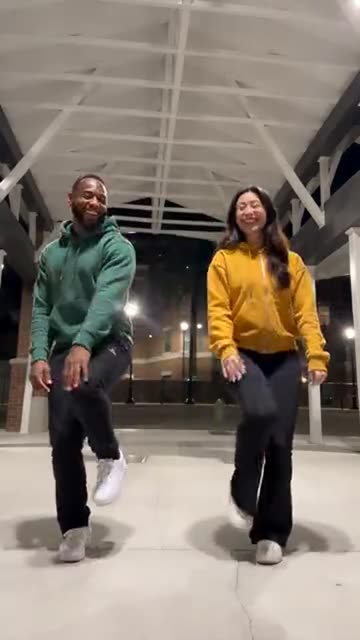
Puerto Rican Mami AI
Two photos dance side by side on a night walkway, swap places and finish bent low, laughing. People or pets, or one photo twice.
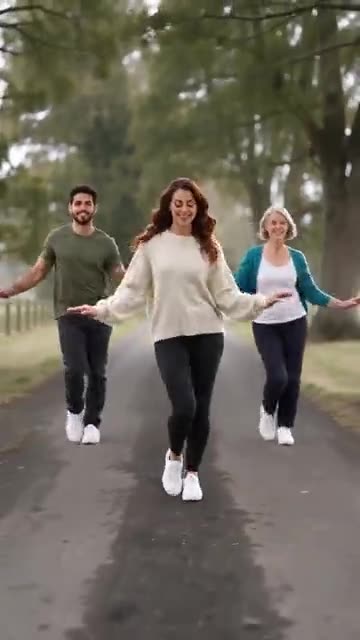
Babydoll Dance AI
One to four photos two-step side by side on a country lane, point at the camera and jump. People or pets, in any mix.
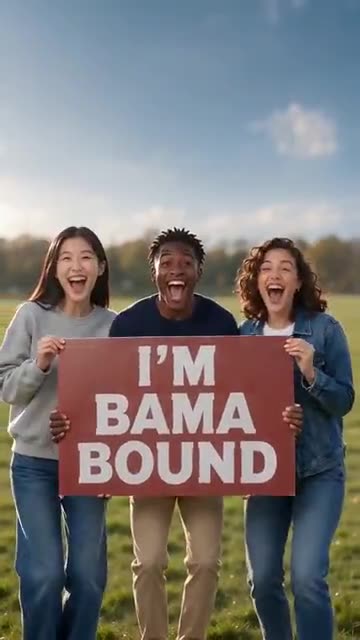
Bama Bound AI
One to four photos hold up a red sign on a lawn, lift it overhead and cheer. Pick the words or type your own. People or pets.
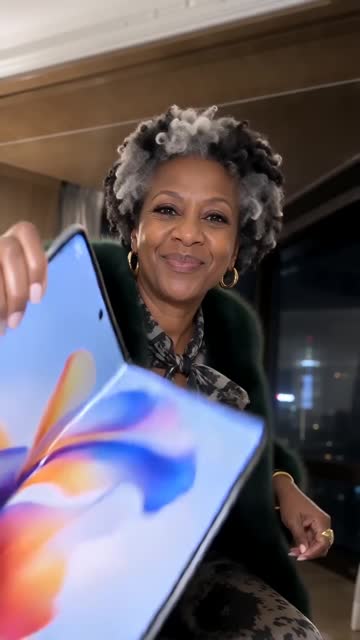
iPhone Kupi Dance AI
Unfold an oversized phone in a hotel suite, dance with it, throw it up and strut off. Needs one photo of you or an adult friend.
I’m So In Love With You Dance
Fists out, then fists on hips, then a big head tilt. Needs one photo of you, a grown-up friend or your pet.
Iceman AI
Enter a white cold room, rap to camera, pass the shelves and flick a thumb back over your shoulder. Needs one adult photo.
Oh You Can Make It Cap AI
Someone asks for a twirl, someone shows off a bag, and the giggling takes over. Two adult photos, or one photo used twice.
Chased By Hyenas AI
Sprint across a dusty plain with a pack of animals bounding after you. One photo of you, a friend or a pet.
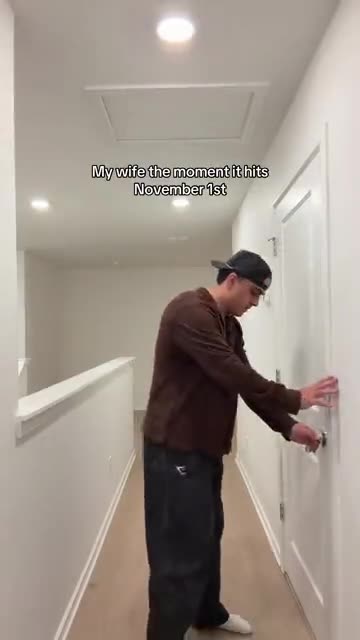
Christmas Lights Wife AI
One of you stays calm in the hallway while the other sprints past with a Christmas tree and fairy lights. Two photos, adults or pets.
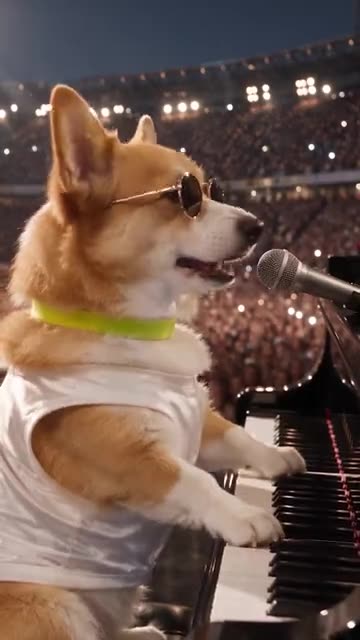
Dog Bohemian Rhapsody AI
Sunglasses, a white vest and a grand piano on a stadium stage, with the crowd holding up its lights. One photo of your pet or you.
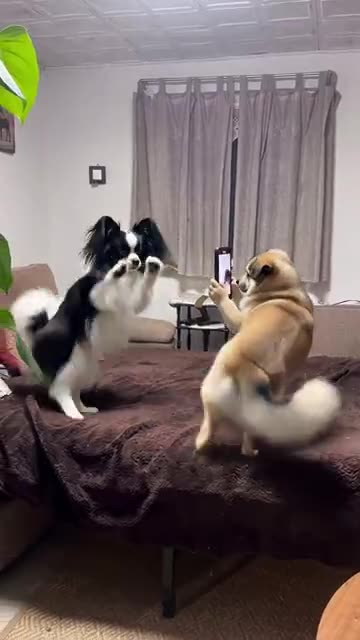
Dog Couple Dance AI
One dances on the bed while the other holds up a phone to film it. One photo or two, adults or pets.
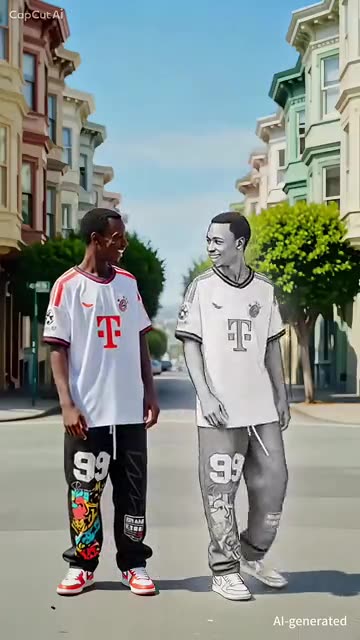
Magic Double Dance AI
A grey sketch of you flickers into place, wakes up, high-fives you and dances in step. One photo of you or a pet.
Toy Car Leap AI
Coast downhill on a ride-on toy car, launch off the road waving and spill onto the gravel, laughing. Needs a single photo of an adult.
Christmas Green Dress AI
Stand on a candlelit Christmas staircase in a long green satin gown. Needs a single photo of an adult.
2026 to 2027 Road Sign AI
Embrace your 2026 self under a road sign, then watch your 2027 self drive away. Needs a single photo of an adult.
Airplane Runway Jump AI
Float in a mid-air split above a sunset runway as a jet appears to slide underneath. Needs a single photo of an adult.
Monkey Steals Apple AI
Bite an apple by a mountain railing, watch a monkey creep closer, snatch it and leave you frozen in shock. One photo of an adult is all it takes.
Pet Rock Dance AI
Rise onto two legs, headbang, fling the fur and wave a paw like a metal fan. Send a photo of your pet or an adult.
Punching Bag Dance AI
A heavy red bag swings at the lens while you dance behind it, lean out of every swing and land a final pose. Works from one adult or pet photo.
Red Square Night Lip Sync AI
Cross a wet square after dark, mouth along to an unheard song, toss your hair and open your arms. Needs just one adult photo.
Single Camel AI
Walk alone down a foggy village road, arms folded, past couples cuddled up by a fire. Works from one adult or pet photo.
Suits Carry AI
One person in a suit hoists the other across the shoulders, spins once and the carried face swings round to the lens with a thumbs-up. It works from two photos of grown-ups.
Jingle Bell Rock Dance AI
Roll the shoulders, wave both hands, clap and wave at the camera on a snowy night forecourt. A person or a pet in a Santa hat, from one photo.
Snowman Dance AI
A couple steps close in a snowy square beside a lit tree, twirls, hugs and finishes with a lift. Built from two photos of adults.
Talk to Me Doja AI
Hold a straight face, then give in: hands cup the cheeks, shoulders sway and cartoon-style stickers pop up around you. Made from a single photo of an adult.
Last Christmas Dance AI
Two people in a Santa hat and an elf hat dance the same steps under Christmas lights: knee lifts, waves and thumbs-ups. It needs two photos of adults.
Cat on Ultra Bee AI
A small pet rides an electric dirt bike down a sunset street and lifts the front wheel. Needs one photo of your cat or dog.
Winter Pet Bath AI
A pet stands upright in a tiled bathroom, pours a scoop of water over its own back and shivers. Needs a single photo of your dog or cat.
Dog Cake Smash AI
Two pets share a kitchen table and one flicks cake into the face of the other. Needs one pet photo, with a second one optional.
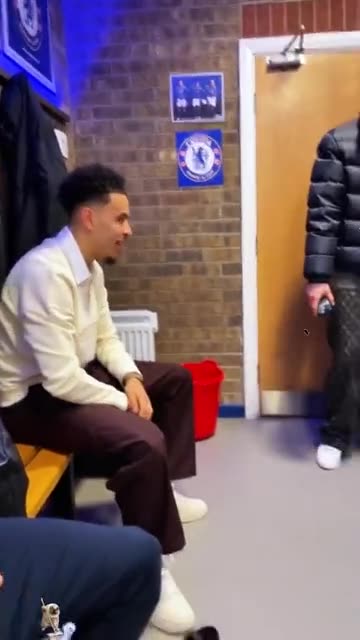
Spin That Coupe AI
A teammate on a locker-room bench points at the door and shouts, and you stride in and strike a pose. Needs one adult photo, with a second optional.
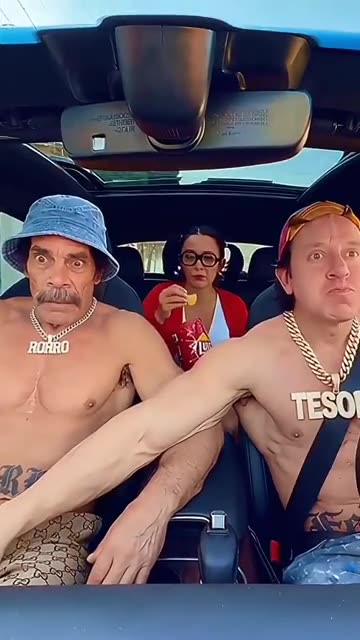
Car Chips Prank AI
In a parked car you munch chips while your buddy sneaks a bite and a hand grabs the bag. Needs one adult photo, with a second optional.
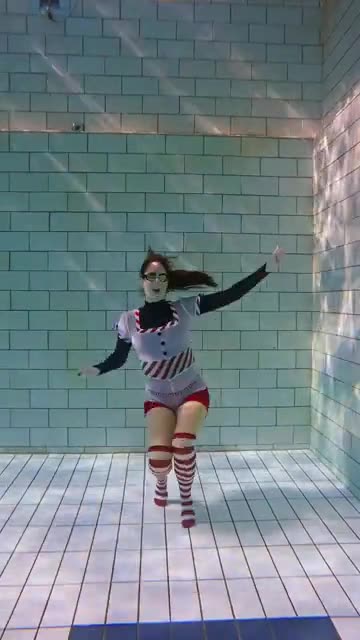
Here Comes Santa Claus AI
A Christmas dance at the bottom of a sunlit pool: slow knee lifts, a floaty hop and hair drifting up. Needs one photo of an adult.
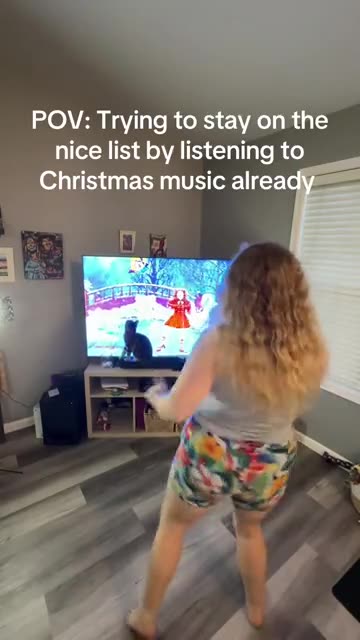
Santa Tell Me Dance AI
Side steps in front of a glowing holiday TV, two bouncy squats, a half turn and a wave to the camera. Needs one photo of an adult.
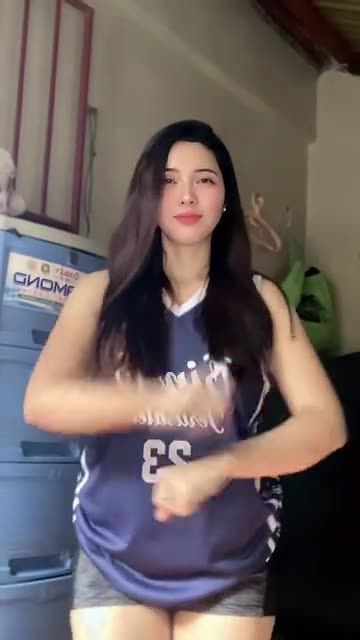
Jersey Solo Dance AI
A solo routine framed from the waist up: swaying hips, wrist rolls at the chest, shoulder rolls and a cheeky finish. Needs one photo of an adult.
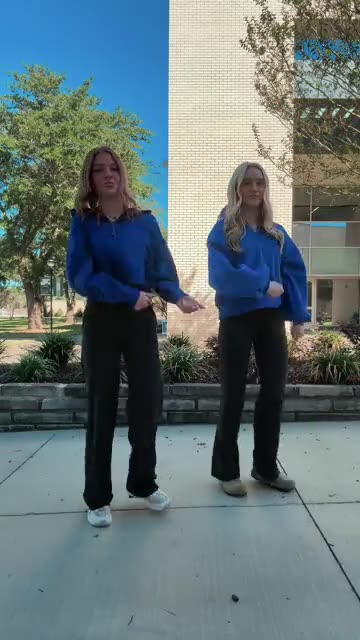
Thanksgiving Dance AI
Side steps, a squat with a hip twist and a double hand flick, solo or as a pair. Needs one photo of an adult, with a second optional.
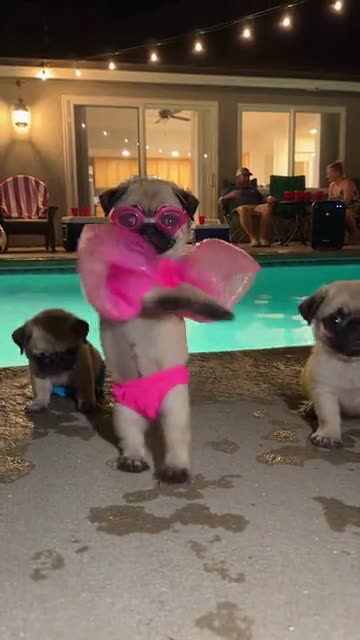
Dog Pool Party AI
A pet in swimwear rises onto its hind legs beside a pool, wiggles, spins and bounces while two small pals watch. Made from one pet photo.
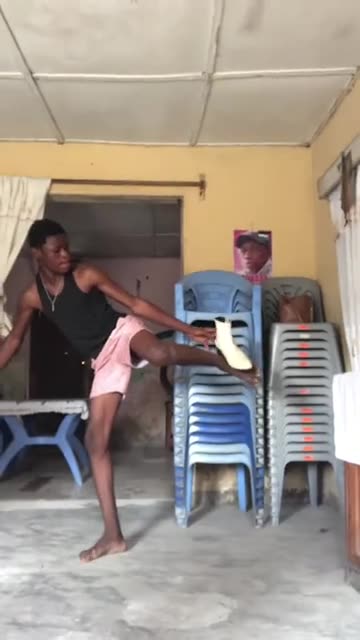
Bibou Transition AI
Kick one leg high, send a shoe flying and cut to a full new outfit that poses to the beat. One adult photo, same room before and after.
Kiat Jud Dai Kitten Parade AI
Your pet walks upright toward the lens down a cartoon sunset road, a line of look-alikes marching behind it, then steps aside for the next. One pet photo.
Rapunzel Funk Loading AI
Sway your shoulders out of a party crowd, bite a fist and stare into the lens. Built from a single adult photo.
La Mujer del Pelotero AI
A cheeky hand dance of finger wags, crossed wrists and claps, facing the camera. One adult photo, or two for a pair.
La La Land Dance AI
Two people or two pets tap in step on a hillside lookout at dusk, with a high kick each and a walk to the lens. Built from two photos.
Hey Boo Slide AI
A couple in matching denim holds hands in a chandelier ballroom, strides forward, slides side to side and turns. Made from two photos of adults.
Handle Your Attitude AI
Two adults walk apart on a night road, then one sprints back and leaps into a hug. Built from two photos.
Hotline Bling AI
Swing both hands, hold a phone to your ear and drop into a crouch inside a glowing box room that keeps changing colour. A person or a pet, from one photo.
Deck the Halls Dance AI
Side-to-side stomps, a full spin, one fist up and then both, finished with a walk at the camera. One adult photo, or two.
Addicted Dance AI
Two people stand side by side at night and dance a routine led by the hands, pointing, flipping wrists and ending on an intense stare. Built from two photos.
Can I Ride Dance AI
Walk down a long hallway, then fling your arms, lift a knee and ride an invisible horse with a straight face. It takes a single adult photo.
Pet Duo Dance AI
Two pets stand up side by side, raise a paw, swipe their paws across their chests in step and press them down together. Made from one or two pet photos.
My Girl Couple Trend AI
A giant hand covers both eyes of a couple, slides away, and the two lean in and smile at the camera. Built from two photos of adults.
Toy Car To Real Car AI
A miniature car rests by a key ring, a hand takes the keys, the camera closes in, and a cut swaps in the full-size car. Made from one car photo.
Snow Leopard Paws AI
A pet sits upright in close-up, stares into the lens with huge eyes and pats a paw at the camera over and over. Made from one pet photo.
I Want Wings AI
Start out drained in a dim room, pass through a cloud of butterflies, and come out the other side bright and sure of yourself. One adult photo is enough.
Choosin Texas Emo AI
Stand in a black cowboy hat under a night skyline, mime a heartbreak song with clawed hands and a silent scream, then sink into a crouch. One adult photo does it.
Wassup In A Minute AI
Become a glossy 3D cartoon grown-up who sways from side to side on a clean backdrop, waves at the lens and fades into a second pose. One adult photo is enough.
Tough Like a Gorilla AI
One of you leans into the lens with a dare, then presses a huge flat tortilla against a cheek while the other stares back, unimpressed. It takes two adult photos.
Street Duo Dance AI
Two friends in contrasting outfits dance side by side in a city street, one poses on a big green bin, and they finish on a lawn. Built from two photos of adults.
Giant Woman Singing AI
A skyscraper-tall giant looms over a town in four quick shots seen from the ground and ends holding a microphone at a crossroads. Made from one adult photo.
Back Tattoo Love You AI
A portrait tattoo of one person covers the back of the other in front of a rose wall, and the first hugs them from behind. Made from two photos of adults.
Bellhop Dance AI
A red-uniformed bellhop dances down a warm hotel corridor, flicks an arm, turns, tugs a glove and ends with a face close to the lens. One adult photo is all it takes.
Stadium Gender Reveal AI
A football bursts into coloured smoke on an empty pitch, then two adults scream, jump and hold a long hug. Made from one or two photos.
Roberto Carlos Disco Dance AI
One dancer, a black-and-white checkered floor, a packed crowd: pointing at the lens, flinging arms, swivelling hips and a spin. All it takes is one adult photo.
Suit Duo Dance AI
Two adults in suits dance in step in a living room: bouncy tiptoe steps, arms thrown up, claps and kicks. Made from one or two photos.
Subway No Phone AI
Stride along a bright platform with nothing in your hands while everyone behind you stares at a phone. One adult photo is enough.
Golf Swing Dance AI
One golf shot, a ball flying off into the dark, then a dance of hip twists, swaying arms and a spinning club. Needs one adult photo.
You Never Let Her Pay AI
Insist on paying, open the wallet, find a sponge, and be walked off by a smiling waiter. A single photo of an adult or a pet will do.
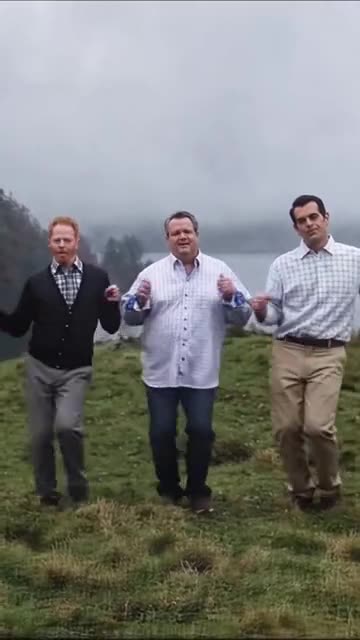
Modern Family Wassup AI
Three friends pose on a misty hillside, then run and skip downhill side by side, shaking their hands. Made from one to three photos.
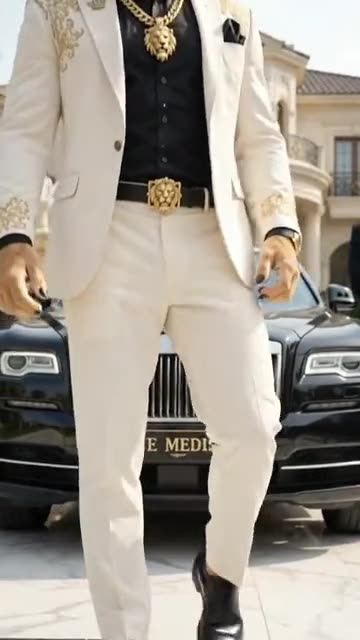
Sheru Bhai AI
Cross a sunlit palace courtyard as a lion-headed boss in white and gold, with two bodyguards a step behind. One adult photo is enough.
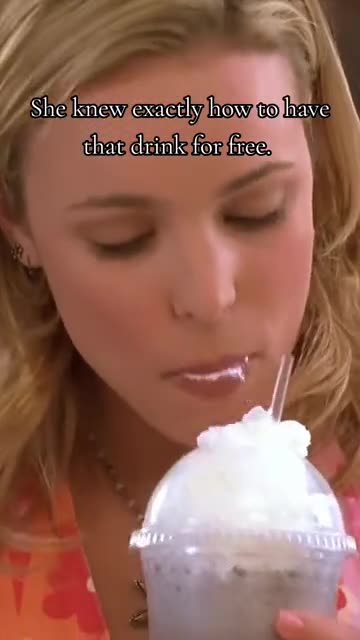
Hot Chick Ice Cream Scene AI
A customer walks off with a whipped-cream milkshake, the clerk forgets to charge her, and she smirks at the lens. Made from one or two photos.
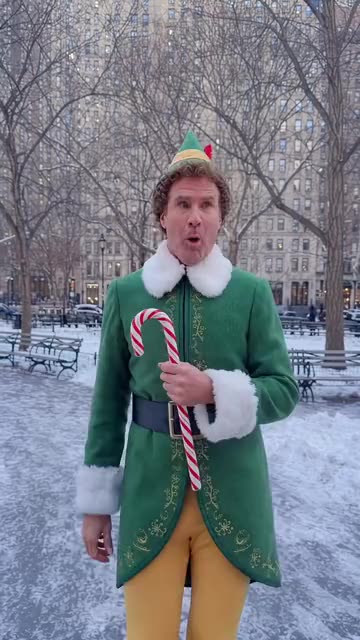
The Jawn AI
A Christmas elf in a green costume sways and dances in a snowy park with a candy cane, glancing aside and bouncing the knees. Needs one adult photo.
Groomer vs Dog AI
On a grooming table a pet kicks one groomer across the floor, tips over a second and ends the scene on top. Slapstick, nobody hurt, made from one pet photo.
CCTV Tiger Fight AI
Grainy black-and-white security footage: you stroll down a forest road, a big cat springs from the bushes and you wrestle it to the ground. Made from one photo of you.
Kiss Cam AI
Two people hugging in a stadium crowd spot themselves on the giant round screen: one hides behind both hands, the other ducks. Built from two photos of adults.
AI Pregnancy Reveal
A couple stand cheek to cheek holding up a test with a plus sign, tear up, laugh and hug. An AI-made scene for fun, built from two photos of adults.
Wizard Cat Keyboard Smash AI
A pet in a wizard hat types behind an oversized keyboard, goes still, raises a paw and slams down. One pet photo, one grumpy five-second tantrum.
Truck Driver AI
Seen from the passenger seat, a driver settles in behind a huge steering wheel and rolls past a yard of parked trucks. Built from one photo of an adult.
Huell Money AI
Fall back onto a bed-sized heap of cash in a dim room and lie there looking pleased. One adult photo is all it takes.
The Office Parkour AI
Crouch on a filing cabinet, leap toward the lens and land laughing in an open-plan office. One adult photo is enough.
Breaking Bad Coat Reveal AI
A plaid coat swings round your shoulders and your outfit snaps into a suit, then you lean in with a grin. One adult photo is enough.
Questions? Email support@tiptoeinginmyjordans.dev.
Tip Toe AI is an independent AI tool, not affiliated with or endorsed by @cococoke42, the accounts that posted the trend, TikTok or CapCut. Every video is an AI-made scene, and no footage from the original post is reused.