My Ride Is Here AI Video Maker
Upload one photo of the rider, you, your dog, your cat or a toy, and get the flying broom clip: a side-saddle ride right beside a moving car, a calm look into the lens, then a quick escape or a comic crash. Choose the place, the outfit and the ending. 10 seconds, vertical. The first 5-second preview is free.
- Free 5s preview · 10s HD for 100 credits
- 1 photo
- 9:16 or 16:9
- No watermark
Trending AI templates
More viral video templates you can make from your own photos. Credits work on every template.
- Make mine →
 Trending2 people
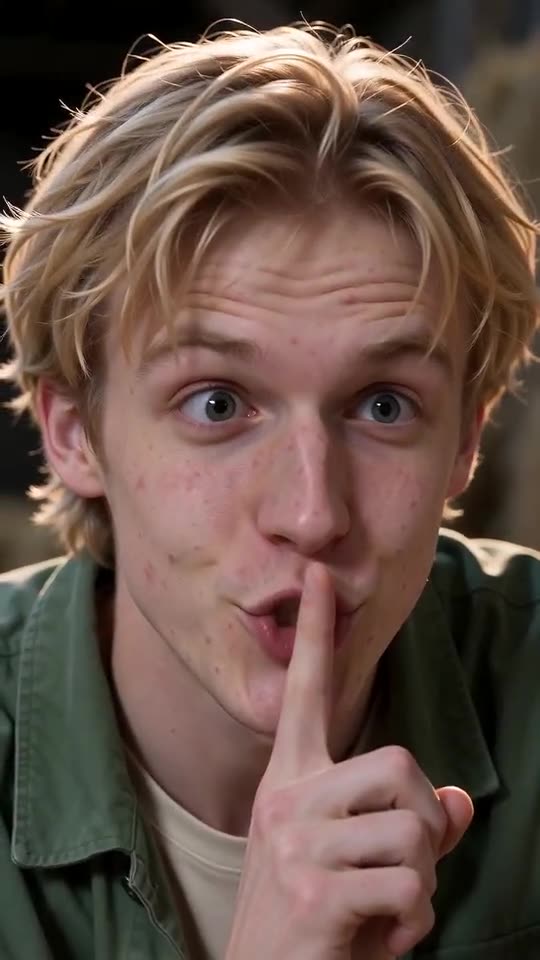
Tip Toe in My Jordans AI
15s · 2 photos · free preview
- Make mine →
 Trending
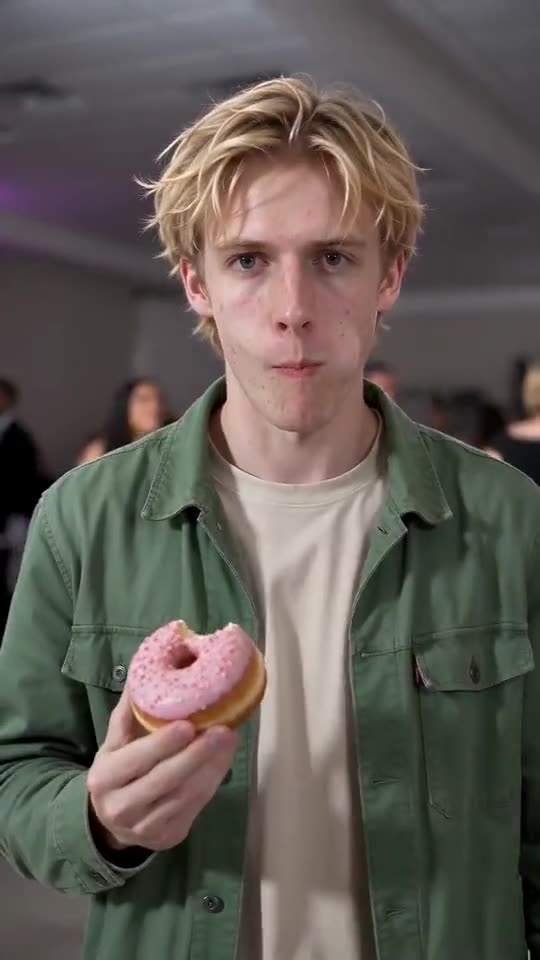
Bby Wow Guy AI
9s · 1 photo · free preview
- Make mine →
 Trending
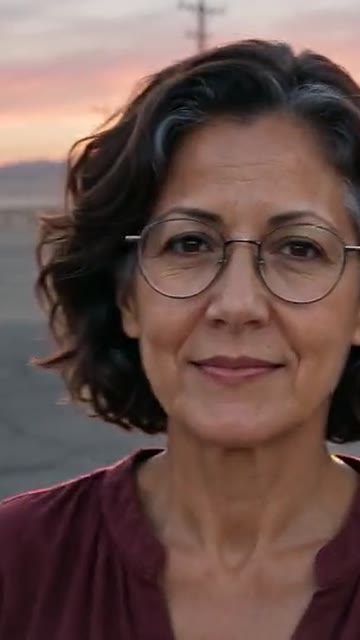
Unforgettable Car AI
9s · 1 photo · free preview
- Make mine →
 Trending2 people
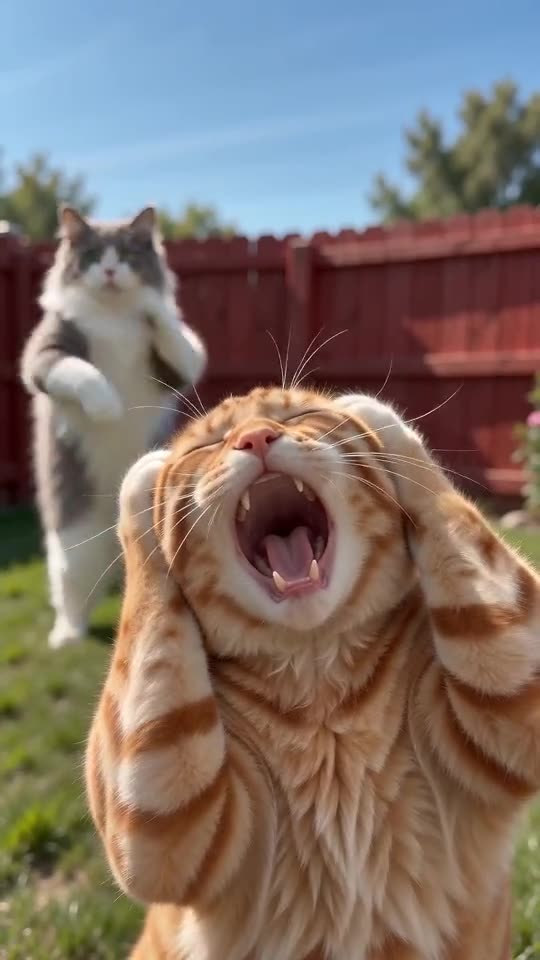
Smalltown Boy AI Dance
15s · 2 photos · free preview
- Make mine →
 Trending
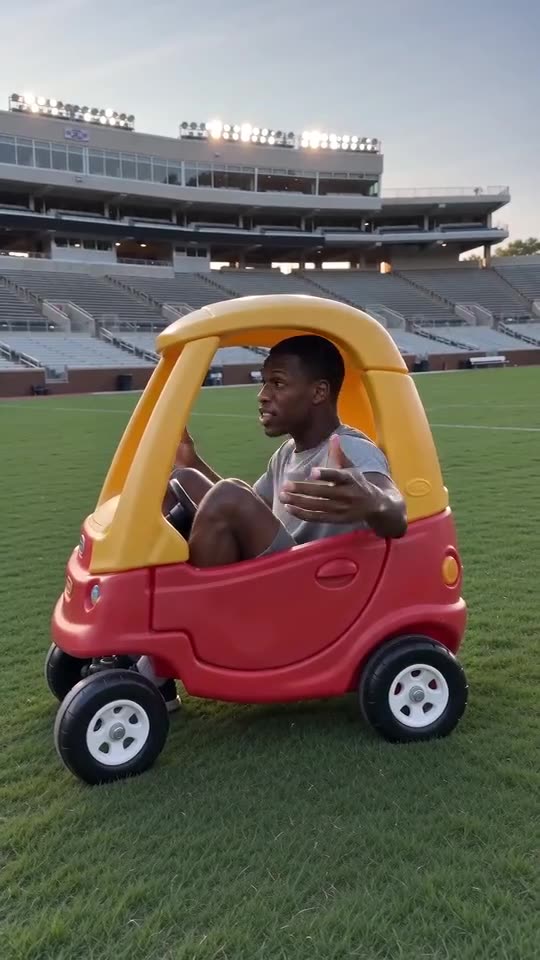
Hit the Road Dude AI
15s · 1 photo · free preview
- Make mine →
 Halloween
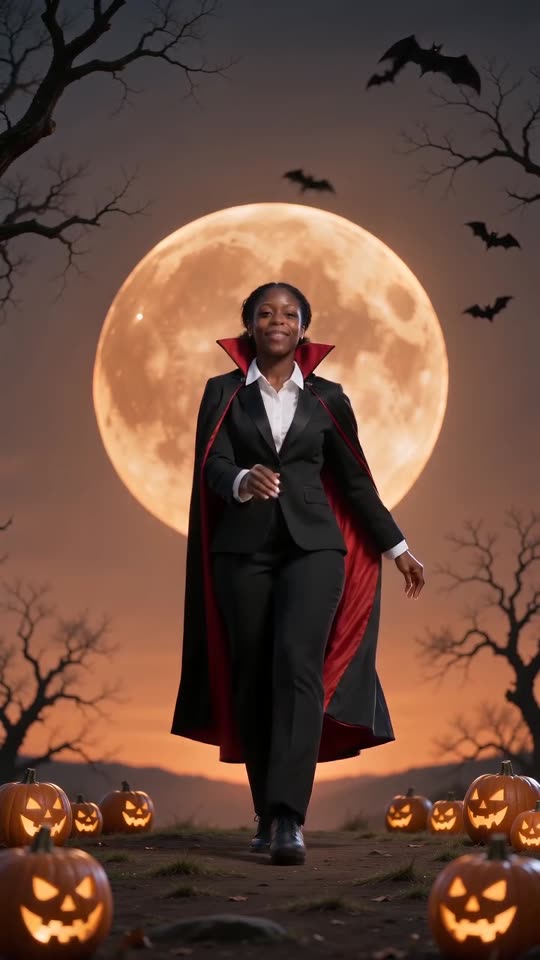
Spooky Scary Skeletons AI
11s · 1 photo · free preview
- Make mine →
 New
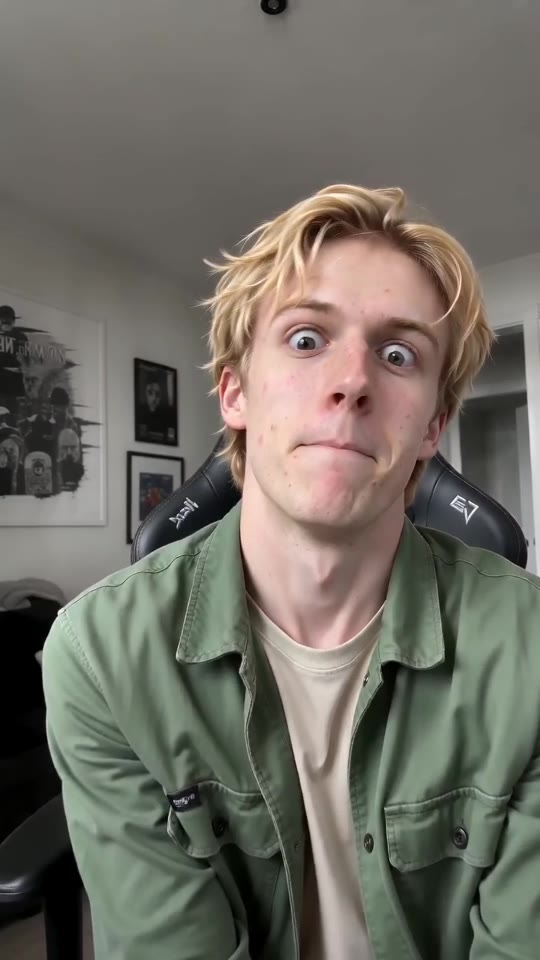
NewABCDEFG I Need Money AI
11s · 1 photo · free preview
- Make mine →
 New2 people
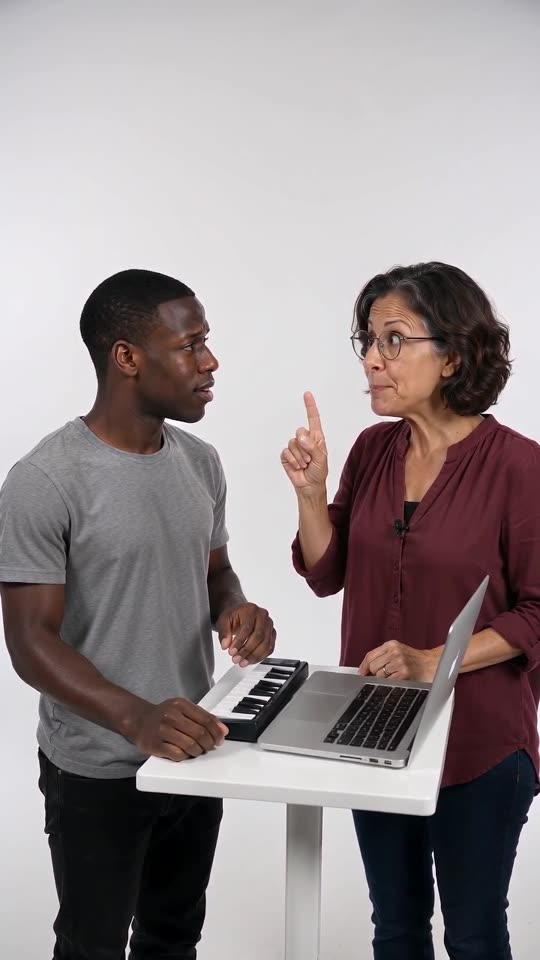
Alors on Danse AI
15s · 2 photos · free preview
- Make mine →
 New
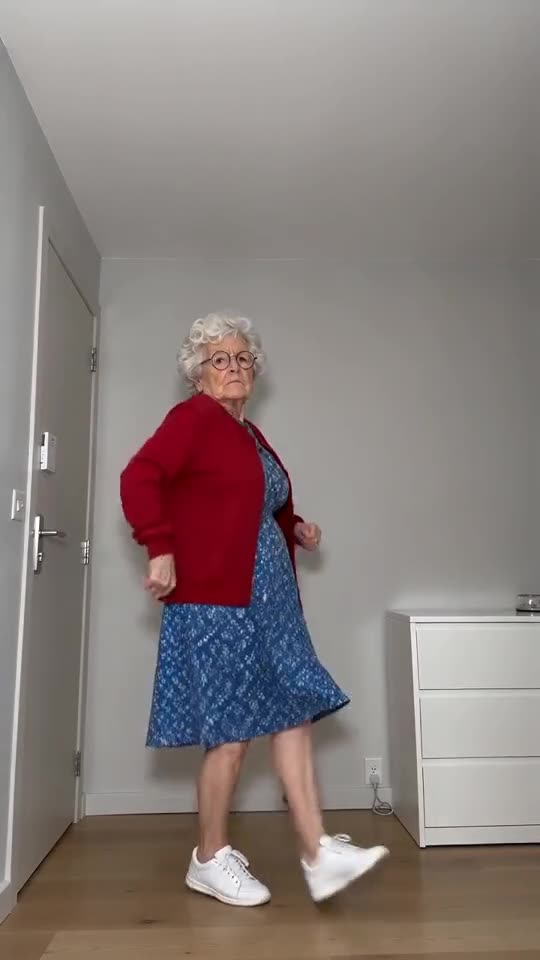
NewToc Toc Dance AI
11s · 1 photo · free preview
- Make mine →
 New
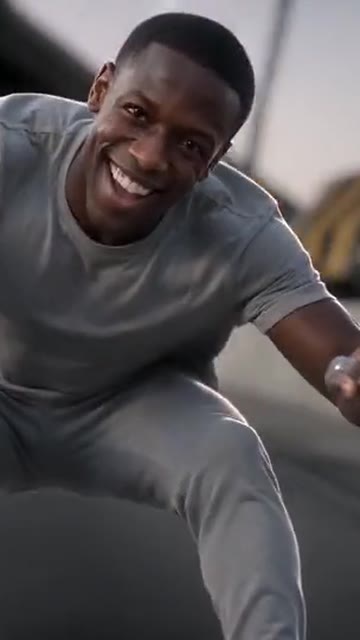
NewCrazy Frog AI Chase
15s · 1 photo · free preview
- Make mine →
 New
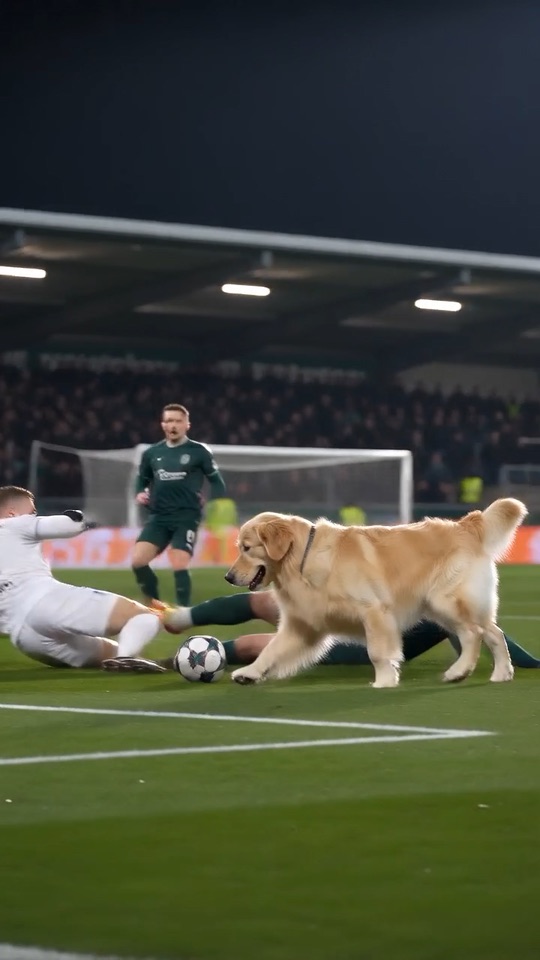
NewOzil Goal AI
10s · 1 photo · free preview
- Make mine →
 Halloween
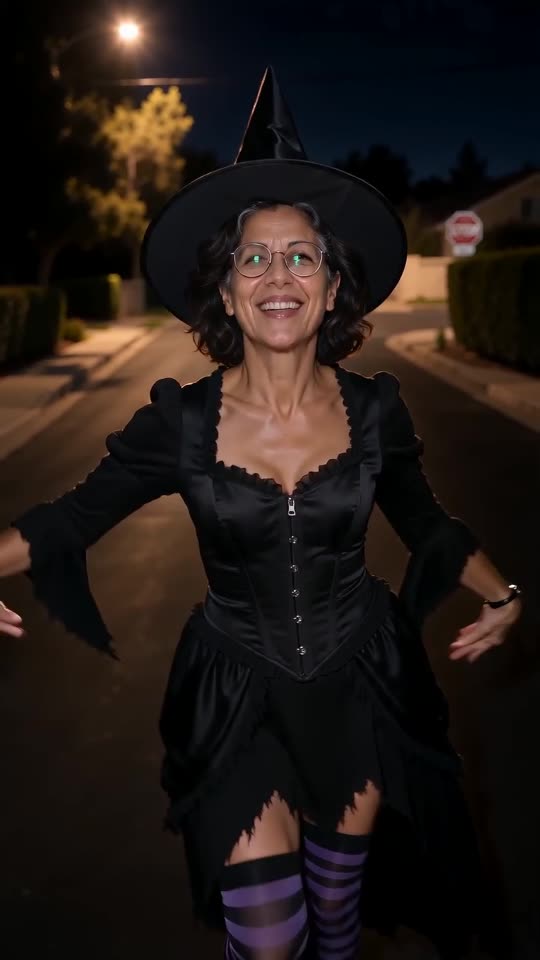
Ramalama AI
12s · 1 photo · free preview
- Make mine →
 New
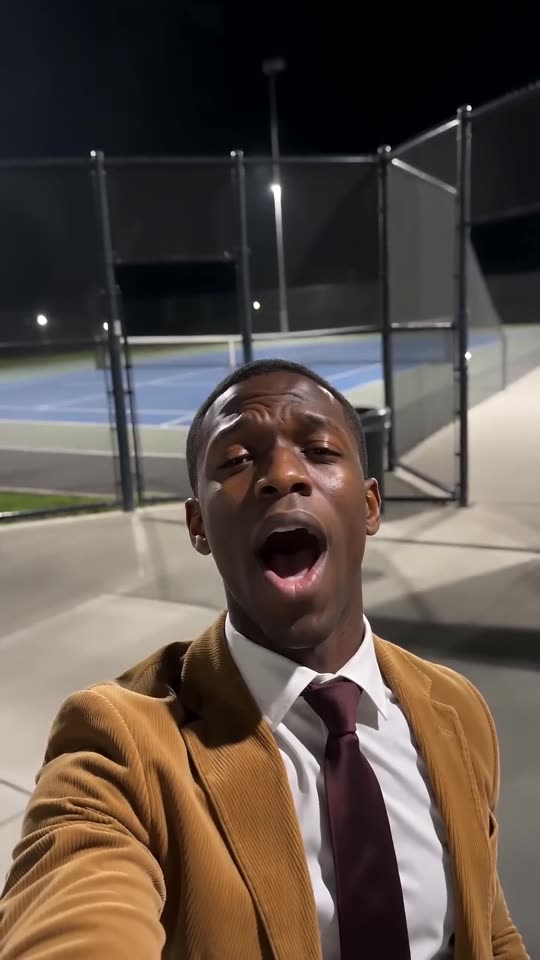
NewI Wanna Love You AI
10s · 1 photo · free preview
- Make mine →
 New
NewBanana Tree Run AI
11s · 1 photo · free preview
- Make mine →
 New
NewMoney Flex AI
10s · 1 photo · free preview
- Make mine →
 New
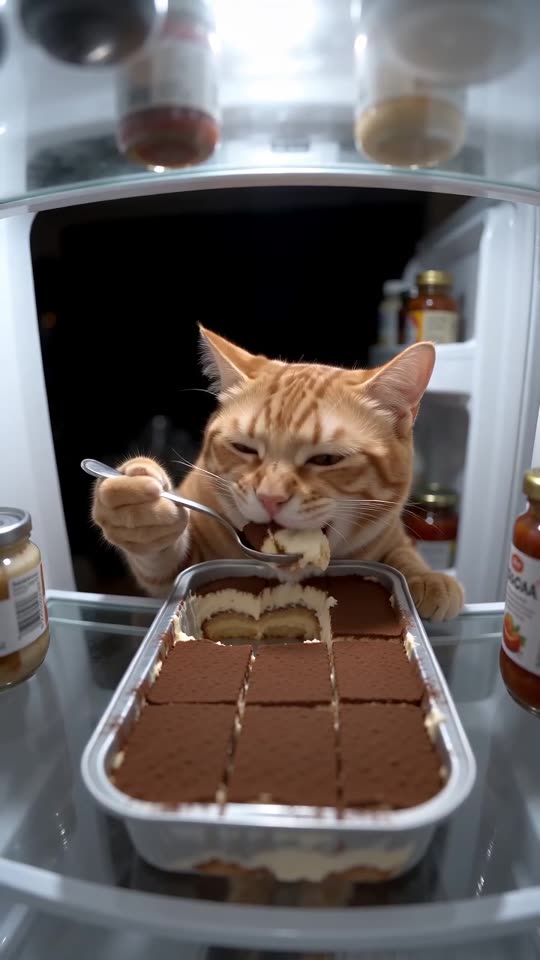
NewPet Fridge Cake Heist AI
15s · 1 photo · free preview
- Make mine →
 New
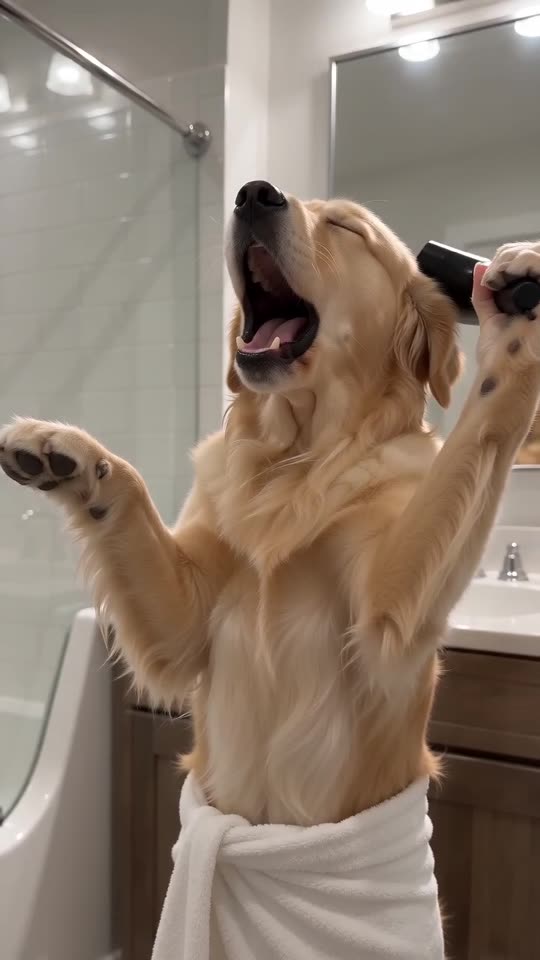
NewSinging Pet AI
10s · 1 photo · free preview
- Make mine →
 New
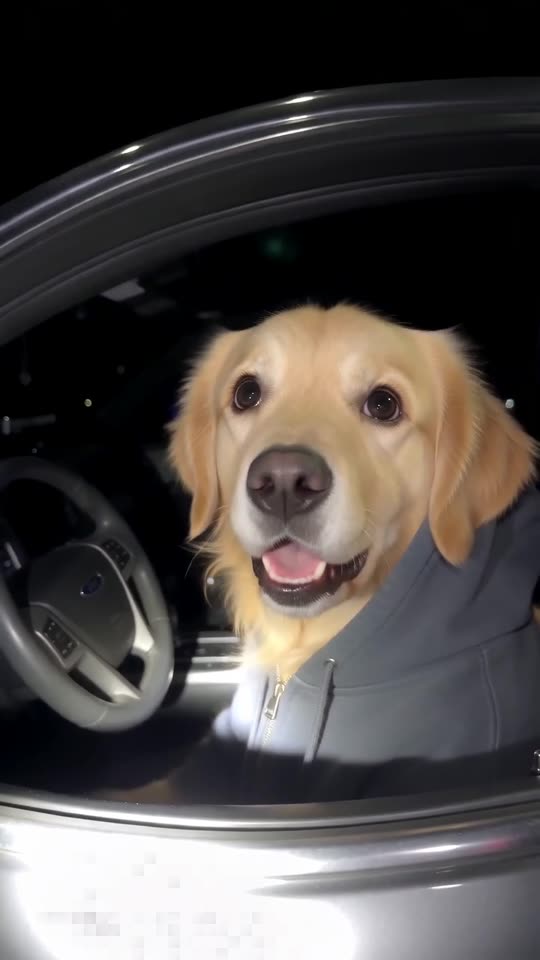
NewWhat Stop Sign AI
11s · 1 photo · free preview
What each trend is
Tip Toe in My Jordans AI
Two photos, one barn-dance tiptoe. Make your own.
Bby Wow Guy AI
Walk through the party to the lens, take a bite, hold the stare. Needs 1 photo.
Unforgettable Car AI
Swipe the cards, reveal the car you picked. Needs 1 photo.
Smalltown Boy AI Dance
Scream with both hands on your head, swap, then dance side by side. Needs 2 photos.
Hit the Road Dude AI
Lean out of the vehicle and tell them to hit the road. Needs 1 photo.
Spooky Scary Skeletons AI
Be the caped vampire doing the skeleton dance beneath an orange moon. A single photo does it.
ABCDEFG I Need Money AI
Mouth the letters, pull the faces, ask for cash. Works from a single adult or pet photo.
Alors on Danse AI
One of you plays a tiny keyboard without a flicker of emotion while the other hypes. You need 2 photos.
Toc Toc Dance AI
Hop, knock on thin air, freeze, and never smile. One photo is all it takes.
Crazy Frog AI Chase
Crouch on an invisible bike above a highway with the police on your tail. Needs 1 photo.
Ozil Goal AI
Dribble, chip the keeper, walk it into an empty net. All it takes is one photo.
Ramalama AI
Boots on the beat, a quick tilt-up, and suddenly you are in costume. One photo does it.
I Wanna Love You AI
A suit, a late selfie by the tennis court and a lot of feeling. Your photo does the singing.
Banana Tree Run AI
Sprint and leap over the tops of banana leaves like an action hero. Your photo is the runner.
Money Flex AI
Clutch the cash, push it at the camera, tear a wrapper and flash the notes. One photo of you or your dog.
Pet Fridge Cake Heist AI
A shelf camera catches a pet demolishing a tray of tiramisu, then the door slams. One photo is enough.
Singing Pet AI
Your dog or cat in a bath towel, hair dryer for a mic, one huge opera note. A single photo does it.
What Stop Sign AI
Your dog or cat in a hoodie, pulled over at night, giving the bodycam its most clueless stare. One photo.
Four finished My Ride Is Here videos
These clips were made with Tip Toe AI from one AI-generated photo each, with a different place, outfit and ending every time. Yours follows your own photo, so faces, motion and sound will differ.
- Made with Tip Toe AI
Forest road, witch outfit, fly away
A rider in a pointed black hat and a long black dress glides beside the car window over a forest dirt road under grey skies, waves at the lens, then shoots up toward the treetops.
Place: Forest road · Outfit: Witch hat and dress · Ending: Fly away
Input photo
10s · 720p · AI-generated audio · Made 2026-10-21
Generated with Tip Toe AI
AI-generated wind, engine and a light spooky tune. No singing and no speech.
Example people and pets are fictional, and the input photos are AI-generated.
- Made with Tip Toe AI
Suburb, own clothes, fly away
A young woman with curly hair and a red top sits side-saddle on the broom at the window of a car on a sunny suburban street, waves, then lifts off over the rooftops.
Place: Suburban street · Outfit: My outfit · Ending: Fly away
Input photo
10s · 720p · No sound · Made 2026-10-21
Generated with Tip Toe AI
AI-generated wind, engine and a light spooky tune. No singing and no speech.
Example people and pets are fictional, and the input photos are AI-generated.
- Made with Tip Toe AI
City at night, own clothes, crash
A young man in a green jacket rides alongside, then clips a signpost on a lit city street and ends up sitting dazed on a grass strip with shop windows glowing behind him.
Place: City at night · Outfit: My outfit · Ending: Crash into a sign
Input photo
10s · 720p · No sound · Made 2026-10-21
Generated with Tip Toe AI
AI-generated wind, engine and a light spooky tune. No singing and no speech.
Example people and pets are fictional, and the input photos are AI-generated.
- Made with Tip Toe AI
Suburb, witch outfit, crash
A dog wearing a tiny witch hat rides close to the window, looks back, bumps into a STOP sign and lands on the grass beside the broom.
Place: Suburban street · Outfit: Witch hat and dress · Ending: Crash into a sign
Input photo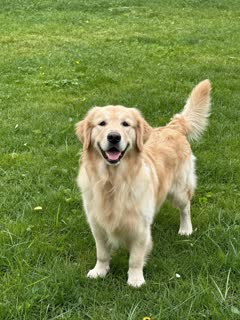
10s · 720p · No sound · Made 2026-10-21
Generated with Tip Toe AI
AI-generated wind, engine and a light spooky tune. No singing and no speech.
Example people and pets are fictional, and the input photos are AI-generated.
Each example here is a real run of this generator on one photo; none of them is a TikTok download.
Examples show the format and are not a promise of identical output.
Where this trend comes from
- @brandytuan3245 · TikTok · Sep 22, 2026 — Earliest template video
- @rora_dd · TikTok · Sep 27, 2026 · 550K views — Caption "¡Ya llegó mi transporte!" gave the trend its name
- @shaseighthenesl114 · TikTok · Sep 28, 2026 · 1.6M views — Most-viewed live-action version
- @strangeai · TikTok · Oct 6, 2026 · 720K views — Story spin-off with dialogue
- @aiman_nazarovna · Instagram · Oct 11, 2026 — Forest-road version
The links open the original posts on their own platforms. Tip Toe AI is not affiliated with these creators and does not host their videos.
How it works: three steps
No filming, no green screen, no editing app and no prompt to write.
Pick one photo of the rider
Choose a clear photo with the face visible, head and shoulders or upper body: you, a friend, a pet, or a toy or character you own. JPG, PNG or WebP, up to 10 MB.
Choose the options and run the preview
Choose 9:16 or 16:9, pick the place, the outfit and the ending, tick the photo-consent box and log in with Google. Each account gets 1 free 5-second 480p preview, shared by every template.
Make the full video
Spend 100 credits on a 10-second 720p video. You can close the tab while it renders, and the result waits in My videos.
How to put the original sound on your video in TikTok
Every video you make here comes with an AI-made soundtrack of its own. If you would rather use the trending sound, add it inside TikTok when you post. You can also grab the version without music from My videos and lay the original sound over that.
- Open the original post of this trend in TikTok, tap the sound name at the bottom of the screen, then tap Use this sound.
- Tap Upload and choose the video you downloaded from us.
- Open Volume and turn the video's own sound down to 0, or use the Download without music version from My videos.
- To line the clip up with the beat, trim the sound so it starts at 0 seconds, then post.

Need the sound to start somewhere else? This short video shows how to trim it.

Video: How To Trim Sound On TikTok 2026 (Very Easy) by Software Solutions on YouTube
Pay once, no subscription
Pay only for the videos you keep. One 10-second My Ride Is Here video takes 100 credits.
100 credits
$9.90
Up to 1 video
Every template: 100 credits per full video
Includes 1 bonus preview
One-time payment, no subscription
- Most popularSave 33%
300 credits
$19.90
Up to 3 videos
Every template: 100 credits per full video
Includes 3 bonus previews
One-time payment, no subscription
- Best valueSave 40%
500 credits
$29.90
Up to 5 videos
Every template: 100 credits per full video
Includes 5 bonus previews
One-time payment, no subscription
- Secure checkout by Waffo
- Instant credits
- 7-day refund on unused packs
- Failed videos refunded
My Ride Is Here AI: questions and answers
How many photos does the My Ride Is Here template need, and is a selfie enough?
One: the rider, and a selfie is enough. Upload a single clear photo with the face visible, head and shoulders or upper body, and skip mirror selfies. JPG, PNG or WebP up to 10 MB.
So what is the My Ride Is Here trend?
It is a Halloween-season video format. Filmed as if from a moving car, a person or a pet sits side-saddle on a broom right beside the window, looks back at the camera as if the broom were a ride they had called, then flies off. It spread on TikTok from late September 2026, first as a CapCut template.
Where does the My Ride Is Here trend come from?
It grew out of CapCut broom templates shared on TikTok from late September 2026, around Halloween. A comic crash ending appeared a few weeks later. We read what is public and did not verify view counts; Tip Toe AI has no link to the people who posted the clips.
Can I change the place, the outfit or the ending?
Yes, from presets. Place: suburban street (the default), forest road or city at night. Outfit: your own clothes (the default) or a witch hat and black dress. Ending: fly away (the default) or crash into a road sign. Options cost nothing extra, and there is no box for your own prompt.
Can my dog or cat be the rider?
Yes. Upload a clear, front-facing pet photo and the pet sits on the broom with its paws on the handle and its fur blowing in the wind. Pick the witch outfit for a tiny hat. Pet results vary, so run the preview first.
How did My Ride Is Here get its name?
A Spanish caption on one early version said the rider’s transport had arrived, and the English name stuck. The names guide lists the other names people use.
Is there sound, and which song is it?
There is no song. The clip has wind, the car’s engine and tyres, and a light, playful, spooky tune, all generated with the picture. There is no singing and no speech, and the sound differs between runs, so add your own sound in TikTok if you want a specific one.
How long is the video, and is it vertical?
A full video is 10 seconds at 720p. Pick 9:16 for TikTok, Reels and Shorts, or 16:9 for a wide shot. The preview is 5 seconds at 480p.
How long does it take to make?
Usually two to four minutes. You can close the page while it renders and open the finished video later under My videos.
Is the My Ride Is Here video generator free?
The preview is free: 1 per account for life, plus one per network every 30 days, and it works on any template. A full video takes 100 credits, with credit packs from $9.90. There is no subscription and no watermark. The 100-credit pack also includes 1 bonus preview. The 300-credit pack also includes 3 bonus previews. The 500-credit pack also includes 5 bonus previews.
How is this different from a CapCut template?
A CapCut template asks you to set up your own footage or photos inside the app. Tip Toe AI needs one photo and no app: the broom, the car window, the handheld shot and the ending are generated for you.
Is there a prompt box, or do I describe the My Ride Is Here scene myself?
No. The broom, the car window, the handheld shot and the ending are built in, so there is no prompt box. You choose the video shape, the place, the outfit and the ending from presets. To experiment in a tool of your own, the Seedance prompt page has a prompt you can copy.
Which apps do creators use for the My Ride Is Here trend?
The trend spread through CapCut templates, and some creators prompt general AI video models instead. Tip Toe AI is a browser tool for this one clip: add a photo, pick the presets and the video comes back, with no app to install.
Do the trend’s original posters have anything to do with this site?
No. Tip Toe AI is an independent AI tool with no link to the people behind the original clips, TikTok, Instagram or CapCut. Your video shows your photo, never the people from the clips.
What happens if a video fails, and when are my photos deleted?
A failed generation returns its credits automatically, and unused packs can be refunded within 7 days (see the refund policy). Photos are stored privately and deleted automatically 14 days after upload; the privacy policy has the details.
Are the examples on this page really generated?
They are generated, not downloaded from TikTok: each clip above came out of our AI pipeline from a single photo (shown under each clip). The sound in each clip is AI-made too, as the label under it says; add the trending sound yourself when you post. Any links to other people's posts are plain text links that open on their own platform.
My Ride Is Here guides
Short answers about the My Ride Is Here template, one question per page.
Ways to play
Prompts to copy
Comparisons
Questions? Email support@tiptoeinginmyjordans.dev.
Tip Toe AI is an independent AI tool. Not affiliated with or endorsed by the people who posted the original clips or any social platform.