Crazy Frog AI Chase Video Generator
Drop your photo into the invisible-bike chase. You crouch in mid-air with your fists out on handlebars that do not exist, speed along a highway at dusk and look back as a police hoverbike catches up. The rider is you, a friend or your dog, never the frog cartoon. The video runs 15 seconds, wide by default, and is cut like the original clip so the original sound fits. The first 5-second preview is free.
- Free 5s preview · 15s HD for 100 credits
- 1 photo
- 16:9 or 9:16
- No watermark
Trending AI templates
More viral video templates you can make from your own photos. Credits work on every template.
- Make mine →
 Trending2 people
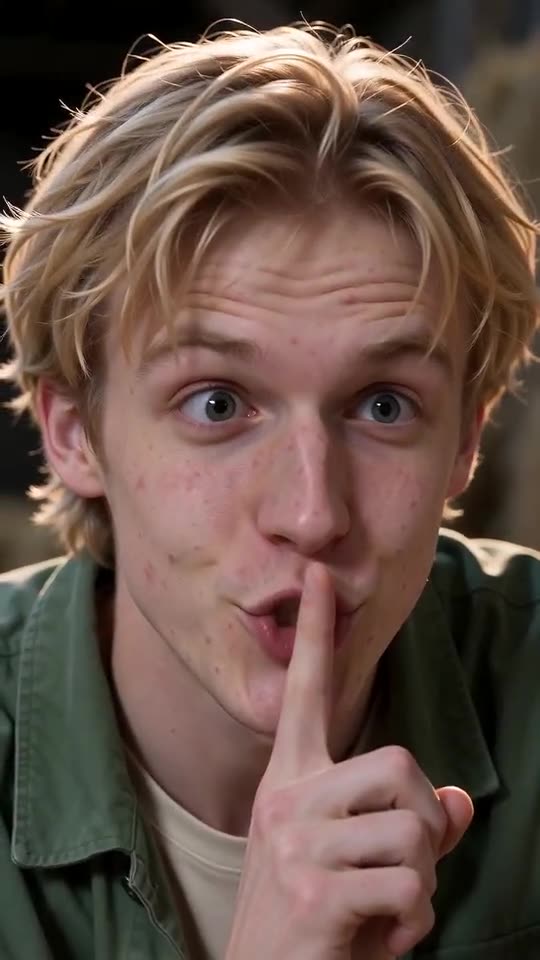
Tip Toe in My Jordans AI
15s · 2 photos · free preview
- Make mine →
 Trending
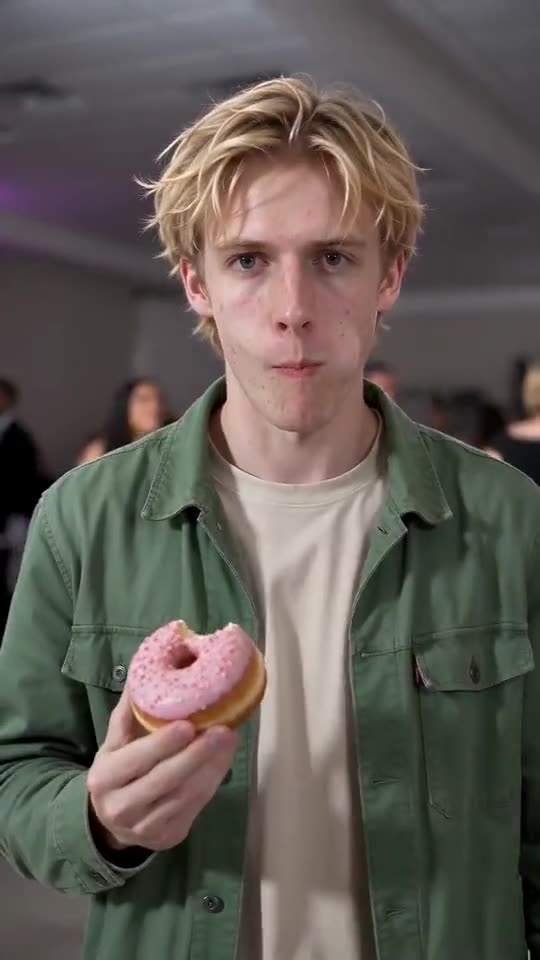
Bby Wow Guy AI
9s · 1 photo · free preview
- Make mine →
 Trending
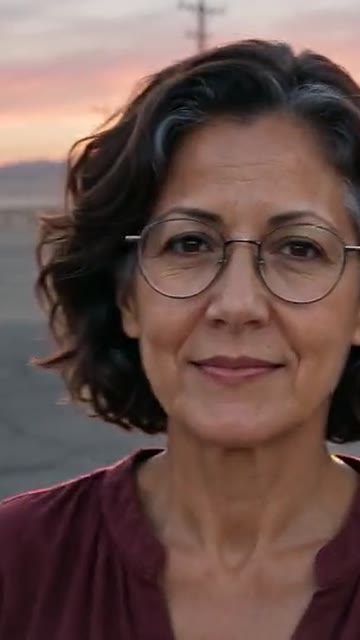
Unforgettable Car AI
9s · 1 photo · free preview
- Make mine →
 Trending2 people
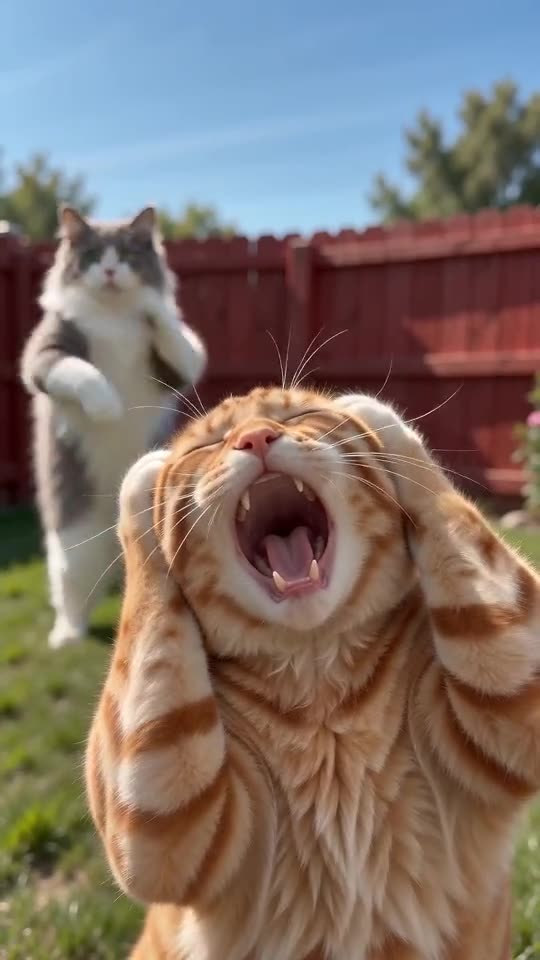
Smalltown Boy AI Dance
15s · 2 photos · free preview
- Make mine →
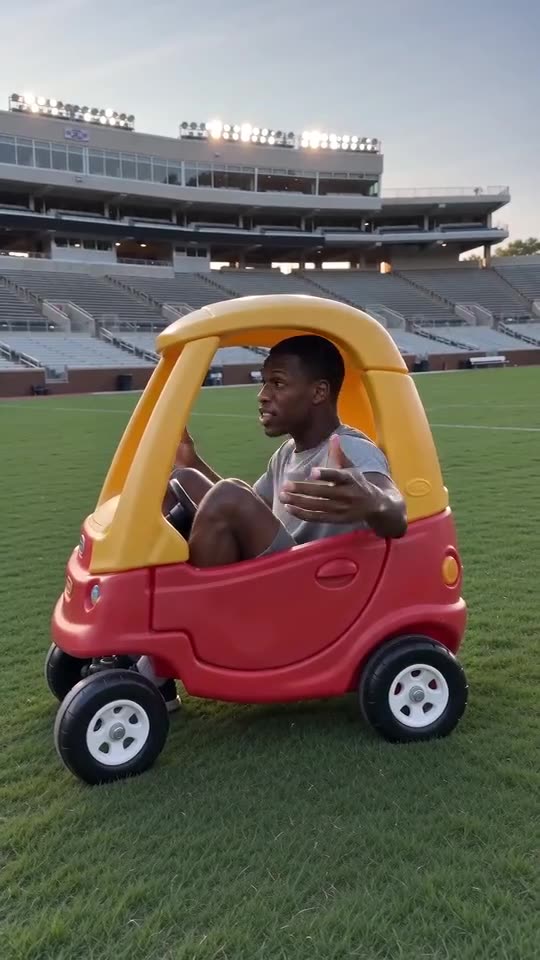 Trending
Hit the Road Dude AI
15s · 1 photo · free preview
- Make mine →
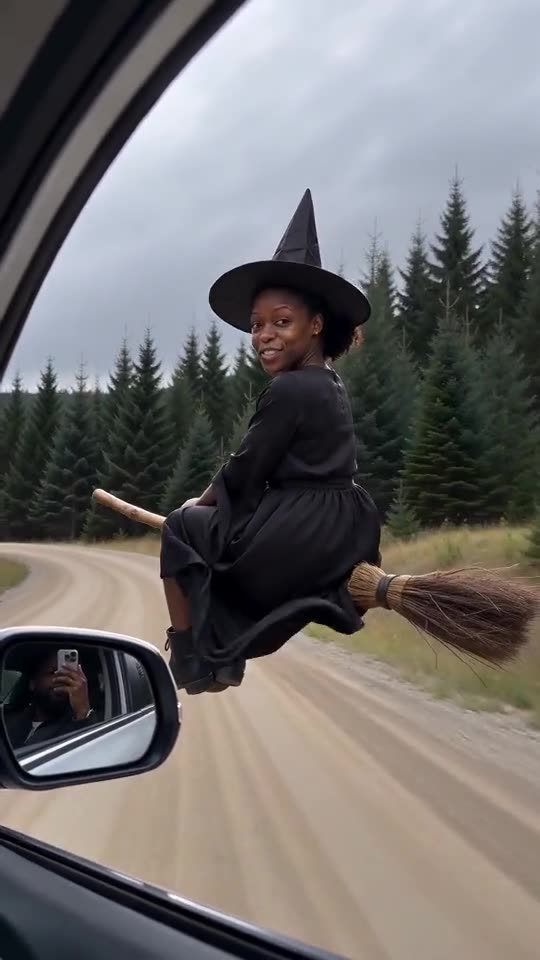 Trending
My Ride Is Here AI
10s · 1 photo · free preview
- Make mine →
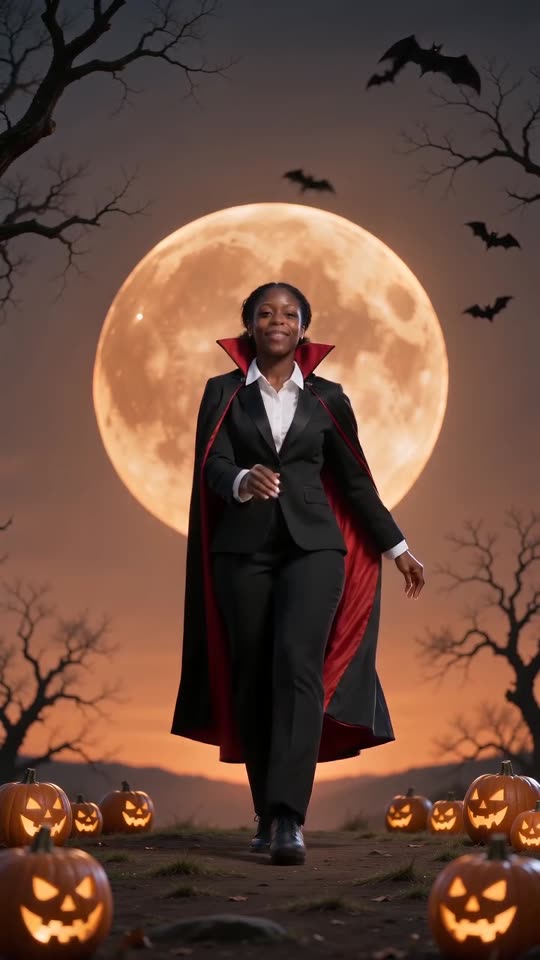 Halloween
Spooky Scary Skeletons AI
11s · 1 photo · free preview
- Make mine →
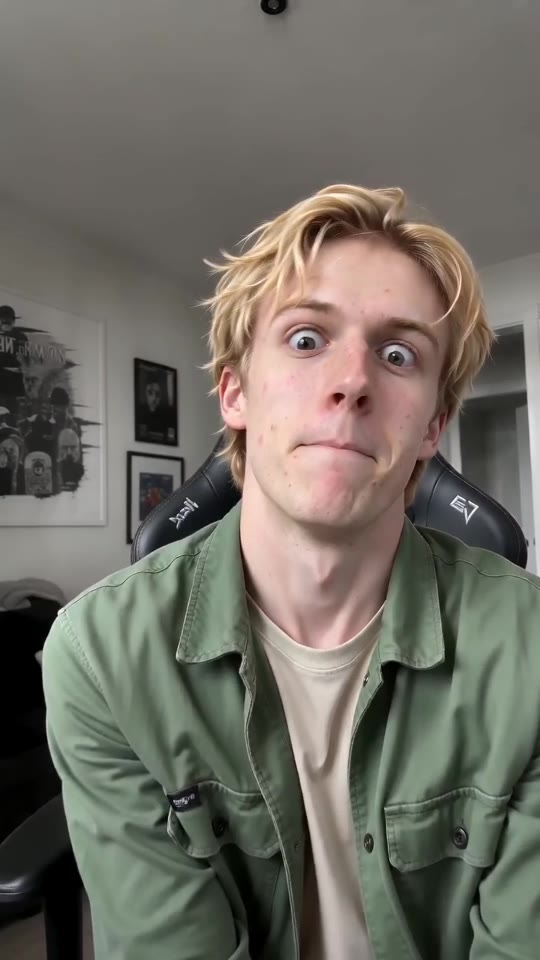 New
NewABCDEFG I Need Money AI
11s · 1 photo · free preview
- Make mine →
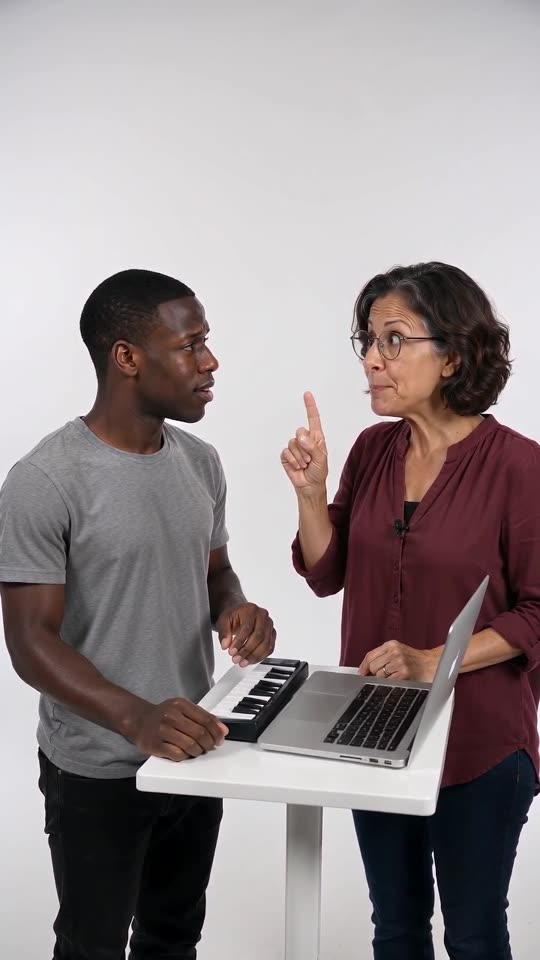 New2 people
Alors on Danse AI
15s · 2 photos · free preview
- Make mine →
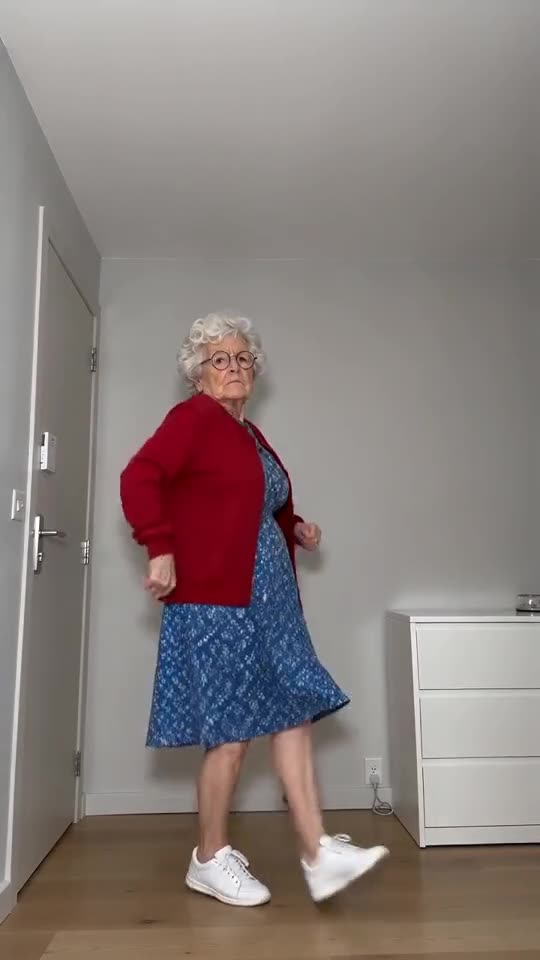 New
NewToc Toc Dance AI
11s · 1 photo · free preview
- Make mine →
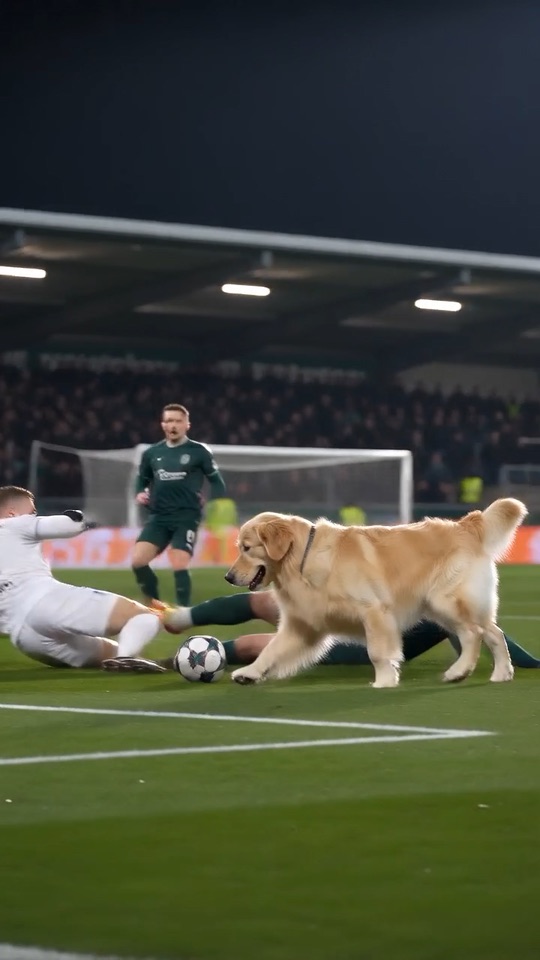 New
NewOzil Goal AI
10s · 1 photo · free preview
- Make mine →
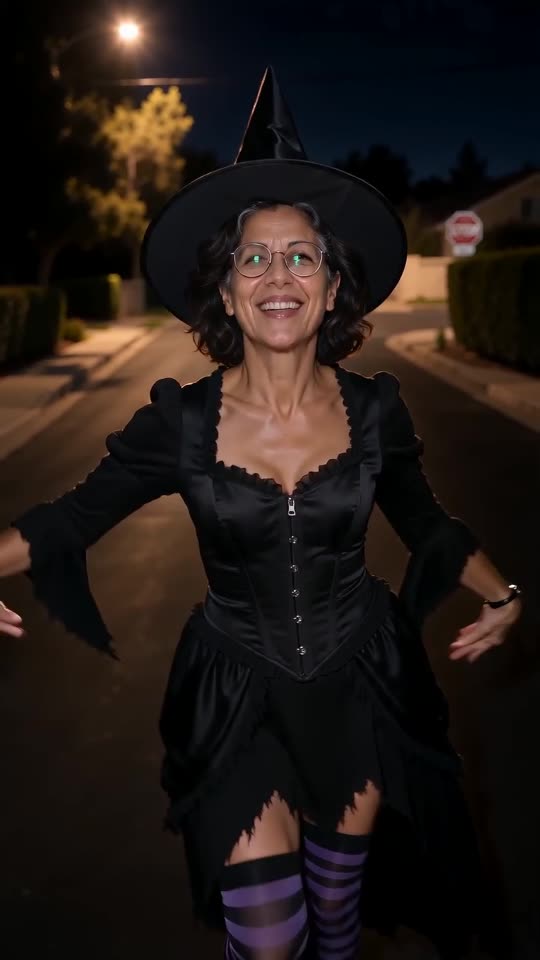 Halloween
Ramalama AI
12s · 1 photo · free preview
- Make mine →
 New
NewI Wanna Love You AI
10s · 1 photo · free preview
- Make mine →
 New
NewBanana Tree Run AI
11s · 1 photo · free preview
- Make mine →
 New
NewMoney Flex AI
10s · 1 photo · free preview
- Make mine →
 New
NewPet Fridge Cake Heist AI
15s · 1 photo · free preview
- Make mine →
 New
NewSinging Pet AI
10s · 1 photo · free preview
- Make mine →
 New
NewWhat Stop Sign AI
11s · 1 photo · free preview
What each trend is
Tip Toe in My Jordans AI
Two photos, one barn-dance tiptoe. Make your own.
Bby Wow Guy AI
Walk through the party to the lens, take a bite, hold the stare. Needs 1 photo.
Unforgettable Car AI
Swipe the cards, reveal the car you picked. Needs 1 photo.
Smalltown Boy AI Dance
Scream with both hands on your head, swap, then dance side by side. Needs 2 photos.
Hit the Road Dude AI
Lean out of the vehicle and tell them to hit the road. Needs 1 photo.
My Ride Is Here AI
Ride a broom beside a moving car, then fly off. Needs 1 photo.
Spooky Scary Skeletons AI
Be the caped vampire doing the skeleton dance beneath an orange moon. A single photo does it.
ABCDEFG I Need Money AI
Mouth the letters, pull the faces, ask for cash. Works from a single adult or pet photo.
Alors on Danse AI
One of you plays a tiny keyboard without a flicker of emotion while the other hypes. You need 2 photos.
Toc Toc Dance AI
Hop, knock on thin air, freeze, and never smile. One photo is all it takes.
Ozil Goal AI
Dribble, chip the keeper, walk it into an empty net. All it takes is one photo.
Ramalama AI
Boots on the beat, a quick tilt-up, and suddenly you are in costume. One photo does it.
I Wanna Love You AI
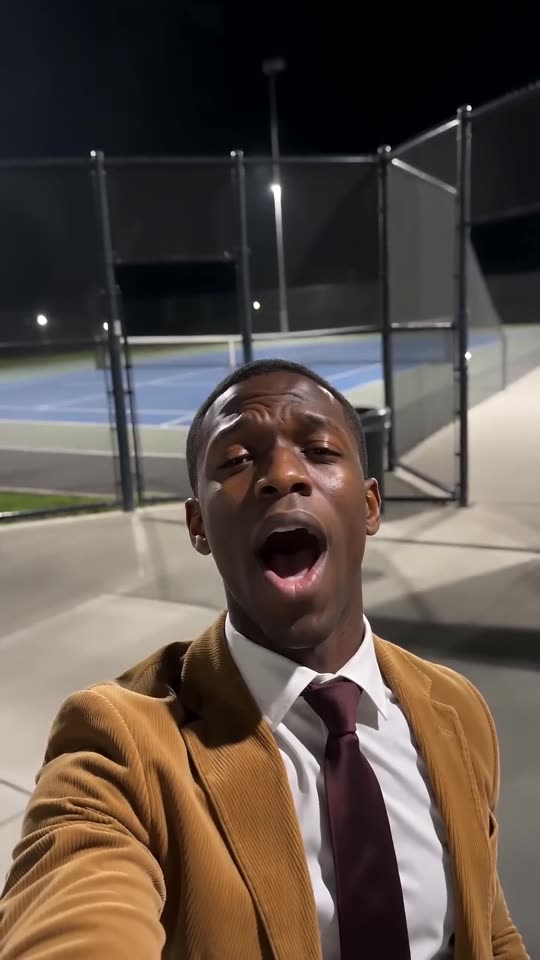
A suit, a late selfie by the tennis court and a lot of feeling. Your photo does the singing.
Banana Tree Run AI
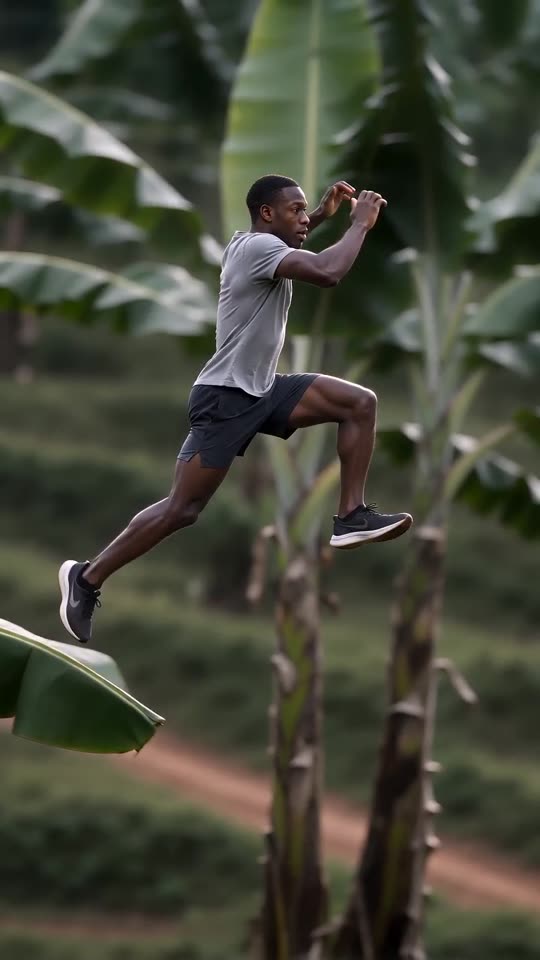
Sprint and leap over the tops of banana leaves like an action hero. Your photo is the runner.
Money Flex AI
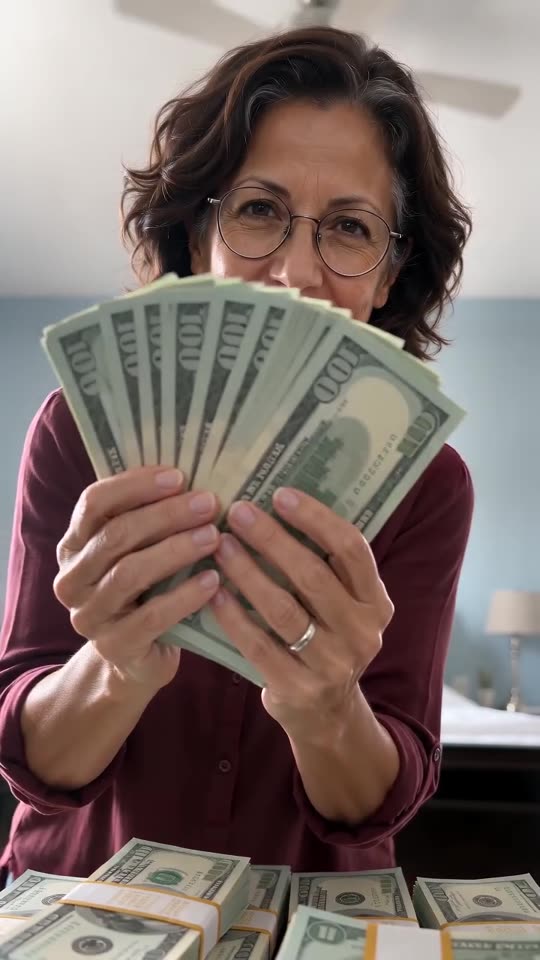
Clutch the cash, push it at the camera, tear a wrapper and flash the notes. One photo of you or your dog.
Pet Fridge Cake Heist AI
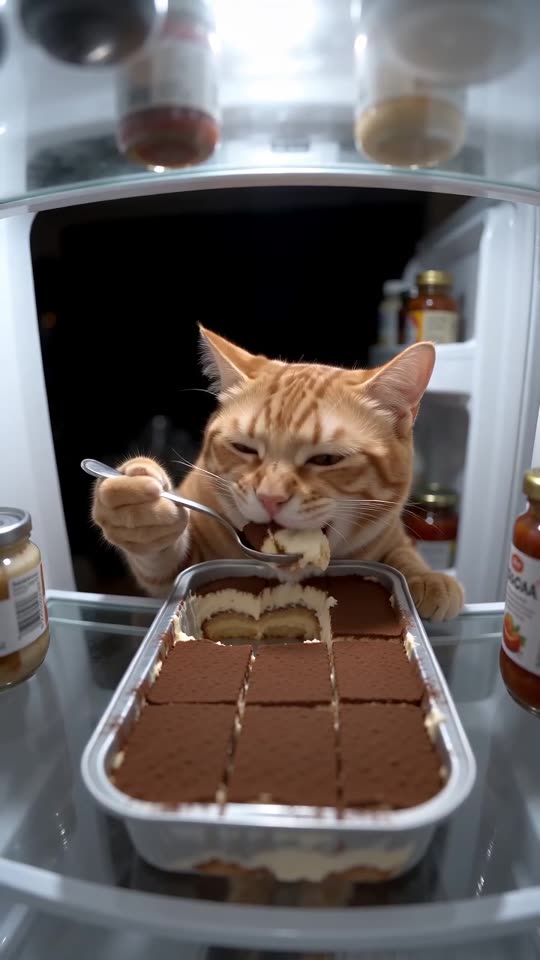
A shelf camera catches a pet demolishing a tray of tiramisu, then the door slams. One photo is enough.
Singing Pet AI
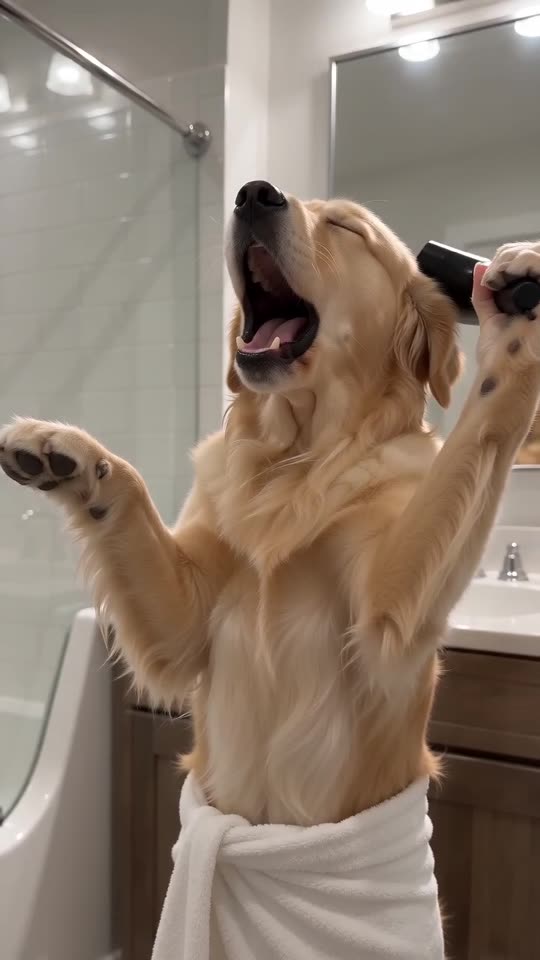
Your dog or cat in a bath towel, hair dryer for a mic, one huge opera note. A single photo does it.
What Stop Sign AI
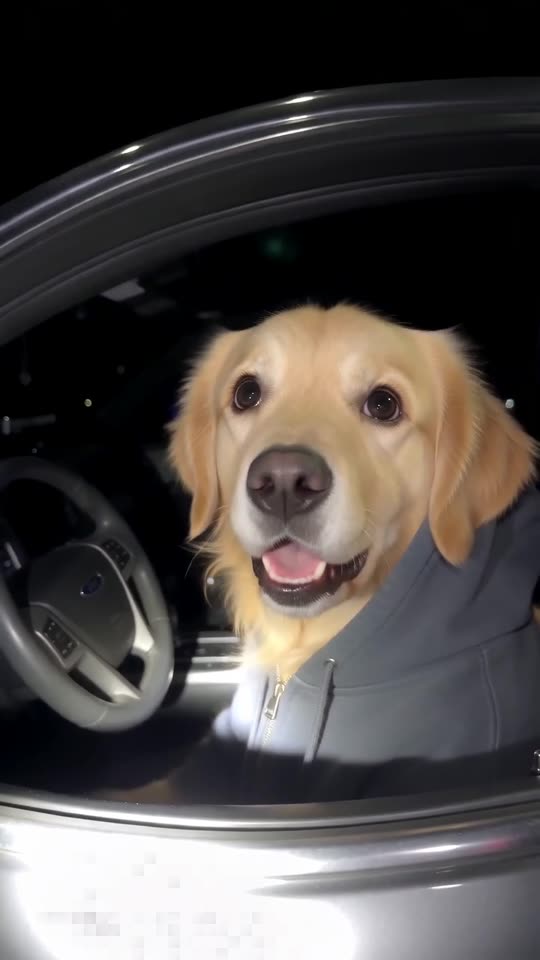
Your dog or cat in a hoodie, pulled over at night, giving the bodycam its most clueless stare. One photo.
Two Crazy Frog chase videos we made
Both clips came out of Tip Toe AI, each starting from a single AI-generated picture: an imaginary young man and a dog. Your own result follows your own photo, so faces, motion and sound will differ from these.
- Made with Tip Toe AI
A man rides the invisible bike with police on his tail
At dusk on an elevated highway, a young man in a grey T-shirt crouches in mid-air, grinning, fists forward around two tiny grips. Then he glances back and sees a police officer on a white hoverbike with red lights and cyan thrusters gaining on him.
Input photo
15 seconds · 720p · AI-generated audio · Made 2026-10-21
Generated with Tip Toe AI
An AI-made dance beat with wind, a hover engine and a siren, not the original song.
The people and pets in the examples are fictional, and the input photos are AI-generated.
- Made with Tip Toe AI
Golden retriever, invisible bike
On the same highway a golden retriever crouches in mid-air, tongue out, both front paws reaching forward as if gripping handlebars. When it spots the hoverbike behind, its paws shoot up.
Input photo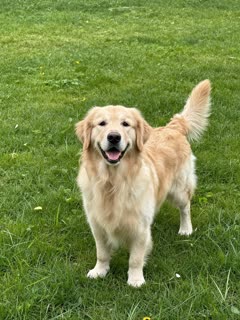
15 seconds · 720p · AI-generated audio · Made 2026-10-21
Generated with Tip Toe AI
An AI-made dance beat with wind, a hover engine and a siren, not the original song.
The people and pets in the examples are fictional, and the input photos are AI-generated.
None of the videos above comes from TikTok. Each one was generated by our AI pipeline from one photo, the same way yours will be.
The examples show the format. They do not promise identical output.
Where this trend comes from
- @edmclipig · TikTok · Oct 6, 2026 · 3.2M views — Throwback to the original Crazy Frog animation
- @roksitt_ · TikTok · Oct 7, 2026 · 210.9K views — AI chase version
- @shirawiggles · TikTok · Oct 9, 2026 · 131.8K views — AI princess version
- @downey.ai · TikTok · Oct 10, 2026 · 101.5K views
- @wdmowski · TikTok · Oct 12, 2026 · 272.7K views
The links open the original posts on their own platforms. Tip Toe AI is not affiliated with these creators and does not host their videos.
Three steps from photo to video
You do not film anything or write a prompt, and you need no green screen or editing app.
Upload the rider’s photo
The rider can be you, an adult friend who agreed or a pet; show the face clearly. Accepted files are JPG, PNG and WebP, 10 MB maximum.
Pick a format and try the preview
Select wide 16:9 (the default, as in the original clips) or tall 9:16, pick the place, tick the photo-consent box and sign in with Google. Every account gets 1 free 5-second 480p preview, which covers all templates.
Render the full video
The full 15-second 720p video is 100 credits. You may close the tab during rendering; the result is saved in My videos.
How to put the original sound on your video in TikTok
Every video you make here comes with an AI-made soundtrack of its own. If you would rather use the trending sound, add it inside TikTok when you post. You can also grab the version without music from My videos and lay the original sound over that.
- Open the original post of this trend in TikTok, tap the sound name at the bottom of the screen, then tap Use this sound.
- Tap Upload and choose the video you downloaded from us.
- Open Volume and turn the video's own sound down to 0, or use the Download without music version from My videos.
- To line the clip up with the beat, trim the sound so it starts at 0 seconds, then post.

Need the sound to start somewhere else? This short video shows how to trim it.

Video: How To Trim Sound On TikTok 2026 (Very Easy) by Software Solutions on YouTube
Pay once, no subscription
You pay only for videos you keep. A 15-second Crazy Frog Chase video costs 100 credits.
100 credits
$9.90
Up to 1 video
Every template: 100 credits per full video
Includes 1 bonus preview
One-time payment, no subscription
- Most popularSave 33%
300 credits
$19.90
Up to 3 videos
Every template: 100 credits per full video
Includes 3 bonus previews
One-time payment, no subscription
- Best valueSave 40%
500 credits
$29.90
Up to 5 videos
Every template: 100 credits per full video
Includes 5 bonus previews
One-time payment, no subscription
- Secure checkout by Waffo
- Instant credits
- Unused packs refundable within 7 days
- Failed videos refunded
Crazy Frog Chase AI: questions and answers
How many photos does the Crazy Frog Chase template take, and is a selfie enough?
One is all it takes, and it should show the rider, so a selfie works. Choose a crisp picture of yourself, an adult friend or a pet, face in view, framed from the shoulders or chest up, and skip mirror shots. Accepted files: JPG, PNG or WebP, 10 MB at most.
What is the Crazy Frog chase trend, and what do people do in these videos?
It is a TikTok craze from October 2026. Someone hunches in mid-air as if riding a motorbike that is not there, fists forward, and speeds down a highway while police hoverbikes close in. The pose comes from a ringtone cartoon of the 2000s, and the AI versions put your picture in its place.
Where does the Crazy Frog pose come from, and when did the AI clips appear?
The cartoon began as a vocal imitation of a moped engine and became a ringtone hit in 2005. AI takes on the pose surfaced in early October 2026, and the most copied one shows a man in a beige suit pursued by a white hoverbike. Tip Toe AI has no ties to any of them.
Is the dance song inside my video?
No. The trend sits on a 2005 dance track, but your file carries AI-made music instead, with wind, a hover engine and a siren. You can also download a silent copy.
Can I put the original sound on it and keep the beat?
Yes. Timing follows the original from second 0, so the cuts land on the beat once you attach the sound. Use the silent copy, hit Add sound in TikTok or Reels and pick the original. Full steps are in the sound guide.
Would my pet make a good rider?
Yes, as long as the photo is sharp and the animal looks into the lens. The pet squats in mid-air, front paws stretched out like it is holding handlebars, ears flying back. Animals are less predictable than people, so run the free preview first. More in the pets and friends guide.
Does the cartoon frog itself appear?
Never. Tip Toe AI puts your own picture in the same hunched pose on a bike that is not there. The police officer and the hoverbike are generated, and the site has nothing to do with whoever owns the character.
Can I change the place, the shape or anything else?
Two things. The shape: wide 16:9 (the default, as in the original clips) or tall 9:16 for TikTok and Reels. The place: Dusk highway (the default), Night city street or Desert highway. Both are free. The chase, the camera and the sound are locked, and there is no prompt field.
How long is the video, and what resolution is it?
15 seconds at 720p for a full video, wide unless you switch to tall 9:16. Previews run 5 seconds at 480p.
How long does it take before the video is ready?
Typically two to four. Feel free to leave the page; the result will be sitting in My videos when you return.
Is the Crazy Frog AI generator free to try?
The preview is free, and it works on every template: 1 per account for life, plus one per network each 30 days. Beyond that, each full video costs 100 credits, and packs begin at $9.90. No subscription, no watermark.
How does this compare with a CapCut template?
CapCut and similar editors cut together footage you already own, which means you must have real clips of a rider and a chase. Tip Toe AI needs a single picture instead. It builds the highway, the hoverbike and the cuts itself, and there is nothing to install.
Is there a prompt box, or do I describe the Crazy Frog AI scene myself?
No. The chase, the camera cuts and the sound are fixed in the template, so there is no prompt field. You only pick the shape (16:9 or 9:16) and the place. Curious how the scene is described? The Seedance prompt page has a prompt you can copy into your own tool.
Which apps do creators use for the Crazy Frog AI trend?
Mostly CapCut templates, plus general AI video tools that need a written prompt. Tip Toe AI is a web page instead: upload one photo, pick the place and download the finished clip. No app, no editing.
Do you work with whoever started the trend?
No. Tip Toe AI stands alone as an independent tool. It has no link to the creators of the first clips, the owners of the character, TikTok or Instagram, and your video only ever shows your picture.
What if the render breaks, and when do my photos disappear?
If a generation fails, its credits are refunded without you asking. For an untouched pack, you have 7 days to ask for a refund (refund policy). Uploaded photos are kept privately and wiped automatically 14 days later; see the privacy policy.
Did you generate the Crazy Frog Chase examples yourselves?
Yes. Every example above was generated by our AI pipeline from a single photo (shown under each clip), not downloaded from TikTok or taken from anyone's account. Any links to other people's posts are plain text links that open on their own platform. The sound in each clip is AI-made too, as the label under it says; add the trending sound yourself when you post.
Crazy Frog Chase guides
Quick answers about the Crazy Frog Chase template, one question per page.
Ways to play
Prompts to copy
Questions? Email support@tiptoeinginmyjordans.dev.
Tip Toe AI is an independent AI tool. Not affiliated with or endorsed by whoever made the original clips, any music artist or label, or any social platform.