You Rock My World AI: Fist Bumps, a Hand Swipe and a Black-Tie Cut
Also called: You Rock My World Trend, Couple Outfit Transition, Rock My World Couple, Hand Swipe Outfit Change
Two people in everyday clothes knock fists and wiggle in time in a living room, one waves, a palm glides across the camera, and the picture snaps to a hallway where they pose arm in arm in black-tie outfits. Add one adult photo, or two for a pair, then pick the outfit, the room and the ending.
- 5s HD for 100 credits
- 1-2 photos
- 9:16 vertical
- No watermark
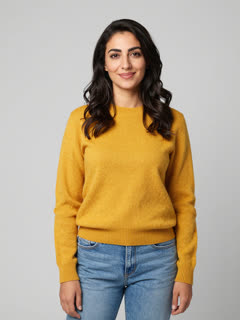 Photo 1
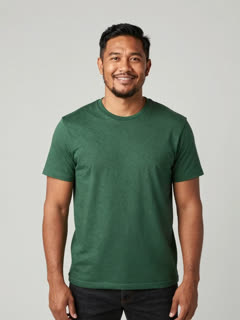 Photo 2
Any problem with your video? Email support@tiptoeinginmyjordans.dev first — a real person will sort it out for you.
The original TikTok trend
TikTok
@danielleschiller79
Original trend on TikTok
Quick answer
You Rock My World is a TikTok couple format: two adults knock fists and groove together in a home living room, one gives a wave, a palm glides over the camera, and the following frame finds the same pair dressed in black-tie in a hallway. You add 1 or 2 photos and get your 5-second 720p video. Packs start at $8.77, and there is no subscription. The original song is not included: the soundtrack is an original AI-generated beat, and you can add the official sound in TikTok when you post.
By Tip Toe AI Team · Updated:
Real results · photo to video
Two samples: a pair of portraits and a single portrait
The first clip was built from two AI-made portraits, one for each person. The second came from a single portrait, so the partner is an invented adult. Both keep the hard cut and the evening wear. The original post is lower down and plays only when you tap it.
- Input photoMade with Tip Toe AI
Two portraits, living room to hallway
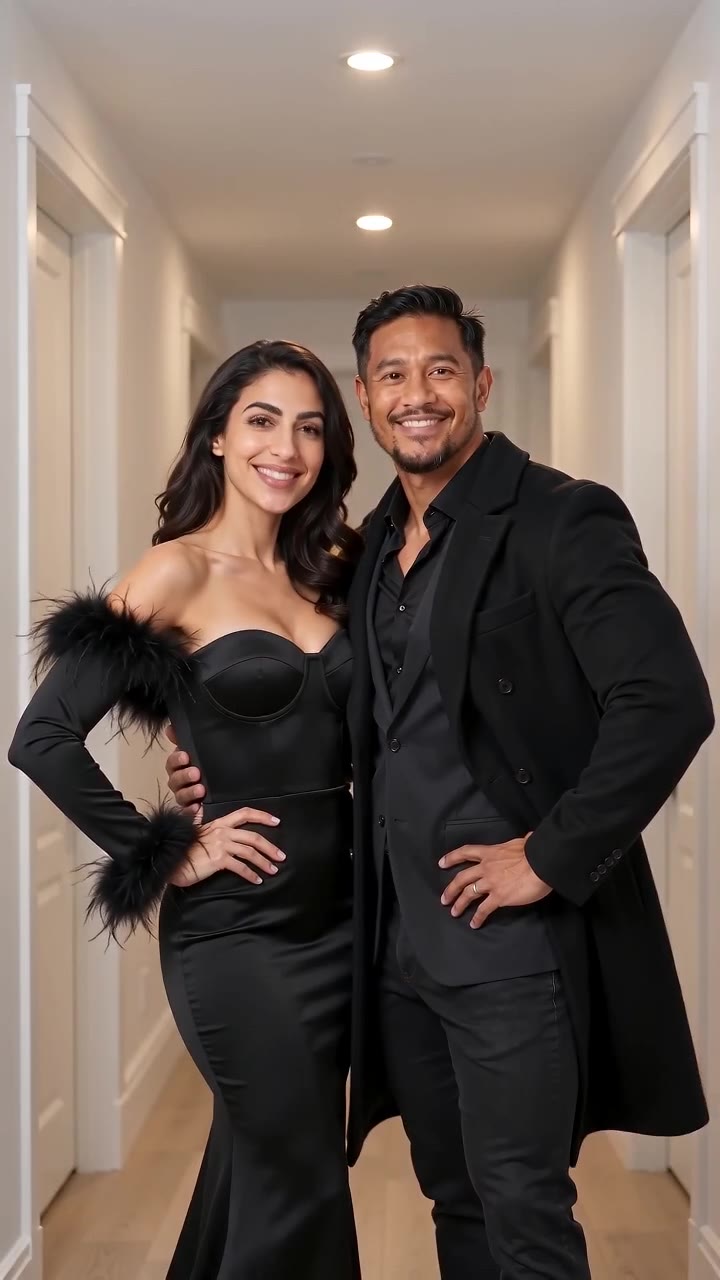
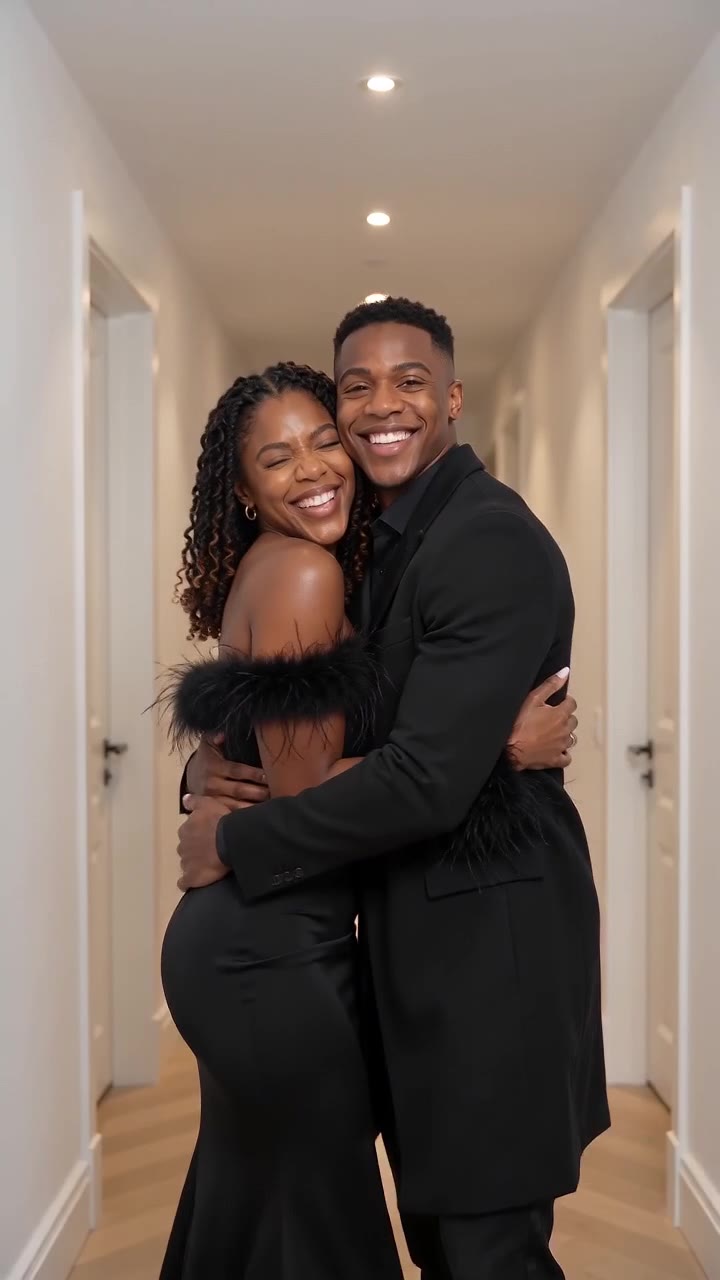
A woman in a mustard sweater and a man in a green tee bump fists in a living room, she waves a hand at the lens, and a cut lands them in black evening wear in a bright hallway, posing close. Two photos went in, and both people are invented.
Outfit after the cut: Evening wear · Room: Living room · Ending: Proud pose
AI-generated audio · 5s at 720p · Made 2026-11-23
Generated with Tip Toe AI
The audio in our clips is made by AI: a soft room tone with fist taps and clothing rustle. Because AI audio can invent voices, a faint murmur may appear, and none of it comes from the original post.
Everyone in a sample is invented, and so are the photos they came from.
- Input photo
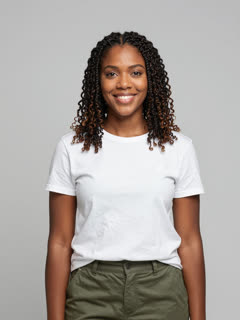 Made with Tip Toe AI
One portrait, an invented partner
A woman in a white tee and olive trousers bumps fists with a man in a light blue shirt in front of a bookshelf, waves at the lens, then hugs him in a hallway after the cut. Only her photo went in; the man was generated, and both are invented.
Outfit after the cut: Evening wear · Room: Den · Ending: Hug
AI-generated audio · 5s at 720p · Made 2026-11-23
Generated with Tip Toe AI
The audio in our clips is made by AI: a soft room tone with fist taps and clothing rustle. Because AI audio can invent voices, a faint murmur may appear, and none of it comes from the original post.
Everyone in a sample is invented, and so are the photos they came from.
Samples on this site come out of our own AI pipeline, built from photos. We keep no clip downloaded from TikTok and show none as a sample.
Your faces, your clothes and the small details will differ from these samples and from the original post.
Where this trend comes from
Use this sound — your video is timed to it, from 0s
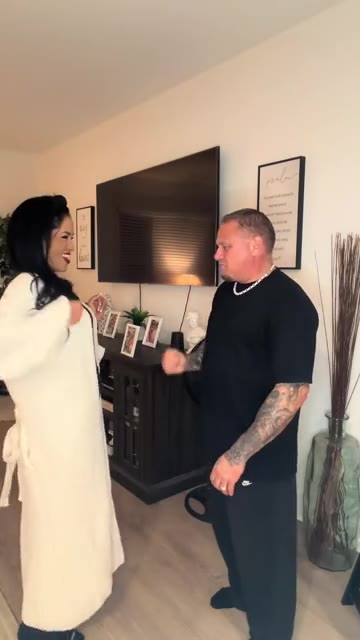
@danielleschiller79 · TikTok · Nov 9, 2026 · 13.3K views — Where it started: an eleven-second clip filmed from one fixed spot in a living room. Two people in everyday clothes tap fists and sway to the beat, a palm sweeps across the lens, and a hard cut finds them dressed in black for a night out, posing arm in arm in a hallway. About 13,300 views were listed on 23 Nov 2026.
The links open the original posts on their own platforms. Tip Toe AI is not affiliated with these creators and does not host their videos.
Photos in, a finished cut out
Nothing to film, write or edit on your side.
Add one or two portraits
Send a clear photo of one adult, plus a second adult if you want both faces on screen. JPG, PNG and WebP files are fine, each at most 10 MB.
Pick the outfit and the room
Choose what they wear after the cut, where the first part happens and how it ends. Then confirm the photo consent and sign in with Google.
Render, then save the MP4
The 5-second 720p clip takes 100 credits. You can shut the tab while it renders, and the video is kept in My videos.
How to put the original sound on your video in TikTok
Every video you make here comes with an AI-made soundtrack of its own. If you would rather use the trending sound, add it inside TikTok when you post. You can also grab the version without music from My videos and lay the original sound over that.
- Open this clip in TikTok: our video follows it. Tap the sound name at the bottom, then tap Use this sound.
- Tap Upload and choose the video you downloaded from us.
- Open Volume and turn the video's own sound down to 0, or use the Download without music version from My videos.
- To line the clip up with the beat, trim the sound so it starts at 0 seconds, then post.
Need the sound to start somewhere else? This short video shows how to trim it.

Video: How To Trim Sound On TikTok 2026 (Very Easy) by Software Solutions on YouTube
Credits for each cut, nothing recurring
Credits are spent only when you render. One 5-second You Rock My World video takes 100 credits.
100 credits
$8.77
Up to 1 video
Every template: 100 credits per full video
Includes 1 bonus preview
One-time payment, no subscription
- Most popularSave 36%
300 credits
$16.77
Up to 3 videos
Every template: 100 credits per full video
Includes 3 bonus previews
One-time payment, no subscription
- Best valueSave 41%
500 credits
$25.77
Up to 5 videos
Every template: 100 credits per full video
Includes 5 bonus previews
One-time payment, no subscription
- Checkout runs through Waffo
- Credits land as soon as you pay
- An unopened pack can be refunded within 7 days
- Failed renders give their credits back
You Rock My World AI: questions answered
How many photos does You Rock My World need, and does a selfie work?
One is enough: a single photo of one adult, and a selfie works. A second adult photo is optional. With one photo the other person is an invented generic adult, never a celebrity, and with two photos both faces come from you. JPG, PNG and WebP are accepted, each up to 10 MB.
How long is the video, and which frame shape does it come in?
A full video runs 5 seconds at 720p, upright at 9:16 for TikTok, Reels and Shorts. The hard cut falls at about 3.5 s, and the bonus preview is 5 seconds at 480p.
How long does it take before the finished clip arrives?
A few minutes in most cases. You can leave the page, and the finished video will be in My videos when you come back.
Can I make a You Rock My World video for free?
No. A full video takes 100 credits, and packs start at $8.77. Nothing renews by itself, and credits you have not used stay on your account.
What is the You Rock My World clip, exactly?
A couple clip that hinges on a surprise cut. At home, two people touch fists and groove to the music, one waves, a hand wipes across the camera, and an instant later the pair stand in a corridor in formal black with their arms around each other. The explainer takes it moment by moment.
Where does the You Rock My World clip come from, and who posted it?
The version we follow is an eleven-second TikTok by @danielleschiller79 from 9 November 2026, a finished clip with no how-to section. Your video is built from your own photos, and nobody from that post appears in it.
What song or sound goes with You Rock My World?
The trend borrows its title from “You Rock My World”, a pop song Michael Jackson released in 2001, while the post we follow carries an original sound uploaded by another account. Our video leaves that sound out and holds only a quiet room tone with knuckle taps and clothing rustle, so add the sound you like in TikTok or start from the silent copy. Our sound guide lists the steps.
Does the clip have audio of its own, and can I mute it?
Yes: a soft room tone with light fist taps and clothing rustle, and no music. The AI makes its own audio, so a faint stray voice can slip in, and it is not the audio of the original post. Mute it in your editor, or take the silent copy from My videos.
How do I line up a sound with the cut?
Start the sound on the very first frame. The pair bump fists for roughly the first two seconds, the wave and the hand swipe follow, and the cut arrives at about 3.5 s, so put a hit or a change of mood right there.
Can I use a photo of my dog or my kids?
No. Only adults can appear, so photos of pets and children are turned away at upload.
Who can be the second person?
A partner, a friend or a relative who is an adult and agreed to appear. If you leave the second box empty, an invented adult stands in, and that person is never based on anyone real.
Which parts of the clip can I change?
The outfit after the cut, the room before it and the way the clip ends. The camera, the cut and the order of moments stay fixed, and there is no text box. The options guide lists every choice.
Do I have to write a prompt before rendering?
No. The scene is fixed, so there is nothing to type. If you want to try your own wording elsewhere, the Kling text is ready to copy.
Do I need a separate app to make this?
No. Tip Toe AI works in your browser, so nothing is installed or downloaded. People elsewhere copy the look with CapCut templates or by describing it to AI video tools, while here you add photos and pick presets.
How does a CapCut template differ from this?
A CapCut template re-cuts footage that you bring into its editor. Tip Toe AI generates the whole scene from your photos and gives you a finished MP4, which you can still open in CapCut afterwards. The comparison has the details.
Will a watermark be added, and am I allowed to post the clip?
No watermark is added. You may post it: keep it upright, add the sound you like inside the app you post from and leave the platform's AI label switched on, since the scene is generated.
What happens if a render fails, and how long are photos stored?
Credits from a failed render go back by themselves, and a pack you have not opened can be refunded within 7 days (refund policy). Photos stay private and are wiped 14 days after upload, as the privacy policy explains.
Will both faces stay the same after the cut?
Mostly. Faces, hair and skin tone follow your photos on both sides of the cut, though small details can shift between runs. A sharp, evenly lit portrait with the face in full view gives the steadiest result.
Is this connected to the account that posted the original clip?
No. Tip Toe AI is a separate, independent service. @danielleschiller79, TikTok and the other accounts that posted the trend did not make, endorse or license it.
Were the You Rock My World samples generated, or taken from TikTok?
They were generated. Our AI pipeline built both clips from invented portraits, and we never save clips from TikTok or from anyone's account to use as samples. The one TikTok video on the page is the original post, embedded from TikTok itself and loaded only when you press play. Your own result follows your photos, so a sample shows the format and nothing more.
Fixes and common problems
When a face looks different in your You Rock My World clip
Faces drift when a photo is dark, tiny or turned aside, and the palm swipe plus the cut give the model two chances to lose them. Send crisp, bright, front-facing photos.
What helps
- Choose shots with both eyes open and the whole face in view.
- Pick even light, without a hard shadow across the face.
- Start from the default room and outfit, then change one preset per run.
- Keep hair, hats and hands away from the face.
Why it happens
The face has to survive a hard cut and a hand crossing the lens, so the model leans on your photos. The clearer they are, the steadier it holds.
A short routine
- Swap in photos that follow the photo tips.
- Compare the result with your photos.
- Only then spend 100 credits on another full render.
- Still wrong? Email support@tiptoeinginmyjordans.dev with the link to your video.
Does an odd-looking clip count as failed?
No. A failed render never finishes, and its credits return on their own. A finished clip that merely looks odd counts as a normal result.
Would identical photos give an identical clip?
No. Every run differs slightly, even from the very same pictures.
Where do credits from a failed run go?
Back into your balance, with no request needed. If something still looks wrong, write to support@tiptoeinginmyjordans.dev.
If the hard cut or the evening wear looks wrong
Odd clothes after the cut usually come from busy or oversized outfits in the photos. Plain clothes and the default evening wear are the most reliable, and the cut itself is built in.
What helps
- Use photos in plain clothes without large prints or logos.
- Try the default Evening wear before switching to Your own clothes.
- If the room looks cluttered, return to the default Living room.
- Change one preset at a time so you can tell which one caused it.
Why it happens
The model has to invent the whole hallway and the new clothes after the hand swipe. Detailed outfits in the photos give it more to mix up.
A short routine
- Look at the options guide.
- Reset to the defaults and render again.
- Add one change at a time.
- Email support@tiptoeinginmyjordans.dev with your video link if it keeps happening.
Can I move the cut earlier or later?
No. The cut is part of the fixed scene, and there is no text box.
Why do the new clothes differ from the ones I picked?
Presets describe a style, not a pattern, so the exact cut and fabric change between runs.
Is a strange outfit refunded?
A finished clip counts as a normal result. Credits return only when a render fails.
When extra people or lettering appear in the clip
The scene holds exactly two adults and no writing. A third face or some lettering is a model slip, and tidy single-person photos without text reduce it.
What helps
- Crop each photo to one person only.
- Avoid photos with signs, posters or printed shirts.
- Keep the background plain behind each face.
- Run the default setup before trying other presets.
Why it happens
Shapes in the background of a photo can be read as extra people or as words. A plain background leaves nothing to misread.
A short routine
- Replace the photos with cropped, plain ones.
- Render again at the default presets.
- Keep the video link and email support@tiptoeinginmyjordans.dev if a third person keeps returning.
- Read Acceptable Use for what the scene is meant to show.
Why did a third person appear?
Usually from a crowded photo. The model sometimes adds a bystander when the background suggests one.
Can I add text to the clip?
No. The scene carries no text, and any lettering that shows up is a slip.
Are retries charged?
Every full render uses 100 credits, except a failed one, which returns them.
CapCut, other tools and prompts
You Rock My World: CapCut template vs. Tip Toe AI
A CapCut template re-cuts footage that you provide, while Tip Toe AI generates a new 5-second couple clip, hard cut included, from one or two photos. Choose CapCut if you like editing, or Tip Toe AI if photos are all you have.
Side by side
- Input: a template needs your own clips inside its app, while Tip Toe AI needs one or two photos of adults.
- Scene: a template ships with one fixed edit, while Tip Toe AI generates the rooms and the clothes around your faces and lets you switch presets.
- Output: a fresh 5-second 720p clip with generated motion that keeps the beats of the trend in order.
- Cost: CapCut has unpaid and paid tools, so check what its plans include today. Tip Toe AI uses 100 credits per full video, with packs from $8.77.
How to decide
A template suits you if you enjoy cutting clips and two people can film the moves. Tip Toe AI suits you when you want the pair, or just yourself, inside the scene without filming. Mixing works too: generate here, then finish in CapCut.
Does Tip Toe AI belong to CapCut or TikTok?
No. Tip Toe AI runs on its own, with no tie to CapCut, TikTok or the people behind the trend.
Can the two be combined?
Yes. Export the MP4 from here, then trim it, caption it or change the music in CapCut.
Which one is cheaper?
It depends on what you already have. With the editor and your own footage, a template is inexpensive. With only photos, Tip Toe AI covers the whole job for 100 credits.
You Rock My World: broad AI video tools vs. Tip Toe AI
Broad AI video tools can make a similar clip from a text prompt, but you write the scene and often retry. Tip Toe AI presets the scene, passes in the timing of the trend and renders in one go from your photos.
Side by side
- Input: a broad tool wants a written prompt, while Tip Toe AI wants photos and a few clicks.
- Control: with a broad tool you can describe anything, while here the scene is fixed and only presets change.
- Timing: a prompt alone drifts, whereas the timing here comes from a motion guide.
- Cost: broad tools bill by tries and length. Tip Toe AI charges 100 credits for each full video.
How to decide
If you want a totally different scene, a broad tool is the better fit. If you want this exact cut with your own faces and the fewest tries, use Tip Toe AI. The prompt pages on this template show how to start in another tool.
Is a written prompt enough?
It can work, but the cut and the hand swipe often come out loose. Expect several tries.
Do I keep my face with a broad tool?
Only if the tool accepts reference photos, and results vary by tool.
Can I use both?
Yes. Many people test a prompt elsewhere and render the final clip here.
Kling prompt text for the You Rock My World hallway cut
Paste the prompt below into Kling and attach two adult photos as reference images. It lists the beats in order and describes the sound without naming a song. No singer, creator or account appears. Several attempts may be needed, which Tip Toe AI spares you.
Copy this prompt
[Kling, image to video]
Portrait 9:16, around 5 seconds, a single locked camera at chest height with two adults in frame from the knees up, no zoom and no pan. Image 1 shows the adult on the left and image 2 the adult on the right; reproduce both faces, hairstyles, skin tones and body types faithfully and add no one else. First half: a bright living room with a TV mounted on a plain wall, a dark low sideboard, a tall vase of dry twigs and warm lamplight. Both wear plain everyday clothes from their photos, with no logos or writing. From 0 to 2 s the pair face each other, swing round to the camera, knock fists in time and wiggle their hips and shoulders, grinning. From 2 to 3.5 s the right-hand adult keeps moving while the left-hand adult laughs and waves, and an open palm glides over the lens until the frame is covered. Second half, from 3.5 s: an abrupt cut with no fade to the same camera position in a bright white hallway with a pale wooden floor and small warm ceiling lights, where the pair now wear elegant black formal outfits, stand shoulder to shoulder with their arms around each other and hold a proud pose, smiling widely, until the end. Nobody talks or sings. Audio: a gentle room ambience, light knuckle taps and cloth rustle, and no music. Look: realistic, natural colour, no captions, no logos, no watermark.
Tips for using it
- Attach photos of adults only for the two reference images, never a child or a pet.
- Leave account names, singer names and song titles out. Filters often reject them, so the text only describes the action.
- A written prompt can skip a beat or blur the cut. Check the order you get, and run again if something is missing.
- Tools change often, so see which length and aspect ratio yours offers and edit the first line to match.
Why does the prompt name nobody?
Names often trip filters, and a prompt that carries them can be refused or raise rights questions. This page keeps its distance from whoever posted the clips.
Will the output follow the original beat by beat?
Only roughly. A written prompt gives the model no reference clip, so timing drifts. Tip Toe AI passes the timing of the trend to the model as a guide, which keeps its clips tighter.
Do I have to type a scene description on this site?
No. Tip Toe AI uses a preset scene: add your photos, press the make button, and that is all.
Veo prompt text for the You Rock My World hallway cut
Paste the text below into Veo and add two adult photos as references. It walks through the room, the hand swipe and the hard cut, and it describes the audio without naming a song. Nobody is credited, and a few tries may be needed.
Copy this prompt
[Veo, image to video]
Shot list for one portrait clip of about 5 seconds, filmed on a phone that sits still on a tripod at chest height. Cast: two adults, matching reference image 1 (left) and reference image 2 (right), with faces and builds kept true. Shot A, living room: soft lamplight, a wall TV, a vase of twigs. The two glance at each other, turn toward the lens, tap fists to a steady rhythm and shimmy, laughing. Around the three-second point the left person waves and a palm slides across the lens, blanking the picture. Shot B, a straight cut with no dissolve: the same viewpoint, now a white corridor with a wood floor and small ceiling spots. The two have changed into smart black clothes and stand close with their arms around one another, striking a proud pose until the clip ends. No spoken words, no on-screen text, no logos. Sound: quiet room tone, knuckle taps and fabric rustle, with no music and no voices. Sharp, realistic, natural colours, no watermark.
Tips for using it
- Attach photos of adults only for the two reference images, never a child or a pet.
- Leave account names, singer names and song titles out. Filters often reject them, so the text only describes the action.
- A written prompt can skip a beat or blur the cut. Check the order you get, and run again if something is missing.
- Tools change often, so see which length and aspect ratio yours offers and edit the first line to match.
Why does the prompt name nobody?
Names often trip filters, and a prompt that carries them can be refused or raise rights questions. This page keeps its distance from whoever posted the clips.
Will the output follow the original beat by beat?
Only roughly. A written prompt gives the model no reference clip, so timing drifts. Tip Toe AI passes the timing of the trend to the model as a guide, which keeps its clips tighter.
Do I have to type a scene description on this site?
No. Tip Toe AI uses a preset scene: add your photos, press the make button, and that is all.
Seedance prompt text for the You Rock My World hallway cut
Paste the text below into Seedance, attach two adult photos and keep the aspect at 9:16. The beats are timed in seconds, and the audio line asks for room tone with no music. It names no singer, creator or account.
Copy this prompt
[Seedance, reference images]
Reference image 1: the person on the left (an adult). Reference image 2: the person on the right (an adult). Keep each face, hairstyle and build as in the pictures.
Format: 9:16, about 5 seconds, tripod phone camera, chest height, both people from the knees up, nothing zooms.
0-2 s | living room, TV on a plain wall, dark sideboard, lamplight | they touch fists in rhythm and wiggle, smiling
2-3.5 s | the right person keeps wiggling, the left person laughs and waves | a palm wipes over the lens and hides the picture
3.5 s | straight cut, no fade, same camera position | bright plain hallway, white walls, light wood floor, small ceiling spots
3.5-5 s | both in black formal clothes, side by side, arms around each other | proud pose, big smiles
Nobody speaks or sings. Audio: room tone, light taps, rustling cloth, no music. No text, no logos, no watermark. Realistic and sharp, natural colour.
Tips for using it
- Attach photos of adults only for the two reference images, never a child or a pet.
- Leave account names, singer names and song titles out. Filters often reject them, so the text only describes the action.
- A written prompt can skip a beat or blur the cut. Check the order you get, and run again if something is missing.
- Tools change often, so see which length and aspect ratio yours offers and edit the first line to match.
Why does the prompt name nobody?
Names often trip filters, and a prompt that carries them can be refused or raise rights questions. This page keeps its distance from whoever posted the clips.
Will the output follow the original beat by beat?
Only roughly. A written prompt gives the model no reference clip, so timing drifts. Tip Toe AI passes the timing of the trend to the model as a guide, which keeps its clips tighter.
Do I have to type a scene description on this site?
No. Tip Toe AI uses a preset scene: add your photos, press the make button, and that is all.
You Rock My World, one question per page
Short answers about the You Rock My World template, with one topic on each page.
Trending AI templates
More viral video templates you can make from your own photos. Credits work on every template.
- Make mine →
 Trending2 people
Tip Toe in My Jordans AI
15s · 2 photos
- Make mine →
 Trending
Bby Wow Guy AI
9s · 1 photo
- Make mine →
 Trending
Unforgettable Car AI
9s · 1 photo
- Make mine →
 Trending2 people
Smalltown Boy AI Dance
15s · 2 photos
- Make mine →
 Trending
Hit the Road Dude AI
15s · 1 photo
- Make mine →
 Trending
My Ride Is Here AI
10s · 1 photo
- Make mine →
 Halloween
Spooky Scary Skeletons AI
11s · 1 photo
- Make mine →
 New
ABCDEFG I Need Money AI
11s · 1 photo
- Make mine →
 New2 people
Alors on Danse AI
15s · 2 photos
- Make mine →
 New
Toc Toc Dance AI
11s · 1 photo
- Make mine →
 New
Crazy Frog AI Chase
15s · 1 photo
- Make mine →
 New
Ozil Goal AI
10s · 1 photo
- Make mine →
 Halloween
Ramalama AI
12s · 1 photo
- Make mine →
 New
I Wanna Love You AI
10s · 1 photo
- Make mine →
 New
Banana Tree Run AI
11s · 1 photo
- Make mine →
 New
Money Flex AI
10s · 1 photo
- Make mine →
 New
Pet Fridge Cake Heist AI
15s · 1 photo
- Make mine →
 New
Singing Pet AI
10s · 1 photo
- Make mine →
 New
What Stop Sign AI
11s · 1 photo
- Make mine →
 New
Window Peeper AI
14s · 1 photo
- Make mine →
 New
Talk Dirty AI
15s · 1 photo
- Make mine →
 New
Stones to Castle AI
15s · 1 photo
- Make mine →
 Halloween
Enchantress Witch AI
10s · 1 photo
- Make mine →
 New
Explosion Walk AI
12s · 1 photo
- Make mine →
 New
Biker Birthday Cake AI
7s · 1 photo
- Make mine →
 New
Driver Put Phone Away AI
14s · 1 photo
- Make mine →
 New
Missed Train Dance AI
15s · 1 photo
- Make mine →
 New2 people
Ba Ba Ba Dance AI
15s · 2 photos
- Make mine →
 New2 people
Bing Bing Bing Kicking AI
12s · 2 photos
- Make mine →
 New
Mandem in Disguise AI
10s · 1 photo
- Make mine →
 New2 people
Wipe Me Down AI
15s · 2 photos
- Make mine →
 New2 people
Puerto Rican Mami AI
15s · 2 photos
- Make mine →
 New
Babydoll Dance AI
15s · 1 photo
- Make mine →
 New
Bama Bound AI
12s · 1 photo
- Make mine →
 New
iPhone Kupi Dance AI
15s · 1 photo
- Make mine →
 New
I’m So In Love With You Dance
8s · 1 photo
- Make mine →
 New
Iceman AI
15s · 1 photo
- Make mine →
 New2 people
Oh You Can Make It Cap AI
14s · 2 photos
- Make mine →
 New
Chased By Hyenas AI
10s · 1 photo
- Make mine →
 Christmas2 people
Christmas Lights Wife AI
8s · 2 photos
- Make mine →
 New
Dog Bohemian Rhapsody AI
10s · 1 photo
- Make mine →
 New
Dog Couple Dance AI
11s · 1 photo
- Make mine →
 New
Magic Double Dance AI
8s · 1 photo
- Make mine →
 New
Toy Car Leap AI
10s · 1 photo
- Make mine →
 Christmas
 Green Dress AI
5s · 1 photo
- Make mine →
 New
2026 to 2027 Road Sign AI
6s · 1 photo
- Make mine →
 New
Airplane Runway Jump AI
5s · 1 photo
- Make mine →
 New
Treadmill Fall AI
5s · 1 photo
- Make mine →
 New
Monkey Steals Apple AI
7s · 1 photo
- Make mine →
 New
Pet Rock Dance AI
8s · 1 photo
- Make mine →
 New
Punching Bag Dance AI
12s · 1 photo
- Make mine →
 New
Red Square Night Lip Sync AI
12s · 1 photo
- Make mine →
 New
Single Camel AI
8s · 1 photo
- Make mine →
 New2 people
Suits Carry AI
5s · 2 photos
- Make mine →
 Christmas
Jingle Bell Rock Dance AI
5s · 1 photo
- Make mine →
 Christmas2 people
Snowman Dance AI
5s · 2 photos
- Make mine →
 New
Talk to Me Doja AI
5s · 1 photo
- Make mine →
 Christmas2 people
Last Christmas Dance AI
5s · 2 photos
- Make mine →
 New
Cat on Ultra Bee AI
5s · 1 photo
- Make mine →
 New
Winter Pet Bath AI
5s · 1 photo
- Make mine →
 New
Dog Cake Smash AI
5s · 1 photo
- Make mine →
 New
Spin That Coupe AI
5s · 1 photo
- Make mine →
 New
Car Chips Prank AI
5s · 1 photo
- Make mine →
 Christmas
Here Comes Santa Claus AI
5s · 1 photo
- Make mine →
 Christmas
Santa Tell Me Dance AI
5s · 1 photo
- Make mine →
 New
Jersey Solo Dance AI
5s · 1 photo
- Make mine →
 New
Thanksgiving Dance AI
5s · 1 photo
- Make mine →
 New
Dog Pool Party AI
5s · 1 photo
- Make mine →
 New
Bibou Transition AI
5s · 1 photo
- Make mine →
 New
Kiat Jud Dai Kitten Parade AI
5s · 1 photo
- Make mine →
 New
Rapunzel Funk Loading AI
5s · 1 photo
- Make mine →
 New
La Mujer del Pelotero AI
5s · 1 photo
- Make mine →
 New2 people
La La Land Dance AI
5s · 2 photos
- Make mine →
 New2 people
Hey Boo Slide AI
5s · 2 photos
- Make mine →
 New2 people
Handle Your Attitude AI
5s · 2 photos
- Make mine →
 New
Hotline Bling AI
5s · 1 photo
- Make mine →
 Christmas
Deck the Halls Dance AI
5s · 1 photo
- Make mine →
 New2 people
Addicted Dance AI
5s · 2 photos
- Make mine →
 New
Can I Ride Dance AI
5s · 1 photo
- Make mine →
 New
Pet Duo Dance AI
5s · 1 photo
- Make mine →
 New2 people
My Girl Couple Trend AI
5s · 2 photos
- Make mine →
 New
Toy Car To Real Car AI
5s · 1 photo
- Make mine →
 New
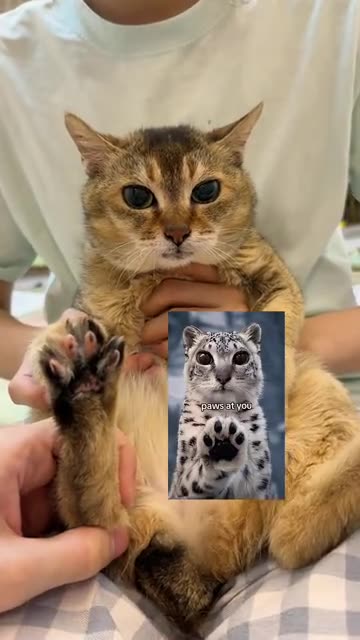
Snow Leopard Paws AI
5s · 1 photo
- Make mine →
 New
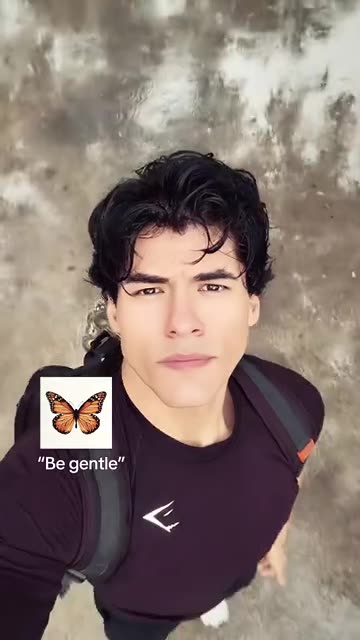
I Want Wings AI
6s · 1 photo
- Make mine →
 New
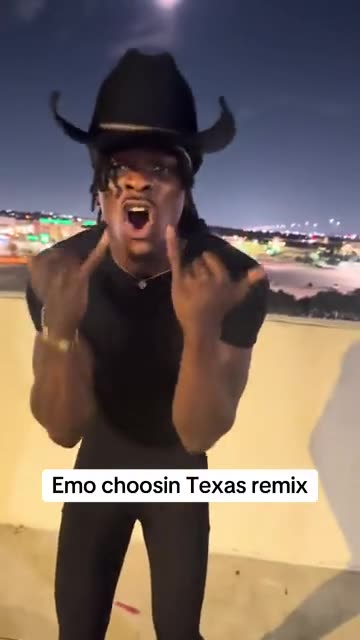
Choosin Texas Emo AI
6s · 1 photo
- Make mine →
 New
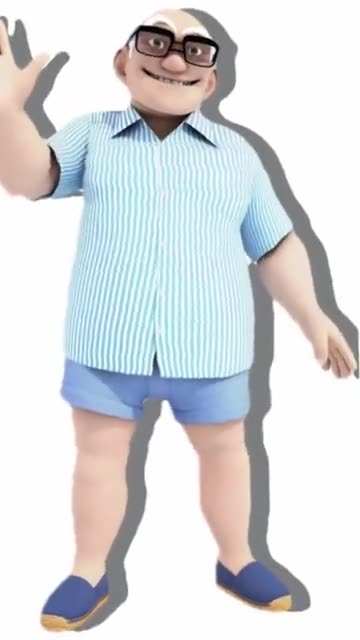
Wassup In A Minute AI
5s · 1 photo
- Make mine →
 New2 people
Tough Like a Gorilla AI
5s · 2 photos
- Make mine →
 New2 people
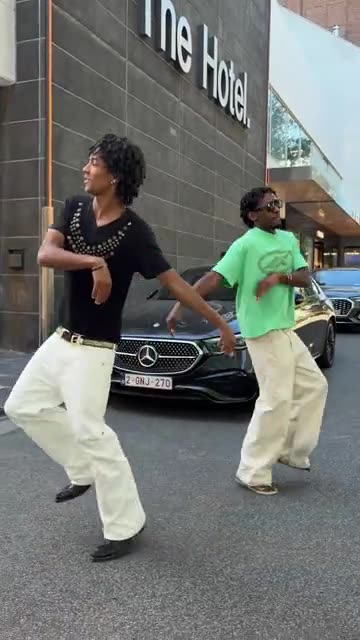
Street Duo Dance AI
6s · 2 photos
- Make mine →
 New
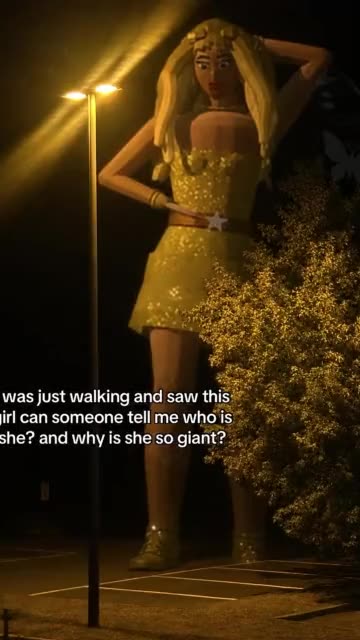
Giant Woman Singing AI
5s · 1 photo
- Make mine →
 New2 people
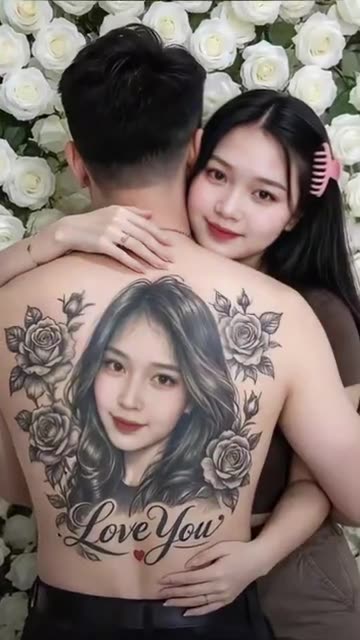
Back Tattoo Love You AI
5s · 2 photos
- Make mine →
 New
Bellhop Dance AI
5s · 1 photo
- Make mine →
 New
Stadium Gender Reveal AI
5s · 1 photo
- Make mine →
 New
Roberto Carlos Disco Dance AI
5s · 1 photo
- Make mine →
 New
Suit Duo Dance AI
5s · 1 photo
- Make mine →
 New
Subway No Phone AI
5s · 1 photo
- Make mine →
 New
Golf Swing Dance AI
5s · 1 photo
- Make mine →
 New
You Never Let Her Pay AI
5s · 1 photo
- Make mine →
 New
Modern Family Wassup AI
5s · 1 photo
- Make mine →
 New
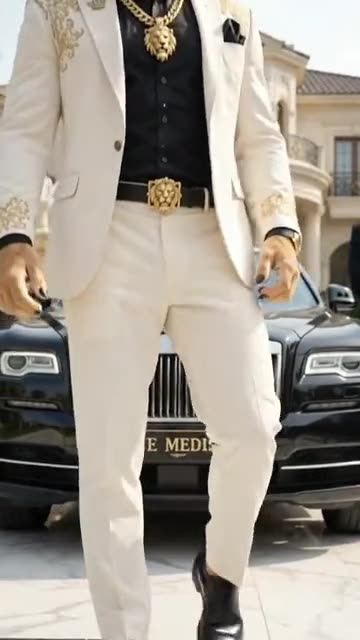
Sheru Bhai AI
5s · 1 photo
- Make mine →
 New
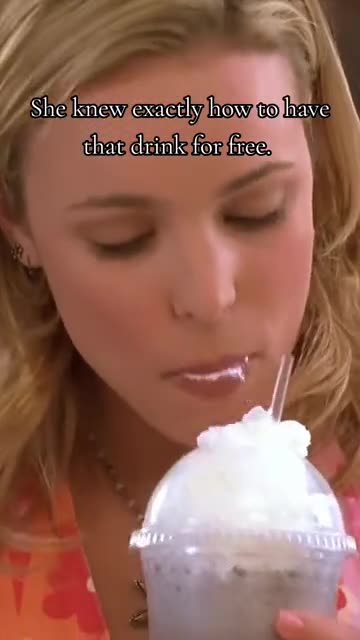
Hot Chick Ice Cream Scene AI
5s · 1 photo
- Make mine →
 Christmas
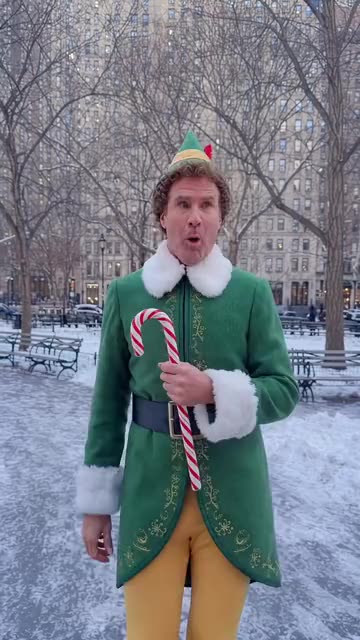
The Jawn AI
5s · 1 photo
- Make mine →
 New
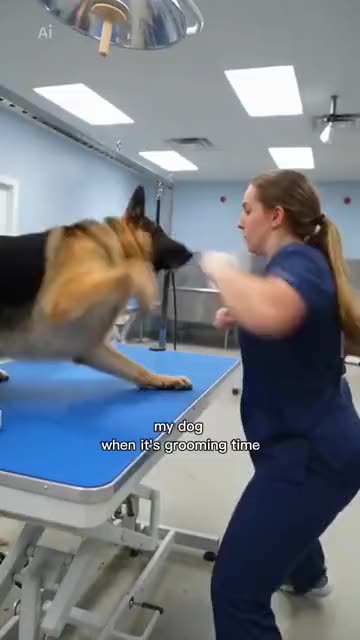
Groomer vs Dog AI
5s · 1 photo
- Make mine →
 New
CCTV Tiger Fight AI
5s · 1 photo
- Make mine →
 New2 people
Kiss Cam AI
5s · 2 photos
- Make mine →
 New2 people
AI Pregnancy Reveal
5s · 2 photos
- Make mine →
 New
Wizard Cat Keyboard Smash AI
5s · 1 photo
- Make mine →
 New
Truck Driver AI
5s · 1 photo
- Make mine →
 New
Huell Money AI
5s · 1 photo
- Make mine →
 New
The Office Parkour AI
5s · 1 photo
- Make mine →
 New
Breaking Bad Coat Reveal AI
5s · 1 photo
- Make mine →
 New
Buggin Dance AI
12s · 1 photo
- Make mine →
 New2 people
Dog Elevator Prank AI
11s · 2 photos
- Make mine →
 New2 people
I Love the Smiths AI
12s · 2 photos
- Make mine →
 New
Angel of My Dreams AI
10s · 1 photo
- Make mine →
 Christmas
Pet Santa Costume AI
5s · 1 photo
- Make mine →
 Christmas
Whoville AI
5s · 1 photo
- Make mine →
 Christmas
Dance with Santa AI
5s · 1 photo
- Make mine →
 Christmas
Jingle Bell Brazil Dance AI
5s · 1 photo
- Make mine →
 Christmas
Santa Transformation AI
5s · 1 photo
- Make mine →
 New
X vs 1000 Cuts AI
5s · 1 photo
- Make mine →
 New
My Moon My Man AI
5s · 1 photo
- Make mine →
 New
What If You Fly AI
5s · 1 photo
- Make mine →
 New
Laisse Tomber Les Filles AI
5s · 1 photo
- Make mine →
 New
ATM Gone Wild AI
5s · 1 photo
- Make mine →
 New
Teach Me How To Dougie AI
8s · 1 photo
- Make mine →
 New
Closed Door AI
10s · 1 photo
- Make mine →
 New
Fish Cutting Meme AI
8s · 1 photo
- Make mine →
 New
Stage Singing AI
8s · 1 photo
- Make mine →
 New
La Calabaza Dance AI
5s · 1 photo
- Make mine →
 New
Yena Catch Catch Dance AI
5s · 1 photo
- Make mine →
 New
Singing Birthday Cat AI
5s · 1 photo
- Make mine →
 New
Banana Leaf Flying AI
5s · 1 photo
- Make mine →
 New
Hand of God AI
5s · 1 photo
- Make mine →
 New2 people
My Moon My Gay AI
5s · 2 photos
- Make mine →
 New2 people
Fancy Cafe POV AI
12s · 2 photos
- Make mine →
 New
Secret Sniper AI
8s · 1 photo
- Make mine →
 New
Bicep Heart AI
6s · 1 photo
- Make mine →
 New2 people
Closing Door Prank AI
10s · 2 photos
- Make mine →
 New
Sofa Outfit Change AI
10s · 1 photo
- Make mine →
 New
Lorenzo Zurzolo Trend AI
6s · 1 photo
- Make mine →
 New
One Man Army AI
10s · 1 photo
- Make mine →
 New
Parrot Dance AI
10s · 1 photo
- Make mine →
 New
Open Goal Miss AI
5s · 1 photo
- Make mine →
 New
Chipmunks Dance AI
15s · 1 photo
- Make mine →
 New
Cat Doing Laundry AI
5s · 1 photo
- Make mine →
 New
Ballon d’Or Prank AI
5s · 1 photo
- Make mine →
 New2 people
Broke Boyfriend Hug AI
5s · 2 photos
- Make mine →
 New
AI Bald Filter
5s · 1 photo
- Make mine →
 New
Come and Get It Rose Petals
5s · 1 photo
- Make mine →
 New
Opa Opa Bouncy Hair Video
5s · 1 photo
- Make mine →
 New
Car Shootout AI
5s · 1 photo
- Make mine →
 New2 people
Shoulder Carry AI
9s · 2 photos
- Make mine →
 New
Cutting the Branch
8s · 1 photo
- Make mine →
 New
Somebody That I Used To Know
10s · 1 photo
- Make mine →
 New
Catel Dance
8s · 1 photo
- Make mine →
 New
Fridge POV Tiramisu AI
8s · 1 photo
- Make mine →
 New2 people
Last Dance AI
10s · 2 photos
- Make mine →
 New
Robot Girl AI
10s · 1 photo
- Make mine →
 New
Cat Middle Finger AI
8s · 1 photo
- Make mine →
 New
Asereje Trend
10s · 1 photo
- Make mine →
 New
Cricket Six AI Video
8s · 1 photo
- Make mine →
 New
Anima Christi Dance AI
5s · 1 photo
- Make mine →
 New
Casa Tupka Transition Video
8s · 1 photo
- Make mine →
 New2 people
Capybara Couple AI
10s · 2 photos
- Make mine →
 New
Are You Hungry? I Can Cook!
5s · 1 photo
- Make mine →
 Christmas2 people
Frozen Feet Couple AI
5s · 2 photos
- Make mine →
 New
Prank Mask AI
5s · 1 photo
- Make mine →
 New
Kitty Knight Video
10s · 1 photo
- Make mine →
 New
Street Light Slide AI
5s · 1 photo
- Make mine →
 New
AI Police Running
10s · 1 photo
- Make mine →
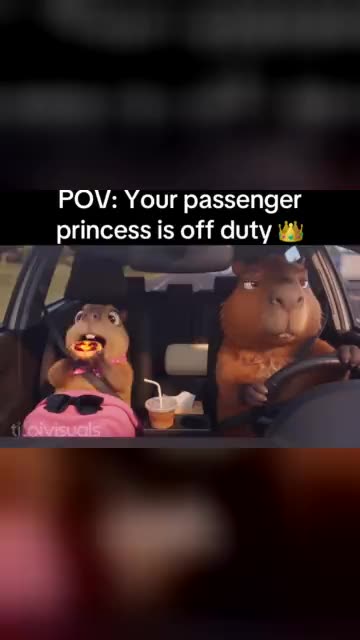 New2 people
Passenger Princess AI
10s · 2 photos
- Make mine →
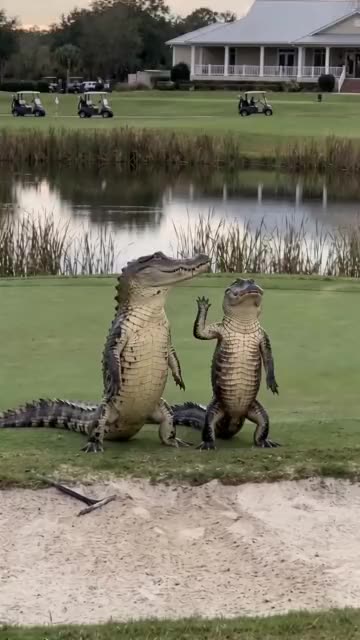 New
Dancing Crocodiles AI
10s · 1 photo
- Make mine →
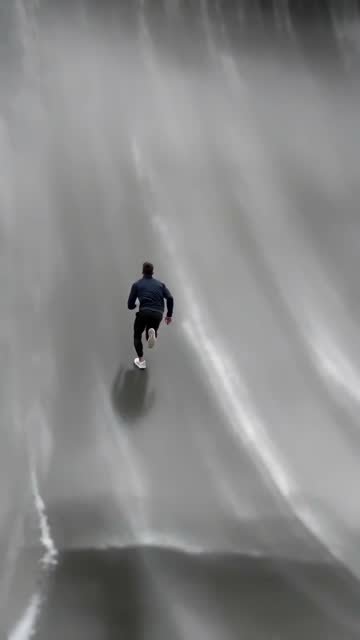 New
Escalade Rampe Géante AI
5s · 1 photo
- Make mine →
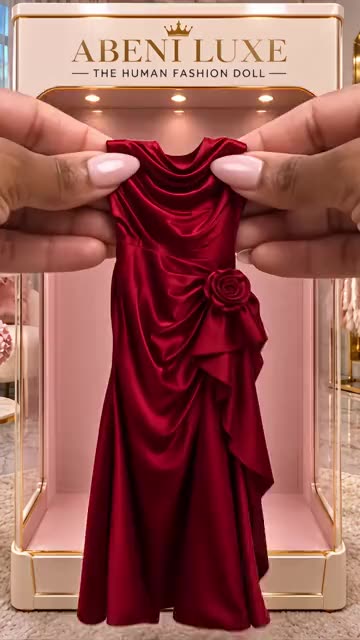 New
Giant Hands Dress Up AI
10s · 1 photo
- Make mine →
 New
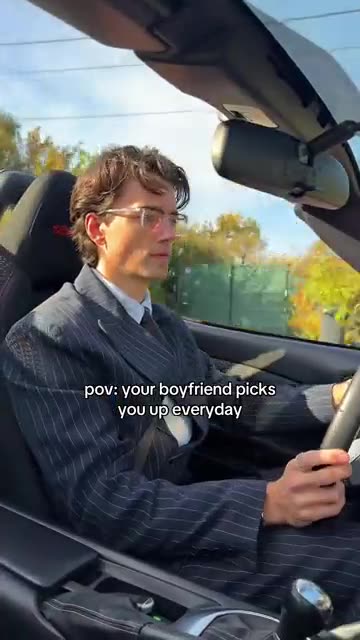
Boyfriend Picks You Up AI
10s · 1 photo
- Make mine →
 New
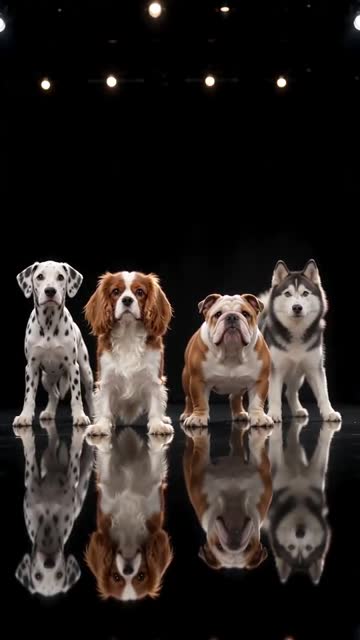
Dog Dance Crew AI
15s · 1 photo
- Make mine →
 New
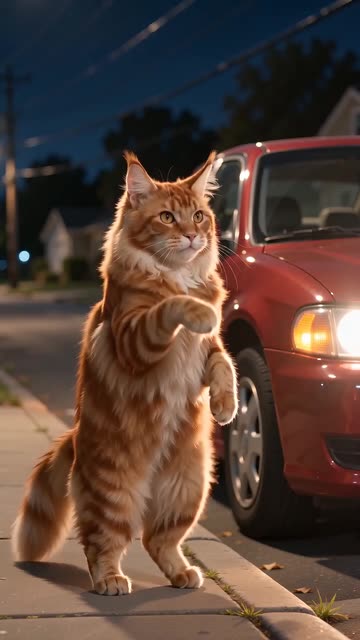
Car Alarm Dance AI
10s · 1 photo
- Make mine →
 New
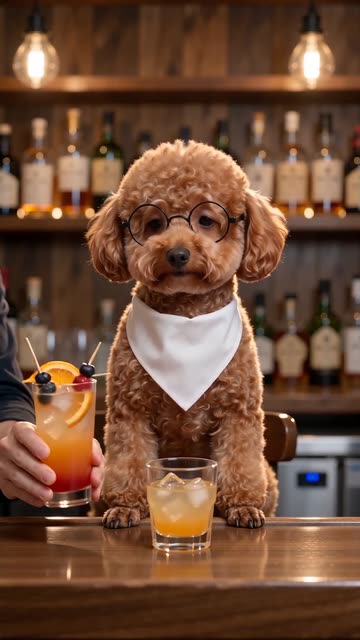
Dog Bartender AI
12s · 1 photo
- Make mine →
 New
Red Riding Hood AI
10s · 1 photo
- Make mine →
 New
Me Sitting and Doing Nothing
8s · 1 photo
- Make mine →
 New
GTA 6 Loading Screen Clip
5s · 1 photo
- Make mine →
 New
Pet Seal Filter AI
6s · 1 photo
- Make mine →
 New
Milkshake Ceiling Fan Dance
10s · 1 photo
- Make mine →
 New
Cardo Dinner AI
10s · 1 photo
- Make mine →
 New
Pimp Walk Entrance AI
10s · 1 photo
- Make mine →
 New2 people
Baby Lip Sync AI
10s · 2 photos
- Make mine →
 New
Need for Speed Drift Clip
5s · 1 photo
- Make mine →
 New
Self Hug Sketch AI
5s · 1 photo
- Make mine →
 New
Pet Taxi AI
5s · 1 photo
- Make mine →
 New
Homelander Milk AI
15s · 1 photo
- Make mine →
 New
New Year 2027 AI
6s · 1 photo
- Make mine →
 New
Convertible Coffee Drive Video
10s · 1 photo
- Make mine →
 New
Car Falling From Sky Video
8s · 1 photo
- Make mine →
 New
Color Sweater Portrait Video
5s · 1 photo
- Make mine →
 New
Carne Asada Singing Dog Video
5s · 1 photo
- Make mine →
 New
Shaking Head AI
7s · 1 photo
- Make mine →
 New2 people
Hop Hop Hop Dance AI
8s · 2 photos
- Make mine →
 New
Pets Making Coffee AI
10s · 1 photo
- Make mine →
 New
Riding Lion AI
5s · 1 photo
- Make mine →
 New
Give It All Mic Rap AI
5s · 1 photo
- Make mine →
 New
Flying Header AI
5s · 1 photo
- Make mine →
 New
Mirror Lipstick Grammar Video
5s · 1 photo
- Make mine →
 New
Cat MMA Fight Video
5s · 1 photo
- Make mine →
 New
James Bond Reveal Video
5s · 1 photo
- Make mine →
 New
Flower Nose AI
8s · 1 photo
- Make mine →
 New
Fuzzy Dream Dance AI
10s · 1 photo
- Make mine →
 New
Lil T Jones Dance AI
10s · 1 photo
- Make mine →
 New2 people
Me And My Girlfriend AI
5s · 2 photos
- Make mine →
 Christmas2 people
Christmas Photobooth AI
5s · 2 photos
- Make mine →
 Christmas2 people
Winter Wonderland Dance AI
5s · 2 photos
- Make mine →
 New
Reaching Out Cat AI
5s · 1 photo
- Make mine →
 New
Boxing Dog AI
5s · 1 photo
- Make mine →
 New
Dog Drummer AI
5s · 1 photo
- Make mine →
 New
Huss Huss Huss AI
5s · 1 photo
- Make mine →
 New
Vem de Ré Dance Video
5s · 1 photo
- Make mine →
 New
Olly Olly Dance Video
5s · 1 photo
- Make mine →
 New
Yamal Dance Video
5s · 1 photo
- Make mine →
 New
Love Handstand Video
5s · 1 photo
- Make mine →
 New
Kakalika Dance Video
5s · 1 photo
- Make mine →
 New
Boom Clap Confetti Video
5s · 1 photo
- Make mine →
 New
Mexico Pterodactyl Video
5s · 1 photo
- Make mine →
 New
You Are Nice You Are Pretty
5s · 1 photo
- Make mine →
 New
Lonyo Cat Dance Crew Video
5s · 1 photo
- Make mine →
 New2 people
Waiting on My Fries AI
5s · 2 photos
- Make mine →
 Christmas
3D Cartoon Snow Globe AI
5s · 1 photo
- Make mine →
 Christmas
Vlogmas Intro Cartoon AI
5s · 1 photo
- Make mine →
 New
Truck Jump Calm Chair Video
5s · 1 photo
- Make mine →
 New
DJ Dog Video
5s · 1 photo
- Make mine →
 New
Hero Funk Dance Video
5s · 1 photo
- Make mine →
 New2 people
Water Flyboard Ride AI
5s · 2 photos
- Make mine →
 New
Window Dance AI
10s · 1 photo
- Make mine →
 New
Tiger Transition Video
5s · 1 photo
- Make mine →
 New
Flashlight Couple Photo AI
5s · 1 photo
- Make mine →
 New
Dance With Cartoon Self
8s · 1 photo
- Make mine →
 New
Gimme Purr Gimme Meow
10s · 1 photo
- Make mine →
 New
King Jin Boss Entrance
5s · 1 photo
- Make mine →
 New
Tweenslop
5s · 1 photo
- Make mine →
 New
Skibidi Babidi Boo Freestyle
5s · 1 photo
- Make mine →
 New
Low Budget Amanda AI
5s · 1 photo
- Make mine →
 New
Boyfriend Makeup Prank AI
10s · 1 photo
- Make mine →
 New
Darts Bullseye Video
8s · 1 photo
- Make mine →
 New
Baby Face Filter Video
5s · 1 photo
- Make mine →
 New2 people
Corpse Bride AI
10s · 2 photos
- Make mine →
 New
GTA 5 Goodbye AI
5s · 1 photo
- Make mine →
 New
Sidewalk Collision AI
8s · 1 photo
- Make mine →
 New
Nestle Crunch AI Ad Video
6s · 1 photo
- Make mine →
 New
Birds of a Feather Chair AI
10s · 1 photo
- Make mine →
 New2 people
Mickey D’s Dance AI Video
8s · 2 photos
- Make mine →
 New
Flamingo Float AI Video
10s · 1 photo
What each trend is
Tip Toe in My Jordans AI
Two photos, one barn-dance tiptoe. Make your own.
Bby Wow Guy AI
Walk through the party to the lens, take a bite, hold the stare. Needs 1 photo.
Unforgettable Car AI
Swipe the cards, reveal the car you picked. Needs 1 photo.
Smalltown Boy AI Dance
Scream with both hands on your head, swap, then dance side by side. Needs 2 photos.
Hit the Road Dude AI
Lean out of the vehicle and tell them to hit the road. Needs 1 photo.
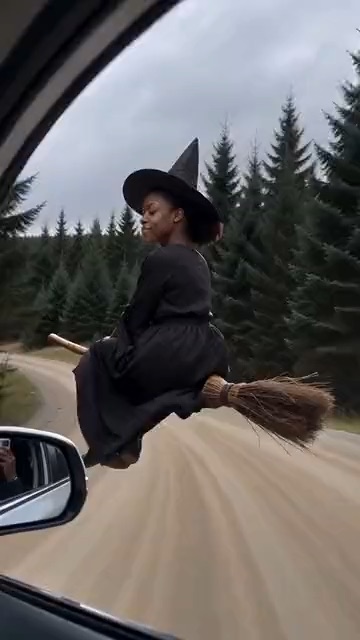
My Ride Is Here AI
Ride a broom beside a moving car, then fly off. Needs 1 photo.
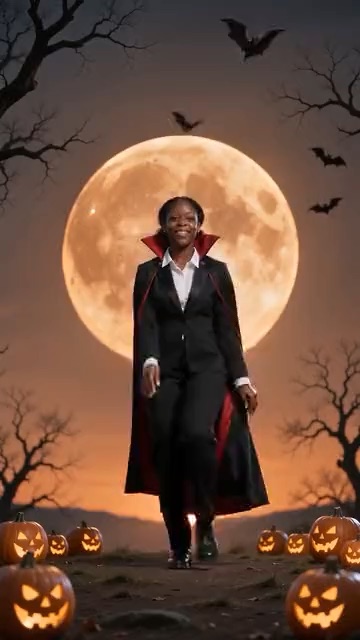
Spooky Scary Skeletons AI
Be the caped vampire doing the skeleton dance beneath an orange moon. A single photo does it.
ABCDEFG I Need Money AI
Mouth the letters, pull the faces, ask for cash. Works from a single adult or pet photo.
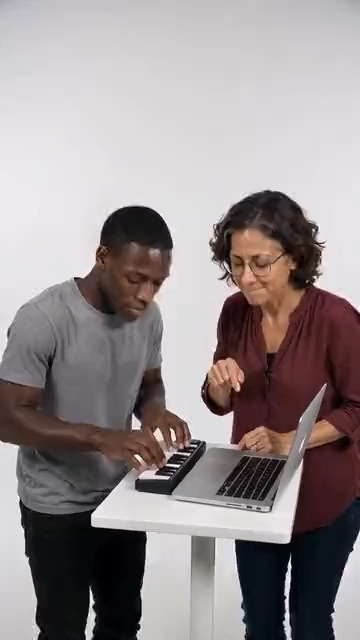
Alors on Danse AI
One of you plays a tiny keyboard without a flicker of emotion while the other hypes. You need 2 photos.
Toc Toc Dance AI
Hop, knock on thin air, freeze, and never smile. One photo is all it takes.
Crazy Frog AI Chase
Crouch on an invisible bike above a highway with the police on your tail. Needs 1 photo.
Ozil Goal AI
Dribble, chip the keeper, walk it into an empty net. All it takes is one photo.
Ramalama AI
Boots on the beat, a quick tilt-up, and suddenly you are in costume. One photo does it.
I Wanna Love You AI
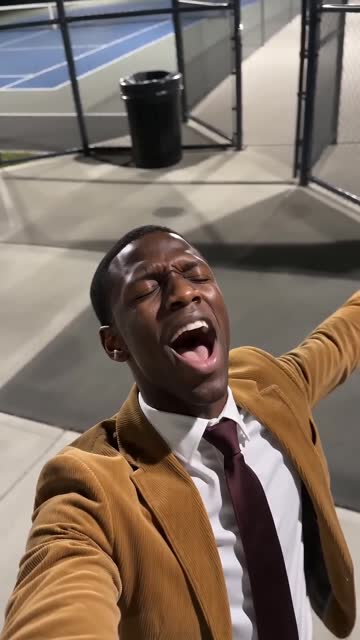
A suit, a late selfie by the tennis court and a lot of feeling. Your photo does the singing.
Banana Tree Run AI
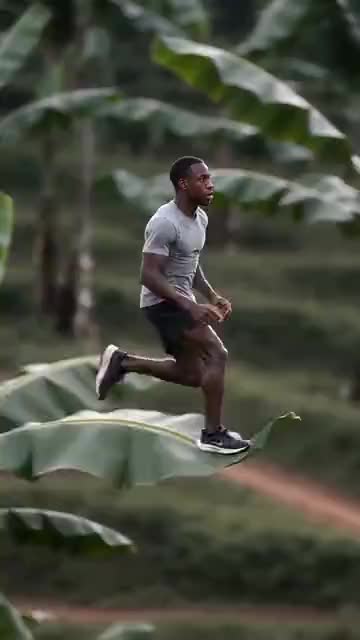
Sprint and leap over the tops of banana leaves like an action hero. Your photo is the runner.
Money Flex AI
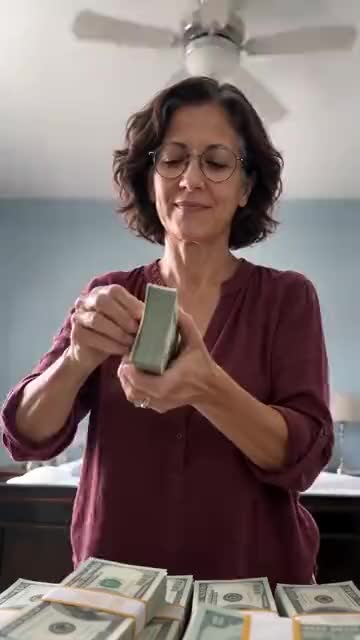
Clutch the cash, push it at the camera, tear a wrapper and flash the notes. One photo of you or your dog.
Pet Fridge Cake Heist AI
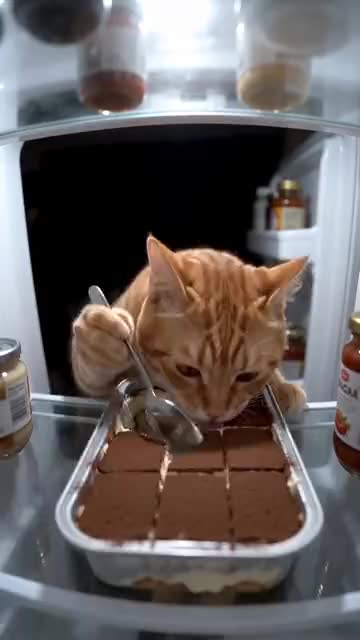
A shelf camera catches a pet demolishing a tray of tiramisu, then the door slams. One photo is enough.
Singing Pet AI
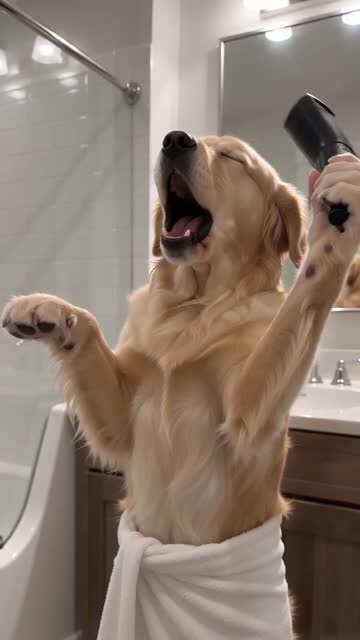
Your dog or cat in a bath towel, hair dryer for a mic, one huge opera note. A single photo does it.
What Stop Sign AI
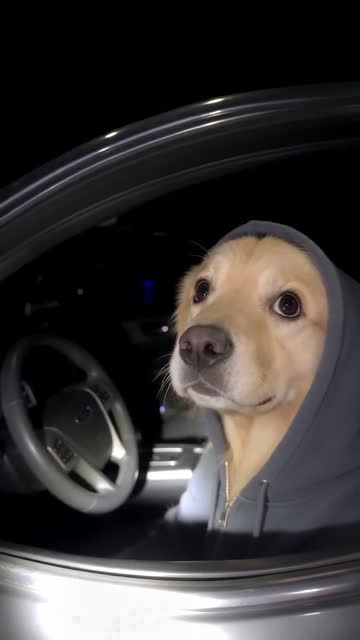
Your dog or cat in a hoodie, pulled over at night, giving the bodycam its most clueless stare. One photo.
Window Peeper AI
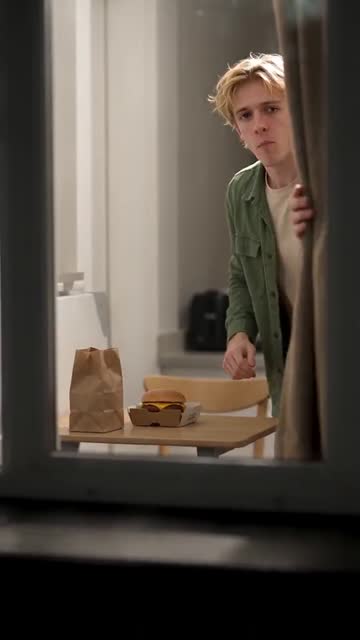
Zoom into the only lit window, freeze mid-bite, stare at the lens and pull the curtain. One photo of you or your pet.
Talk Dirty AI
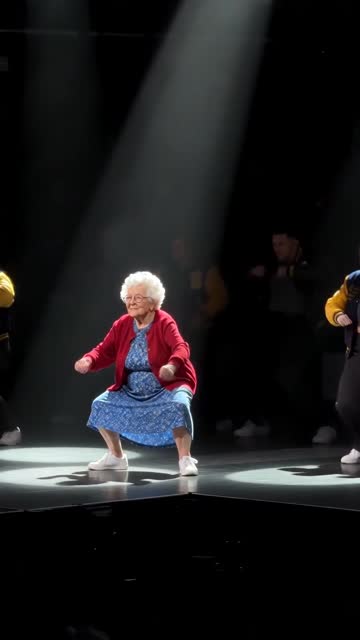
Stride out, squat in the spotlight and dance with a varsity-jacket crew while flames shoot up. One photo of you, your cat or your dog.
Stones to Castle AI
They throw stones, you stay calm, a Gothic castle rises. One photo of you, a friend or your pet.
Enchantress Witch AI
Eyes shut, a black hand takes yours, and you return as the moon witch with a finger to your lips. One photo of you or your cat.
Explosion Walk AI
Light a fuse, stroll toward the camera and never flinch when the fireball goes off. One photo of you or your pet. AI effect only.
Biker Birthday Cake AI
A headlight, a motorcycle, a helmet coming off and a cake full of candles. One photo of you, a friend or your pet.
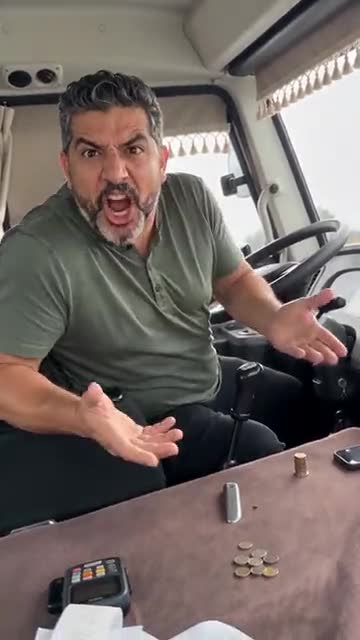
Driver Put Phone Away AI
You turn round in the minibus cab, throw up both hands and shout. One photo of you, a friend or your pet.
Missed Train Dance AI
Charge down the steps, meet the shutting yellow doors, drop to the floor and dance. One photo of you, a friend or a pet.
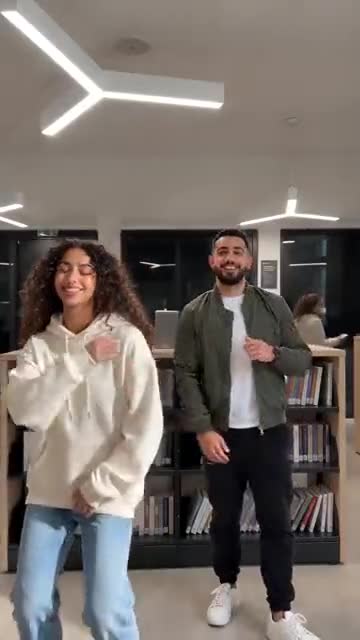
Ba Ba Ba Dance AI
Two dancers, one fixed camera, a solo each in a school library. Two photos of adults, or one photo twice.
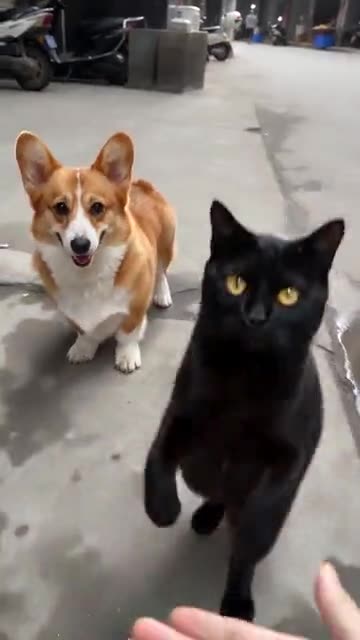
Bing Bing Bing Kicking AI
Two characters take turns kicking at a ground-level camera. Two photos of adults or pets, or one photo twice.
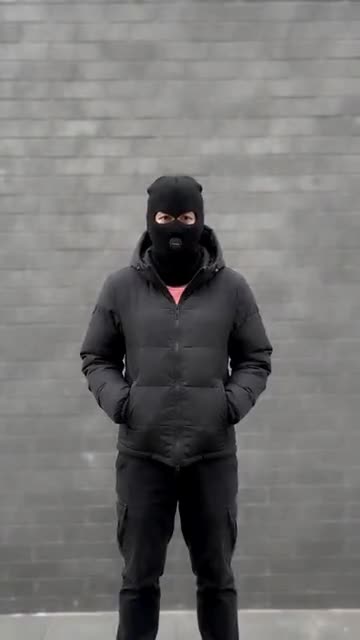
Mandem in Disguise AI
Grin at the wall, take the flash, come back in a black balaclava and puffer jacket, nodding slowly. One photo of an adult.
Wipe Me Down AI
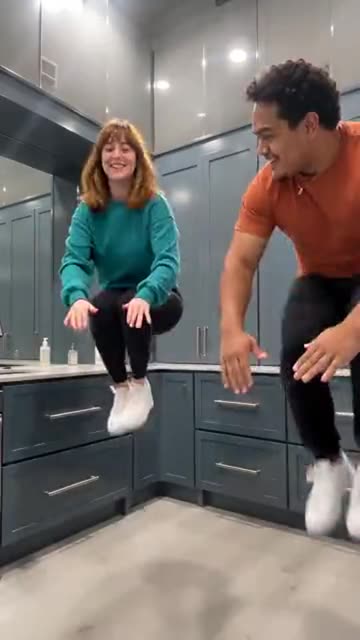
Two photos take turns stomping in a blue-grey kitchen, one up close, then the other jumps in. People or pets, or one photo twice.
Puerto Rican Mami AI
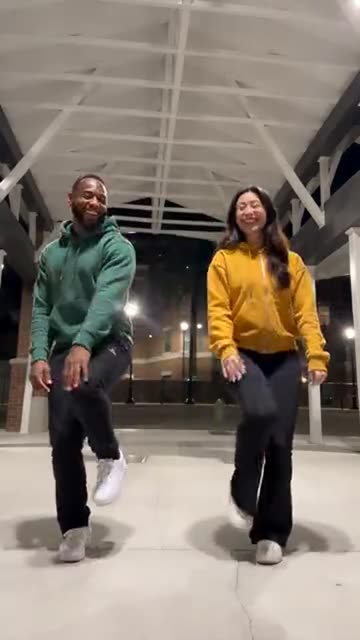
Two photos dance side by side on a night walkway, swap places and finish bent low, laughing. People or pets, or one photo twice.
Babydoll Dance AI
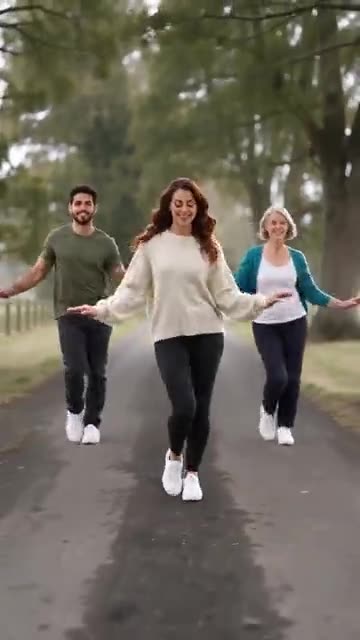
One to four photos two-step side by side on a country lane, point at the camera and jump. People or pets, in any mix.
Bama Bound AI
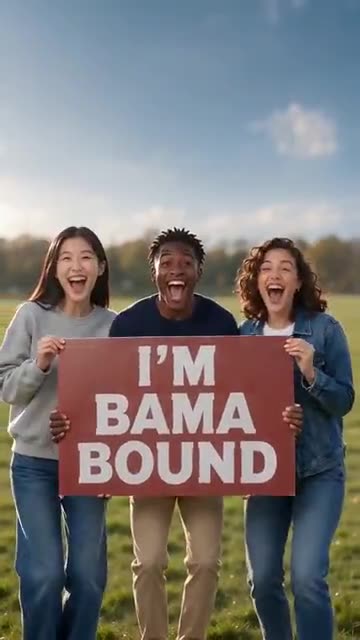
One to four photos hold up a red sign on a lawn, lift it overhead and cheer. Pick the words or type your own. People or pets.
iPhone Kupi Dance AI
Unfold an oversized phone in a hotel suite, dance with it, throw it up and strut off. Needs one photo of you or an adult friend.
I’m So In Love With You Dance
Fists out, then fists on hips, then a big head tilt. Needs one photo of you, a grown-up friend or your pet.
Iceman AI
Enter a white cold room, rap to camera, pass the shelves and flick a thumb back over your shoulder. Needs one adult photo.
Oh You Can Make It Cap AI
Someone asks for a twirl, someone shows off a bag, and the giggling takes over. Two adult photos, or one photo used twice.
Chased By Hyenas AI
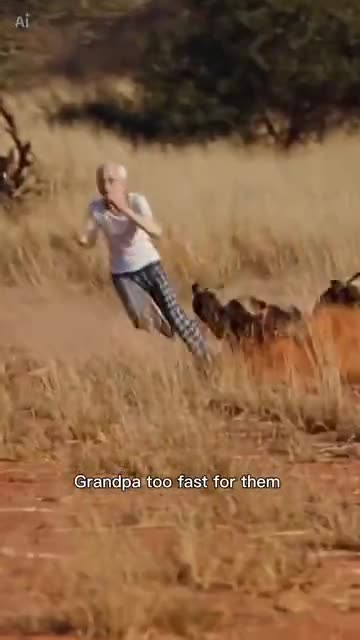
Sprint across a dusty plain with a pack of animals bounding after you. One photo of you, a friend or a pet.
Christmas Lights Wife AI
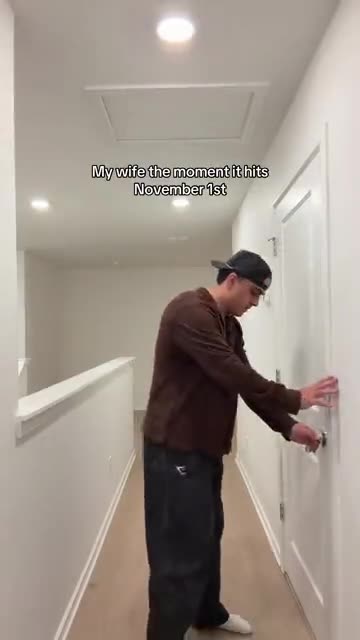
One of you stays calm in the hallway while the other sprints past with a Christmas tree and fairy lights. Two photos, adults or pets.
Dog Bohemian Rhapsody AI
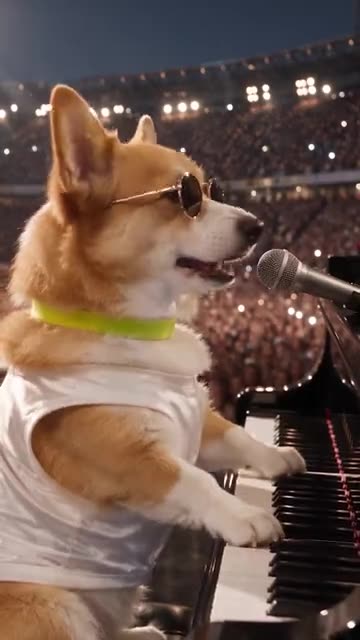
Sunglasses, a white vest and a grand piano on a stadium stage, with the crowd holding up its lights. One photo of your pet or you.
Dog Couple Dance AI
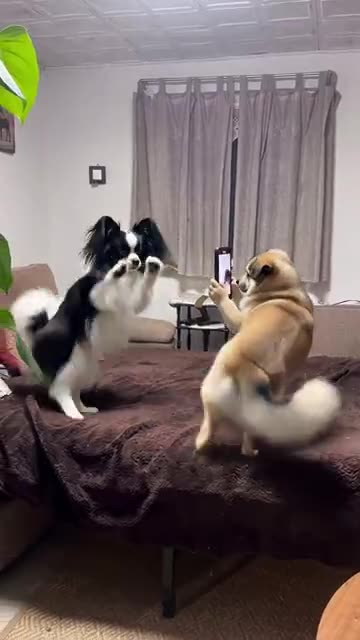
One dances on the bed while the other holds up a phone to film it. One photo or two, adults or pets.
Magic Double Dance AI
A grey sketch of you flickers into place, wakes up, high-fives you and dances in step. One photo of you or a pet.
Toy Car Leap AI
Coast downhill on a ride-on toy car, launch off the road waving and spill onto the gravel, laughing. Needs a single photo of an adult.
Christmas Green Dress AI
Stand on a candlelit Christmas staircase in a long green satin gown. Needs a single photo of an adult.
2026 to 2027 Road Sign AI
Embrace your 2026 self under a road sign, then watch your 2027 self drive away. Needs a single photo of an adult.
Airplane Runway Jump AI
Float in a mid-air split above a sunset runway as a jet appears to slide underneath. Needs a single photo of an adult.
Treadmill Fall AI
Step onto a running treadmill, get thrown off, roll across the gym floor and stroll away unhurt. Needs a single photo of an adult.
Monkey Steals Apple AI
Bite an apple by a mountain railing, watch a monkey creep closer, snatch it and leave you frozen in shock. One photo of an adult is all it takes.
Pet Rock Dance AI
Rise onto two legs, headbang, fling the fur and wave a paw like a metal fan. Send a photo of your pet or an adult.
Punching Bag Dance AI
A heavy red bag swings at the lens while you dance behind it, lean out of every swing and land a final pose. Works from one adult or pet photo.
Red Square Night Lip Sync AI
Cross a wet square after dark, mouth along to an unheard song, toss your hair and open your arms. Needs just one adult photo.
Single Camel AI
Walk alone down a foggy village road, arms folded, past couples cuddled up by a fire. Works from one adult or pet photo.
Suits Carry AI
One person in a suit hoists the other across the shoulders, spins once and the carried face swings round to the lens with a thumbs-up. It works from two photos of grown-ups.
Jingle Bell Rock Dance AI
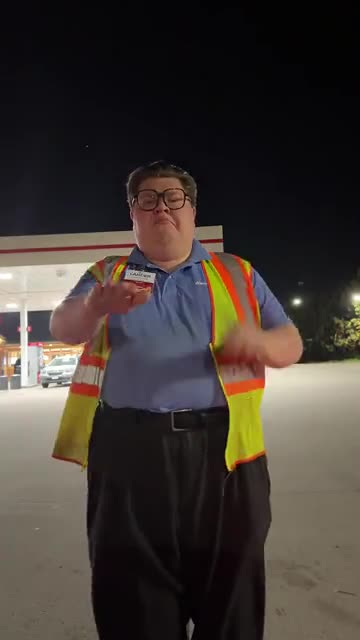
Roll the shoulders, wave both hands, clap and wave at the camera on a snowy night forecourt. A person or a pet in a Santa hat, from one photo.
Snowman Dance AI
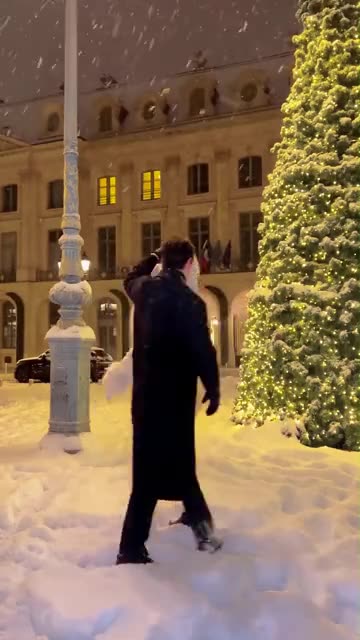
A couple steps close in a snowy square beside a lit tree, twirls, hugs and finishes with a lift. Built from two photos of adults.
Talk to Me Doja AI
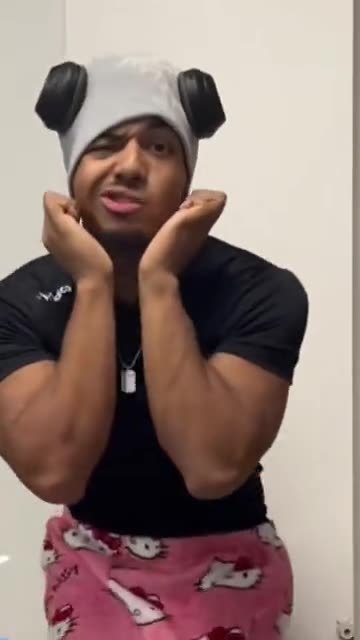
Hold a straight face, then give in: hands cup the cheeks, shoulders sway and cartoon-style stickers pop up around you. Made from a single photo of an adult.
Last Christmas Dance AI
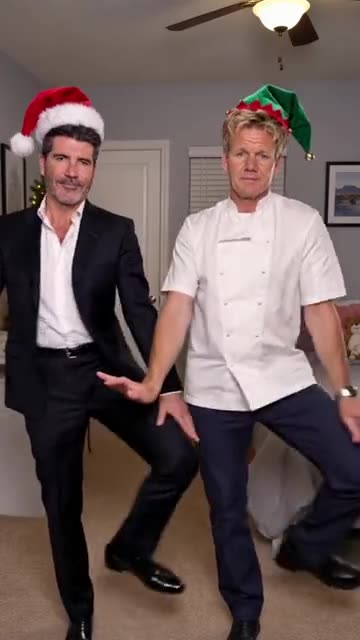
Two people in a Santa hat and an elf hat dance the same steps under Christmas lights: knee lifts, waves and thumbs-ups. It needs two photos of adults.
Cat on Ultra Bee AI
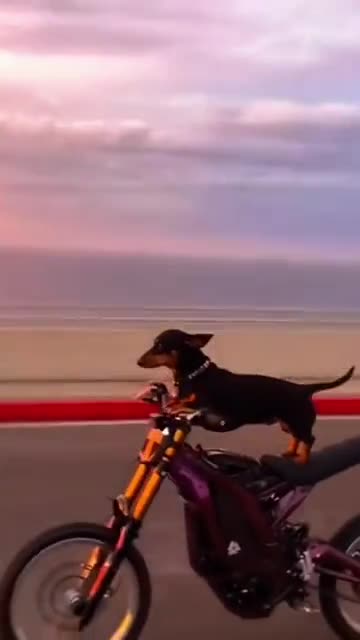
A small pet rides an electric dirt bike down a sunset street and lifts the front wheel. Needs one photo of your cat or dog.
Winter Pet Bath AI
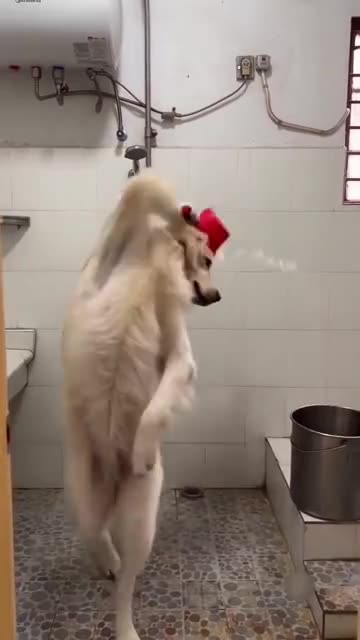
A pet stands upright in a tiled bathroom, pours a scoop of water over its own back and shivers. Needs a single photo of your dog or cat.
Dog Cake Smash AI
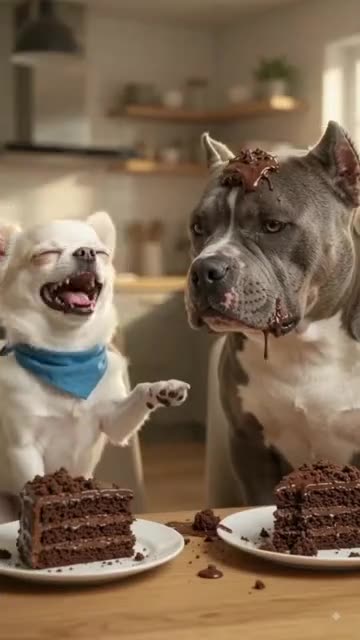
Two pets share a kitchen table and one flicks cake into the face of the other. Needs one pet photo, with a second one optional.
Spin That Coupe AI
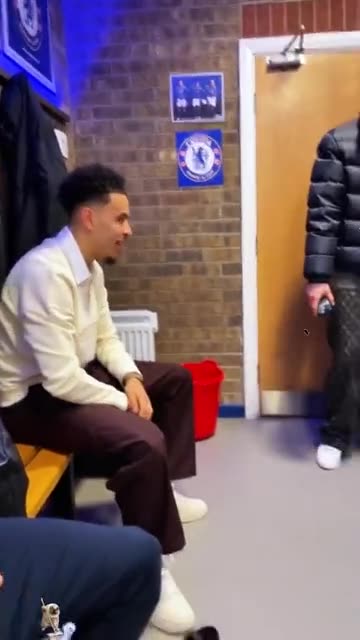
A teammate on a locker-room bench points at the door and shouts, and you stride in and strike a pose. Needs one adult photo, with a second optional.
Car Chips Prank AI
In a parked car you munch chips while your buddy sneaks a bite and a hand grabs the bag. Needs one adult photo, with a second optional.
Here Comes Santa Claus AI
A Christmas dance at the bottom of a sunlit pool: slow knee lifts, a floaty hop and hair drifting up. Needs one photo of an adult.
Santa Tell Me Dance AI
Side steps in front of a glowing holiday TV, two bouncy squats, a half turn and a wave to the camera. Needs one photo of an adult.
Jersey Solo Dance AI
A solo routine framed from the waist up: swaying hips, wrist rolls at the chest, shoulder rolls and a cheeky finish. Needs one photo of an adult.
Thanksgiving Dance AI
Side steps, a squat with a hip twist and a double hand flick, solo or as a pair. Needs one photo of an adult, with a second optional.
Dog Pool Party AI
A pet in swimwear rises onto its hind legs beside a pool, wiggles, spins and bounces while two small pals watch. Made from one pet photo.
Bibou Transition AI
Kick one leg high, send a shoe flying and cut to a full new outfit that poses to the beat. One adult photo, same room before and after.
Kiat Jud Dai Kitten Parade AI
Your pet walks upright toward the lens down a cartoon sunset road, a line of look-alikes marching behind it, then steps aside for the next. One pet photo.
Rapunzel Funk Loading AI
Sway your shoulders out of a party crowd, bite a fist and stare into the lens. Built from a single adult photo.
La Mujer del Pelotero AI
A cheeky hand dance of finger wags, crossed wrists and claps, facing the camera. One adult photo, or two for a pair.
La La Land Dance AI
Two people or two pets tap in step on a hillside lookout at dusk, with a high kick each and a walk to the lens. Built from two photos.
Hey Boo Slide AI
A couple in matching denim holds hands in a chandelier ballroom, strides forward, slides side to side and turns. Made from two photos of adults.
Handle Your Attitude AI
Two adults walk apart on a night road, then one sprints back and leaps into a hug. Built from two photos.
Hotline Bling AI
Swing both hands, hold a phone to your ear and drop into a crouch inside a glowing box room that keeps changing colour. A person or a pet, from one photo.
Deck the Halls Dance AI
Side-to-side stomps, a full spin, one fist up and then both, finished with a walk at the camera. One adult photo, or two.
Addicted Dance AI
Two people stand side by side at night and dance a routine led by the hands, pointing, flipping wrists and ending on an intense stare. Built from two photos.
Can I Ride Dance AI
Walk down a long hallway, then fling your arms, lift a knee and ride an invisible horse with a straight face. It takes a single adult photo.
Pet Duo Dance AI
Two pets stand up side by side, raise a paw, swipe their paws across their chests in step and press them down together. Made from one or two pet photos.
My Girl Couple Trend AI
A giant hand covers both eyes of a couple, slides away, and the two lean in and smile at the camera. Built from two photos of adults.
Toy Car To Real Car AI
A miniature car rests by a key ring, a hand takes the keys, the camera closes in, and a cut swaps in the full-size car. Made from one car photo.
Snow Leopard Paws AI
A pet sits upright in close-up, stares into the lens with huge eyes and pats a paw at the camera over and over. Made from one pet photo.
I Want Wings AI
Start out drained in a dim room, pass through a cloud of butterflies, and come out the other side bright and sure of yourself. One adult photo is enough.
Choosin Texas Emo AI
Stand in a black cowboy hat under a night skyline, mime a heartbreak song with clawed hands and a silent scream, then sink into a crouch. One adult photo does it.
Wassup In A Minute AI
Become a glossy 3D cartoon grown-up who sways from side to side on a clean backdrop, waves at the lens and fades into a second pose. One adult photo is enough.
Tough Like a Gorilla AI
One of you leans into the lens with a dare, then presses a huge flat tortilla against a cheek while the other stares back, unimpressed. It takes two adult photos.
Street Duo Dance AI
Two friends in contrasting outfits dance side by side in a city street, one poses on a big green bin, and they finish on a lawn. Built from two photos of adults.
Giant Woman Singing AI
A skyscraper-tall giant looms over a town in four quick shots seen from the ground and ends holding a microphone at a crossroads. Made from one adult photo.
Back Tattoo Love You AI
A portrait tattoo of one person covers the back of the other in front of a rose wall, and the first hugs them from behind. Made from two photos of adults.
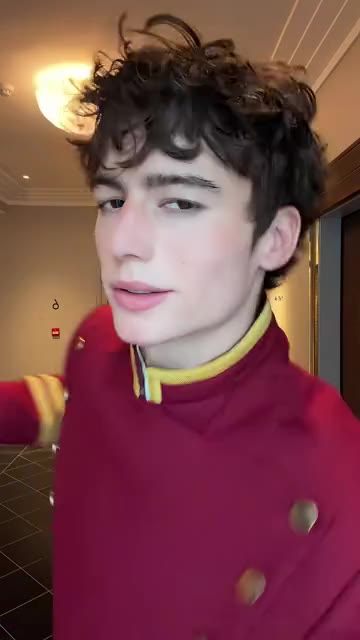
Bellhop Dance AI
A red-uniformed bellhop dances down a warm hotel corridor, flicks an arm, turns, tugs a glove and ends with a face close to the lens. One adult photo is all it takes.
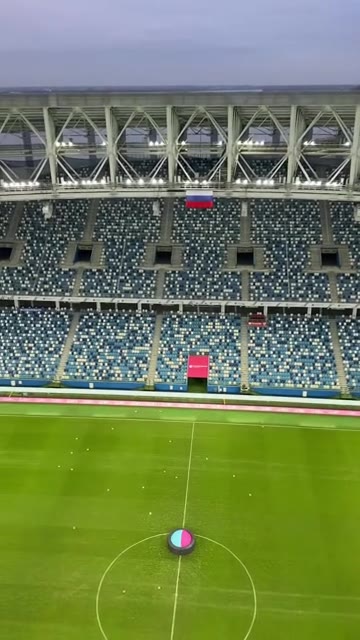
Stadium Gender Reveal AI
A football bursts into coloured smoke on an empty pitch, then two adults scream, jump and hold a long hug. Made from one or two photos.
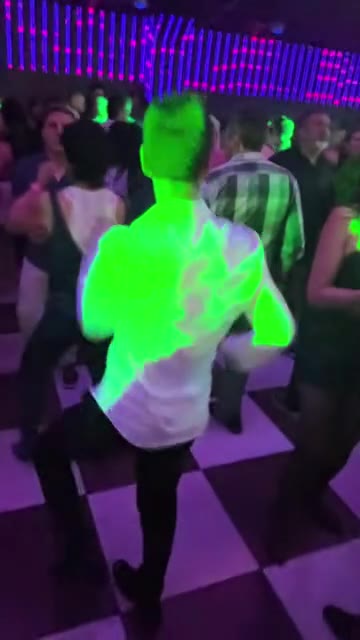
Roberto Carlos Disco Dance AI
One dancer, a black-and-white checkered floor, a packed crowd: pointing at the lens, flinging arms, swivelling hips and a spin. All it takes is one adult photo.
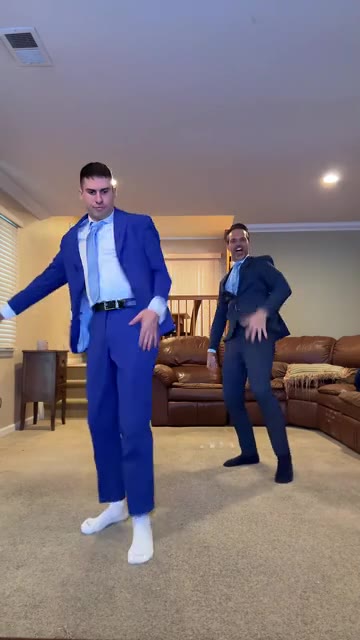
Suit Duo Dance AI
Two adults in suits dance in step in a living room: bouncy tiptoe steps, arms thrown up, claps and kicks. Made from one or two photos.
Subway No Phone AI
Stride along a bright platform with nothing in your hands while everyone behind you stares at a phone. One adult photo is enough.
Golf Swing Dance AI
One golf shot, a ball flying off into the dark, then a dance of hip twists, swaying arms and a spinning club. Needs one adult photo.
You Never Let Her Pay AI
Insist on paying, open the wallet, find a sponge, and be walked off by a smiling waiter. A single photo of an adult or a pet will do.
Modern Family Wassup AI
Three friends pose on a misty hillside, then run and skip downhill side by side, shaking their hands. Made from one to three photos.
Sheru Bhai AI
Cross a sunlit palace courtyard as a lion-headed boss in white and gold, with two bodyguards a step behind. One adult photo is enough.
Hot Chick Ice Cream Scene AI
A customer walks off with a whipped-cream milkshake, the clerk forgets to charge her, and she smirks at the lens. Made from one or two photos.
The Jawn AI
A Christmas elf in a green costume sways and dances in a snowy park with a candy cane, glancing aside and bouncing the knees. Needs one adult photo.
Groomer vs Dog AI
On a grooming table a pet kicks one groomer across the floor, tips over a second and ends the scene on top. Slapstick, nobody hurt, made from one pet photo.
CCTV Tiger Fight AI
Grainy black-and-white security footage: you stroll down a forest road, a big cat springs from the bushes and you wrestle it to the ground. Made from one photo of you.
Kiss Cam AI
Two people hugging in a stadium crowd spot themselves on the giant round screen: one hides behind both hands, the other ducks. Built from two photos of adults.
AI Pregnancy Reveal
A couple stand cheek to cheek holding up a test with a plus sign, tear up, laugh and hug. An AI-made scene for fun, built from two photos of adults.
Wizard Cat Keyboard Smash AI
A pet in a wizard hat types behind an oversized keyboard, goes still, raises a paw and slams down. One pet photo, one grumpy five-second tantrum.
Truck Driver AI
Seen from the passenger seat, a driver settles in behind a huge steering wheel and rolls past a yard of parked trucks. Built from one photo of an adult.
Huell Money AI
Fall back onto a bed-sized heap of cash in a dim room and lie there looking pleased. One adult photo is all it takes.
The Office Parkour AI
Crouch on a filing cabinet, leap toward the lens and land laughing in an open-plan office. One adult photo is enough.
Breaking Bad Coat Reveal AI
A plaid coat swings round your shoulders and your outfit snaps into a suit, then you lean in with a grin. One adult photo is enough.
Buggin Dance AI
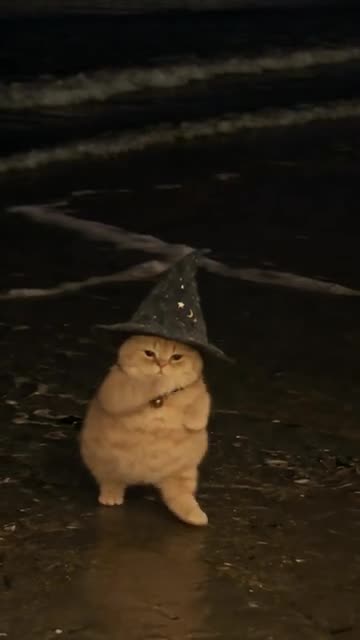
A wizard-hatted dancer salutes, pats the chest and spins on a dark beach at night. It needs only one picture of an adult or a pet.
Dog Elevator Prank AI
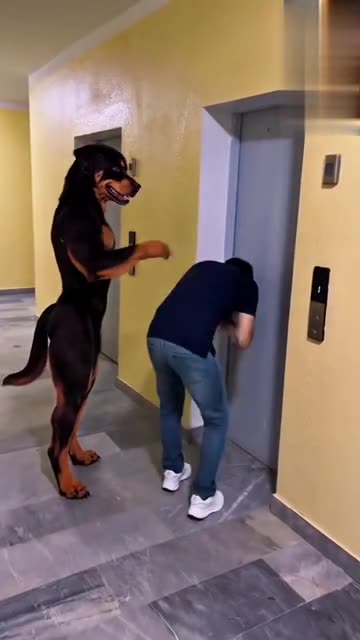
A tall dog standing like a person walks to the elevator, presses the button and gives its human a gentle shove inside. Built from one adult photo and one dog photo.
I Love the Smiths AI
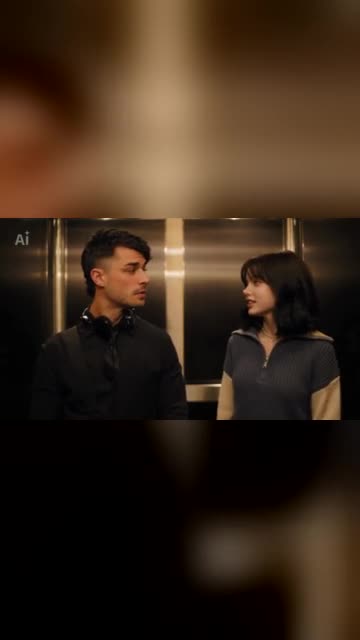
Two people stand side by side in an elevator, one lost in headphones, until the other turns and speaks. Built from two photos of adults, in wide or tall.
Angel of My Dreams AI
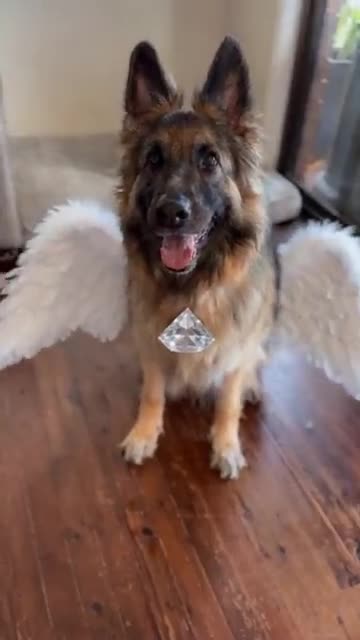
Huge white wings unfold behind a calm subject, a diamond pendant glints and the feathers drift. It needs only one picture of an adult or a pet.
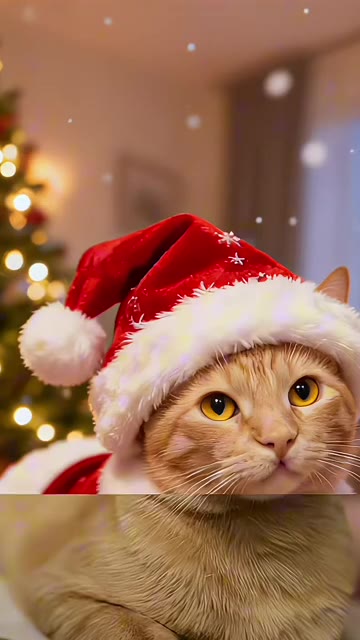
Pet Santa Costume AI
Your pet sits in its ordinary spot, a block-by-block wipe sweeps over the picture, and it is suddenly in a red Santa suit beside a lit tree. One pet photo.
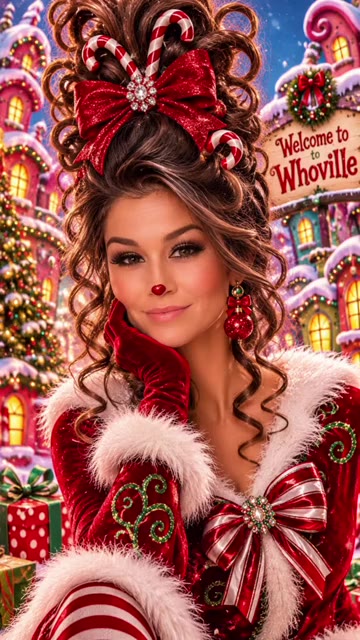
Whoville AI
A selfie becomes a storybook winter portrait: a tall curl tower, a big bow and a fur-trimmed coat, then a quick spin. One adult photo is all it needs.
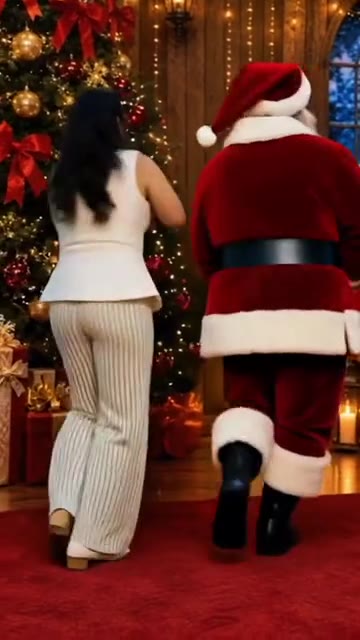
Dance with Santa AI
You and a friendly, invented Santa dance the same bouncy routine side by side on a red carpet, then cheer together. Made from one photo of an adult.
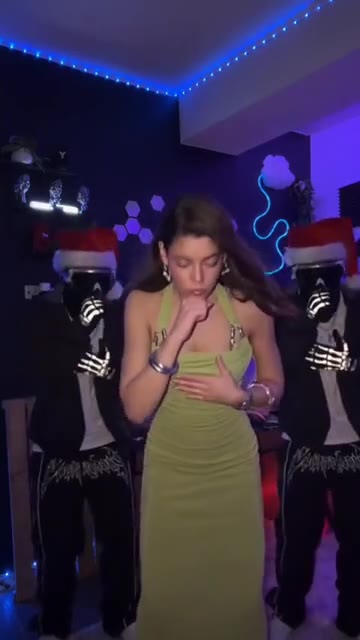
Jingle Bell Brazil Dance AI
A room glows violet and blue while two masked dancers in red Santa hats copy your every move from either side. One adult photo is all it takes.
Santa Transformation AI
You chat to the camera in a cosy room, a flash of light and snow sweeps over you, and you are Santa with a white beard and a brass bell. One adult photo.
X vs 1000 Cuts AI
A glossy 3D chopping board, a long blade that sweeps in by itself, and your own food or object sliced into smaller and smaller pieces. Made from one photo of the item.
My Moon My Man AI
An oil painting in the style of traditional devotional art: a robed Jesus hides a very large bouquet behind his back while you kneel by one small flower. Made from one adult photo.
What If You Fly AI
A fisheye view of you dropping through a bedroom floor, landing in a white cloud and then streaking skyward on a glowing trail past a city and the clouds. Made from one photo of you.
Laisse Tomber Les Filles AI
Sing a French song without a sound, flick your hair and pose in grainy film light, with two giant copies of your own eyes glowing on the wall. One adult photo is all it takes.
ATM Gone Wild AI
A small silver booth seen from a ceiling camera: you tap the keys, a roaring jet of made-up paper notes bursts out and piles up to your waist. Made from one photo of you.
Teach Me How To Dougie AI
Stand in one spot and do the Dougie: shoulder sways, a hand wiped down past the head, bouncing knees and a big smile. All it asks for is a single adult or pet photo.
Closed Door AI
A tiny figure knocks on one locked door in a black marble hall while the walls swing open onto a bright world. Made from one photo of an adult or a pet.
Fish Cutting Meme AI
Someone stands behind a counter and chops an enormous fish into even pieces, one thud at a time. Put an adult or a pet behind the counter with one photo.
Stage Singing AI
Step onto a big stage with a microphone, sing and dance under coloured lights while phones glow in the crowd. Made from one photo of an adult or a pet.
La Calabaza Dance AI
Three pets stand upright on a dark roadside and swing their hips side by side. Your pet takes the middle spot, and two friends can join it. Made from one pet photo or up to three.
Yena Catch Catch Dance AI
Shake out the hands, clap, flash a V and finish on a small heart, all facing the camera. It starts from a single photo of an adult or a pet.
Singing Birthday Cat AI
Your pet stands upright in a party-lit room, holds a cake covered in candles and opens wide with its eyes shut. Made from one photo of a pet.
Banana Leaf Flying AI
Strap leaves to your arms, hop off a sandy bank and sail over a river while a crocodile surges up and chomps at nothing. Built from one photo of you.
Hand of God AI
Giant golden hands pick you up on a seafront walk, turn your outfit white in a burst of light and fly you over the sand and the towers. Built from one photo of you.
My Moon My Gay AI
On campus steps at dusk one friend charges down, jumps into open arms and gets swung in a circle, both laughing. Built from two photos, one per person.
Fancy Cafe POV AI
A deadpan cafe gag: one character sips on a tiny steel table, the other sits on the ledge, and the table turns out not to be a stool. Two photos, no filming.
Secret Sniper AI
A moody mini-drama: someone lies on a high spot with an eye to a scope, spots a faraway figure by an off-road car, then lowers the rifle in tears. One photo is enough.
Bicep Heart AI
A shy smile, one flexed arm, then the other hand bends against it and the two arms make a heart. Turn one photo of an adult into that selfie.
Closing Door Prank AI
A door held half open, a runner coming down the hallway and a perfectly timed shut, then the roles swap. Built from two photos of adults or pets.
Sofa Outfit Change AI
Seen from the ceiling, someone lies on a rug beside a sofa while a fan blade sweeps over and the outfit changes again and again. Put one adult photo in that spot.
Lorenzo Zurzolo Trend AI
A quiet night close-up, a hard cut to bright sunshine and a slow turn of the head, made from one photo of an adult or a pet.
One Man Army AI
A lone figure watches an army gather, turns with a calm face, then raises a weapon as thousands charge. Made from one photo of an adult or a pet.
Parrot Dance AI
A lead bird squats, flaps and spins in front of rows of backup dancers in tiny diapers. Hand the lead role to your own pet with a single photo.
Open Goal Miss AI
Dribble past the keeper, tap the ball at an empty goal, hit the post and turn away to celebrate. Made from one photo of an adult.
Chipmunks Dance AI
Up to three dancers in a row on a sunset court spin, draw circles beside their heads, swap places and rush the camera. One photo starts it; two more can join.
Cat Doing Laundry AI
A hairnet, a pale blue shirt, a steel sink full of suds: your pet scrubs a red shirt, wrings it out and gets a coworker for a wiggle at the end.
Ballon d’Or Prank AI
A gold and red theatre hall, a long walk up the aisle and a golden ball-shaped trophy to kiss while confetti falls. Built from one photo of you, made for sending to family.
Broke Boyfriend Hug AI
One person taps a phone to pay at a counter while the other wraps both arms around them and refuses to let go. Add two photos and pick the place.
AI Bald Filter
Hold a clipper to your forehead, sweep it back and watch your hair vanish in one clean stroke. A harmless visual joke made from one selfie, ready to send to someone who will react.
Come and Get It Rose Petals
A brooding slow-motion close-up on black, switching between monochrome and warm gold as rose petals drift past your face. Built from one photo of you.
Opa Opa Bouncy Hair Video
A selfie in a cosy room, a chatty face, and a head of hair that keeps springing up and flopping back. Your photo takes the lead; short hair bounces too.
Car Shootout AI
Belted in at the wheel, you take a prop pistol, lean toward the open window and fire one movie shot into empty air. Add one photo and pick the seats and the road.
Shoulder Carry AI
A person lifts someone across both shoulders, spins slowly and lowers them to face the lens. Add two photos and choose where it happens.
Cutting the Branch
Someone crouches on a branch over the water and saws away the very part they sit on. Crack, drop, splash. Built from one photo of you or your pet.
Somebody That I Used To Know
Faces painted into a patchwork wall, a slow sad song mouthed in turns. Built from one photo of you, or two for a duet.
Catel Dance
A fixed camera, a bounce to the beat, long sleeves flung from side to side, a spin and a cheeky pose with hands on the hips. Built from one photo of you or your dog.
Fridge POV Tiramisu AI
A camera inside the fridge, a dark kitchen behind and a big tray of tiramisu: three greedy spoonfuls, made from one photo.
Last Dance AI
Two figures hold hands in a spotlight, spin, draw close, push apart and finish in a pose. Add two photos and choose the look, the stage and the light.
Robot Girl AI
Become a human-looking android with a glowing core, filmed on a phone in a crowd while you live through a small first: a hug, pockets, a compliment.
Cat Middle Finger AI
A pet strolls up on its hind legs, sits like an angel, then raises both paws with a single deadpan toe and walks off. Made from one photo.
Asereje Trend
A phone propped up, sunglasses on, open hands, a point at the lens, a chin rest and a big grin. Lip-sync a party song from the passenger seat, built from one photo.
Cricket Six AI Video
An empty dusty ground, a set of stumps, a huge swing and the ball gone out of the frame. Put yourself or your pet in whites, then freeze with the bat held high.
Anima Christi Dance AI
One dancer, one fixed camera and a stone courtyard: sways, hops and a high side kick, all built from a single photo.
Casa Tupka Transition Video
Relaxed at home, a shoe held up to the lens, and then a sharp new look with a few cool poses. Your photo plays the person who steps back in style.
Capybara Couple AI
Two cartoon capybaras share a sofa, one sneaks the snacks and the other gives in with a sigh. Add two photos and pick the room, the story and the outfits.
Are You Hungry? I Can Cook!
A tall white hat, a clenched fist on the pan handle and food flying on the beat. Your pet or you behind the stove, in a warm orange kitchen.
Frozen Feet Couple AI
In a moonlit bedroom, one sleeper slides ice-cold feet onto the other, who freezes in glowing cartoon ice. Add two photos and pick the room, the blanket and the glow.
Prank Mask AI
A cheek pinch, a sudden wrinkled face and a thin rubber mask peeled upward to show your real smile. Made from one photo.
Kitty Knight Video
Armour, a cape, a misty field and a sword that lights up gold. Your pet or you as the knight in a cinematic fantasy scene.
Street Light Slide AI
An empty lamp-lit path at night, a tiny figure gliding off, then you sliding in close with hair flying. Made from one photo.
AI Police Running
A runner sprints through a market with two officers trailing, hops onto a bus roof and climbs a billboard frame. Made from one photo of an adult or a pet.
Passenger Princess AI
One of you drives with a flat stare while the other sips a drink, pulls on a neck pillow and a blanket, puts on sunglasses and sinks into the seat. Add two photos and pick the car.
Dancing Crocodiles AI
Two upright crocodiles line up on the grass beside a pond and dance the very same steps until a golf cart rolls past. Add one photo or two and choose the costume.
Escalade Rampe Géante AI
A giant wet concrete wall, a sprint through shallow water, a flip near the top and a standing slide back down, all from one photo.
Giant Hands Dress Up AI
Stand still like a doll while a pair of giant hands lowers a new outfit over you, then walk out and pose. Add one photo and choose the look.
Boyfriend Picks You Up AI
Sit at the wheel of an open-top car on a quiet road while the camera cuts between five different outfits. Add one photo and choose the street.
Dog Dance Crew AI
Four animals in a straight row on a mirror-black stage, bowing and head-shaking in time, with your pet as the lead.
Car Alarm Dance AI
A quiet night street, a parked car and one alarm: your pet or you rise up beside it and dance to the siren, then freeze with a proud little look.
Dog Bartender AI
Your pet sits behind the bar in round glasses and a bib, deadly serious, while a pair of hands mixes three drinks that get sillier each time.
Red Riding Hood AI
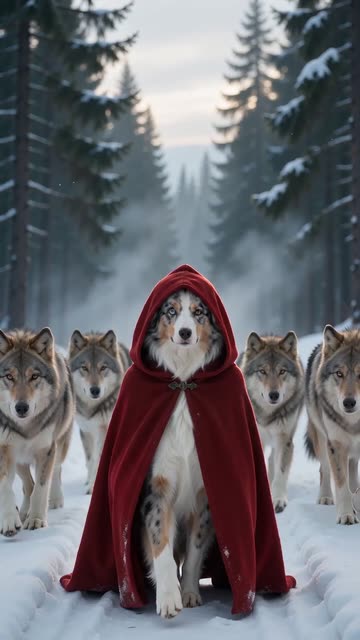
Wrapped in a hooded cloak, you or your pet walk through a snowy pine forest beside a pack of calm wolves, then lower the hood and look straight at the camera.
Me Sitting and Doing Nothing
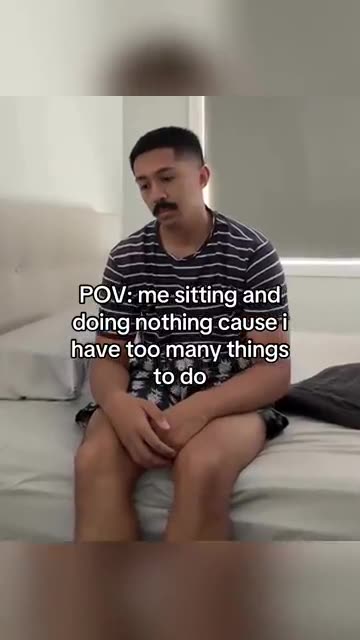
A pet or a person in a bathrobe and dark glasses, sprawled on a lounger in front of a glittery pink backdrop, slowly eating a snack and giving the lens a flat stare.
GTA 6 Loading Screen Clip
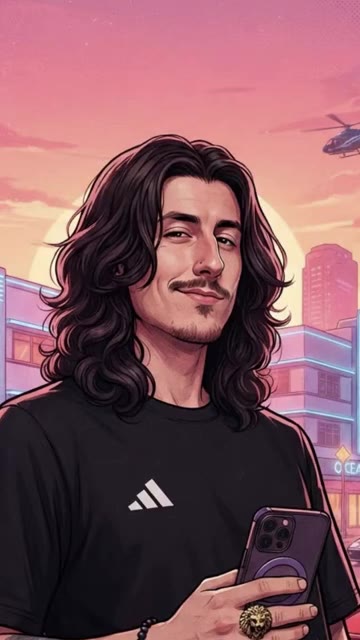
A mirror selfie slides off the top of the frame and you reappear in the same pose, redrawn as a comic-style poster with palm trees, neon towers and a helicopter.
Pet Seal Filter AI
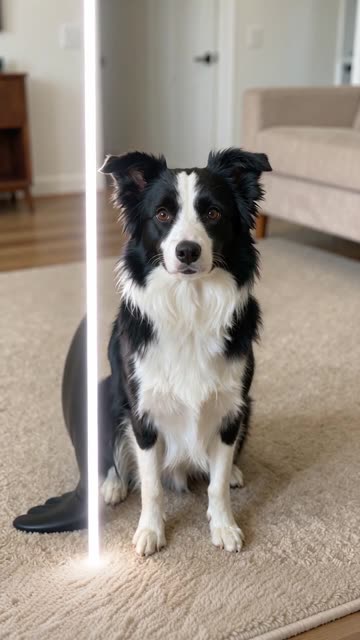
A pet sits still, a thin line of light sweeps across the frame, and a round, chubby seal with the same face is sitting there when it passes.
Milkshake Ceiling Fan Dance
A camera that seems tied to a ceiling fan keeps turning the room while you mouth along, sway, spin away, lean in and come back wearing rose-tinted glasses.
Cardo Dinner AI
Someone sits at a table, a hand with long painted nails offers one giant cheesy snack, and the melted cheese stretches into an absurdly long string.
Pimp Walk Entrance AI
Someone holds a glass door, and your walker leans back, rolls both shoulders and strolls up to the lens for a frozen close-up.
Baby Lip Sync AI
A handheld camera swings from the first singer to the second, and each one mimes the chorus with huge, goofy expressions.
Need for Speed Drift Clip
Warm film colours, a camera at wheel height and your car sliding sideways through an empty junction in a thick cloud of white tyre smoke.
Self Hug Sketch AI
A person leans on a grey wall, laughing, while a large pencil drawing of that same person hugs them from behind with both arms.
Pet Taxi AI
A worker in a dark suit hails a pet the size of a van, pats its side, climbs onto its back and gets carried off down a night street.
Homelander Milk AI
Cocoa gets stirred, the mug gets moved and a whole jug of milk lands on the empty counter. A caped hero in a plain suit loses his smile and stares you down.
New Year 2027 AI
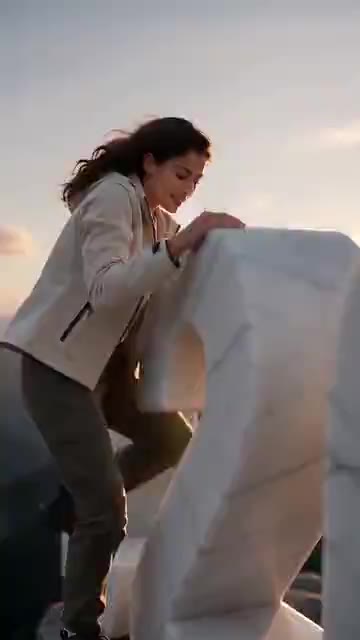
A person scrambles up a giant marble 2027 on a mountain top, stands on it with arms wide, and the camera lifts away to show all four digits. Made from one photo.
Convertible Coffee Drive Video
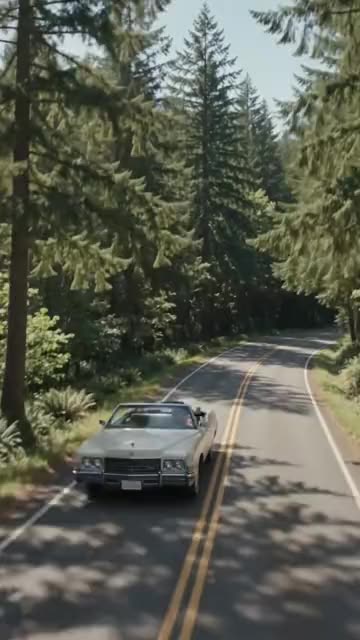
A road seen from above, a convertible gliding along it, and a close-up of you in sunglasses, hair in the wind, sipping coffee. A dog at the wheel works too.
Car Falling From Sky Video
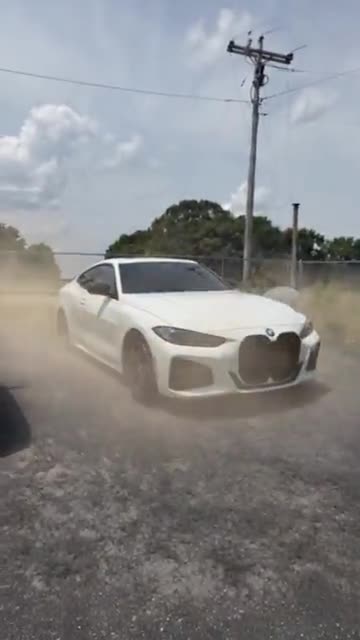
An empty patch of ground, a tilt up to the clouds, and your car comes tumbling down, sweeps past an airliner and lands in a puff of dust. No people, no damage.
Color Sweater Portrait Video
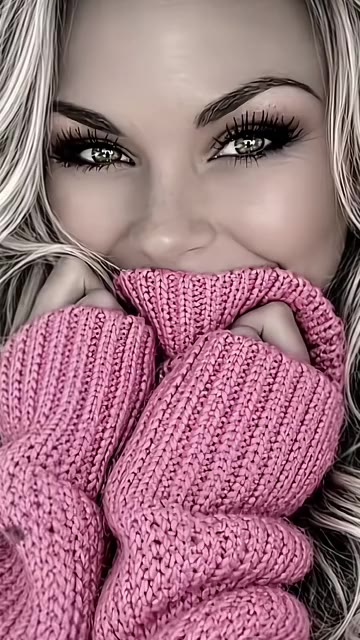
A tight black-and-white portrait, a chunky turtleneck pulled up to the eyes, a slow look into the lens and a small smile. Only the knit glows in colour.
Carne Asada Singing Dog Video
A close-up, two paws on the table edge, a head tilted back for a long operatic howl, and then a slow, cheeky stare into the lens. Dogs and cats are welcome.
Shaking Head AI
Eyes shut, a smug smile and a slow sway, then the eyes snap open and the tongue pops out at the lens, twice. Made from one photo.
Hop Hop Hop Dance AI
One face fills the lens and points over a shoulder while the other hops and drops into a squat far behind, until a cut on the beat swaps them. Built from two photos.
Pets Making Coffee AI
Two pets stand upright at a counter, one pouring a hot drink and one stirring, until a bottle tips over and both turn to the camera with wide, innocent eyes.
Riding Lion AI
A tame golden lion pads up to you on a night road, lets you stroke its mane and carries you toward the camera. Built from one photo of you.
Give It All Mic Rap AI
You close your eyes and perform into a silver retro microphone that dangles from the ceiling, with a neon-lit crowd swaying behind you. Built from one photo.
Flying Header AI
Under the floodlights you spring up behind a defender, hang in the air and nod a yellow-and-purple ball away in slow motion. Built from one photo of you.
Mirror Lipstick Grammar Video
A shocked face at a lit bathroom mirror, a red sentence with a word missing, and a lipstick that sets it right. Send a pet or an adult and take the lead.
Cat MMA Fight Video
A fluffy pet in tiny gloves perched on a fighter in the corner of a cage, throwing soft, silly punches. A photo of your pet takes the starring role.
James Bond Reveal Video
A black sports car, a long coat on a quiet street and a walk toward the lens in front of a helicopter. Send an adult photo and play the reveal yourself.
Flower Nose AI
A close selfie, a pinched nose, a scrunched face and a small flower drawn slowly out and held up with a grin, all from one photo.
Fuzzy Dream Dance AI
One dancer holds a wide, low squat in a sunny yard, rolls both forearms, shakes the knees and ends with an arm thrown high.
Lil T Jones Dance AI
A pet rises onto its hind legs in a plain living room, giggles behind a paw, salutes, bounces, kicks and spins halfway round.
Me And My Girlfriend AI
In a bathroom mirror, one person sits sideways on a shoulder, hand on hip, while the person below holds up the phone. Add two photos and pick a pose.
Christmas Photobooth AI
The camera slides along a slanted, sepia photobooth strip where the same two people strike a new festive pose in every frame. Add two photos and pick a film tone.
Winter Wonderland Dance AI
Two people in matching pajamas stand by a lit tree: one dances, the other sways and lifts a small cat on the beat. Add two photos and pick the pajamas.
Reaching Out Cat AI
A hand stretches toward a spinning ceiling fan, then a hard cut shows a pet on a counter being carried out of frame. Your own pet takes the counter from one photo.
Boxing Dog AI
Stuck in night traffic, a pet in the passenger seat throws jabs and hooks at the windscreen, then glances at the camera. Your own pet takes the seat from one photo.
Dog Drummer AI
In a blue-walled studio, a small dog stands behind a gold drum kit, works the snare and crashes a cymbal. Your own pet takes the stool from one photo.
Huss Huss Huss AI
A cut-out cat holds a dumbbell in each paw and bounces and sways on the beat against a plain white backdrop. Put your pet, or yourself as an adult, in its place from one photo.
Vem de Ré Dance Video
A night square, a very tall tower and a loose funk routine: hands overhead, hips swinging, a few steps backwards. A person or a pet can take the lead.
Olly Olly Dance Video
A bright hallway, a bouncing body, a few playful air punches and arms flung wide. Your photo does the dancing, whether it shows a person or a pet.
Yamal Dance Video
A banquet hall, chandeliers, guests along the walls and one dancer in the middle of the floor. Your photo takes that spot, whether it shows you or your pet.
Love Handstand Video
Three big letters on a wall and a gap where the V should be. Your photo kicks up into a handstand and fills it with a slow split of the legs.
Kakalika Dance Video
A sunny yard, baggy clothes, high kicks and a towel in the air. Send one photo for a solo dancer, or a second one to dance beside them.
Boom Clap Confetti Video
A living room, a loud line about to be sung, and a burst of confetti that lands on cue. Your face or your pet takes the hit.
Mexico Pterodactyl Video
A sunny terrace, a glossy black floor and a huge winged creature on a chain that gapes, twists and flaps while your star holds on, looking smug.
You Are Nice You Are Pretty
A pet sits square to the lens, blinks, mouths a little speech with great sincerity and closes with a wide-open finish. Your own animal plays the part.
Lonyo Cat Dance Crew Video
Your pet stands up front in a yellow hoodie while a squad of upright animals kicks, punches and waves in perfect sync behind it.
Waiting on My Fries AI
A pet grown to human size leans on a steel counter and stares down the lens while a worker in an apron throws up their hands. Add two photos.
3D Cartoon Snow Globe AI
Your photo turns into small 3D cartoon figures standing in a glass snow globe among trees and a snowman while the flakes settle. Add one photo.
Vlogmas Intro Cartoon AI
A hand-drawn style cartoon of you sits at a dressing table beside a Christmas tree, puts on lipstick, and the camera moves in on the mirror. Add a photo.
Truck Jump Calm Chair Video
A camp chair on a dusty road, a calm face, and a pickup that sails over your head in a cloud of sand. Your photo plays the one who never flinches.
DJ Dog Video
Purple stage light, a mixer desk and a pet on its hind legs who sways to a beat nobody can hear. Your pet takes the booth; cats and other animals are welcome too.
Hero Funk Dance Video
A plain bedroom, a low crouch, a fist in the air and a face far too serious for the moves. Your photo dances; pets rise up on two legs and join in.
Water Flyboard Ride AI
One adult glides up to a yacht on a red and black jet board, pulls the other aboard and the two rise above the spray. Add two photos.
Window Dance AI
A night camera pushes in on the one lit window of a dark building, where someone dances beside a glowing speaker, spots the lens and pulls the curtain. Made from one photo.
Tiger Transition Video
Bare-faced and chatting, both hands sweep over the lens, a white flash, and you are back with your hair up, sparkling earrings and full glam makeup. The face stays yours.
Flashlight Couple Photo AI
Two adults lean together against a pure black backdrop while a strong light behind them traces a warm glow round their hair and shoulders. From one photo or two.
Dance With Cartoon Self
A fixed camera, you on the left and a drawn copy of you on the right. They wave hello, then dance the same easy steps. Works for pets too.
Gimme Purr Gimme Meow
A camera held high, a quick wait gesture, three poses on the beat and a pair of sunglasses at the drop. You or your pet star in it.
King Jin Boss Entrance
A neon street at night, a crowd that bows as you walk by, then a close-up with a lollipop and a cool stare. Your photo makes the lead.
Tweenslop
A bright bedroom, a controller and a loud reaction, then the whole picture shatters into coloured pixel blocks that shake to the drums. Works for pets too.
Skibidi Babidi Boo Freestyle
Someone stands in a restaurant and mimes a lightning-fast rap to a phone camera, hands flying at the chest, then shakes it off and leans in. Made from one photo.
Low Budget Amanda AI
An adult dances to the camera in a home kitchen, twisting the shoulders, pointing at the lens and pulling funny faces while a second adult bounces along behind. Made from one photo.
Boyfriend Makeup Prank AI
A fixed selfie camera, a pair of hands from outside the frame and a full face of makeup, built up step by step until the surprised person winks and grins. Made from one photo.
Darts Bullseye Video
Three darts thud into a red bullseye in the top panel while you stand on a huge stage below and finish with a roar. One photo of you or a pet is all it needs.
Baby Face Filter Video
A silly front-camera selfie in which an adult wears a cartoon face filter, talks, pulls faces and ends on a big laugh. Adults only, from one photo.
Corpse Bride AI
Two photos become a gothic stop-motion couple on a moonlit stone bridge: hands over faces, wide eyes, then a pose side by side. Adults or pets.
GTA 5 Goodbye AI
One photo becomes a game-style sunset farewell: a slow nod from the middle car, three cars pulling away, then a rising aerial view. Adults or pets.
Sidewalk Collision AI
One photo of an adult becomes a night-street slow-motion special effect: a light bump, then a cup, sunglasses and a flip phone float in the air.
Nestle Crunch AI Ad Video
A sunny backyard, a half-unwrapped snack, one huge bite and a smirk straight into the lens. Your photo stars in the commercial; pets hold the treat in their paws.
Birds of a Feather Chair AI
A hushed office, a green carpet and a black chair that drifts and turns while the hair floats and the lips mouth a song. Your photo takes the seat; pets rest their paws like arms.
Mickey D’s Dance AI Video
Two dancers in a huge empty car park, rolling their hands, flashing peace signs and chanting along before they sprint out of the frame. Your two photos do the dance; pets rise up and join in.
Flamingo Float AI Video
A pink flamingo ring, a rooftop infinity pool and a skyline far below. Your photo drifts to the glass edge, gets a gentle push back and laughs; pets scroll the phone with their paws.
Questions? Email support@tiptoeinginmyjordans.dev.
Tip Toe AI is an independent AI tool, not affiliated with or endorsed by @danielleschiller79, Michael Jackson, TikTok or CapCut. Every video is an AI-made scene, and no footage or sound from the original post is reused.