Tip Toe AI vs a general AI video tool: is a prompt-free template better?
Updated:
Short answer
A general AI video tool gives open control but asks you to write prompts, pick settings and try again until it works. Tip Toe AI fixes the scene and the choreography, so you only add two photos. Use a general tool for custom scenes, and use Tip Toe AI when you want this one dance quickly.
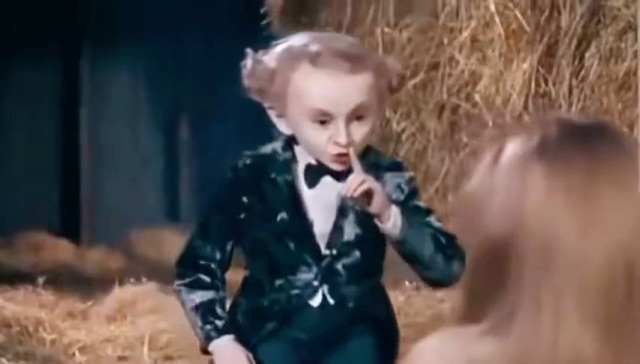
Side by side
- Setup: a general tool starts from a blank prompt box. Tip Toe AI starts from two upload boxes.
- Result: a general tool can make anything, but a matching barn dance may take many tries. Tip Toe AI aims at one scene that follows the reference clip.
- Cost to try: every general-tool attempt uses that tool’s own credits or plan. Tip Toe AI offers a free 5-second preview before the first paid video.
If you want to prompt it yourself
We publish copyable prompts for Kling, Veo and Seedance. They show the idea, but the finished result depends on the tool, the model version and your photos.
Questions people ask
Does Tip Toe AI use one of these tools?
It uses an AI video model behind the scenes, with a fixed prompt and reference video that you never have to write.
Can a general tool do more?
Yes. It can make any scene. Tip Toe AI is built for one trend and does little else.
Which one should I try first?
Try the free preview here first. If you want a different scene, move to a general tool with the prompts above.
Make your own Tip Toe video
Upload two photos and try a free 5-second preview. No subscription, no watermark.
Make my video