Ba Ba Ba Dance: the dancers appear swapped, how do I fix it?
Updated:
Short answer
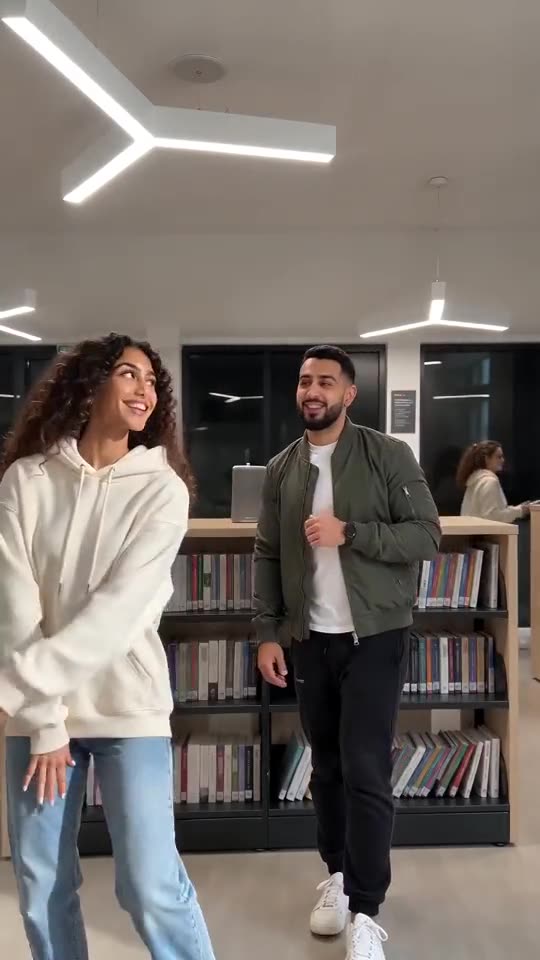
The left photo is the dancer who opens on the left and takes the closing solo, and the right photo takes the first solo. If you want them the other way round, use the Swap photos button, check the previews of both boxes, and run again.
How to check
- Look at which photo sits in the left box and which in the right.
- Press Swap photos if you want the solos reversed.
- Make sure the two people don't look too alike, or the model may blend them.
- Use a bonus preview if you have one before the full video.
Who dances when
The right-hand dancer takes the first solo after the left-hand dancer steps out. The left-hand dancer then walks back and finishes with the closing solo. That order never changes.
Questions people ask
Is a swapped result a failed video?
No. A render that finished is not a failure, so its credits are not returned.
Does the clone version swap too?
A clone uses one photo for both sides, so there is nothing to swap.
Do the solos ever happen at the same time?
No. Each dancer has the middle of the frame to themselves for their own solo, one after the other.
Dance the library duet yourself
Add two photos, or the same one twice, and you're both on that floor. No subscription is involved, and the finished video carries no watermark.
Make my video