Enchantress video: what to do if the face changed
Updated:
Short answer
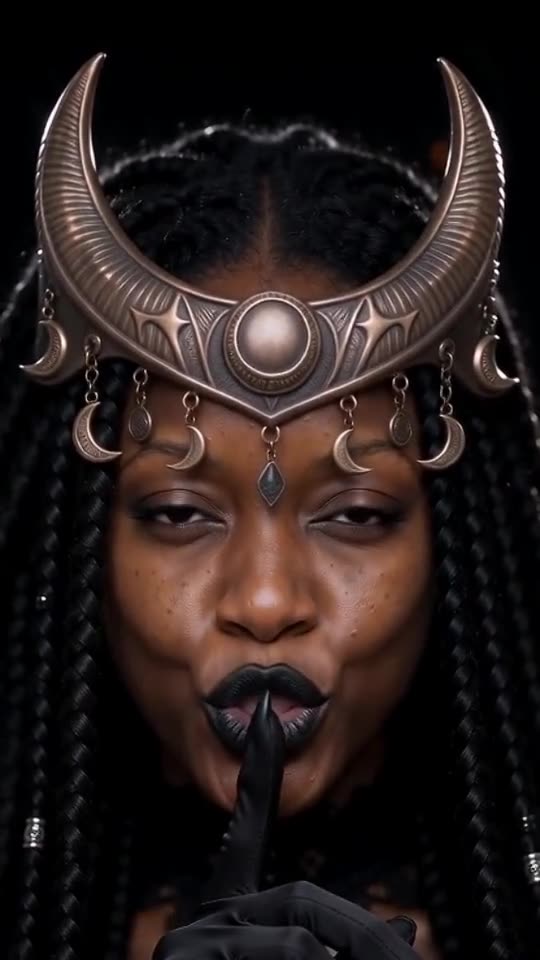
Faces drift when the model can't see them clearly, and the dark makeup of the witch look pulls toward a stock face. Use a sharp, bright, front-on photo with open eyes where the face fills about a third of the frame, lose the sunglasses and filters, and run the free 5-second preview again before paying.
Why it happens
- The face is small: in a wide or group shot it gets only a few pixels.
- Filters and beauty effects: the model reads a face that isn't quite yours.
- Dark or sideways photos: the model must guess half the face.
- Heavy witch makeup: the reveal can pull toward a stock look.
A quick routine
- Pick another photo that follows the photo guide.
- Run the free preview and compare the reveal to your photo.
- Only then go full length, since each render uses 100 credits.
- Still wrong? Email support@tiptoeinginmyjordans.dev with the video link.
Questions people ask
If the face changed, did the video fail?
No. A failed video never finished, and you get its credits back automatically. A finished video with a different face is an ordinary result.
Does the silver or blood moon look change the face?
No. Every look changes only the crown, the makeup and the gown.
Can I upload several photos of one person?
No, the template takes one photo. Choose the clearest.
Become the moon witch yourself
Add one photo and take the black hand. No subscription needed, and the finished video carries no watermark.
Make my video