Fridge cam heist via an editing template or via Tip Toe AI: which suits you?
Updated:
Short answer
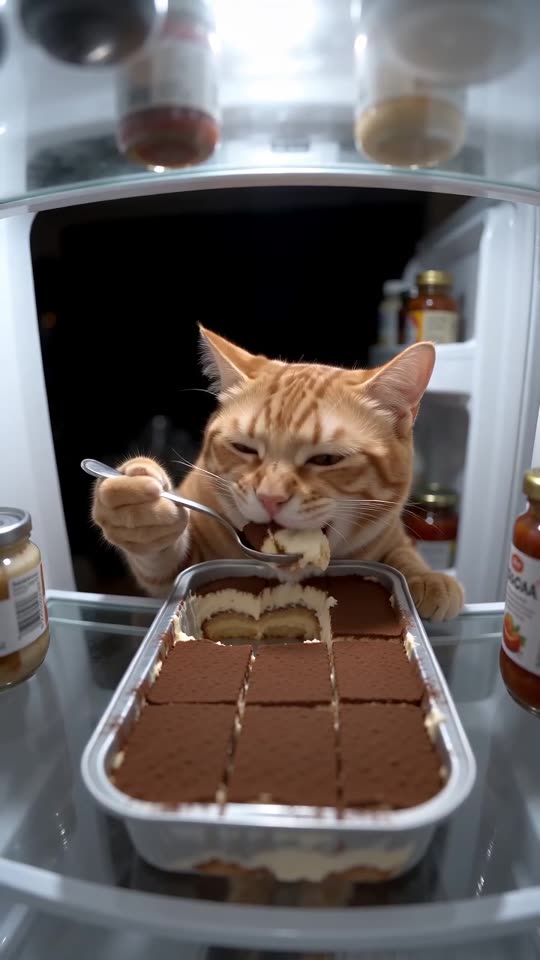
A template re-edits media you already own inside its own editor, whereas Tip Toe AI generates a new 15-second fridge cam clip from a single photo. Pick a template if you enjoy editing, or Tip Toe AI if a photo is all you have. A free preview comes first on Tip Toe AI, and packs begin at $9.90.
Head to head
- Input: a template wants your own clips or photos; Tip Toe AI wants one photo of the snacker.
- Fridge and dessert: a template carries its own fixed look; Tip Toe AI generates the fridge, the tray and the routine, with three dessert presets.
- Result: Tip Toe AI delivers a new 15-second 720p clip with generated motion, paced like the viral version.
- Cost: editors mix free and paid features, so check what their plans include today. Tip Toe AI starts with a free preview and then charges 100 credits per full video, with packs from $9.90.
Choosing
Go with a template if you like cutting clips and already live in the editor. Go with Tip Toe AI if you want your cat, your dog or yourself on the fridge cam without any editing. You can also do both: generate here, then finish in CapCut.
Questions people ask
Was this tool built by CapCut or TikTok?
No. Tip Toe AI is independent, with no link to CapCut, TikTok or whoever began the trend.
Can the two work together?
Yes. Save your MP4, open it in CapCut, then trim it, add captions or mix in your sound.
Which one is cheaper?
That depends on what you own. With an editor and your footage, a template costs almost nothing. With only a photo, Tip Toe AI gives you a free preview to start.
Make your own fridge cam heist
Add one photo and catch your pet (or yourself) red-pawed. No subscription needed, and the finished video carries no watermark.
Make my video