Which sound goes with Babydoll Dance, and will the steps land on it?
Updated:
Short answer
The sound behind the lane clip (@gracebettyharmer) is tagged Babydoll on TikTok, and we haven't verified the track or who made it, so we name no artist. Save our video, open that clip in TikTok, tap the sound, use it on your video and let it start at the very beginning so the steps land.
Laying the sound over
- Get the video (or its silent copy) out of My videos.
- Open the clip marked as the one we follow and tap the sound name at the bottom.
- Choose to use the sound, then add your downloaded video.
- Check that the sound begins at the very start and turn the clip's own audio down.
What the file already contains
The full video carries a fresh AI-made soundtrack: a bouncy two-step beat with a steady kick drum. It isn't the original recording, none of the original is built in, and because the audio is generated it can contain invented cheers or a stray vocal line. A silent copy is available. Our video follows only the first fifteen seconds of the original dance, so use the sound from its very start. We haven't verified whether the sound can be reused, so check what TikTok allows.
How to put the original sound on your video in TikTok
Every video you make here comes with an AI-made soundtrack of its own. If you would rather use the trending sound, add it inside TikTok when you post. You can also grab the version without music from My videos and lay the original sound over that.
- Open this clip in TikTok: our video follows it. Tap the sound name at the bottom, then tap Use this sound.
- Tap Upload and choose the video you downloaded from us.
- Open Volume and turn the video's own sound down to 0, or use the Download without music version from My videos.
- To line the clip up with the beat, trim the sound so it starts at 0 seconds, then post.

Need the sound to start somewhere else? This short video shows how to trim it.

Video: How To Trim Sound On TikTok 2026 (Very Easy) by Software Solutions on YouTube
Questions people ask
What if I pick another track entirely?
It will play, but the two-step, the point and the jump are timed to the clip's audio, so another track won't line up with them.
It's slightly out. What should I do?
Slide the sound by a few frames in your editor. The off-the-beat fix covers it too.
Which video is paced like the clip?
The 15-second video is the one paced like the clip, so its sound drops in cleanly.
Make a Babydoll Dance video of your own
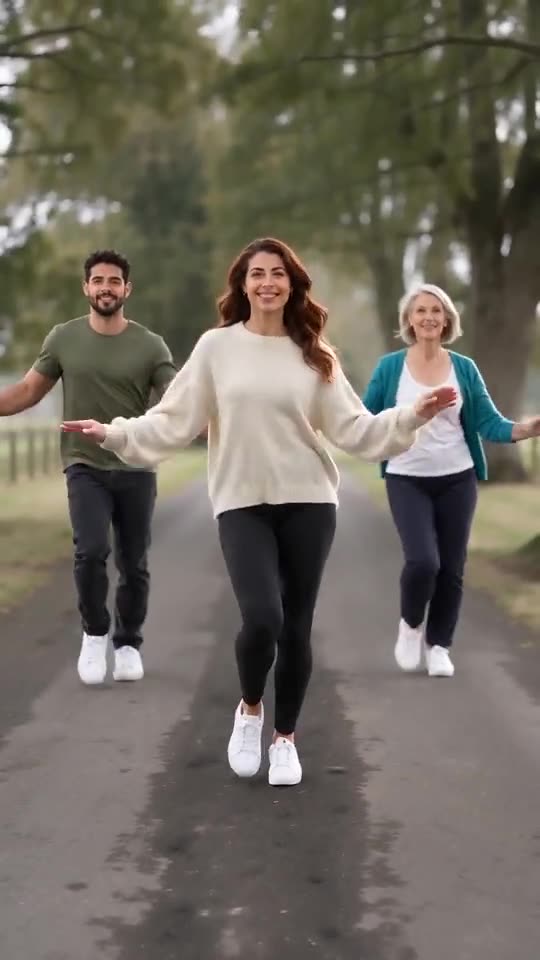
Add one to four photos and everyone two-steps down a quiet country lane, points at the camera and jumps. Nothing renews, and the finished video carries no watermark.
Make my video