How do I turn my photo into a Biker Birthday Cake video with AI?
Updated:
Short answer
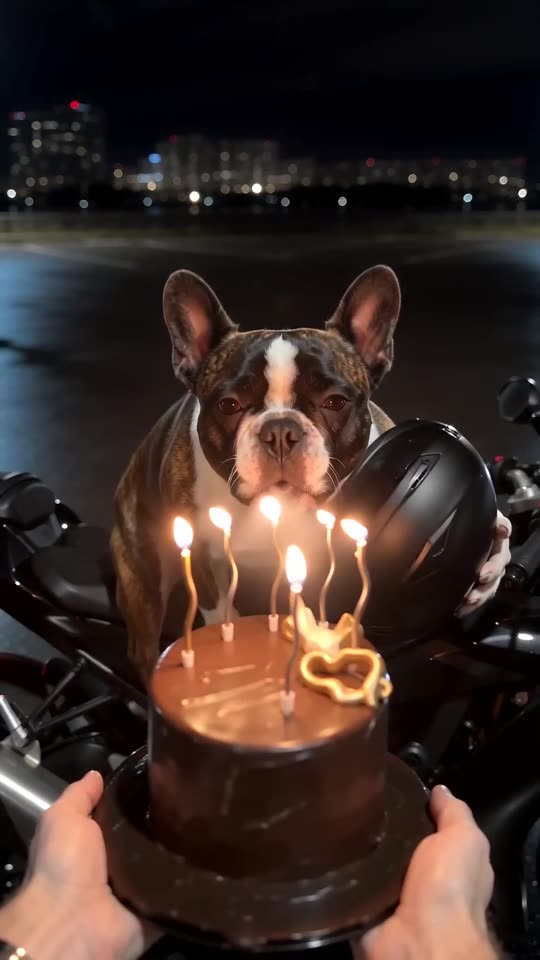
Upload one photo of whoever rides up and Tip Toe AI builds the whole night scene around it. Choose an outfit, check the free 5-second preview, then pay 100 credits for the 7-second 720p video. You never type a prompt, and closing the tab during the render is fine.
Step by step
- Start in the [generator](/biker-birthday-cake#generator) by adding a photo.
- Choose the outfit: your own clothes, a leather biker jacket or a riding jacket.
- Set the frame: tall 9:16 suits phones and short-form feeds, wide 16:9 suits YouTube.
- Confirm consent for the photo and log in with Google.
- Try the free preview (5 seconds, 480p): is the face right, does the helmet come off?
- Make the full video with 100 credits and download the MP4.
What's settled in advance
The lot, the first-person view, the cake and the order of the beats are built in. There's no prompt box, since your photo only decides who is under the helmet.
The same beats arrive on every run, so you get the real meme rather than a random clip. Faces and motion still vary slightly between runs.
When it's done
The video appears in My videos, ready to download or share with a link. To put the Reel's sound on it, see the sound guide, and to add a greeting, see the caption guide.
Tip Toe AI is an independent tool, unrelated to whoever posted the original Reel.
Questions people ask
Is writing a prompt part of this?
No. The scene and the camera are preset. All you decide is the photo, the outfit and the shape.
Do I need a photo with a motorcycle?
No. A plain, sharp portrait is best. The bike, the lot and the cake are generated.
Does closing the page cancel the render?
No. It continues on our side, and you'll find the finished video in My videos.
Should I choose tall or wide?
9:16 fits Reels, TikTok and Shorts. 16:9 suits YouTube or a desktop screen. The free preview works in either.
Make a Biker Birthday Cake video of your own
Add one photo and you're the rider who shows up out of the dark for the candles. There's no subscription, and the finished video has no watermark.
Make my video