Driver Put Phone Away video: what to do if the driver doesn't turn to the camera
Updated:
Short answer
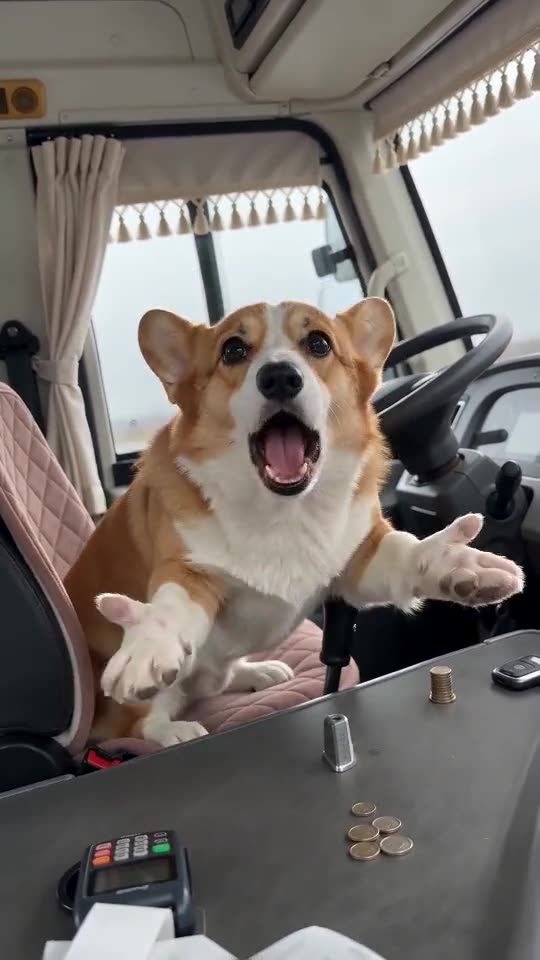
The model sometimes keeps a driver facing forward, mostly when the photo shows the head turned away or the body slumped. Use a front-facing photo with the shoulders square, the face large and the eyes open, then try a preview and run again if needed.
What helps
- A front-facing photo with both eyes visible.
- Shoulders square to the camera, not a side profile.
- An upright pose: a pet sitting up does better than a lying one.
- No hat or hood hiding the head.
What to expect
Every render is a fresh AI run, so the timing of the turn shifts a little from one clip to the next. The order of the moves never changes, but a clip can be softer on one of them.
Questions people ask
Does a driver that stays facing forward mean the video failed?
No. Failures are videos that never finish, and those are refunded automatically. A finished clip with a weak turn counts as a normal result.
Does the cab I pick change the turn?
No. The cab option only changes the dressing around the driver.
Can I choose when the driver turns?
No. The timing is part of the fixed scene.
Get behind the wheel
Add one photo and you're the driver who spins round to tell whoever is filming to put the phone away. Nothing to subscribe to, and the finished video has no watermark.
Make my video