Iceman AI video: what to do if the face changed
Updated:
Short answer
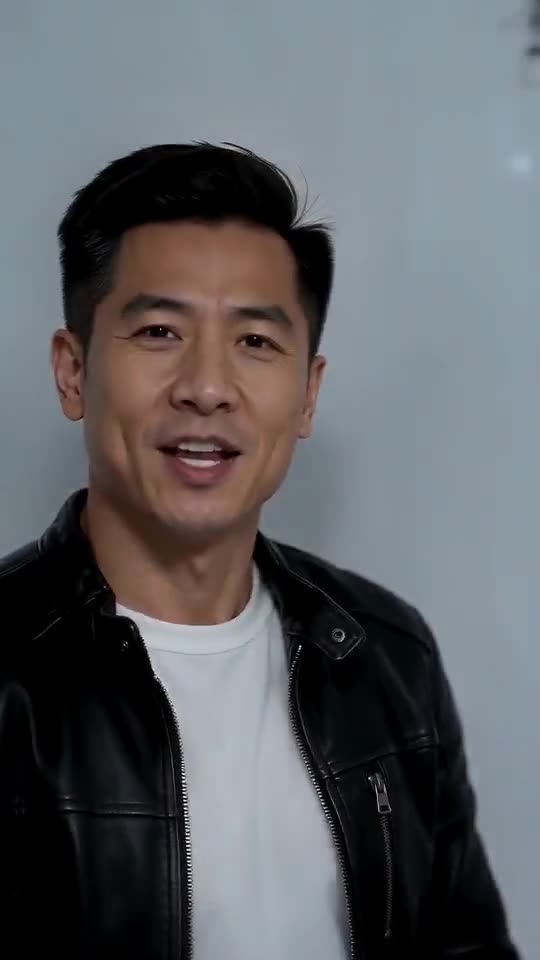
Faces wander when the model can't see them clearly, and here the camera opens very close, then tracks you in profile and from behind, so a small or sideways photo struggles. Choose a sharp, bright, front-on picture where the face fills a good share of the frame, drop the sunglasses and filters, and try again.
Why it happens
- A small face: in a wide or group shot it gets only a few pixels.
- Filters and beauty effects: the model reads a face that isn't quite yours.
- Dark or sideways photos: the model has to guess half the face.
- Many angles: the camera sees you close up, in profile and from behind, so the model needs a solid front view to hold on to.
A quick routine
- Pick another photo that follows the photo guide.
- Compare the face with your photo before you pay for another run.
- Only then go again, since each render uses 100 credits.
- Still wrong? Email support@tiptoeinginmyjordans.dev with the video link.
Questions people ask
If the face changed, did the video fail?
No. A failed video never finished, and you get its credits back automatically. A finished video with a different face is an ordinary result.
If I upload one photo twice, do I get the same video?
Not quite. Each run comes out a little different, even from one photo.
Can I upload several photos of one person?
No, the template takes one photo. Choose the clearest.
Walk into the cold room
Give us one photo of yourself or a grown-up friend and you're the one rapping at the lens. Nothing to subscribe to, and the finished video has no watermark.
Make my video