Poses and sound drifting apart in your I'm So In Love With You clip: how to fix it
Updated:
Short answer
The mismatch usually traces back to the sound you picked. Use the sound from the @adamlostagain post that our video copies and start it at zero. Every render is new, so a few frames of wobble are normal, mostly at the move into the second pose.
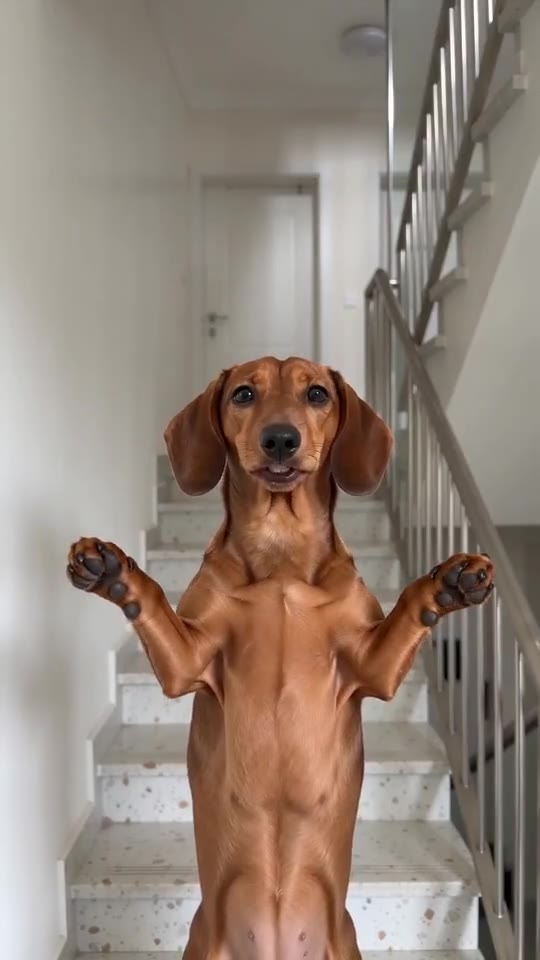
Steps in your editor
- Edit the full-length video rather than a short check clip.
- Take the sound from the @adamlostagain post.
- Make it start at zero.
- Lower the file's own track or switch it off.
Why it wanders
Our video borrows the order of the viral clip, yet the model improvises every move, so the change to hands-on-hips may land slightly early or late.
Questions people ask
Is the silent version useful here?
Yes, because you then hear only what you add.
Is a clip that drifts a failed one?
No. It finished, so it is a normal result. Only renders that never complete are refunded.
Can I choose the moment the poses change?
No. The timing belongs to the fixed scene.
Take your place on the stairs
Add one photo of yourself, an adult friend or your pet and sing the two poses. Nothing to subscribe to, and the finished video has no watermark.
Make my video