How can I put the dance's sound on my clip so it fits?
Updated:
Short answer
The dance uses “it's like i'm not even here” by mthu, and we follow the live-action post by @adamlostagain, whose sound starts at zero. Open that post in TikTok, press the sound, pick Use this sound and begin it at zero, and the switch of poses falls near the beat. The song is not in our file.
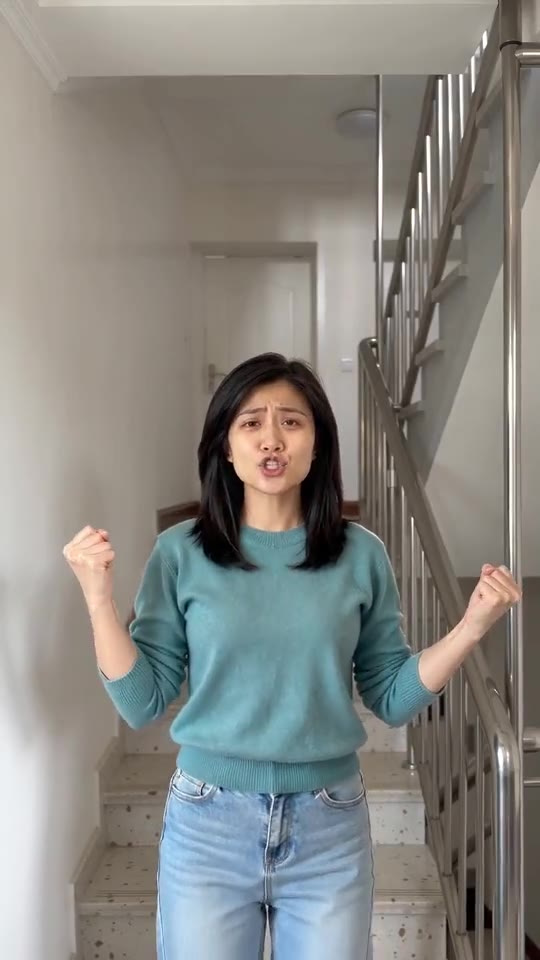
Putting the sound on it
- Grab your video, or its silent version, from My videos.
- Over in TikTok, find the @adamlostagain post, press the sound name and pick Use this sound.
- Upload your file and set the sound to begin at zero.
- Drop the clip's own audio to nothing if only the original sound should be heard.
What the file already contains
Your file has fresh AI music, slow and dreamy, over a gentle kick drum. The AI sometimes invents sung vocals or wordless sounds, so don't expect silence, and it never copies the real song. Tracks on TikTok belong to their owners, so you attach the real one inside TikTok, where it is licensed.
When it drifts a little
Each render improvises its own moves, so the change to the second pose can arrive a few frames early or late. Use the full-length video, because a short check clip plays faster.
How to put the original sound on your video in TikTok
Every video you make here comes with an AI-made soundtrack of its own. If you would rather use the trending sound, add it inside TikTok when you post. You can also grab the version without music from My videos and lay the original sound over that.
- Open this clip in TikTok: our video follows it. Tap the sound name at the bottom, then tap Use this sound.
- Tap Upload and choose the video you downloaded from us.
- Open Volume and turn the video's own sound down to 0, or use the Download without music version from My videos.
- To line the clip up with the beat, trim the sound so it starts at 0 seconds, then post.

Need the sound to start somewhere else? This short video shows how to trim it.

Video: How To Trim Sound On TikTok 2026 (Very Easy) by Software Solutions on YouTube
Questions people ask
Whose sound should I pick?
The one on the @adamlostagain post, since our video runs in step with that clip from its first second.
Is the AI soundtrack worth keeping?
Sure. The music is new each time and may include made-up vocals, so it works as a joke by itself.
Do the lips match real lyrics?
No. The singer's mouth moves, but it isn't synced to any real song.
Take your place on the stairs
Add one photo of yourself, an adult friend or your pet and sing the two poses. Nothing to subscribe to, and the finished video has no watermark.
Make my video