Oh You Can Make It Cap video: the two roles came out swapped, what can I do?
Updated:
Short answer
The first box is the person who laughs and the second is the person who twirls. If the parts look reversed, check which picture sits in which box, use the swap button if your layout shows one, and run again. A finished video that matches your boxes is a normal result.
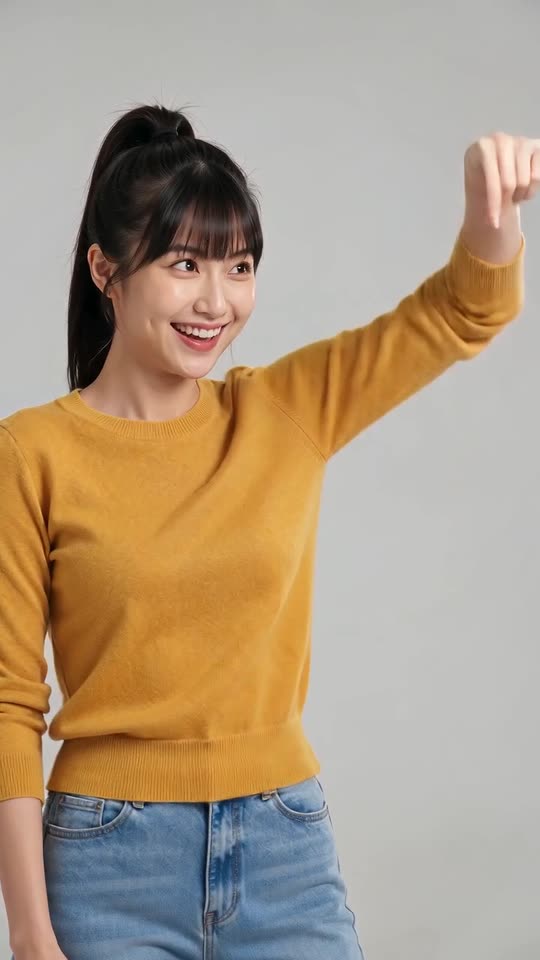
What to check
- The first box holds the person who laughs.
- The second box holds the person who twirls with the bag.
- Each picture shows one adult facing the camera.
- If you used one photo twice, the parts cannot be told apart by face.
What to expect
The twirl and the laughing fit follow the roles, not the faces, so the model goes by the box order. Faces still shift a little between runs.
Questions people ask
Does a swap mean the video failed?
No. If your pictures were in the boxes you chose, the result is valid and nothing is refunded.
Can I change the roles after rendering?
No. Swap the pictures and make a new video, which spends credits again.
Should the two people look different?
It helps. Two distinct faces make the roles easier to tell apart.
Cast the twirl and the giggle
Drop in one photo for whoever laughs and one for whoever twirls, and the studio takes care of everything else. Nothing to subscribe to, and the finished video has no watermark.
Make my video