How can I make my own Oh You Can Make It Cap video from two photos?
Updated:
Short answer
Upload two photos, one for whoever laughs and one for whoever twirls, and Tip Toe AI sets up the white studio around them. Choose a bag and an outfit, then pay 100 credits for the 14-second 720p video. You write no prompt, and shutting the tab mid-render is fine.
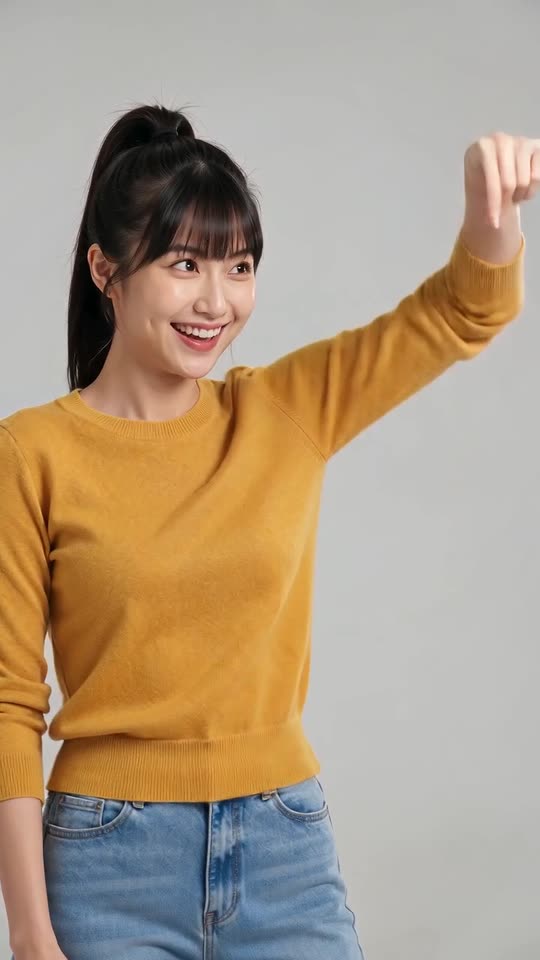
Step by step
- Head to the generator on this page and add a photo for each role.
- Pick the look: the bag and the outfit.
- Choose the frame: tall 9:16 for phones and short-form feeds, wide 16:9 for YouTube.
- Confirm photo consent and sign in with Google.
- Review your picks once more: are both faces clear, and is the look the one you want?
- Make the full video with 100 credits and download the MP4.
What's settled in advance
The white studio, the locked camera, the nine shots, the twirl and the laughing fit all arrive packaged as one scene. There is no prompt box; your photos only decide who laughs and who twirls.
The shots come in the same order on every run, which keeps you on the real format instead of a random clip. Faces and small details still change between runs.
When it's done
The video lands in My videos, ready to download or share with a link. To lay a trending sound over it, see the sound guide.
Tip Toe AI is an independent tool, unrelated to whoever posted the original clips.
Questions people ask
Does any prompt writing come into this?
No. The studio and the cuts are preset. You decide only the photos, the look and the shape.
Must the two people be photographed together?
No. Each picture can be taken anywhere, because the studio is generated around both of them.
Will closing the page cancel the render?
No. It carries on at our end, and the finished video appears in My videos.
Tall or wide: which should I choose?
9:16 fits TikTok, Reels and Shorts. 16:9 suits YouTube or a desktop screen.
Cast the twirl and the giggle
Drop in one photo for whoever laughs and one for whoever twirls, and the studio takes care of everything else. Nothing to subscribe to, and the finished video has no watermark.
Make my video