What kind of picture suits a Stones to Castle video?
Updated:
Short answer
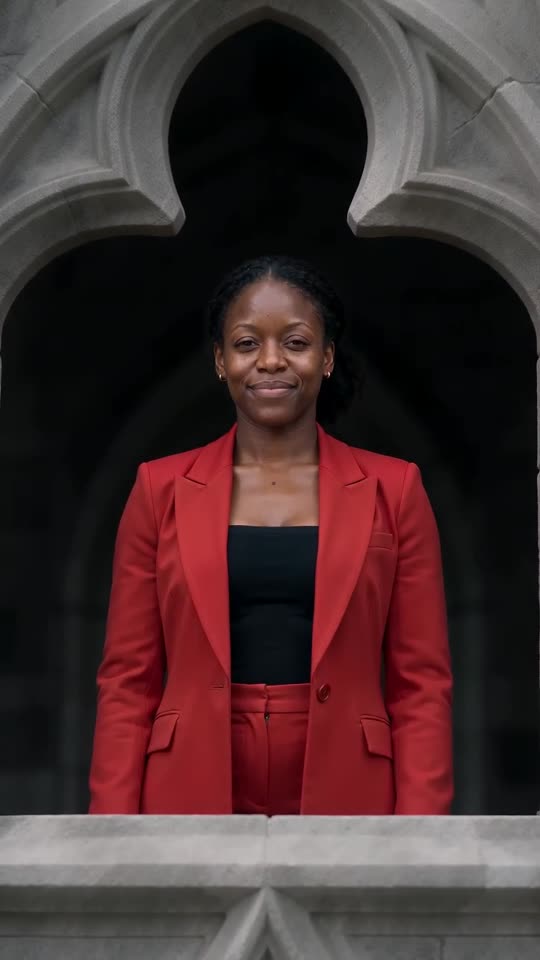
Choose one crisp, evenly lit photo of a single adult or pet with the face large and easy to read, because the film cuts to close-ups of the hero. Save as JPG, PNG or WebP under 10 MB, 300 to 6000 pixels per side. Crowded shots and filtered faces fare worst.
File limits
- Accepted formats: JPG, PNG, WebP.
- Up to 10 MB per photo.
- Each side between 300 and 6000 pixels.
- Width divided by height must fall between 0.4 and 2.5.
- One photo is enough, since the template has a single role.
What gives the best result
- A single subject: an adult, a pet, a toy or a drawing.
- A face turned roughly to the lens and filling a good part of the frame.
- Hair or fur in clear view, in daylight or a bright room.
- An uncluttered background.
What to skip
- Babies, kids and anyone below 18.
- Group pictures, or two pets in one frame.
- Dark glasses, face masks or heavy beauty filters.
- Celebrities, well-known cartoon or game characters, and frames grabbed from another person's clip.
Who may appear
Yourself, adults who agreed, or pets, toys and drawings that belong to you. Read Photo Consent and Acceptable Use before you upload.
Questions people ask
Does a selfie work?
Yes, as long as it's sharp. Framing down to the waist keeps the body nearer to yours.
Does the background of my photo matter?
Hardly. The valley is generated, so a clean, clear subject is what counts.
The upload box turned my photo down. Why?
A line under the box says what's wrong: size, format or shape. Correct that and retry. Rejected photos cost nothing.
Build a castle of your own
Add one photo and you're the calm one in the valley while the stones come down. Nothing to subscribe to, and the finished video has no watermark.
Make my video