How can I turn one photo into an ABCDEFG I Need Money AI video?
Updated:
Short answer
Give Tip Toe AI a photo of yourself, an adult friend or a pet and it builds the clip around that face. Begin with the free 5-second preview; the 11-second 720p video then takes 100 credits. When you post, put the original sound on in TikTok or Reels. No prompt to write.
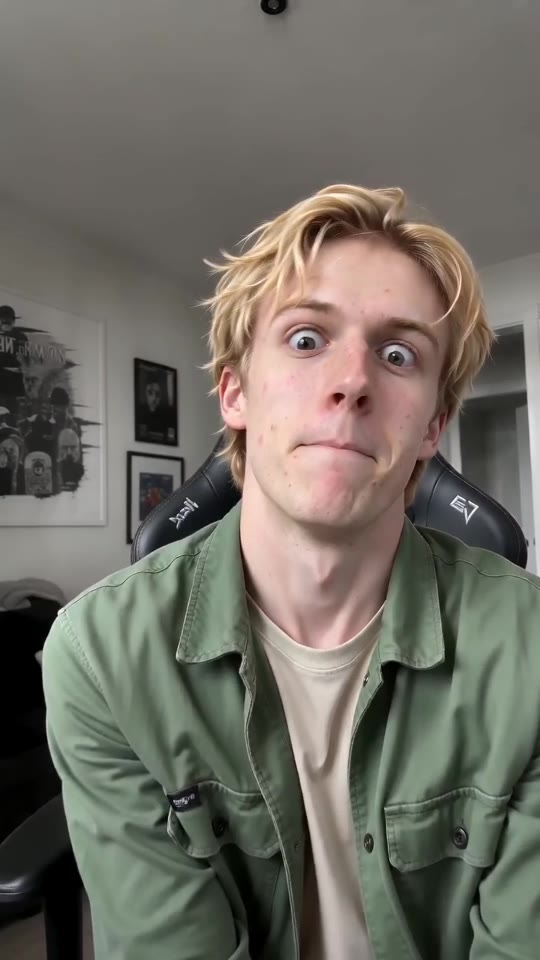
The steps
- Begin with the [generator](/abcdefg-i-need-money#generator), which sits on this template's page, and add a photo.
- Format next. 9:16 is right for TikTok, Reels and Shorts, while 16:9 is for YouTube and desktop.
- Agree to the photo consent by ticking its box, then sign in with Google.
- Preview it free (5 seconds, 480p) to see how the face and motion look.
- Render the full thing at 100 credits and save the MP4.
- Put the original sound on via Add sound in TikTok or Reels. The pacing was built around it.
What the preset scene covers
Camera, faces, letters, money rub and lean back all live in a single scene, paced to the original clip. You type nothing and paste nothing; your photo just decides who sings.
Beats always follow the same order, so what you get feels like the trend and not some random clip. Faces and movement still shift a bit between runs.
After rendering
Finished videos appear in My videos, ready to download or share by link. If you're about to post, the sound guide walks through adding the original sound.
Tip Toe AI works independently of the people who posted the original clips.
Questions people ask
Is a prompt part of the process?
No. A preset takes care of the scene and the camera, so the photo, the format and the place are the only choices you make.
Should I record myself or learn the lines first?
Neither. The mouth movement is generated from your photo, and sound only gets added when you post in the app.
If I close the page, does the render carry on?
Yes, it keeps going on our servers. When it's done you'll find the video in My videos on your account.
Which format is the best pick?
TikTok, Reels and Shorts want 9:16. YouTube and desktop suit 16:9. The free preview runs in either.
Put yourself in ABCDEFG I Need Money
Drop in a photo of an adult or a pet and get a lip-sync clip of your own. It's watermark-free, and you're never signed up for a subscription.
Make my video