Will the original sound line up with an ABCDEFG I Need Money video?
Updated:
Short answer
Yes. Every face, spelled letter, the money line and the lean back lands where the original sound expects it, since the video tracks the original clip second by second. Our file holds only an AI beat, no words and none of the original recording. Save it and add the original sound in TikTok or Reels.
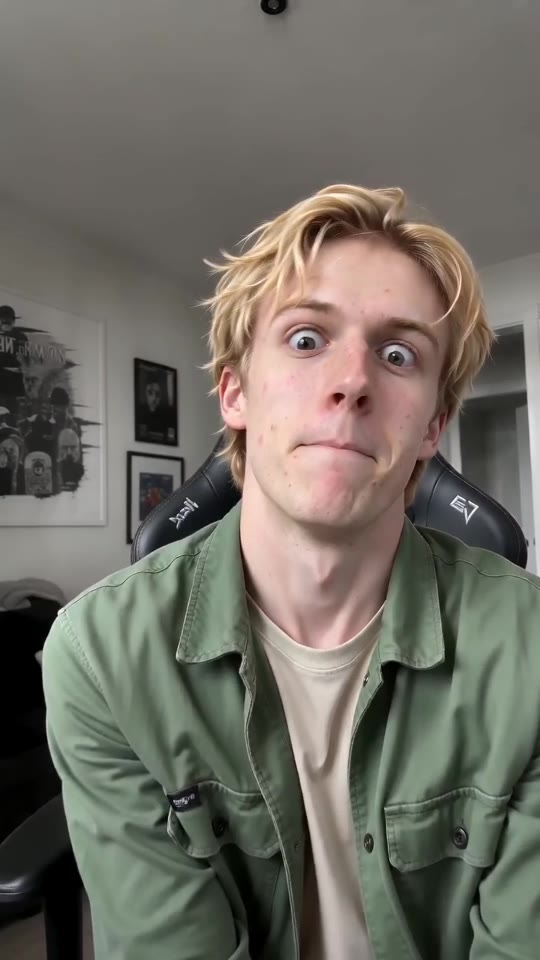
Four steps for adding the original sound
- Get the silent version from My videos.
- Begin a new post with the video, in TikTok or Reels.
- Hit Add sound and search the library for the ABCDEFG sound.
- Make it begin on the very first word, so that word hits the first face.
How it stays in step
We build the 11-second video with the original clip as a timing guide. That puts the lean in, A to G, the money line and the lean back right where the sound has them. A few frames of drift can still happen.
The audio in our file
Your download carries a brand-new instrumental beat, generated with the picture and wordless. The original clip's audio belongs to someone else. Platforms license their sound libraries to their own apps, so selecting the sound there is how it is meant to be done. Legal advice isn't something we can offer, and posting is your responsibility.
How to put the original sound on your video in TikTok
Every video you make here comes with an AI-made soundtrack of its own. If you would rather use the trending sound, add it inside TikTok when you post. You can also grab the version without music from My videos and lay the original sound over that.
- Open the original post of this trend in TikTok, tap the sound name at the bottom of the screen, then tap Use this sound.
- Tap Upload and choose the video you downloaded from us.
- Open Volume and turn the video's own sound down to 0, or use the Download without music version from My videos.
- To line the clip up with the beat, trim the sound so it starts at 0 seconds, then post.

Need the sound to start somewhere else? This short video shows how to trim it.

Video: How To Trim Sound On TikTok 2026 (Very Easy) by Software Solutions on YouTube
Questions people ask
Does the free preview match the sound as well?
No. To let you check the face, the 5-second preview packs the beats tightly. Only the 11-second video is paced like the original.
My video has no words in it. Why?
Because the file holds just an instrumental beat, leaving space for the original sound on top. Prefer silence? Grab the silent version.
Is the original song hidden in the file?
No. Other people's recordings never get copied into downloads. The app is where the sound is licensed, so add it there.
Put yourself in ABCDEFG I Need Money
Drop in a photo of an adult or a pet and get a lip-sync clip of your own. It's watermark-free, and you're never signed up for a subscription.
Make my video