A general AI video tool or Tip Toe AI for I Wanna Love You: where does each fit?
Updated:
Short answer
With a general AI video tool you steer everything yourself: write the prompt, tune settings, fight the filters. Copying the viral pacing from text alone is hard. Tip Toe AI has a single job. It turns a photo into the timed serenade, previews it free and asks for no prompt. Use a general tool for your own ideas.
Head to head
- Freedom: a general tool lets you redirect any shot. Tip Toe AI locks the scene, so you pick the photo and the suit.
- Pacing: a prompt can name the beats yet rarely places them on the sound. For Tip Toe AI, the viral clip is the timing guide.
- Names and filters: general tools often block song titles and lyrics. Tip Toe AI never needs them.
- Billing: check each tool's present plans. Tip Toe AI gives a free preview, then sells one-time packs. No subscription.
Which to pick
Reach for a general tool when the story is your own or you want to steer the camera. Tip Toe AI suits this one clip with your photo, quickly. Prefer writing your own prompt? Start from the pages for Kling, Veo and Seedance.
Questions people ask
What model sits underneath this site?
A general-purpose video model, called through an API and wrapped in our fixed scene. The provider is named in the Terms of Service.
May I enter my own prompt here?
No, the scene is locked and no prompt box exists. Locking it keeps results on trend, and clear of names and brands.
When is a general tool the better choice?
Plenty do. A general tool suits people who want to direct each shot. This page is for people who want the finished, timed clip from one photo, with a free preview beforehand.
Give the serenade your own face, or fur
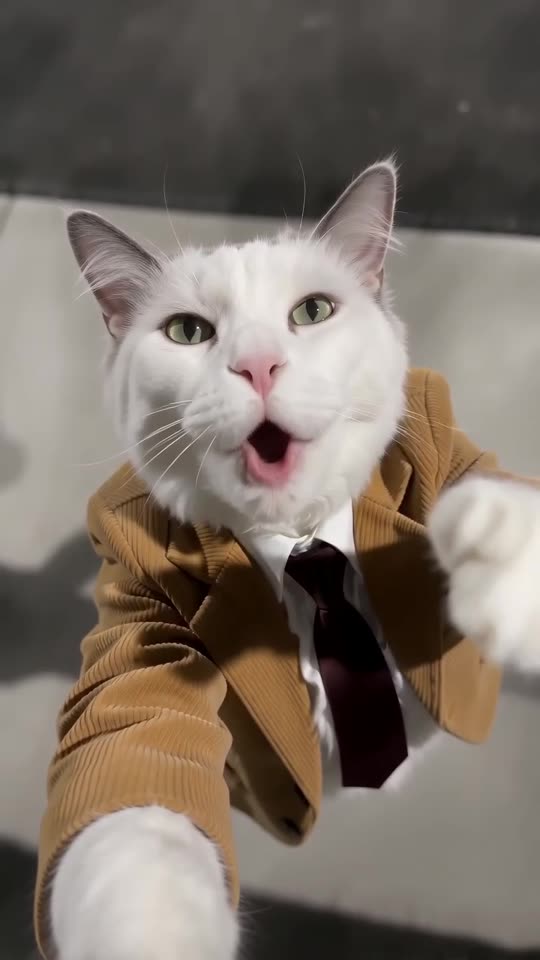
Add a single photo and a suited singer performs beside a floodlit court. The full video has no watermark and nothing here is a subscription.
Make my video