What does an AI Ozil goal video sound like? Is there commentary?
Updated:
Short answer
Full videos come with AI-made stadium noise that rises to a roar as the ball goes in. No commentary, no music. If you want a song or your own voice, save the silent version and layer the sound in TikTok, Reels or any editor at posting time.
What you'll hear
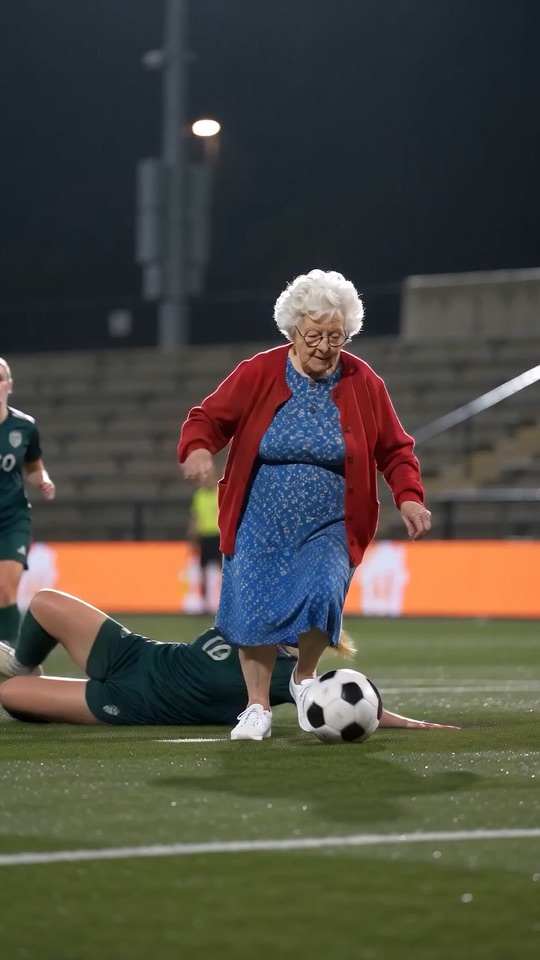
The scene aims for a live-match atmosphere: a tense crowd, the ball thudding, boots on turf and a loud cheer as it goes in. Picture and sound are generated in one pass, so each video sounds a little different.
You won't hear the TV commentary from the real goal. The site can't add it.
Four steps to your own sound
- Save the soundless version from My videos.
- Begin a new TikTok, Reels or Shorts post and attach the video.
- Browse the app's own sound library for a track, or record a voice-over.
- Balance the volume and publish.
Licensing, briefly
Each platform licenses its sound library for use inside its own app, so a track chosen there is the safe route. We can't give legal advice, and what you publish is on you. Mesut Özil, Arsenal, Ludogorets, UEFA and any broadcaster have nothing to do with this site and haven't endorsed it.
How to put the original sound on your video in TikTok
Every video you make here comes with an AI-made soundtrack of its own. If you would rather use the trending sound, add it inside TikTok when you post. You can also grab the version without music from My videos and lay the original sound over that.
- Open the original post of this trend in TikTok, tap the sound name at the bottom of the screen, then tap Use this sound.
- Tap Upload and choose the video you downloaded from us.
- Open Volume and turn the video's own sound down to 0, or use the Download without music version from My videos.
- To line the clip up with the beat, trim the sound so it starts at 0 seconds, then post.

Need the sound to start somewhere else? This short video shows how to trim it.

Video: How To Trim Sound On TikTok 2026 (Very Easy) by Software Solutions on YouTube
Questions people ask
Can I upload an audio file of my own?
No upload exists for audio. Mix it in later using an app or a video editor.
Why can't I hear any commentary?
We ask the model for no speech, singing or music, so borrowed lines and songs stay out of the clip. For a voice-over, record one yourself in the app.
Will my free preview have audio?
That audio comes with the full video. Playing your preview gives you a rough idea before you commit credits.
Make your own Ozil goal video
Add a photo and you're the one scoring into the empty net. No subscription, no watermark.
Make my video