Singing Pet video: what to do if the face changed
Updated:
Short answer
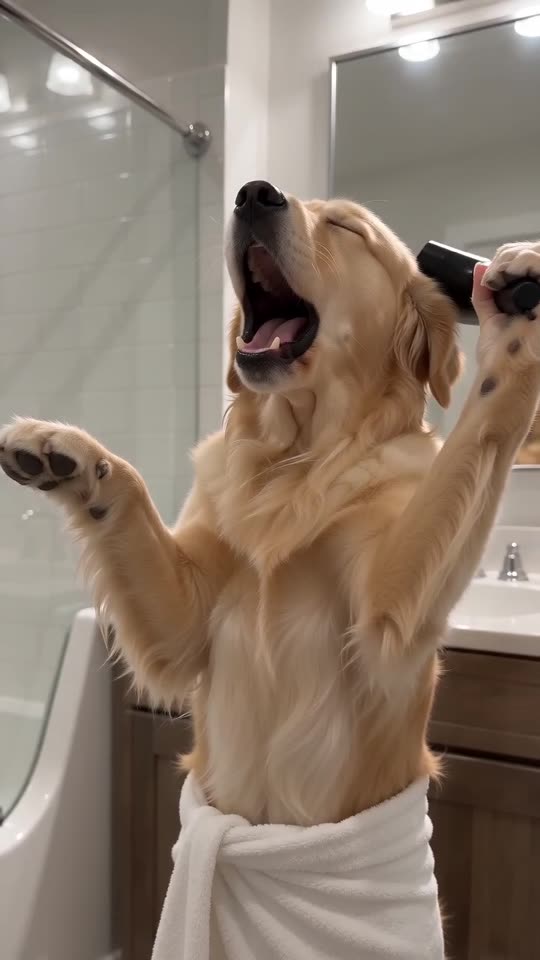
The model lets faces wander when it can't see them well, and a gaping singing mouth stretches them more. Use a sharp, bright, front-on photo with the face filling a third of the frame, lose the filters, and run the free 5-second preview again before paying.
Why it happens
- The face is small: in a full-body or group photo it gets only a few pixels.
- Beauty filters: they hand the model a face that isn't the real one.
- Dark or sideways photos: with half a face showing, the model guesses the rest.
- The big note: a wide-open mouth changes the shape of the face for a moment, then it settles.
A quick routine
- Choose a photo that meets the photo guide.
- Preview it free and hold the face up against your picture.
- Only then go full length, since each full render uses 100 credits.
- No luck? Email support@tiptoeinginmyjordans.dev and put the video link in your message.
Questions people ask
If the face changed, did the video fail?
No. A failed video never finished, and you get its credits back automatically. A completed clip whose face looks different is just a normal outcome.
Why is my cat a different shade in the clip?
Dim or yellowish lighting alters how the model reads fur. A daylight photo shows the true colours and markings.
Could I send multiple pictures of one pet?
No, the template takes one photo. Choose the clearest.
Give your pet its own bathroom opera
Send one pet photo and a towel-wrapped soloist comes back. No watermark, nothing to subscribe to.
Make my video