Unforgettable car CapCut template vs an AI generator
Updated:
Short answer
A CapCut template re-edits footage you already have, such as a clip of you with a real car. An AI generator makes new footage from a single photo. Choose a template if you can film the scene. Choose Tip Toe AI if you only have a photo and want a finished 9-second video.
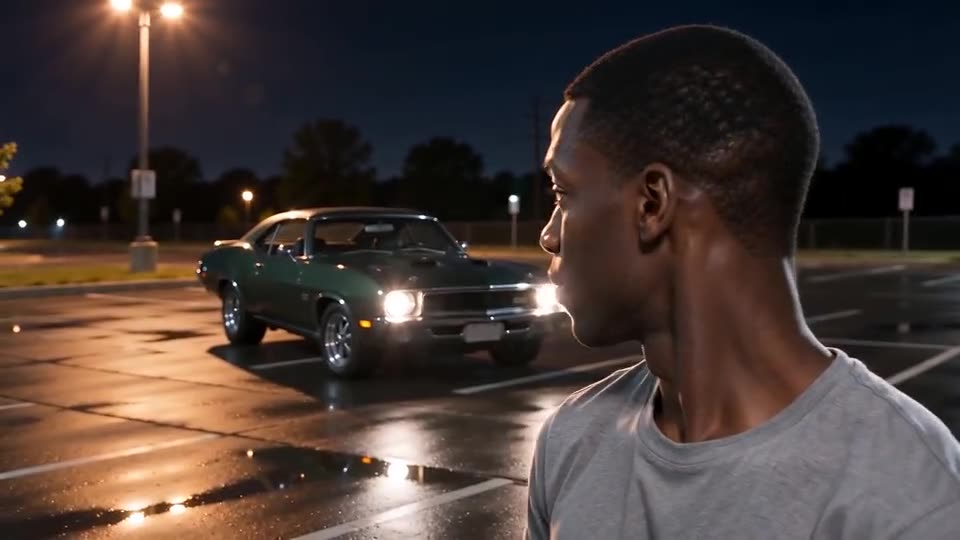
Side by side
- Input: a template needs your own clips and usually a car, and Tip Toe AI needs one photo.
- Effort: a template means filming, importing and lining up the cards with the cut; the generator has no editing step.
- Result: a template keeps your real footage, while the generator invents the car and the motion, so faces can vary.
- Cost: many templates are free inside the app. Tip Toe AI costs 100 credits per full video, with no app to install.
- Sound: a template can use the trending sound in the app; Tip Toe AI adds an AI-generated late-night beat that you can swap when you post.
A template wins when
You have a friend with a real car and a steady phone. Then the cut hidden behind the cards looks natural and the footage is genuinely yours. A template also suits you if you want captions and effects in the editor.
The AI generator wins when
You have no car, no tripod and nobody to film you, so a single photo is all you have. The generator also skips the timing problem of matching the cards to the cut.
You can use both: render the video here, then open the MP4 in CapCut for captions or the trending sound.
Questions people ask
Does the trend have an official CapCut template?
Creators share many templates inside CapCut and they change often. We neither host nor control them, so search the template tab for the trend name.
Will the AI version look just like the viral clips?
No. The scene follows the same beats, but your face, your clothes and the car details come from the model and change every time.
Can I mix both methods?
Yes. Download your video from Tip Toe AI, then import it into any editor for captions, filters or sound.
Make your own Unforgettable Car video
Upload one photo and make your own video. No subscription, no watermark.
Make my video