Wipe Me Down video: the stomps miss the sound
Updated:
Short answer
Start the trending sound at the very beginning of the clip, since the stomps are paced against it from the first second. If it still drifts, slide the audio a few frames either way in your editor. Another track won't line up, because it is not what the moves were paced against.
Check these first
- Starting point: the sound must start with the first frame.
- The right track: use the sound from the clip marked as the one we follow.
- Our own audio: mute it, or download the silent copy.
Fine-tuning
Zoom into the timeline in your editor and move the sound until the first heavy stomp sits on a beat. The jump and the handover usually follow. Because the motion is generated, it can land a few frames early or late between runs.
Questions people ask
Is the motion perfectly tied to the sound?
No. It follows the clip's pacing closely but is generated, so small offsets happen.
Can I use a different song?
Yes, but the stomps won't line up the way they do on the trend sound.
Where do I get the silent copy?
Open the video in My videos and choose the download without sound.
Make a Wipe Me Down video of your own
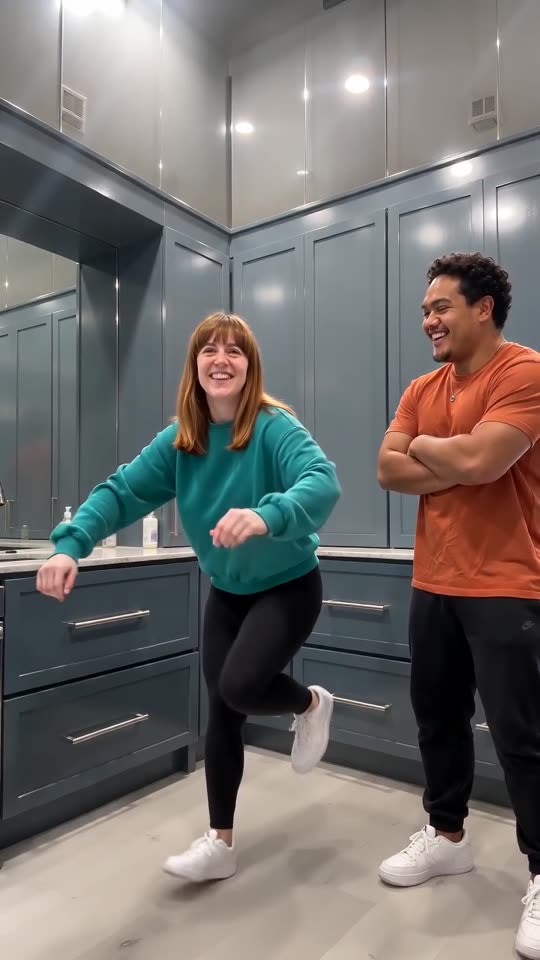
Add two photos and the pair of you take turns stomping across a blue-grey kitchen. Nothing renews, and the finished video carries no watermark.
Make my video