Bby Wow Guy green screen or CapCut template vs an AI generator
Updated:
Short answer
A green-screen or CapCut template lays your own footage over the original clip, while an AI generator creates new footage from a single photo. If you can film yourself, a template is enough. If all you have is a photo, Tip Toe AI gives you a finished 9-second video.
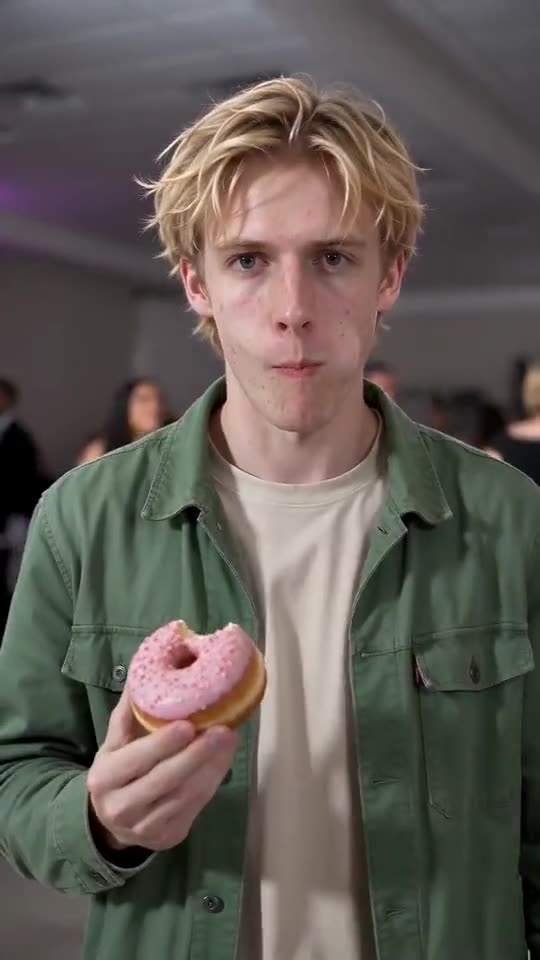
Side by side
- Input: a template wants a video of you, and Tip Toe AI wants one photo.
- Effort: a template means filming, importing and lining up your clip; the generator has no editing step.
- Result: a template keeps your real movement, while the generator invents the motion, so faces can vary.
- Cost: many templates are free inside their app. Tip Toe AI costs 100 credits per full video, with no app to install.
- Sound: a template can use the trending sound in the app; Tip Toe AI adds AI party music that you can swap when you post.
Pick a template when
You can film yourself walking up to a camera with a real snack, and you want your own face and moves. A template is also the better route if you plan to add text or effects in an editor.
Pick the AI generator when
The dancer is a dog, a friend who lives far away, or you in a photo with no video at all. The generator also saves the filming and the green-screen cutout.
You can do both: render the video here, then open the MP4 in CapCut for captions or the trending sound.
Questions people ask
Is there an official CapCut template for this trend?
Creators share many CapCut templates, and they change all the time. We neither host nor control them, so search the template tab for the trend name.
Will the AI video look identical to the viral clip?
No. The beats are the same, but faces, clothes and movement come from your photo and change each time.
Can I combine a template with the AI video?
Yes. Download your video from Tip Toe AI and import it into any editor to add captions, filters or sound on top.
Make your own Bby Wow Guy video
Upload one photo and make your own video. No subscription, no watermark.
Make my video