A Seedance prompt for Bing Bing Bing Kicking with nobody credited
Updated:
Short answer
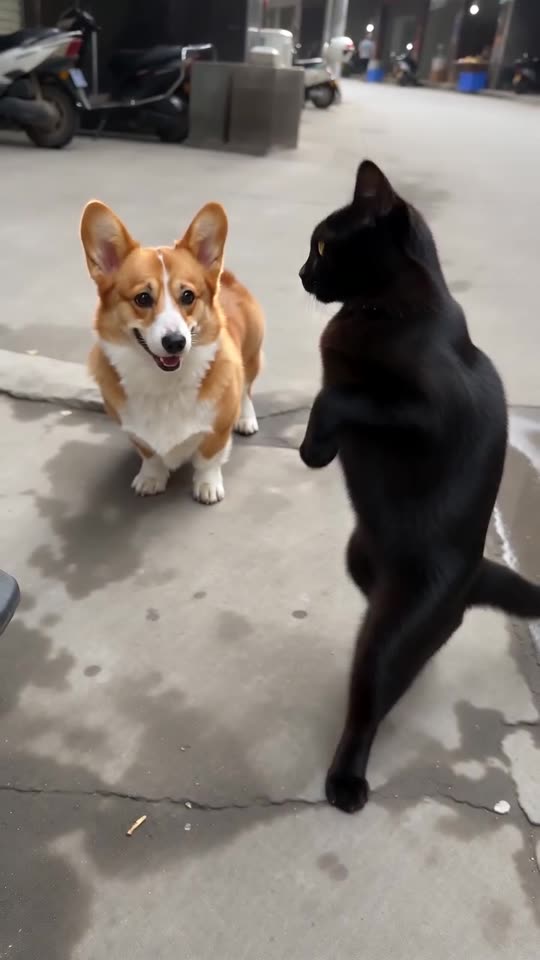
Paste the prompt below into Seedance and use pictures of two adults or pets as reference images 1 and 2. It lists the beats from the opening bob to the blocked kick and asks for an instrumental track. No creator, account or song is named. Count on several attempts, or let Tip Toe AI handle it.
Copy this prompt
[0-2s] Camera on the ground, plain grey street: the LEFT character (reference image 1) and the RIGHT character (reference image 2) bob in place to a fast beat.
[2-4s] They advance side by side and the LEFT character throws a spinning kick toward the lens.
[4-6s] The RIGHT character strides forward and jumps into a kick at the camera; a hand from the lower right blocks the foot.
[6-8s] The RIGHT character turns away, the LEFT one follows and turns back.
[8-10s] The LEFT character sweeps a low kick; the RIGHT one rushes back beside them.
[10-12s] A last close flying kick from the RIGHT character, stopped by the hand, then a sudden cut.
Faces, fur and clothes stay as in the images; pets walk upright; no kick connects. Nothing legible and no logos.
Sound: quick instrumental electronica with heavy bass and snare, no lyrics. No captions, no logos, no watermark.
Using it well
- Attach photos of two adults or pets as reference images 1 and 2, and never children.
- Leave out creator names, account handles and song titles. Many filters refuse them, so the text describes only what happens.
- A written prompt can blend or drop beats. Check the order of what you get, and run again if one is missing.
- Video tools change fast, so confirm the length and aspect ratio yours allows and edit the first line to suit.
Questions people ask
Why is nobody credited in the prompt?
Names often trigger filters, and a prompt that contains them may be refused or cause rights trouble. This page stands apart from whoever posted the clips.
Will it match the original beat for beat?
Only loosely. A written prompt gives the model no reference clip, so the kicks drift or merge. Tip Toe AI passes along the viral clip's timing as a guide, which is why its clips hold together better.
Will I need to type a scene description here?
No. Tip Toe AI runs a preset scene: add a photo, press the make button, and you're done.
Take your turn at the lens
Add two photos, or one photo twice, and you're both swinging at the camera. No subscription is involved, and the finished video carries no watermark.
Make my video