Bing Bing Bing Kicking as a CapCut template or on Tip Toe AI: which should you pick?
Updated:
Short answer
A CapCut template re-cuts footage you provide, while Tip Toe AI creates a new 12-second street clip from two photos, or one photo used twice. Pick CapCut if editing is the fun part, or Tip Toe AI if photos are all you have. Tip Toe AI bills per video, packs from $9.90.
Side by side
- What you bring: a template wants your own clips inside its app; Tip Toe AI wants a photo for each kicker, or one photo for both.
- The street: a template ships its own fixed backdrop; Tip Toe AI generates the pavement, living room, park path or car park you choose.
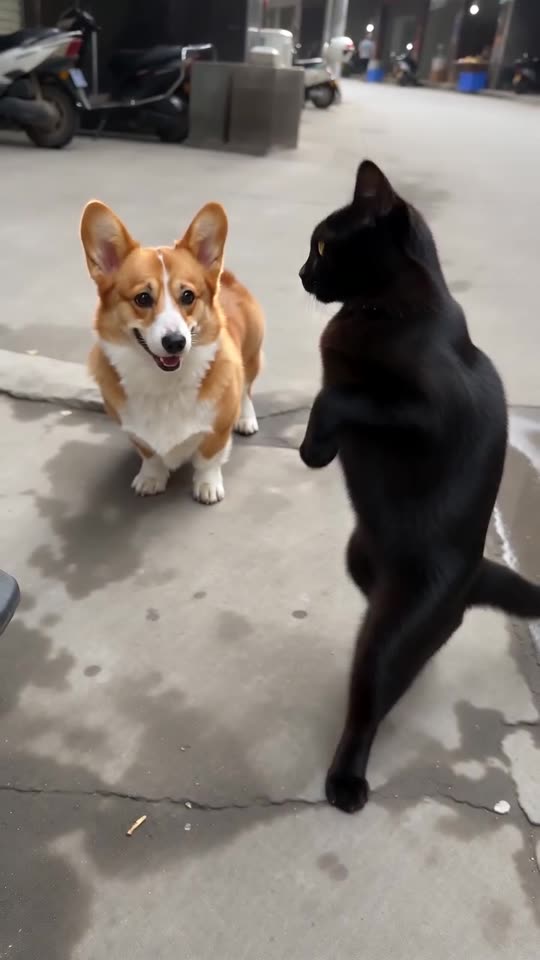
- What comes back: a fresh 12-second 720p clip with generated movement that keeps the order of the viral kicks.
- Price: CapCut mixes free and paid tools, so read what its plans include now. Tip Toe AI takes 100 credits per full video, packs from $9.90.
Which to choose
A template fits if you enjoy cutting clips and live in that editor. Tip Toe AI fits when you want two pets, two friends or one clone of you swinging at the lens with no filming and no editing. Generating here and finishing in CapCut works too.
Questions people ask
Is Tip Toe AI part of CapCut or TikTok?
No. Tip Toe AI is run on its own and has no tie to CapCut, TikTok or the people behind the trend.
Can I use both?
Yes. Export your MP4 from here, then trim it, caption it or change the music in CapCut.
Which costs less?
That turns on what you have to hand. With the editor and your own clips, a template is nearly free. With only a photo to start from, Tip Toe AI does the whole job for 100 credits.
Take your turn at the lens
Add two photos, or one photo twice, and you're both swinging at the camera. No subscription is involved, and the finished video carries no watermark.
Make my video