What sound do I use for Bing Bing Bing Kicking, and does it sync?
Updated:
Short answer
We found no released song we could confirm. The clip we follow, by @jakeyang04, plays its own sound. Open it in TikTok, tap the sound and start it at second zero, and the turns and the blocked finish sit about where they should. That sound does not come inside our video.
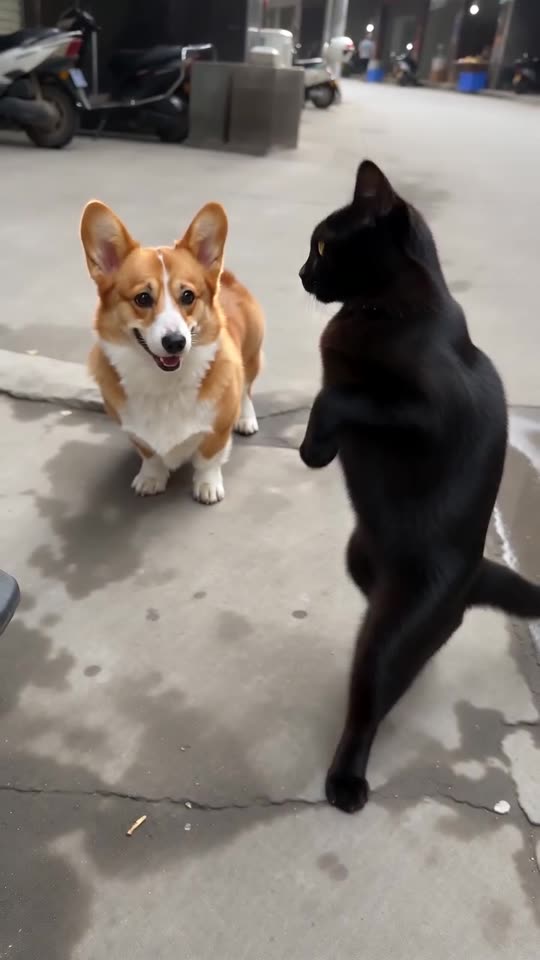
What our file carries
A freshly generated fast electronic beat with bass kicks, snares that follow each kick and faint street noise. The AI makes up its own voices, so a stray vocal can appear and the track isn't wordless. It changes from run to run and isn't the original recording.
Adding the trending sound
- Fetch the silent version from My videos.
- In TikTok, find the @jakeyang04 clip, tap its sound name and choose Use this sound.
- Import your video and begin the sound at second zero.
- Shorten the sound to match the 12-second video, then post.
When it drifts
Choreography is taken from the viral clip, yet the model invents every swing, which can shift a kick by a few frames either way. Because the 5-second preview compresses the beats, only the full video keeps the real timing.
How to put the original sound on your video in TikTok
Every video you make here comes with an AI-made soundtrack of its own. If you would rather use the trending sound, add it inside TikTok when you post. You can also grab the version without music from My videos and lay the original sound over that.
- Open this clip in TikTok: our video follows it. Tap the sound name at the bottom, then tap Use this sound.
- Tap Upload and choose the video you downloaded from us.
- Open Volume and turn the video's own sound down to 0, or use the Download without music version from My videos.
- To line the clip up with the beat, trim the sound so it starts at 0 seconds, then post.

Need the sound to start somewhere else? This short video shows how to trim it.

Video: How To Trim Sound On TikTok 2026 (Very Easy) by Software Solutions on YouTube
Questions people ask
Which sound matches best?
The sound of the @jakeyang04 clip, because our timing is taken from that clip.
Can I keep the AI beat?
Yes. It was made for this scene and has no link to the viral audio.
Does the preview match the sound too?
Not closely. The preview squeezes the action, and the 12-second video is the one paced like the viral clip.
Take your turn at the lens
Add two photos, or one photo twice, and you're both swinging at the camera. No subscription is involved, and the finished video carries no watermark.
Make my video