My Ride Is Here AI video: the crash looks wrong
Updated:
Short answer
The crash ending is a few seconds long: the rider hits a roadside sign, lands on the grass and sits up dazed but unhurt. If the sign or the landing looks off, make a new run, or pick the fly away ending for a cleaner finish. Results differ between runs.
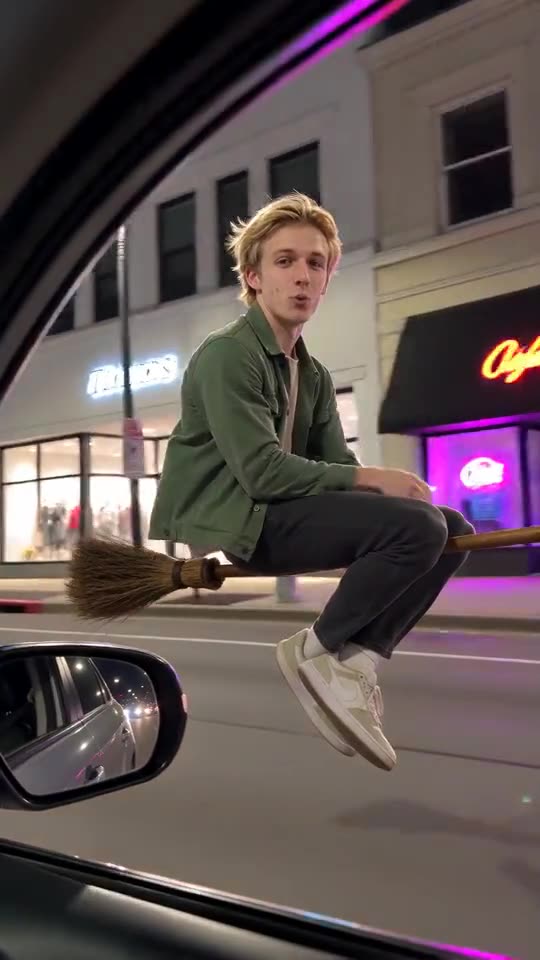
What the ending should show
- The rider looks forward again just in time.
- A roadside sign is hit, and the rider tumbles onto the grass.
- The broom lands beside them, and they sit up unhurt.
What to try
- Choose the suburban street, where signs and grass are easy to render.
- Use the preview to check the ending before the full run.
- If you want no risk of a messy landing, pick fly away.
Questions people ask
Can I choose the sign?
No. The sign is part of the fixed scene, and there is no free-text box.
Is the rider shown injured?
The scene asks for a comic landing where the rider sits up dazed but unhurt.
Does the ending change the price?
No. Both endings cost 100 credits.
Make your own My Ride Is Here video
Upload one photo and make your own video. No subscription, no watermark.
Make my video