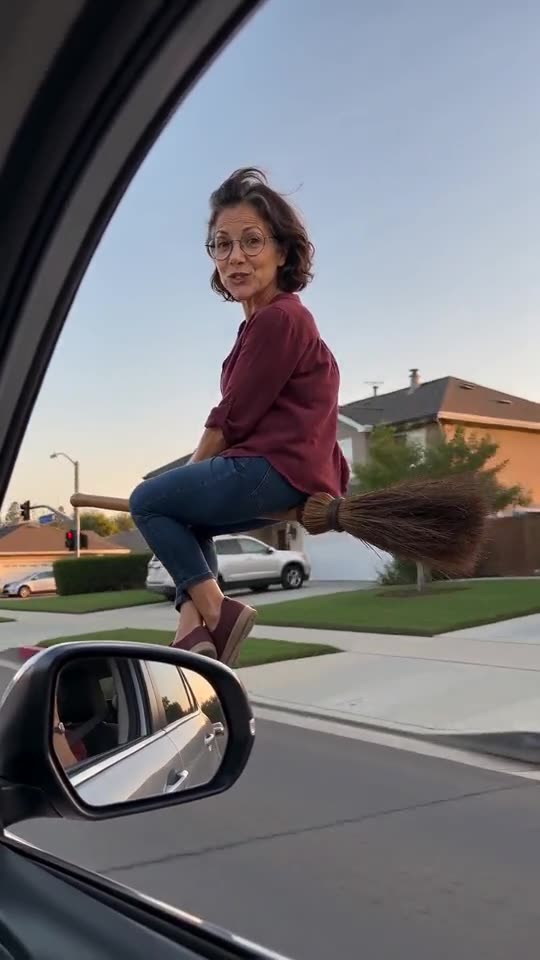
My Ride Is Here AI video: why did the face change?
Updated:
Short answer
A face drifts when the model cannot see it clearly. Use a sharp, well-lit, front-facing photo where the face fills about a third of the frame, drop sunglasses and heavy filters, and test the new photo with your free 5-second preview if it is still unused. Every run also differs a little.
Common causes
- A small face: in a full-body or group photo it has too few pixels.
- Filters and beauty apps: the model sees a face that is not the real one.
- Side-on or dark photos: with half a face visible, the model guesses the rest.
- Sunglasses, hats and masks: they hide features the model needs.
A quick fix routine
- Choose a new photo that follows the photo guide.
- Test it with the preview if you still have it; otherwise a new full run costs 100 credits.
- Still wrong? Email support@tiptoeinginmyjordans.dev with the video link.
Questions people ask
Does a changed face mean the video failed?
No. A failed video is one that never finished, and its credits return on their own. A finished video with a different face is a normal result.
Would a better camera help?
Hardly. Light and angle matter more than the camera.
May I upload several photos of the same subject?
No. The template takes one photo, so pick the clearest.
Make your own My Ride Is Here video
Upload one photo and make your own video. No subscription, no watermark.
Make my video