My Toc Toc dance AI video changed my face. What now?
Updated:
Short answer
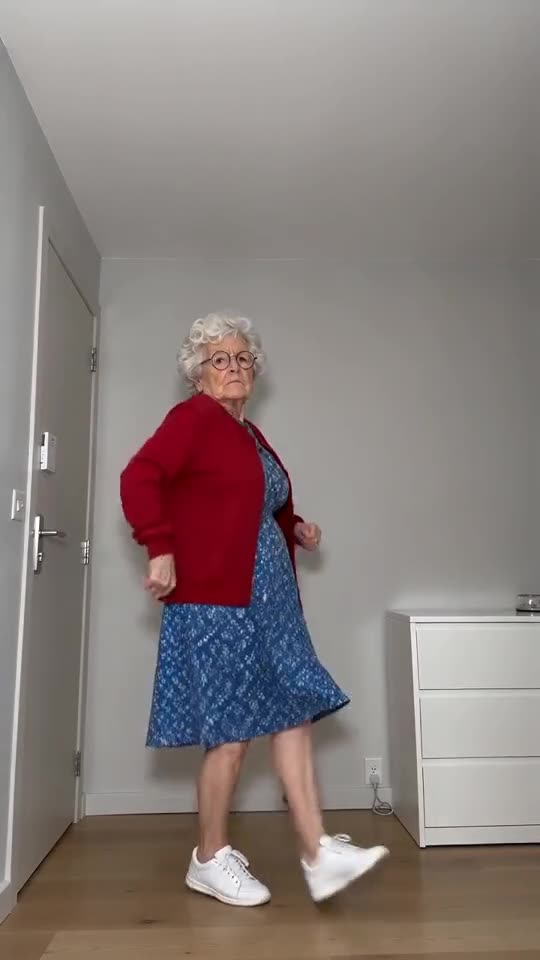
The face drifts when the model can't see it properly. Choose a sharp, well-lit photo looking at the camera, with the face taking up a good part of the frame. Lose the sunglasses and heavy filters, then test it in the free 5-second preview. Even then, each run varies a little.
Why it happens
- A small face: when the shot is full-length or a group, only a handful of pixels cover the face.
- Beauty apps or heavy filters: the model reads a face that isn't the one you actually have.
- Dim or side-on photos: when half the face is hidden, the model invents the rest.
- Sunglasses, hats and masks: they cover what the model needs, and the glare over the shoulder needs visible eyes as well.
The quick fix
- Swap in a photo that satisfies the photo guide.
- Run the free preview, then hold the face up against your original photo.
- Leave the full render for last, because each one costs 100 credits.
- Not fixed? Send us an email at support@tiptoeinginmyjordans.dev with a link to the video.
Questions people ask
If the face looks different, did the video fail?
No. A failed video is one that never completed, and its credits return automatically. If the finished video shows a different face, that counts as ordinary output.
Is a better camera worth it?
Not really. Light and angle matter more, so a phone photo by a window facing the lens beats a dim high-resolution one.
Can I give you several photos of one person?
No. A single photo goes in, so choose the clearest one.
Your turn: a Toc Toc dance with your photo
Send in a photo and your deadpan dance is on its way. Nothing to subscribe to, nothing watermarked.
Make my video