My Toc Toc dance AI video doesn't sync with the original sound
Updated:
Short answer
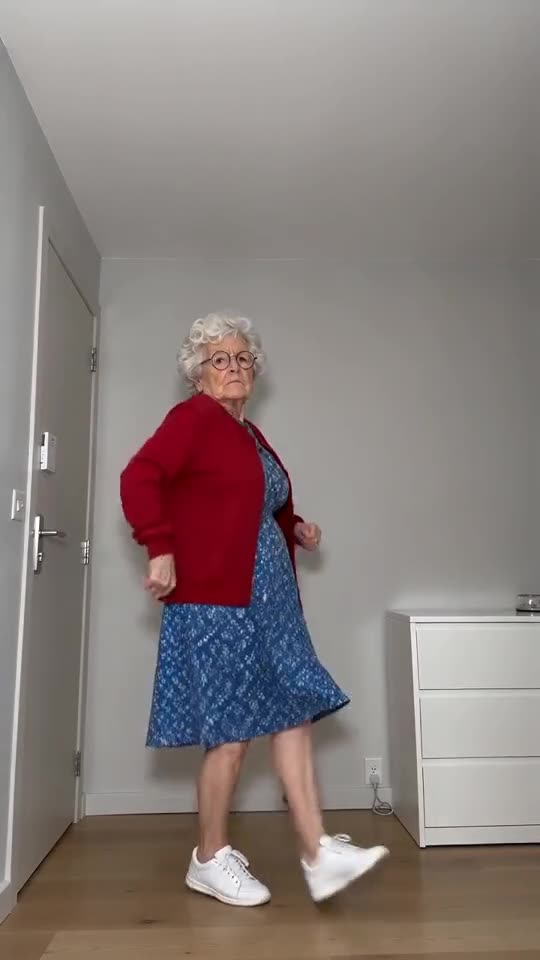
The clip follows the original timing from second zero. Each run is still a new AI result, so the timing can slip a bit. Because the preview is only 5 seconds, it will never match the sound. Make the sound begin at its first second, and if it still feels slightly off, shift it a hair in the app's editor.
Why it happens
- The preview: all the moves are crammed into 5 seconds, so a sound built for 11 seconds can't line up with it.
- A late start for the sound: the video kicks off right on the beat, which means the sound needs to play from its very first second.
- Differences between runs: the AI can move a step by a fraction of a second.
What you can try
- Get the silent version and put the original sound on in the app. The steps are in the sound guide.
- Place the sound at second zero, then slide it by small amounts in the editor until the first knock falls on the beat.
- If the moves drift a lot, render again, because each run is new.
- Not fixed? Send us an email at support@tiptoeinginmyjordans.dev with a link to the video.
Questions people ask
If it's out of sync, has the video failed?
No. Only a run that never finishes is failed, and its credits return on their own. A finished video that drifts slightly is a normal result.
Is there a place to upload the sound on the site?
No, we don't take audio uploads. Put the sound on afterwards, in TikTok, Reels or any video editor.
What's the reason for the video copying the original's length?
We timed the scene to the original clip deliberately. That lets the original sound fit when you put it on.
Your turn: a Toc Toc dance with your photo
Send in a photo and your deadpan dance is on its way. Nothing to subscribe to, nothing watermarked.
Make my video