Crazy Frog AI clips of friends for the group chat: how to do it
Updated:
Short answer
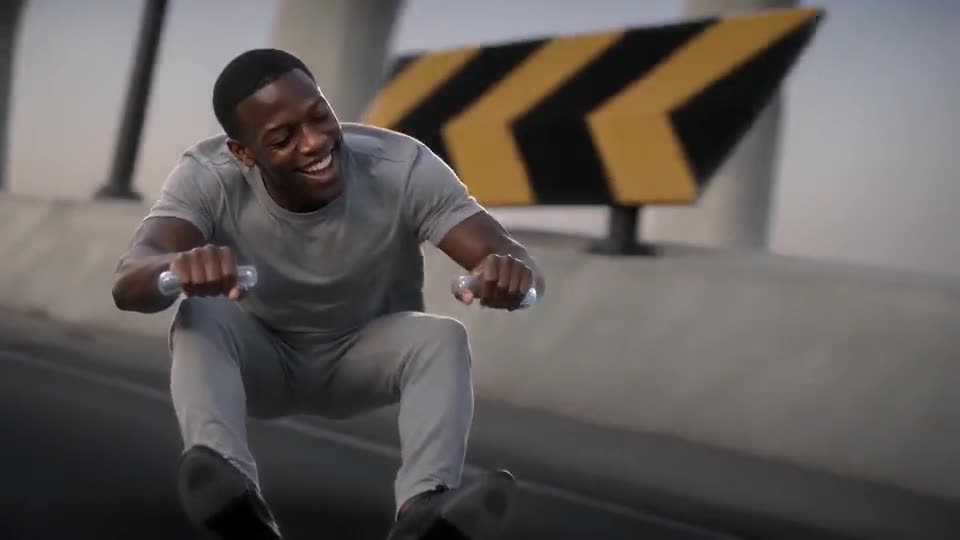
Collect a clear photo and a yes from every friend, then render one clip per person, each racing on the invisible bike with police behind. Adults who agreed only. Post the clips in the chat as files or share links.
Workflow
- Request a clear, front-facing picture from your friend, together with their agreement to be in a joke video.
- Render a clip per friend; a video seats one rider.
- Download each MP4, or grab a share link per clip in My videos.
- Send them to the chat one at a time, or merge them side by side in an editor.
Group-chat ideas
- Your perpetually late friend, fleeing the police on the way to the party.
- A birthday teaser with the guest of honour running from the law.
- The whole friend group as a series, one clip each.
Ask first, stay friendly
Adults who agreed are the only people to upload; you confirm that every time, and minors, celebrities and anyone who has not said yes are excluded. Keep it playful, and remove the clip if a friend asks. Read Photo Consent beforehand.
Questions people ask
Could two friends share a single clip?
Not in one render. A video has one photo and one rider, so make separate clips and stitch them in an editor.
Does everybody have to consent?
Yes, every adult shown must agree prior to upload. Ask, then send them the finished clip.
Are classmates or colleagues allowed?
Only adults who said yes. Nobody under 18, and no clip that mocks a person who has not agreed.
Your turn: a Crazy Frog chase starring you
Upload one photo and get your own invisible-bike chase. No subscription, no watermark.
Make my video