General AI video tools or Crazy Frog AI: choosing between them
Updated:
Short answer
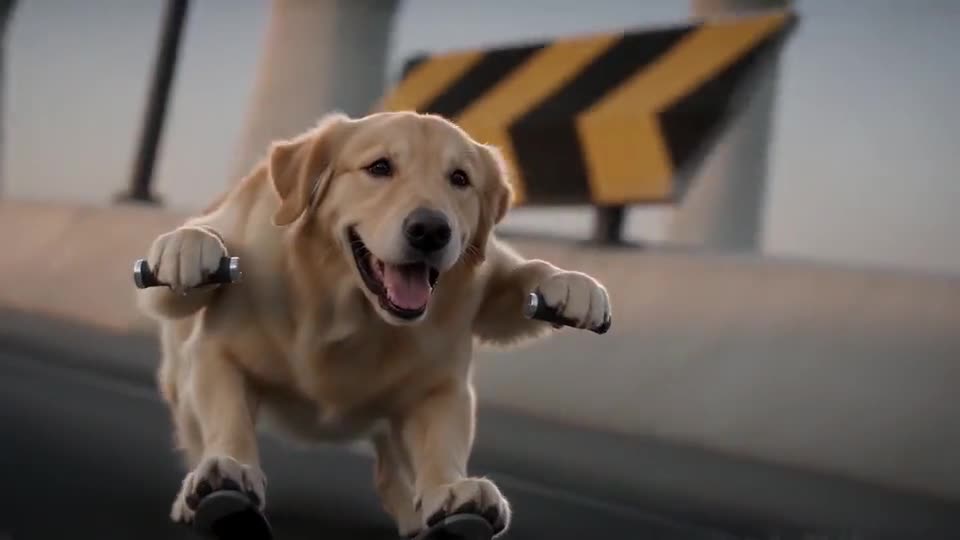
A general AI video tool gives you total control, along with the work: writing prompts, setting options, dodging filters. Tip Toe AI has a single purpose: it turns a picture into the invisible-bike chase in a set scene, starting with a free preview and never asking for a prompt. To invent clips of your own, use a general tool.
Side by side
- Control: general tools let you alter every shot; Tip Toe AI fixes the scene and leaves only the picture and shape to you.
- Effort: with a general tool you write and test prompts; with Tip Toe AI you upload a picture.
- Names and filters: character names, brands and songs are often blocked by general tools, so anything you write by hand has to describe the action. Tip Toe AI never asks for a name.
- Price: tools change plans often, so check each one’s pricing. Tip Toe AI sells one-time packs, takes credits per video and opens with a free preview, with no subscription.
How to choose
A general tool fits a personal story, many different clips or full camera control. Tip Toe AI fits one clip with your picture, quickly. Prefer writing your own prompt? The Kling, Veo and Seedance guides cover that.
Questions people ask
Is a general video model doing the work here?
Yes: the model underneath is a general-purpose video model reached through an API, and our fixed scene wraps around it. Its name is in the Terms of Service.
Can I enter a prompt of my own?
No. The chase is fixed and there is no prompt box; only the place is a preset choice, which keeps results on trend and free of names and brands.
When would a general tool be the better pick?
When you want to direct every shot yourself. This site is aimed at people who would rather get a finished clip from one picture, free preview included.
Your turn: a Crazy Frog chase starring you
Upload one photo and get your own invisible-bike chase. No subscription, no watermark.
Make my video