My Ramalama AI face looks different. What went wrong?
Updated:
Short answer
A face drifts when the model cannot see it clearly. Most of the clip is feet, so the face is rebuilt from your photo at the moment of the reveal. A crisp, well-lit, front-on shot with a large face keeps it closest. Run the free 5-second preview before you spend credits.
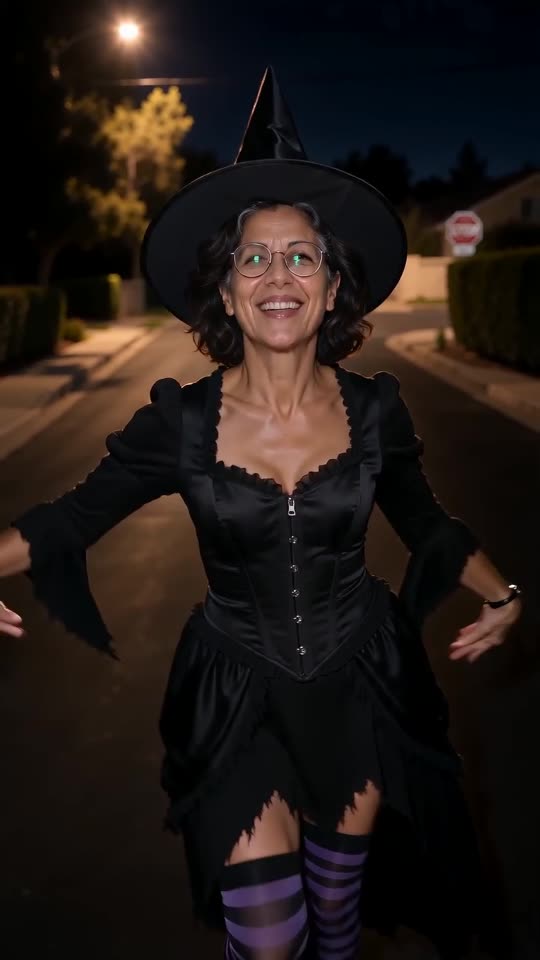
Typical causes
- A tiny face: a full-body shot from far away leaves few pixels.
- Blur or weak light: an unsharp picture loses detail.
- Something across the face: dark glasses, a fringe, a mask or a hand.
- Beauty filters: these alter the face before the model sees it.
What to do
Use a sharp head-and-shoulders photo taken in daylight, looking at the lens, and try it in the free preview. All the rules are in the photo guide.
Questions people ask
Will a photo always give the same face?
No. Each run is generated afresh, so faces vary slightly between renders.
Could the costume be changing my face?
It shouldn't, since all five looks leave the face bare.
Is a different face a failed video?
No. Failed means the video never finished, and its credits then return by themselves. A finished clip with a changed face is an ordinary outcome.
One photo is all your Ramalama reveal needs
Pick a picture, watch the free preview and step into your costume. The finished video carries no watermark, and nothing here is a subscription.
Make my video