A general AI video tool or Tip Toe AI for Ramalama: where does each fit?
Updated:
Short answer
With a general AI video tool you control everything, which also means writing the prompt, tuning settings and retrying until the low shot and the tilt-up behave. Tip Toe AI comes with the walk, the costumes and the pacing built in. Pick a general tool for custom scenes, and Tip Toe AI for this one trend.
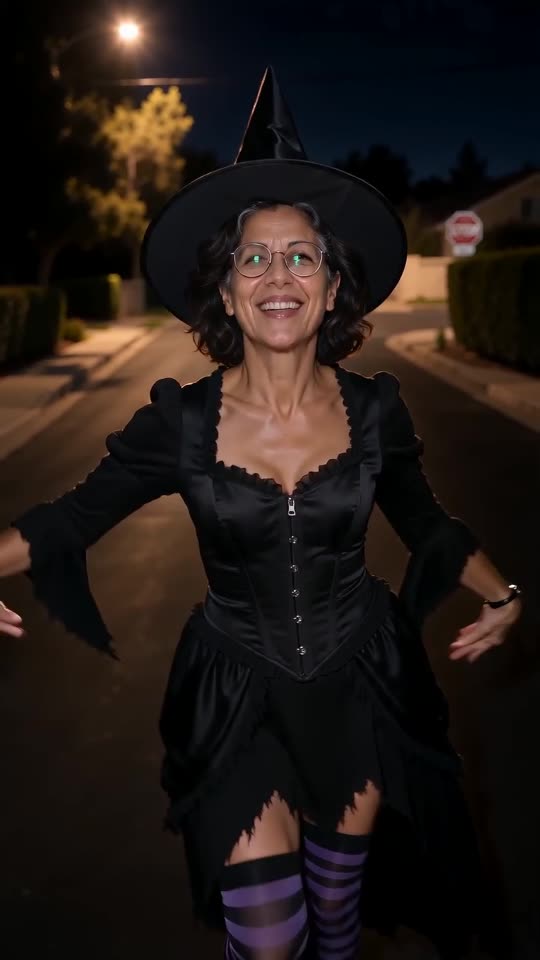
Head to head
- Input: a general tool wants a prompt and usually several attempts. Tip Toe AI wants one photo.
- Rhythm: a general tool rarely drops the reveal on the beat. Tip Toe AI copies the viral clip's pacing.
- Freedom: a general tool can change anything. Tip Toe AI limits you to its preset costumes and places.
- Billing: general tools charge per generation or per month. Tip Toe AI starts with a free preview, then sells one-time packs from $9.90.
Which to pick
For a costume or a setting we do not offer, write your own prompt in a general tool; the Seedance prompt makes a decent first draft. To make this trend directly from a photo, open the generator.
Questions people ask
What model sits underneath this site?
A general-purpose video model, called through an API and wrapped in our fixed scene. The provider is named in the Terms of Service.
May I enter my own prompt here?
No, the scene is locked and no prompt box exists. Locking it keeps results on trend, and clear of names and brands.
When is a general tool the better choice?
Plenty do. A general tool suits people who want to direct each shot. This page is for people who want the finished, timed clip from one photo, with a free preview beforehand.
One photo is all your Ramalama reveal needs
Pick a picture, watch the free preview and step into your costume. The finished video carries no watermark, and nothing here is a subscription.
Make my video