CapCut template or Tip Toe AI for the Ramalama trend: which one should I use?
Updated:
Short answer
A CapCut template re-cuts a walk that you filmed in your own costume. Tip Toe AI invents a new 12-second walk and reveal from one photo, costume included. Go with CapCut if you own the outfit and can film. Go with Tip Toe AI if a picture is all you have, and look at the free preview first.
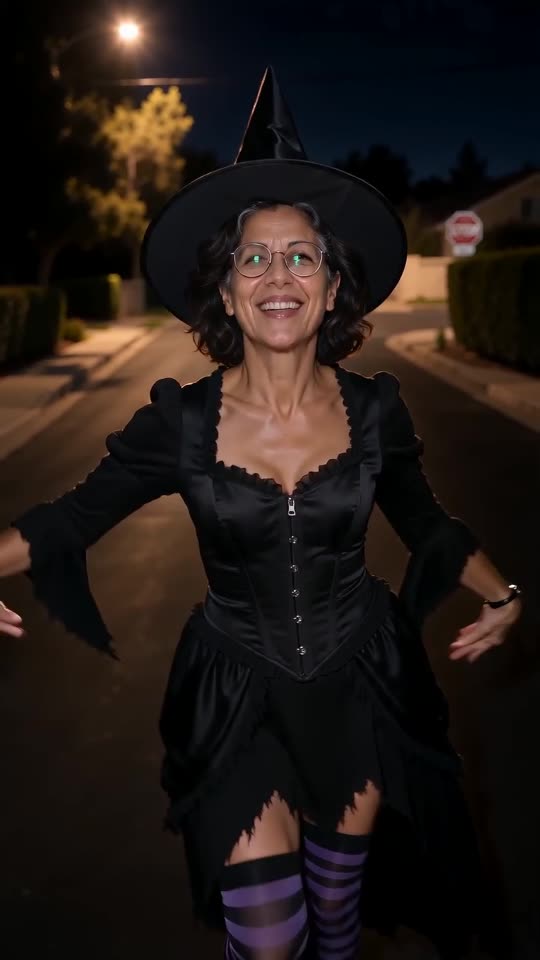
Head to head
- Your contribution: CapCut asks for walking footage and a costume. Tip Toe AI asks for one photo.
- Your result: CapCut hands back your own footage fitted to the template. Tip Toe AI hands back a brand-new 12-second 720p clip with the outfit drawn in.
- Work involved: CapCut means dressing up, filming close to the floor and timing the tilt by hand. Tip Toe AI means a single upload and a few minutes of waiting.
- Cost: CapCut has both free and paid features, so check what it charges now. Tip Toe AI offers a free preview, then 100 credits per full video from packs starting at $9.90.
Which to pick
CapCut wins when you have a real costume and want your own street in the frame. Tip Toe AI wins when no costume is at hand, when the star is a pet, or when you just want the finished reveal. Nothing stops you from generating here and finishing the file in CapCut.
Questions people ask
Does CapCut or TikTok run Ramalama AI?
No. Tip Toe AI is its own project and has no connection to CapCut, TikTok or whoever posted the trend.
Is it possible to combine the two?
Yes. Export the MP4 here, bring it into CapCut and trim it, add captions or lay the trending sound on top.
Which of them is cheaper?
Your starting point decides. With the app and the footage, a template is nearly free. If a photo is all you hold, Tip Toe AI opens with a free preview.
One photo is all your Ramalama reveal needs
Pick a picture, watch the free preview and step into your costume. The finished video carries no watermark, and nothing here is a subscription.
Make my video