Which picture should I upload for a Ramalama video?
Updated:
Short answer
Upload a single sharp picture of the person or pet being revealed, with the face visible and pointed at the lens. JPG, PNG or WebP below 10 MB, each side 300 to 6000 pixels. Head and shoulders is plenty, as legs, shoes and costume are generated.
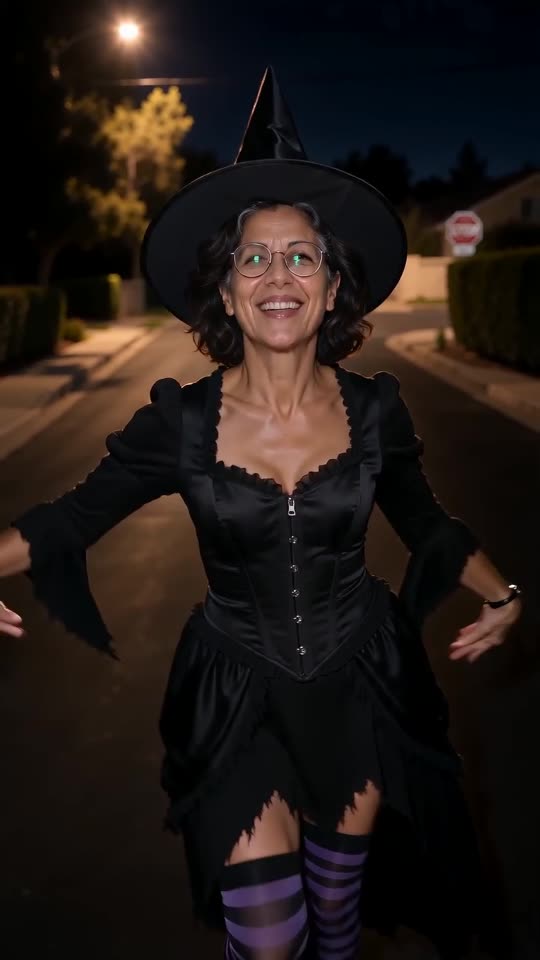
The limits
- Accepted types: JPG, PNG or WebP.
- Largest file: 10 MB.
- Pixel size: each side between 300 and 6000.
- Proportions: the width divided by the height has to be between 0.4 and 2.5.
- Just one subject; trim anyone else out of the frame.
What helps
- A sharp face, since the video finishes on a close-up of it.
- Gentle daylight or a well-lit room, and no strong filters.
- A clear view of the face: no dark glasses, mask or phone in front.
- A head-to-toe photo only when you choose the own-clothes option.
Who may appear
You, an adult who said yes, your own pet, or a toy or drawing that belongs to you. Celebrities and famous characters are refused. Read Photo Consent and Acceptable Use before uploading. Photos are wiped automatically after 14 days.
If the output looks wrong
A face that drifted usually started as a tiny or fuzzy one. The face fix lists remedies.
Questions people ask
Is a selfie good enough?
Yes, as long as the face is crisp and not blocked by the phone. Mirror selfies give weaker results.
Do I have to pose in a costume?
No, because the costume gets generated from the option you choose.
May I send a group shot?
No. The walk has a single star, so crop down to one person or one pet.
One photo is all your Ramalama reveal needs
Pick a picture, watch the free preview and step into your costume. The finished video carries no watermark, and nothing here is a subscription.
Make my video