What Stop Sign video: what to do if the audio doesn't line up
Updated:
Short answer
The moves follow the timing of the viral pet clips, so they land on the right lines if the audio starts at the first frame. Start there, use the silent download so two tracks don't fight, and try another upload of the audio if it still drifts.
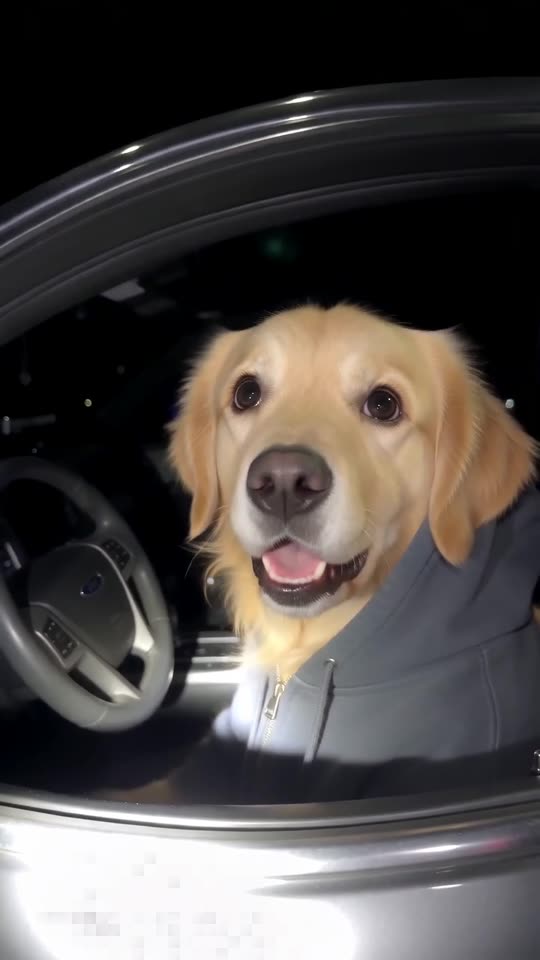
Start with these checks
- Where the audio begins: set it to start at the first frame of the clip.
- Which file you saved: the silent download has no ambience underneath.
- Which upload of the audio: copies are trimmed a little differently.
- Speed: leave the clip at normal speed.
Fine-tuning
Shift the audio by a few frames in TikTok's editor or any video app until the stare and the handover sit on the right words. The full 11-second video is the one that matches the originals; the preview is compressed.
Questions people ask
Are the spoken lines already part of the AI video?
No. The video has night ambience only, and the bodycam audio is something you add yourself.
Will the preview match the audio?
Not exactly. It runs the beats faster, so judge the timing from the full video.
Which bodycam sound fits best?
The sound on the first hoodie dog clip follows our timing most closely.
Put your pet behind the wheel
Send one pet photo and an innocent driver in a hoodie comes back. No watermark, nothing to subscribe to.
Make my video