How do I lay the What Stop Sign audio over my clip?
Updated:
Short answer
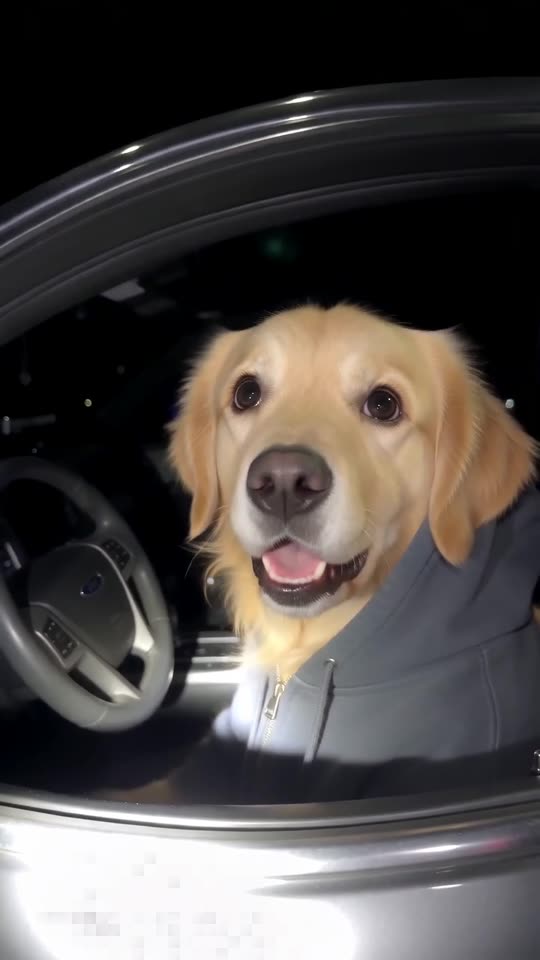
Save the silent download, open TikTok, choose Add sound and select one of the bodycam audios the pet clips use. Start it at the first frame. Timing is taken from the viral pet clips, which puts the stare and the handover where they belong.
Why nobody speaks
The spoken part comes from an actual recording of actual people. Nothing from it is generated or copied here. You add the audio from TikTok, where people already share it as a sound. What plays in the full video is AI-made night ambience: an idling engine, distant traffic and crickets.
Which sound to use
Any of the bodycam audios attached to the pet clips will work. The sound on the hoodie dog clip matches our timing best.
If it drifts
- Start the sound at the first frame.
- Use the silent download so two tracks don't clash.
- Uploads of the audio are trimmed slightly differently, so nudge it a few frames in the editor.
How to put the original sound on your video in TikTok
Every video you make here comes with an AI-made soundtrack of its own. If you would rather use the trending sound, add it inside TikTok when you post. You can also grab the version without music from My videos and lay the original sound over that.
- Open the original post of this trend in TikTok, tap the sound name at the bottom of the screen, then tap Use this sound.
- Tap Upload and choose the video you downloaded from us.
- Open Volume and turn the video's own sound down to 0, or use the Download without music version from My videos.
- To line the clip up with the beat, trim the sound so it starts at 0 seconds, then post.

Need the sound to start somewhere else? This short video shows how to trim it.

Video: How To Trim Sound On TikTok 2026 (Very Easy) by Software Solutions on YouTube
Questions people ask
Does the video come with the audio?
No. It has night ambience only. You add the bodycam sound inside TikTok or Reels.
Can I use my own voice-over instead?
Yes. The video has no words, so any voice or track works. The timing simply fits the pet clips best.
Why won't the AI speak the lines itself?
We ask the model for no dialogue, partly so no real person's words get copied and partly because generated speech rarely sounds right.
Put your pet behind the wheel
Send one pet photo and an innocent driver in a hoodie comes back. No watermark, nothing to subscribe to.
Make my video