Mandem in Disguise on Tip Toe AI or in a general AI video tool?
Updated:
Short answer
A general AI video tool hands you every control, plus the prompt, the settings and the job of making a flash swap a smile for a full black disguise on cue, which words alone rarely manage. Tip Toe AI does one thing: a photo in, the finished Mandem in Disguise clip out, with nothing to write.
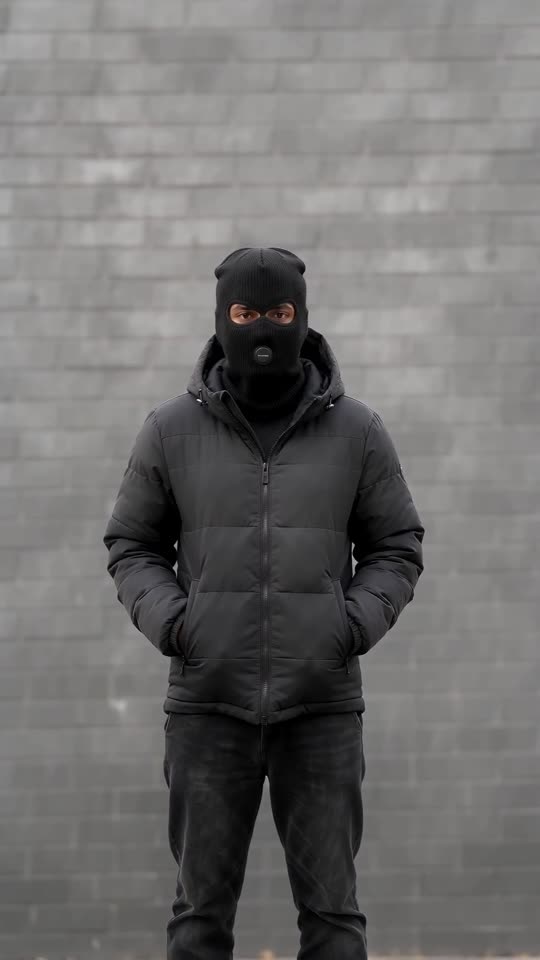
Side by side
- Control: a general tool lets you rework every shot; Tip Toe AI fixes the scene, leaving you the photo, the wall, the outfit and the shape.
- Timing: text prompts can describe a flash but often blur the moment of the swap; Tip Toe AI passes the viral flip's timing to the model as a guide.
- Identity: keeping a face recognisable under a balaclava is hard in a general tool; Tip Toe AI is tuned to hold the eyes and build.
- Cost: check each tool's plans today. Tip Toe AI sells one-time packs per video, with no subscription.
Which to choose
Choose a general tool for your own story or full camera control. Choose Tip Toe AI for this flip with your photo, quickly. Want your own wording? The Kling, Veo and Seedance pages each have a prompt to copy.
Questions people ask
Is there a general AI model underneath Tip Toe AI?
Yes. The clips come from a general video model that the site reaches through an API, inside a fixed scene. Look in the Terms of Service for the model's name.
Can I type my own scene here?
No. The scene is preset, and no text box exists. Keeping it fixed is how clips stay on trend and clear of names and brands.
Is there a reason to skip a general tool?
You can, and it makes sense when you want to direct every shot. This site suits people who want the finished clip from one photo and no writing.
Flip into the disguise yourself
Add a single photo and you're the one who smiles, flashes and returns masked. No subscription is involved, and the finished video carries no watermark.
Make my video