Hit the Road Dude AI video: the lines are missing or wrong, how do I fix it?
Updated:
Short answer
The spoken lines come in a set order and at set times, yet an AI video model can drop, blur or alter a word, especially around the quick cuts. Try a clearer front-facing photo, and run again if needed. No two runs are alike.
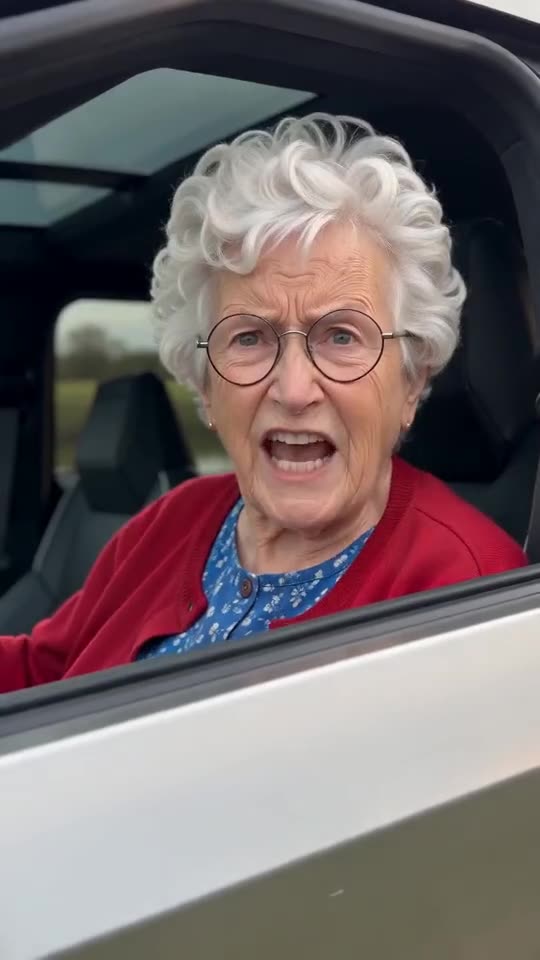
The lines you should hear
- “Who told you you could fish here?” from the Driver (or “play” or “park”, depending on your place), then “State?” in disbelief.
- “I thought it was state property.” from an off-camera voice.
- “Hit the road, dude. This ain’t no state property, this is private property.” from the Driver, pointing down the road.
- “What is your name anyway? I want your name.” in a last close-up.
What to try
- Try another run: every attempt is a fresh result, and one is often closer than the last.
- Use a sharper photo with the face large in the frame, so the model has a clear mouth to animate.
- Keep in mind that the 5-second preview squeezes the lines, while the 15-second video has more room. It is a quick test of the face, not of the timing.
- Still wrong? Email support@tiptoeinginmyjordans.dev with the video link.
Questions people ask
Does a missing line mean the video failed?
No. Only a run that never finishes counts as failed, and its credits return by themselves. A finished video with a slipped line is a normal result.
May I change or add lines?
No. The lines belong to the fixed template, and there is no text box for them on the site.
Why does the second voice sound different?
It is a separate generated voice for the off-camera angler, so it will not sound like the Driver.
Make your own Hit the Road Dude video
Upload one photo and make your own video. No subscription, no watermark.
Make my video