Hit the Road Dude AI video: the lips do not match the words, how do I fix it?
Updated:
Short answer
The video asks the Driver’s lips to follow each line, but a model can drift when the mouth is hard to see. Use a sharp, front-facing photo with the mouth visible and no mask, scarf or hand in front of it, then run again if needed.
Common causes
- Side-on faces: only half a mouth is visible, so the model guesses.
- A covered mouth: masks, scarves and hands hide the lips.
- Tiny faces: in a wide shot the mouth has too few pixels.
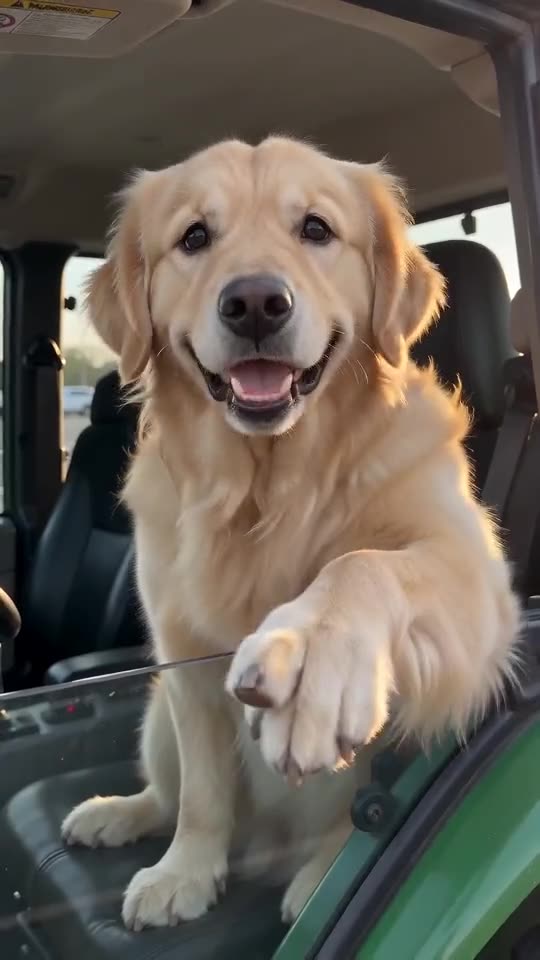
- Pets with hidden mouths: fur over the mouth makes animation harder.
What to try
- Choose a close, front-facing photo with the mouth in view.
- Pick even light with no strong shadows on the face.
- Run again, because every run is different.
- Still wrong? Email support@tiptoeinginmyjordans.dev with the video link.
Questions people ask
Does poor lip sync mean the video failed?
No. A failed video is one that did not finish, and its credits return on their own. A finished video with loose lip sync is a normal result.
Do pets sync as well as people?
Often less exactly, because a pet’s face differs from a human one. The result usually looks like a cartoon.
Can an editor repair it?
You can mute the voice and lay your own over the download without sound, but the lips will not change.
Make your own Hit the Road Dude video
Upload one photo and make your own video. No subscription, no watermark.
Make my video