Hit the Road Dude AI video: the truck looks wrong, how do I fix it?
Updated:
Short answer
The template calls for an unbranded vehicle with no logos and no readable plate, yet a model can still add odd shapes or garbled marks. Use a Driver photo with no vehicle, sign or text in it, switch to another vehicle preset if one keeps failing, and run again if needed.
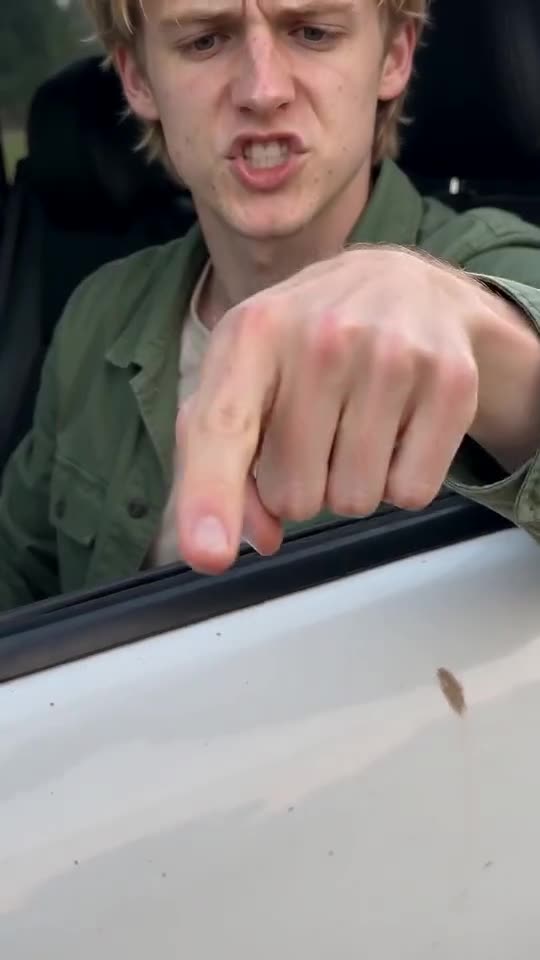
Common causes
- A vehicle in your photo: the model may carry that car into the scene.
- Text and logos in the picture: signs and printed shirts can leak into the truck.
- Fast detail: small parts such as mirrors and handles can blur or change.
What to try
Retake the photo against a plain background with nothing printed in the frame. If the vehicle still looks odd, a new run often helps, because every run is different, but a new full video costs 100 credits. Another vehicle preset can also behave better.
Questions people ask
Can I choose another vehicle?
Yes, from presets: pickup truck (the default), steel electric truck, kids’ toy car or tractor. You cannot upload or name a vehicle.
Why is there no logo on the truck?
The scene asks for a generic vehicle with no badges and no readable plate, so nothing branded appears.
Does a strange truck mean the video failed?
No. Failed videos are the ones that do not finish, and those are refunded on their own. An odd truck in a finished video is a normal result.
Make your own Hit the Road Dude video
Upload one photo and make your own video. No subscription, no watermark.
Make my video