The cape or suit in my Spooky Scary Skeletons AI video looks wrong. Why?
Updated:
Short answer
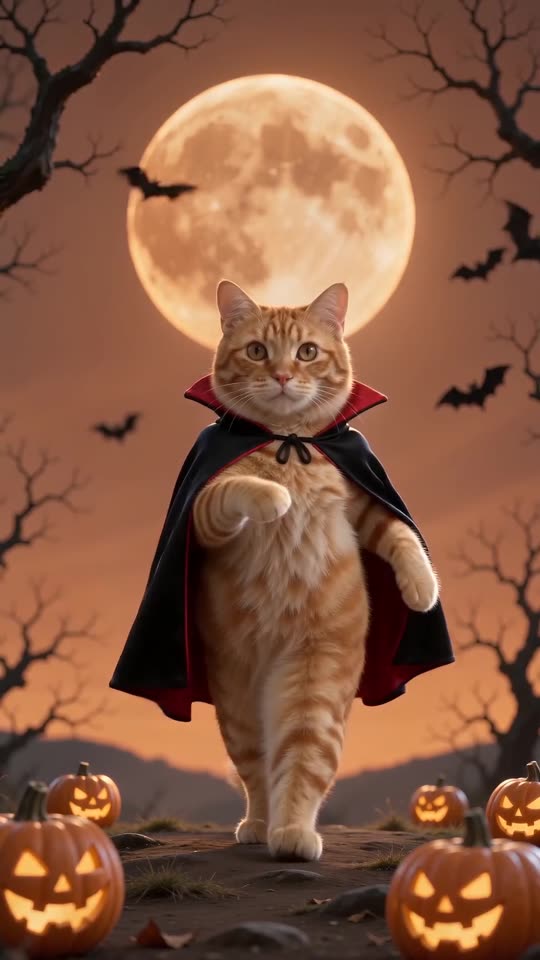
Because the model paints the suit and red-lined cape onto your body, a patterned outfit, a bag or a hood in the photo may show through. Send a plain photo with nothing in your hands and check it in the free 5-second preview. Small details of the cape and scenery change with each run.
The usual causes
- Loud clothing: a bright jacket or costume in the photo may peek through the suit.
- Items in your hands: a phone, a drink or a bag can merge into the cape.
- A tight crop: where the body is cut off, the model has to make things up.
- Animals: a tiny cape on a pet is tricky to draw, so it may come out baggy or flat.
What you can do
- Choose a plain photo from the shoulders or chest up, hands empty.
- Look at the costume in the free preview before spending credits.
- The scene itself can't be customised: the moon, bats and pumpkins stay as they are.
Questions people ask
Can I wear my own clothes in the video rather than the vampire suit?
No. The suit and cape are built into this template, so every clip has them.
Are credits refunded for an odd-looking cape?
Refunds apply automatically just for failed renders. A completed clip with a flaw counts as a normal result, which is why the preview comes first.
Why isn't the background identical every time?
The model paints it anew on each run. Moon, bats and pumpkins always appear, but they sit in different spots.
Your own Spooky Scary Skeletons clip starts here
Send in a single photo and a vampire dance with your face comes back. No watermark, nothing to subscribe to.
Make my video