Why doesn't the face in my Spooky Scary Skeletons AI video look like mine?
Updated:
Short answer
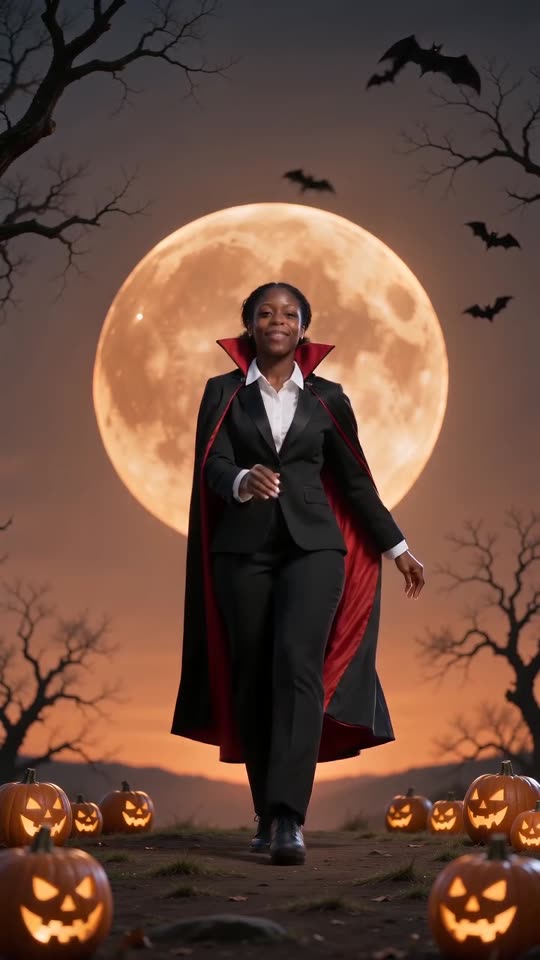
When the model can't see a face clearly, the face drifts, and a full-body dance makes it small on screen. Supply a sharp, well-lit, front-on photo in which the face takes up around a third of the picture, drop sunglasses and filters, and check the outcome in the free 5-second preview.
The usual causes
- Face too small: in a full-body or group shot it only gets a few pixels.
- Retouching apps and filters: the face the model sees isn't quite the real you.
- Dark or sideways photos: with half the face hidden, the model fills in the rest by guessing.
- Sunglasses, hats, masks: they cover details the model depends on.
Quick way to fix it
- Swap in a photo that meets the photo guide.
- Start the free preview and check how closely the face matches your picture.
- Only after that, render the full video, which costs 100 credits each time.
- If the result is still off, write to support@tiptoeinginmyjordans.dev and include the video link.
Questions people ask
Does an altered face mean the generation failed?
No. Failed means the video never finished, and the credits then return by themselves. A completed video with a changed face is a normal outcome.
Why do I look so small in the clip?
The camera pulls back to show your whole body, so the dance is easy to follow. The wide shot is part of the trend. Start from a sharp photo and the face stays recognisable even when small.
May I give it several photos of one person?
No, only one photo is accepted, so choose the clearest.
Your own Spooky Scary Skeletons clip starts here
Send in a single photo and a vampire dance with your face comes back. No watermark, nothing to subscribe to.
Make my video