Is CapCut green screen or Spooky Scary Skeletons AI easier?
Updated:
Short answer
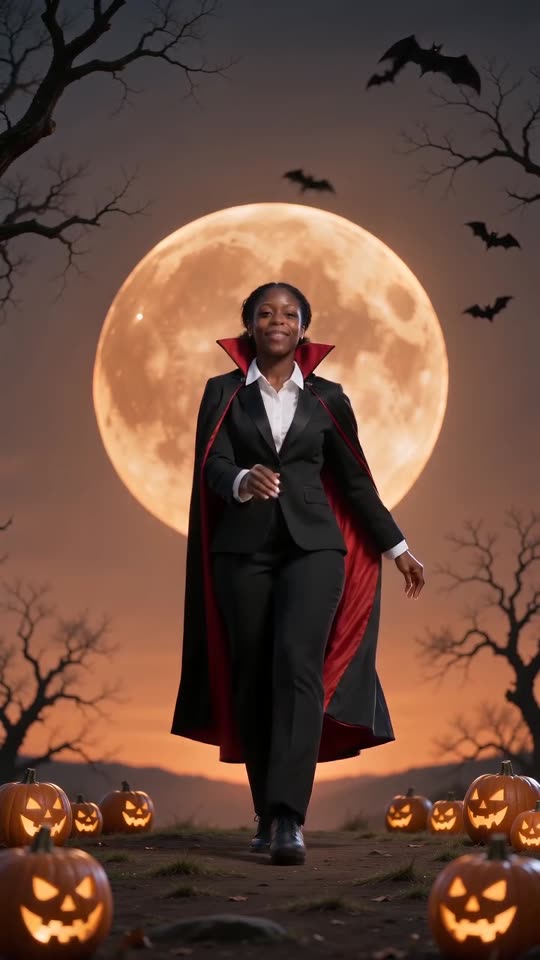
Making this in CapCut means creating a vampire image, animating it on green screen and then compositing it onto an orange-moon scene by hand. Tip Toe AI performs every one of those steps from a single photo and hands back one 11-second video. Take CapCut when you want total editing control, and Tip Toe AI when you want it fast.
Comparison
- Inputs: CapCut wants a vampire image, a dance clip and a backdrop. Tip Toe AI wants one photo of whoever dances.
- Output: CapCut leaves you with layers to cut together. Tip Toe AI delivers a complete 11-second 720p clip, background included.
- Workload: CapCut means switching between tools and keying and timing manually. Tip Toe AI means a single upload and a brief wait.
- Price: CapCut, and the AI tools used with it, come with their own free and paid tiers. Tip Toe AI gives a free preview, after which a full video is 100 credits.
Choosing between them
Reach for CapCut if you're assembling a longer edit of manga panels and scenes and want power over every layer. Reach for Tip Toe AI if the goal is simply the vampire dance with your face, done quickly. You can also combine them by generating here and importing the clip into CapCut.
Questions people ask
Does CapCut or TikTok make Spooky Scary Skeletons AI?
No. Tip Toe AI is run independently and has no relationship with CapCut, TikTok or the people who posted the trend.
Can both be used together?
Yes. Save the MP4, open it in CapCut, then trim it, add text or put the trending sound on top.
Is green screen footage required for Tip Toe AI?
You don't. Dancer and backdrop are produced as one, which leaves nothing to key out.
Your own Spooky Scary Skeletons clip starts here
Send in a single photo and a vampire dance with your face comes back. No watermark, nothing to subscribe to.
Make my video