Does the video contain the song behind the Spooky Scary Skeletons trend, and which song is it?
Updated:
Short answer
Behind the trend is “Spooky, Scary Skeletons”, Andrew Gold's 1996 Halloween song, usually heard as a sped-up remix. Our video does not contain it. It plays an AI-made spooky beat without vocals. When you post, add the trending sound in TikTok or Instagram, starting on its first beat.
What plays in the video
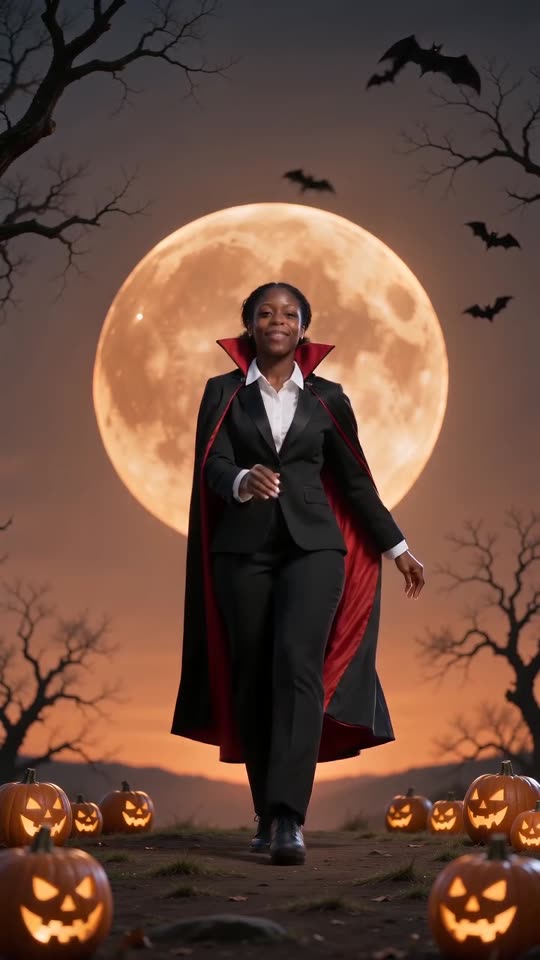
Each full video comes with a springy, spooky Halloween beat whose melody sounds like a xylophone, generated along with the visuals. Nobody sings, no lyrics appear and no one speaks. The audio changes from run to run.
Syncing to the trending sound
- In My videos, download the copy without audio.
- In TikTok, Reels or Shorts, start a post and select that file.
- Find the trending Spooky Scary Skeletons sound and set it to begin at its first beat.
- Beat for beat, the choreography mirrors the viral 2026 dance clip, which puts the kicks and elbow pumps on the beat. When you use another remix, shift the sound slightly in the editor.
Licensing, briefly
Each app licenses its sound library for in-app use, so picking the track there is how it is meant to work. This is no legal advice, and what you post stays your responsibility. Tip Toe AI is its own project, with no ties to artists, labels or the original posters.
How to put the original sound on your video in TikTok
Every video you make here comes with an AI-made soundtrack of its own. If you would rather use the trending sound, add it inside TikTok when you post. You can also grab the version without music from My videos and lay the original sound over that.
- Open the original post of this trend in TikTok, tap the sound name at the bottom of the screen, then tap Use this sound.
- Tap Upload and choose the video you downloaded from us.
- Open Volume and turn the video's own sound down to 0, or use the Download without music version from My videos.
- To line the clip up with the beat, trim the sound so it starts at 0 seconds, then post.

Need the sound to start somewhere else? This short video shows how to trim it.

Video: How To Trim Sound On TikTok 2026 (Very Easy) by Software Solutions on YouTube
Questions people ask
Why was the original song left out?
The song is copyrighted. When you add it inside TikTok or Instagram, the platform's own licence covers it, so we keep it out of the file.
Is it possible to supply my own audio here?
No, uploading audio isn't possible. Put any sound you like on afterwards, in an app or an editor.
Is there audio in the free preview?
The audio described above is part of the full video. Play your preview to hear it, before any credits are spent.
Your own Spooky Scary Skeletons clip starts here
Send in a single photo and a vampire dance with your face comes back. No watermark, nothing to subscribe to.
Make my video