What can I do when a face changes in my Alors on Danse AI clip?
Updated:
Quick answer
A face drifts when the model has trouble making it out. Choose crisp, bright, front-facing photos in which each face takes up a fair part of the frame, with no sunglasses or heavy filters. Judge both faces in the free 5-second preview first, and only then render the full video.
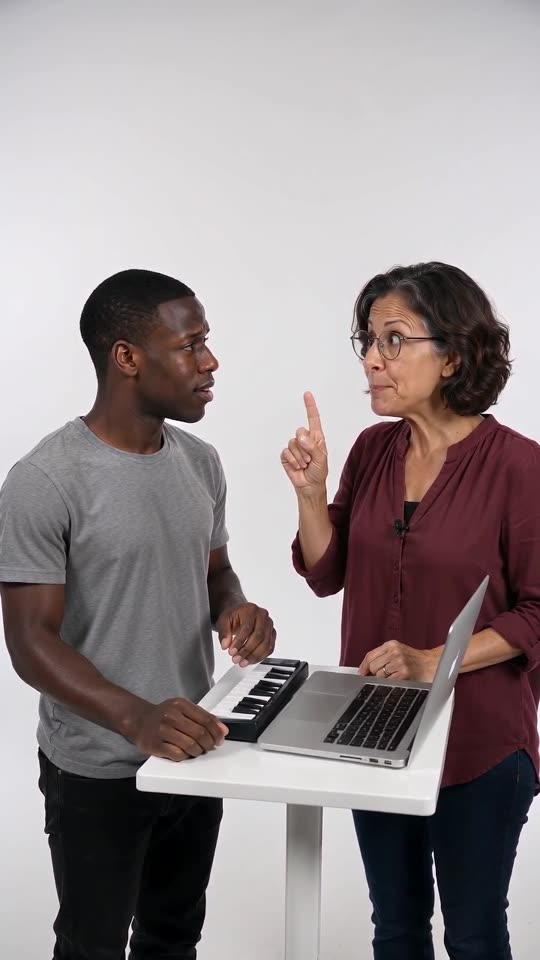
What goes wrong
- Small faces: a head-to-toe picture gives the face very few pixels.
- Dark or blurry photos: details are guesswork for the model.
- Side views: the hidden half of the face has to be invented.
- Lookalike pairs: when two subjects resemble each other they can fuse into one.
The remedy
Use a photo that faces the camera with the face clearly in view, trim away extra background, and choose two subjects that look different. You will find every requirement in the photo guide.
FAQ
Does the studio copy the real people in the original?
No. Only the timing and motion are borrowed. Faces, hair and clothing all come from your own photos.
If I run it twice with the same photos, is the video identical?
Not precisely. Every run comes out slightly different, even with identical photos.
If a run fails, the credits come back without any action from you.
Your own Alors on Danse clip
Drop in two photos and get a keyboard studio video of your own. No subscription, no watermark.
Make my video