A Veo prompt for Alors on Danse that you can copy, with no names in it
Updated:
Quick answer
Drop the text below into Veo; if your plan accepts two, add your photos as the starting images. It is one paragraph covering the studio, both roles, the beats and a sound line, and it names no song or artist. Fit it to your plan, or let Tip Toe AI handle the timing.
Prompt text
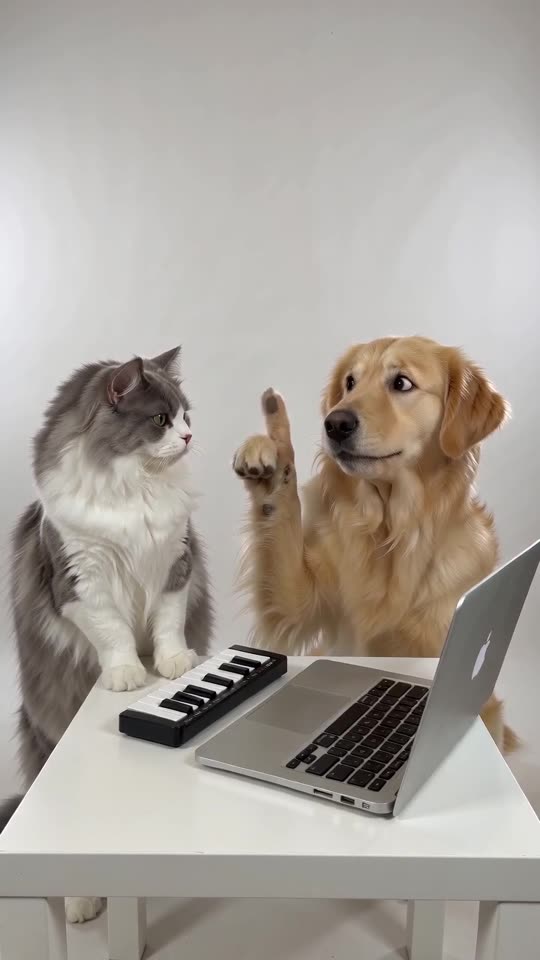
A bright, seamless white photo studio, filmed as one static medium shot. A calm musician stands at a small white table with a silver laptop and a compact mini keyboard, and an excited friend is right beside them. As an electronic beat kicks in, the friend leans toward the keys, jabbing a finger and beatboxing, and the musician plays on without the slightest change of expression. Abruptly the beat cuts off, and the musician raises their eyes, puzzled: "huh?". Meanwhile the friend pumps a finger higher and faster, humming a bouncy synth melody, and the musician simply waits, hands resting on the keys. To close, a bright synth riff blasts out, the musician pounds the keys, and the friend locks into a cool, satisfied pose. The soundtrack is only beatbox, an original electronic beat and a synth riff; no singing, no lyrics. No text, no logos, no watermark in the picture.
Tips for using it
- When your plan allows only one image, describe each person or pet in a few words.
- Leave out any song or artist name.
- Limits shift often, so enter whatever length your plan permits.
FAQ
Does Veo hold on to two separate faces?
That depends on your plan and how many reference images it accepts. Find out first, before using credits.
Is it going to match the trend to the letter?
No. Think of the prompt as a place to start.
Do I need prompts on this website at all?
No. Tip Toe AI uses a preset scene. You add two photos and press the button.
Your own Alors on Danse clip
Drop in two photos and get a keyboard studio video of your own. No subscription, no watermark.
Make my video